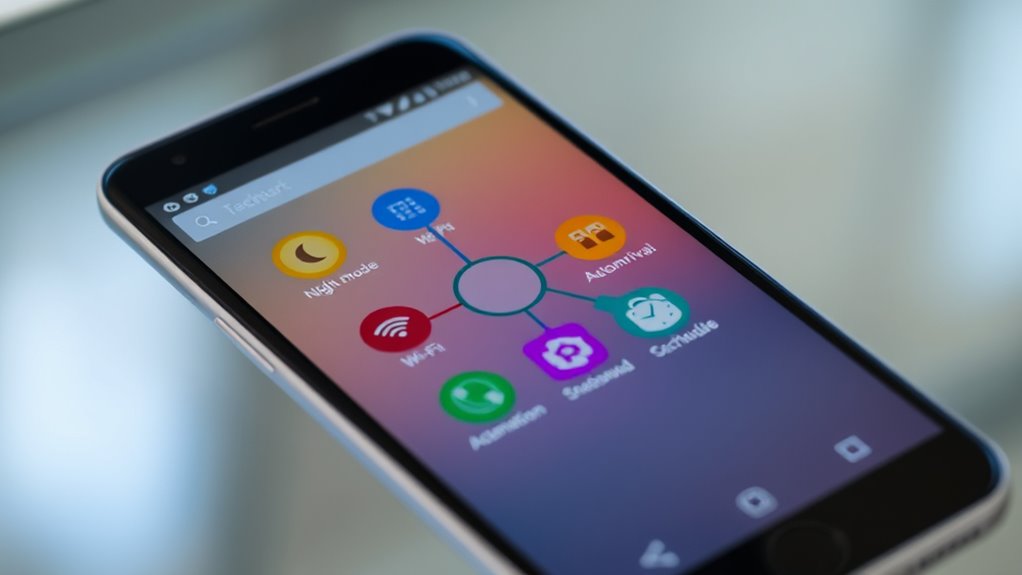

To automate everything on your Android with Tasker, start by creating profiles based on triggers like location, time, or connection events. Assign actions to these triggers, such as adjusting settings, launching apps, or controlling smart devices. Combine multiple conditions to make your automations more precise. With its user-friendly interface and advanced options, you can customize workflows to fit your routines perfectly. Keep exploring to unseal more powerful features and expand your smart automation today.

Get the latest gadgets delivered free — and shop member deals
- Fast, free delivery on millions of items
- Access to Prime Big Deal Days deals on October 6–7
- Prime Video, Amazon Music and more included
Key Takeaways
- Identify specific triggers like time, location, or device connection to start automations in Tasker.
- Create profiles to define when automations should activate based on your chosen conditions.
- Assign actions such as adjusting settings, launching apps, or controlling smart devices to each profile.
- Combine multiple triggers and conditions to develop complex, personalized workflows tailored to your routines.
- Explore plugins and integrations with smart home or fitness apps to expand Tasker’s automation capabilities.
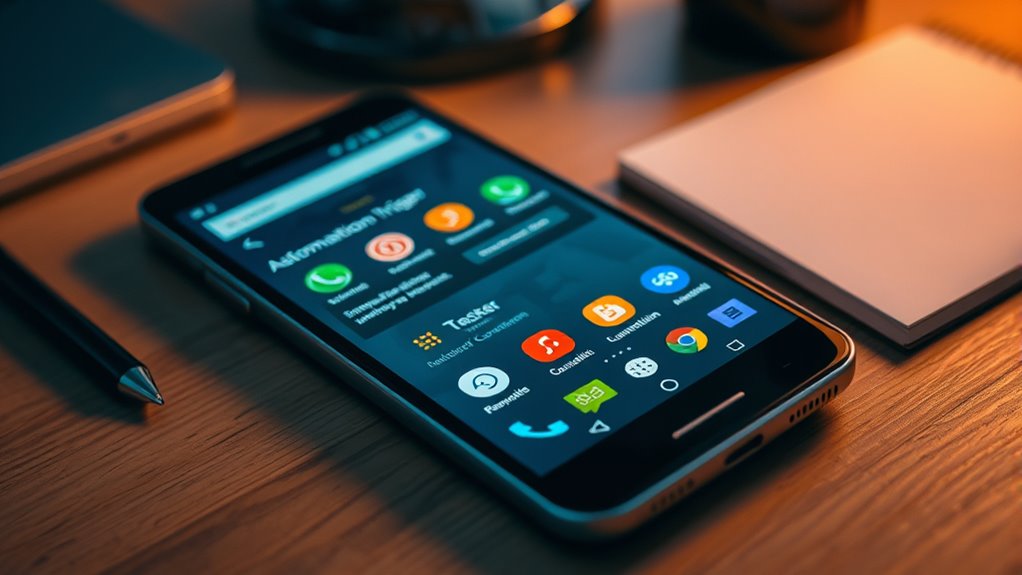
If you want to make your Android device smarter and more efficient, Tasker is the app to explore. This powerful automation tool allows you to create custom triggers and actions that streamline your daily routines, making everything from your smart home devices to fitness tracking more seamless. With Tasker, you don’t have to manually control every aspect of your device; instead, you set up automated workflows that run in the background, saving you time and effort.
Imagine arriving home and having your lights turn on, your thermostat adjust to the perfect temperature, and your favorite music start playing—all without lifting a finger. You can set up a profile in Tasker that detects when you arrive at your house through location services or Bluetooth connection, then triggers these smart home actions automatically. This way, your environment adapts to your schedule, creating a more comfortable and customized living space. Similarly, if you’re into fitness tracking, Tasker can help you optimize your workout routines. For example, you could program your phone to start a workout app, enable GPS tracking, and activate music playlists when you head to the gym. Once your workout ends, Tasker can log your activity, turn off unnecessary sensors, and send you a summary. This integration minimizes manual input and guarantees you stay focused on your fitness goals.
Set up Tasker to automate home and fitness routines effortlessly, enhancing convenience and personalization.
Setting up these automations is straightforward once you familiarize yourself with Tasker’s interface. You start by creating a new profile—say, for your smart home system or fitness routine—and then assign specific triggers, like time, location, or device connection. After that, you define the actions you want to occur when those triggers activate. You can even combine multiple conditions, such as adjusting your smart home settings only during certain hours or when specific devices are connected. This flexibility lets you craft precise automation workflows tailored to your habits. Additionally, understanding free floating concepts can help you design more efficient and adaptable automations that fit seamlessly into your daily life.
Additionally, Tasker supports plugins and integrations, expanding its capabilities even further. You can connect it with smart home platforms like Google Home or Amazon Alexa, or use it alongside fitness apps to gather data and automate responses based on your activity levels. Whether you want to control your smart home environment more intelligently or enhance your fitness tracking with automated logs and reminders, Tasker provides the tools to do so. By investing a little time in learning its features, you release a level of personalized automation that transforms your Android device into a truly intelligent companion.
Android smart home automation devices
As an affiliate, we earn on qualifying purchases.
As an affiliate, we earn on qualifying purchases.
Frequently Asked Questions
Can Tasker Run on Any Android Device?
Yes, Tasker can run on most Android devices, but device compatibility depends on your device’s Android version and hardware features. You need to verify your device meets the app requirements, like running Android 5.0 or higher. Some features may not work on older or less common devices, so check the app’s compatibility list before installing. If your device is compatible, you can start automating your tasks seamlessly.
Is Tasker Free or Paid?
They say “you get what you pay for,” and with Tasker, it’s true—you’ll need to purchase it, as it’s a paid app. The cost comparison shows it’s affordable considering its powerful automation features. If you’re exploring app alternatives, some free options exist, but they might not offer the same level of customization. Investing in Tasker can save you time and streamline your device, making it well worth the price.
How Secure Is Tasker Automation?
Tasker automation is generally secure if you’re mindful of privacy concerns and app permissions. You control what data the app accesses, so avoid granting unnecessary permissions to protect your privacy. Be cautious about automating sensitive tasks, and only use trusted plugins. Regularly review permissions and settings. When used responsibly, Tasker offers a safe way to automate your Android device without compromising your security.
Can Tasker Control Smart Home Devices?
Yes, you can control smart home devices with Tasker by using voice commands and app integrations. You set up Tasker to recognize specific voice commands via your preferred voice assistant, then trigger actions that communicate with your smart home apps or devices. This allows you to automate lighting, thermostats, and more seamlessly, making your home smarter and more responsive to your needs.
Does Tasker Require Root Access?
Tasker doesn’t require root access for most functions, but certain advanced features may need it. You’ll need to grant user permissions like accessibility and notification access for it to work effectively. Keep in mind, app compatibility varies; some apps restrict automation or require specific permissions. If you want full control over your device, rooting can unlock more options, but it’s not necessary for basic automation tasks.
Tasker compatible smart home plugins
As an affiliate, we earn on qualifying purchases.
As an affiliate, we earn on qualifying purchases.
Conclusion
So, there you have it—your trusty Android sidekick, ready to handle any task you throw at it. Who knew that with a little setup, your phone could practically run itself? It’s almost funny how much you can automate, making life easier while you sit back and watch. Just remember, the real magic happens when you let Tasker do the work, so you don’t have to. Ironically, your phone’s new independence might just be the best automation of all.
Bluetooth smart home controllers
As an affiliate, we earn on qualifying purchases.
As an affiliate, we earn on qualifying purchases.
fitness tracking apps for Android
As an affiliate, we earn on qualifying purchases.
As an affiliate, we earn on qualifying purchases.
Fall Picks
fall essentials
As an affiliate, we earn on qualifying purchases.