
Your charging speed isn’t just about the charger’s wattage; it also depends on your device’s temperature, internal circuits, cable quality, and battery health. If your device overheats or is too cold, it slows down charging to stay safe. Poor-quality cables or degraded batteries can also reduce speed. Internal safety measures may limit power flow to prevent damage. Curious how all these factors work together? Keep exploring to find out more about optimizing your charging performance.

Get the latest gadgets delivered free — and shop member deals
- Fast, free delivery on millions of items
- Access to Prime Big Deal Days deals on October 6–7
- Prime Video, Amazon Music and more included
Key Takeaways
- Battery temperature affects charging speed; excessive heat or cold can slow down the process.
- Device circuitry and internal management systems regulate power flow, influencing charging rates.
- Charging cable quality impacts current delivery and overall charging efficiency.
- Internal safety measures may intentionally throttle charging to prevent damage.
- Battery health and age determine how quickly and efficiently a device can charge.
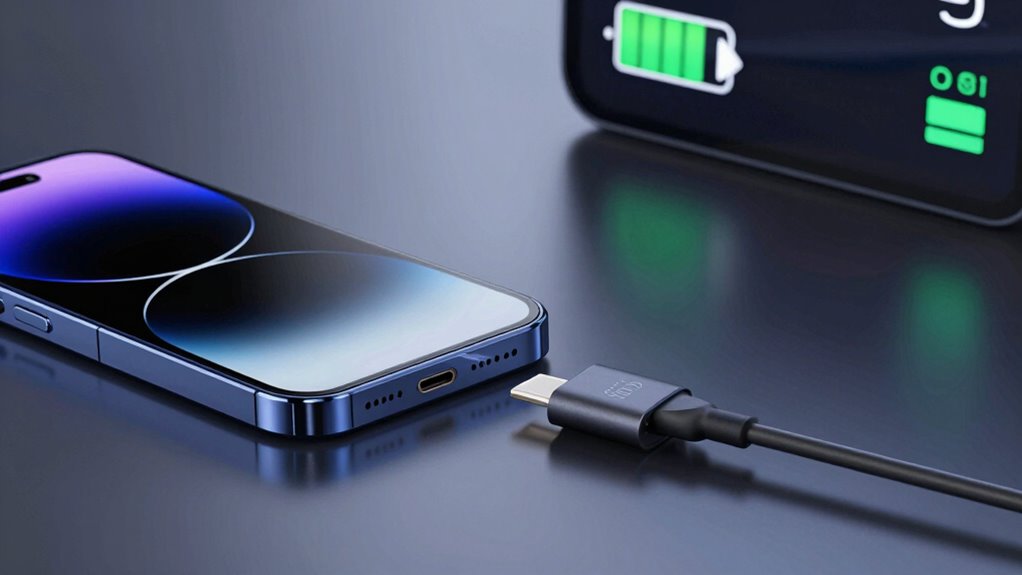
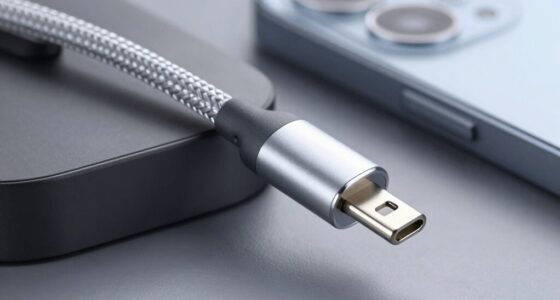
When it comes to charging your device, many assume that using a higher-wattage charger will automatically result in faster charging times. While a more powerful charger can help, it’s not the only factor at play. Your device’s battery temperature plays a crucial role in how quickly it charges. If the battery gets too hot, the device may reduce charging speed to prevent overheating, which can slow down the process significantly. Conversely, if the battery is too cold, it might also charge more slowly because chemical reactions inside the battery slow down. To optimize charging speed, devices often have built-in temperature management systems that regulate power flow based on current battery temperature. So, even if your charger can deliver rapid power, if your battery is too hot or cold, the charging process will be hampered. Additionally, the quality of your charging cable** can significantly influence charging efficiency, as a subpar cable may not handle high current levels efficiently, leading to slower or inconsistent charging. Not all cables are created equal, and a subpar cable can limit charging speed regardless of the wattage of your charger. Low-quality or damaged cables may not handle high current levels efficiently, leading to slower charging or, in some cases, inconsistent power delivery. Using a certified, high-quality charging cable ensures that the electrical current flows smoothly from your charger to your device without interruption or loss. Additionally, the cable’s construction impacts its ability to handle heat and maintain stable connections, both of which influence charging efficiency. Cheap or worn-out cables can cause voltage drops, which means your device isn’t getting the full power it needs, ultimately extending the charging time. Furthermore, the design of the device’s internal circuitry can affect how quickly your device charges, as some designs prioritize safety over speed, throttling charging when certain thresholds are met, such as high battery temperature or excessive current flow. Properly managing these internal systems can make a noticeable difference in how long it takes to reach a full charge. In some cases, the battery’s overall health** can also impact charging speed, as degraded batteries may not accept charge as efficiently as new ones.
high quality USB-C charging cable
As an affiliate, we earn on qualifying purchases.
As an affiliate, we earn on qualifying purchases.
Frequently Asked Questions
How Does Battery Age Affect Charging Speed?
Battery age affects your charging speed because battery degradation reduces its ability to accept power efficiently. As your battery goes through more charging cycles, its capacity diminishes, leading to slower charging times. Over time, the chemical changes cause the battery to become less responsive, making charging slower overall. So, the more charging cycles your battery completes, the more its aging impacts how quickly it charges.
Can Temperature Impact Charging Efficiency?
Sure, temperature can surprisingly impact your charging efficiency. Think of your device as needing thermal regulation; when it overheats, heat dissipation slows, and charging stalls. Ironically, trying to boost charge speed in hot environments often backfires, as the device throttles to protect itself. Cooler conditions help maintain ideal thermal regulation, ensuring heat dissipates effectively, so your phone charges faster without risking damage. Temperature truly plays a bigger role than you’d expect.
Do Different Phone Models Charge at Different Speeds?
Yes, different phone models charge at different speeds due to factors like battery capacity and charging protocols. Phones with larger batteries typically take longer to charge, even with fast chargers. Additionally, manufacturers implement specific charging protocols to optimize speed and protect the battery. These protocols determine how quickly your phone can safely draw power. So, the model, battery capacity, and charging protocols all influence how fast your phone charges.
How Does Background App Activity Influence Charging?
Background app activity can slow down your phone’s charging speed. When you don’t manage background apps, they continue to run and consume power, which hinders charging efficiency. To improve speed, you should perform background app management and activate power optimization features. These steps limit unnecessary activity, reduce power drain, and allow your device to charge faster. Proper management guarantees your phone charges more quickly and stays optimized longer.
Is There an Optimal Charging Position for Faster Speed?
For faster charging, the ideal placement, or charging posture, involves keeping your device in a cool, well-ventilated spot, avoiding cases that trap heat. You should position the cable straight and secure, preventing tension that can slow down charging. Imagine your device lying flat with the cable entering smoothly—this best placement minimizes heat and physical stress, boosting charging speed and efficiency.
fast charging battery temperature monitor
As an affiliate, we earn on qualifying purchases.
As an affiliate, we earn on qualifying purchases.
Conclusion
So, next time you’re frustrated with slow charging, remember it’s not just about the charger—your phone’s battery health, temperature, and even the cable matter. Think of it like trying to send a telegram in the Victorian era; even with the fastest telegraph, if the line’s faulty, your message’s delayed. Keep your device and accessories in tip-top shape, and you’ll see better speeds. After all, in tech, as in history, many factors influence the outcome.
battery health tester for smartphones
As an affiliate, we earn on qualifying purchases.
As an affiliate, we earn on qualifying purchases.
temperature regulated charging device
As an affiliate, we earn on qualifying purchases.
As an affiliate, we earn on qualifying purchases.
Fall Picks
fall essentials
As an affiliate, we earn on qualifying purchases.