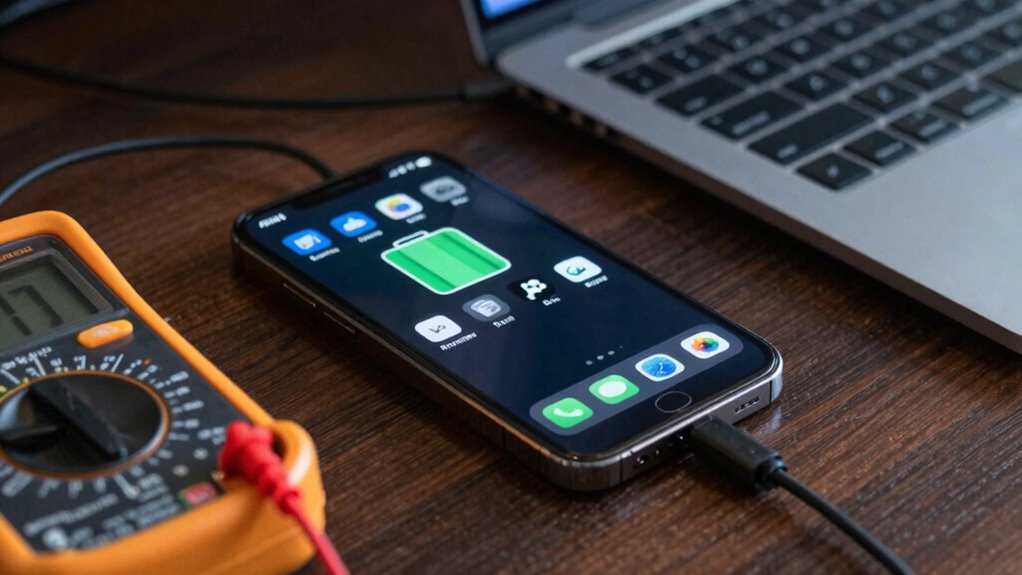

After a software update, it’s normal to see increased battery drain at first. Your device may need time to recalibrate the battery and finish background tasks like indexing and system optimization. Apps might run more in the background, consuming extra power temporarily. Usually, these issues resolve as your device stabilizes and background processes complete. If you want to understand how to manage and improve your battery life after updates, keep exploring the details.
Listen free for 30 days with Audible
Thousands of audiobooks and originals — cancel anytime.
As an affiliate, we earn on qualifying purchases.
Key Takeaways
- Battery drain after updates is often temporary as the system recalibrates and completes background processes.
- Fully draining and charging the device resets the battery sensor for more accurate readings.
- Updates can increase background activity and system optimization, causing short-term power consumption spikes.
- Patience is essential as background tasks like indexing and data updating can temporarily deplete battery.
- Regular app updates and resetting settings can help improve post-update battery performance.
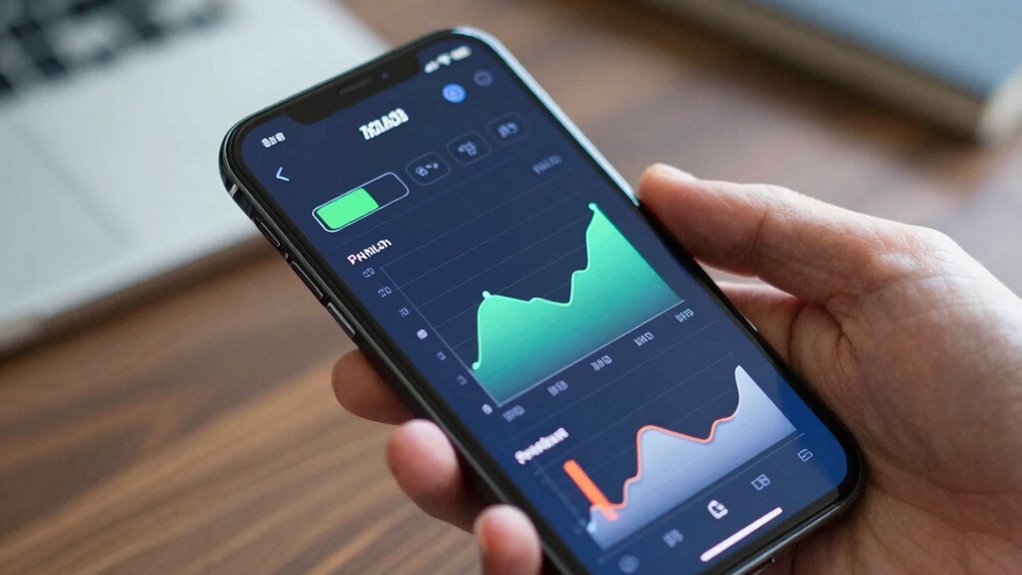
Many users notice their batteries drain faster after installing software updates, leading to confusion and frustration. It’s a common experience, and the good news is that this kind of battery drain is often temporary. After a software update, your device’s operating system might need some time to recalibrate the battery. Battery calibration is a process where your device learns the true capacity of your battery, which can become inaccurate after updates. If your device’s battery percentage seems inconsistent or drops quickly, performing a battery calibration can help improve accuracy. To do this, fully drain your battery until the device shuts off, then charge it uninterrupted to 100%. This simple step can reset the device’s battery sensor, giving it a more accurate reading moving forward. Additionally, battery health can be affected by software updates, so monitoring it can help you understand your device’s overall power capacity.
Another factor that contributes to increased battery drain after updates is app background activity. Updates often introduce new features or modify existing ones, which can cause apps to run more aggressively in the background. You might notice apps refreshing or updating in the background more frequently, consuming power even when you’re not actively using them. To address this, you can review your device’s app background activity settings and restrict apps from running unnecessarily. Limiting background activity reduces power consumption and prevents apps from draining your battery invisibly. Sometimes, software optimization can also impact how efficiently your device manages power, especially after major updates. Interestingly, AI-powered solutions in some systems are being utilized to optimize energy use more dynamically, which could help mitigate such issues in the future. Recognizing the importance of system updates and their role in power management can help users better anticipate and manage battery performance.
It’s also important to allow your device some time after a major update. During the initial days, the system often performs background tasks such as indexing files, updating app data, and optimizing storage. These activities can demand extra power, making your device seem like it’s using more battery than usual. Patience is key—once these background processes complete, your battery life should stabilize. You can check for app updates or system optimizations, which often include improvements for better power management after updates. Also, understanding the role of device software updates in managing background processes can help you better anticipate changes in battery consumption.
Furthermore, some updates may temporarily increase power consumption because of new features or system adjustments. Once the device adapts to these changes, the drain usually decreases. Keeping your apps updated to their latest versions can also help, as developers optimize their apps for better energy efficiency with each release. If battery issues persist, consider resetting your device’s settings or performing a full restore to clear out any lingering glitches caused by the update.
In the end, most battery drain issues after updates are temporary and manageable. By understanding how to perform battery calibration, manage app background activity, and give your device time to settle, you can restore your device’s battery life and enjoy a smoother experience.

21pcs Precision Screwdriver Set Magnetic,GangZhiBao Repair Tools Kit for Fix Phone/iphone,Computer/PC,Tablet/Pad,Watch,PS4 – Replace Screen Battery Camera Small Electronics Open Pry Tool Kits Sets DIY
- Complete Precision Screwdriver Set: 21-piece magnetic repair tools kit
- Pentalobe and Phillips Screwdrivers: Includes P5, T5, T6, PH000 for Apple devices
- Durable and Safe Materials: Stainless steel tips and anti-static tweezers
As an affiliate, we earn on qualifying purchases.
As an affiliate, we earn on qualifying purchases.
Frequently Asked Questions
Do Older Devices Experience More Battery Drain After Updates?
Yes, older devices often experience more battery drain after updates because their hardware may struggle with new software demands. To maintain device longevity, you should perform regular battery calibration and monitor usage. Updates can optimize performance, but if your device’s battery is already degraded, you might notice faster drain. Managing background apps and adjusting settings can also help extend battery life on aging devices.
Can Beta Software Updates Cause Increased Battery Consumption?
Beta software updates can cause increased battery consumption because they often include experimental features and incomplete code, which may drain power faster. To mitigate this, you should perform battery calibration by fully charging and discharging your device, ensuring accurate battery readings. Additionally, focus on power optimization by adjusting settings and closing unused apps, helping your device manage energy more efficiently despite the beta update.
How Long Does It Typically Take for Battery Performance to Stabilize?
Usually, it takes about 2 to 3 days for your battery to stabilize after a software update. During this period, your device performs battery calibration, helping it better estimate remaining capacity. To speed up power optimization, avoid heavy usage and let the battery drain completely before charging again. Once calibrated, you’ll notice more accurate battery life, and your device will work more efficiently, with improved power management.
Are Third-Party Apps Responsible for Battery Drain Post-Update?
Yes, third-party apps can cause battery drain after an update. They might have excessive app permissions or lack proper battery optimization, leading to higher power consumption. To fix this, you should review app permissions and restrict unnecessary access. Also, enable battery optimization for apps, which helps manage their background activity and reduces drain. Regularly updating your apps can also guarantee better battery performance post-software update.
What Role Do Background Processes Play in Post-Update Battery Drain?
Did you know background processes can use up to 30% of your battery? They play a significant role in post-update drain, often running unnoticed and consuming power. You should check your device’s battery settings to identify these processes. Disabling unnecessary background activities and enabling battery optimization features can help conserve energy, ensuring your device lasts longer after software updates.

iHealth Neo Wireless Blood Pressure Monitor, Upper Arm BP Machine with App
- Clinically Validated for Accuracy: No calibration needed, one-button operation
- Fast & Gentle Measurement: Comfortable inflation, large display readings
- Ultra Thin & Portable: Lightweight, sleek design for easy carrying
As an affiliate, we earn on qualifying purchases.
As an affiliate, we earn on qualifying purchases.
Conclusion
So, next time your battery drains faster after a software update, remember it’s often a temporary glitch. You’ve taken steps to optimize your device, and patience can help it settle into a new routine. Don’t let frustration overshadow the improvements. Could it be that your device just needs a little time to adapt? With a few tweaks and some patience, you’ll likely see your battery life improve again, proving that not all updates are a drain on your daily life.
background app management tool for Android/iPhone
As an affiliate, we earn on qualifying purchases.
As an affiliate, we earn on qualifying purchases.
battery drain fix after software update
As an affiliate, we earn on qualifying purchases.
As an affiliate, we earn on qualifying purchases.
Labor Day sales Picks
labor day deals
As an affiliate, we earn on qualifying purchases.