Personalize your device by setting custom ringtones and notification sounds—discover the simple steps to make your alerts uniquely yours.
The Latest
How to Encrypt Your Phone for Maximum Privacy
Theoretically, encrypting your phone enhances privacy, but discovering the exact steps can make all the difference—keep reading to secure your device fully.
How to Back Up Your WhatsApp and Other Chat Apps
Discover how to back up your WhatsApp and chat apps securely and effortlessly, ensuring your messages are protected and easily restored when needed.
How to Mirror Your Phone’s Screen on a PC or Laptop
Narrowing down the best method to mirror your phone’s screen on a PC or laptop can be tricky; discover the simple steps to get started.
How to Use Your Phone Hands-Free in the Car (Safely & Legally)
By mastering your car’s voice commands and Bluetooth setup, you can stay connected safely—discover how to use your phone hands-free in the car.
How to Repurpose an Old Phone as a Security Camera or Baby Monitor
Want to transform your old phone into a security camera or baby monitor? Discover the simple steps to maximize its potential and keep your loved ones safe.
How to Downgrade Your Phone’s Software (and Why It’s Tricky)
Puzzling and risky, downgrading your phone’s software requires careful steps to avoid bricking your device—discover the full process and precautions inside.
How to Use Recovery Mode on Your Phone (Troubleshooting)
How to use recovery mode on your phone for troubleshooting—learn the essential steps to resolve issues effectively and keep your device running smoothly.
How to Deal With a Swollen Phone Battery (Safety First!)
Correctly handling a swollen phone battery is crucial to safety; learn essential steps to prevent hazards and ensure proper disposal here.
How to Set Up Medical ID or Emergency Contacts on Your Phone
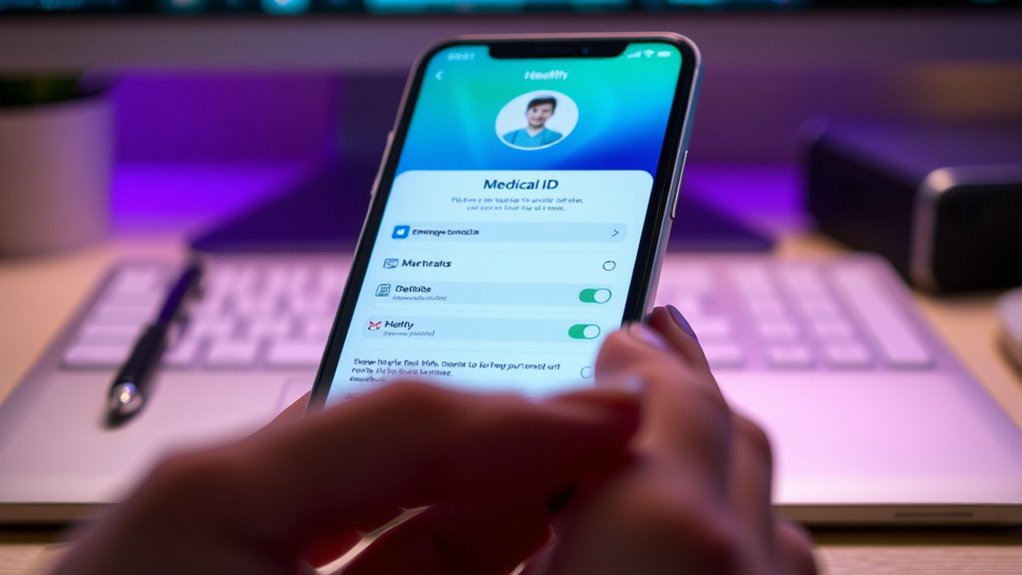
Begin setting up your Medical ID or emergency contacts now to ensure quick access in emergencies—discover how to keep your information safe and accessible.