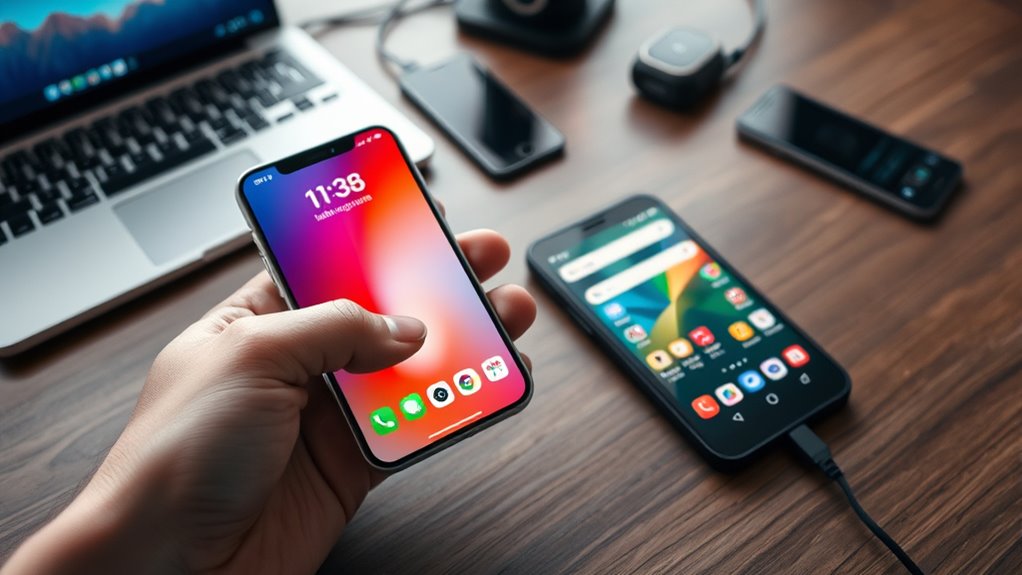
To switch from iPhone to Android easily, start by backing up your data to iCloud or another cloud service and guarantee contacts, photos, and files are safely stored. Next, disable iMessage and inform your contacts to use SMS or cross-platform apps like WhatsApp. On your Android device, sign in with your Google account, restore your backup, and download apps from Google Play. For more detailed steps and helpful tips, keep exploring how to make the transition smooth.

Get the latest gadgets delivered free with Prime
- Fast, free delivery on millions of items
- Prime Video, Amazon Music and more included
- Member-only deals all year
Key Takeaways
- Backup your iPhone data to iCloud or Google Drive and restore it on your new Android device.
- Check app availability and find alternatives for essential apps not supported on Android.
- Disable iMessage and inform contacts to switch to SMS or cross-platform messaging apps like WhatsApp.
- Sign in with your Google account on Android, then restore your cloud backups and install necessary apps.
- Prepare and transfer contacts, photos, and files beforehand to ensure a smooth and stress-free transition.

Making the switch from an iPhone to an Android device can seem intimidating at first, but with a little preparation, the transition can be smooth and straightforward. The key is to get your data ready and understand how your apps will work on your new device. Start by backing up your iPhone data to the cloud, which makes transferring information easier. Apple’s iCloud is a good option, but you might also consider third-party cloud services like Google Drive, especially since Android devices integrate seamlessly with Google’s ecosystem. Making sure your contacts, photos, and important files are safely stored in the cloud means you can access them easily once you switch. This step minimizes the risk of losing anything during the transition.
Switch from iPhone to Android smoothly by backing up data to iCloud or Google Drive first.
Next, think about app compatibility. Many apps you use on your iPhone are available on Android, but some aren’t. Before switching, check if your essential apps have Android versions. If they do, download and set them up ahead of time. For apps that don’t have Android equivalents, look for alternatives on the Google Play Store. Some apps, like WhatsApp, allow chat history transfer from iPhone to Android, but you’ll need to follow specific instructions, often involving backing up your chat history to the cloud and restoring it on your new device. This ensures continuity, especially for messaging apps that hold sentimental or important conversations.
Another consideration is your Apple ecosystem. If you use services like iMessage or FaceTime, be aware that these won’t work on Android. To avoid missing messages, disable iMessage before switching by going to your iPhone settings. Also, inform your contacts to use traditional SMS or switch to cross-platform messaging apps like WhatsApp or Signal. This way, you won’t miss important messages once you’re on Android.
Finally, it’s helpful to understand the role of home theater projectors and their features when setting up your entertainment space, as this can enhance your overall experience. Prepare your new Android device by setting up your Google account, which will serve as the backbone for many services, including contacts, calendar, and app downloads. When you power on your device, follow the setup prompts, restore your cloud backups, and install the apps you need. Taking these steps ahead of time helps guarantee a smooth transition, allowing you to enjoy your new Android device without unnecessary hassle. With proper preparation, switching from iPhone to Android becomes less daunting and more manageable, letting you embrace your new device with confidence.
Frequently Asked Questions
How Do I Transfer Whatsapp Chats Between Iphone and Android?
You can transfer WhatsApp chats between iPhone and Android by using chat migration tools. First, back up your chats to the cloud (iCloud for iPhone, Google Drive for Android). Then, follow the specific migration process within WhatsApp, which often involves connecting both devices with a cable or using official transfer features. This guarantees your chat history moves seamlessly, making your switch smooth and hassle-free.
Can I Keep My Contacts When Switching Devices?
Think of your contacts as a bridge connecting your old and new device. Yes, you can keep them when switching devices by using cloud backups and email sync. Simply back up your contacts to iCloud or Google, then restore them on your new device. This way, your contacts flow seamlessly, like a river, ensuring you don’t lose any important connections during the switch.
What About Transferring My App Data and Settings?
You can transfer your app data and settings easily by using dedicated tools like Google Drive or Apple’s Move to iOS. These apps help with app data transfer and device settings migration, ensuring your preferences, login info, and app configurations stay intact. Just follow the prompts, connect both devices, and let the software handle the transfer. This way, you won’t lose important data or hassle with manual setups.
Are There Any Costs Involved in Switching?
Switching devices may involve some cost considerations, like purchasing new accessories or apps compatible with your new platform. There are usually no hefty fees for transferring data or setting up your new device, but verify your chosen apps and services are compatible with your new device to avoid extra expenses. Keep in mind that device compatibility can influence whether you need extra purchases or subscriptions, so plan accordingly to make the switch smooth and budget-friendly.
How Do I Ensure All My Photos Transfer Successfully?
Did you know your photos can transfer seamlessly if you use photo backup and cloud synchronization? Start by backing up your iPhone photos to iCloud or Google Photos. When you switch, simply sign into your new device’s cloud account and sync your photos. Double-check that all images appear correctly. This way, you guarantee every memory makes the jump without losing a single picture, making your switch smooth and hassle-free.
Conclusion
Switching between iPhone and Android is like crossing a bridge—you might feel a little unsure at first, but once you’re on the other side, you’ll discover new possibilities and experiences. With the right tools and steps, the shift becomes smooth and less intimidating. Embrace the change as an exciting new chapter, and soon you’ll be steering your new device with confidence and ease. Remember, every journey begins with a single step—so go ahead, take yours today.
Halloween Picks
halloween
As an affiliate, we earn on qualifying purchases.