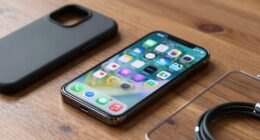
To set up a smarter emergency contact system, add your emergency contacts to your phone’s safety app and guarantee they’re accessible from the lock screen. Customize notification alerts with loud, distinctive tones, and enable emergency override settings. Keep your battery charged, disable unnecessary background apps, and regularly update your info. Test your setup to confirm everything works smoothly. Keep exploring ways to improve your system for faster, more effective response in emergencies.
Key Takeaways
- Add emergency contacts to your phone’s lock screen or emergency info section for quick access without unlocking.
- Customize notification tones and enable emergency alerts to ensure visibility during crises.
- Regularly update your emergency contacts, medical info, and test the system for accuracy and reliability.
- Enable accessibility features to improve alert visibility and usability in high-stress situations.
- Optimize battery life by disabling unnecessary apps and activating power-saving modes for device readiness.
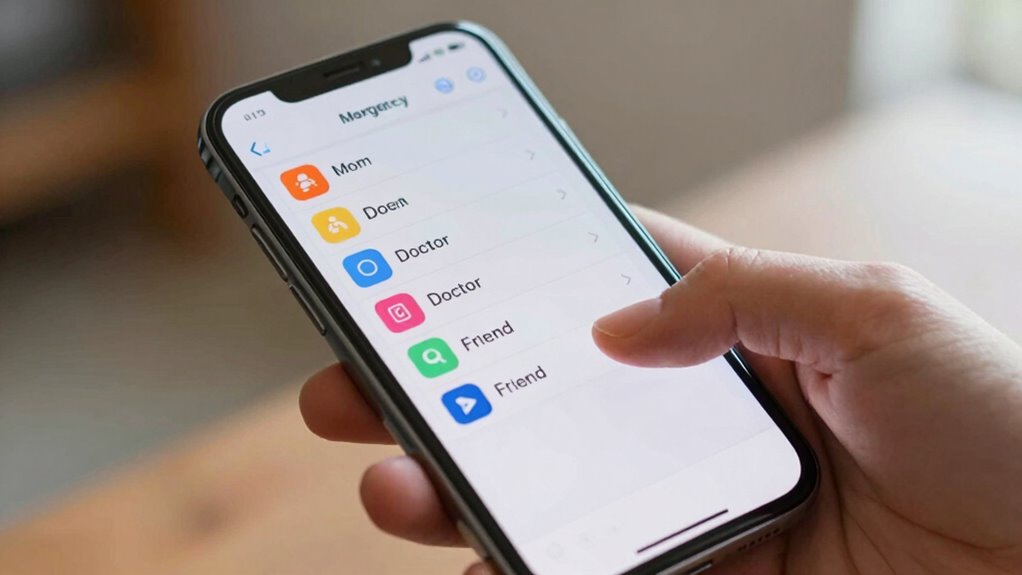
Have you ever considered how quickly emergency responders can access your vital information in a crisis? Setting up a smarter emergency contact system on your phone guarantees help arrives faster and with the information they need. First, focus on making your emergency contacts easily accessible. Most smartphones allow you to add emergency contacts directly to your health or safety app, which can be accessed from the lock screen. This way, responders don’t have to unlock your device or search through your contacts in a stressful situation.
Make emergency contacts accessible from your lock screen for faster help in crises.
To make certain this system is reliable, you should optimize your phone’s battery life. Battery optimization is essential because a dead battery renders all your emergency features useless. Disable unnecessary background apps, turn off Wi-Fi and Bluetooth when not needed, and activate power-saving modes during the day. Keeping your phone charged and performing regular battery maintenance guarantees it’s ready when you need it most. Also, consider enabling low-power mode, which can extend battery life during emergencies, giving responders more time to access your critical data.
Next, customize your notification alerts to stand out in a crowded environment. You want your emergency alerts to be loud, distinctive, and impossible to miss. Most phones let you set custom notification tones for specific contacts or alerts, so choose a unique sound for your emergency contacts. When responders look at your device, these alerts will immediately catch their attention. Additionally, some phones have emergency notification settings that can override silent mode, guaranteeing alerts are heard regardless of your phone’s current setting. Use these features to make sure your emergency contact info and alerts are front and center during a crisis. Incorporating emergency alert systems can further ensure your notifications are highly effective. Research shows that sound vibrations are often used to enhance cellular communication and can improve the likelihood of alerts being noticed. Regularly updating your device’s software helps maintain these functions and improves overall system reliability. Ensuring your device is compatible with accessibility features can also improve visibility and usability in high-stress situations.
Finally, test your system regularly. Check that your emergency contacts are correctly set up, your notifications are loud enough, and your battery is functioning well. Update your emergency info periodically to reflect any changes in your contacts or medical details. By proactively managing these aspects, you’re making it easier for emergency responders to help you quickly and efficiently—giving you peace of mind knowing your critical info is always within reach.
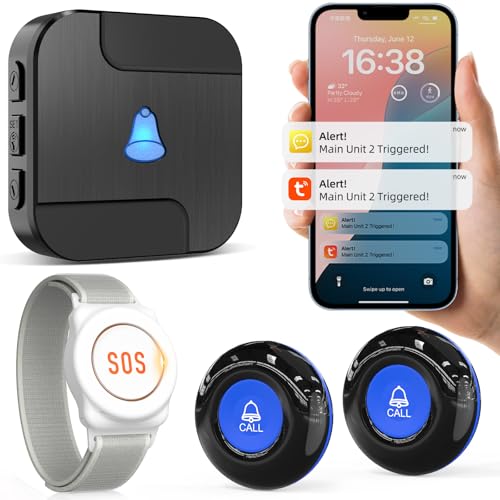
CallToU Wi-Fi Wireless Caregiver Pager Call Button for Elderly at Home, APP Emergency Alert Fall Help System for Seniors, Patients/Disabled Monitoring at Home
Wireless APP Caregiver Pager: The WIFI wireless caregiver pager use 433MHz technology for a 328ft /100m range, penetrating…
As an affiliate, we earn on qualifying purchases.
As an affiliate, we earn on qualifying purchases.
Frequently Asked Questions
Can I Add Emergency Contacts From Multiple Countries?
Yes, you can add emergency contacts from multiple countries for international contact setup and multi-country emergency access. Most smartphones allow you to include contacts from different regions, guaranteeing help is reachable no matter where you are. Simply add contacts in your emergency contact list, specifying international numbers with the correct country codes. This way, you guarantee quick assistance during emergencies, regardless of your location or your contacts’ country.
Will Emergency Contacts Be Accessible Without Unlocking My Phone?
About 80% of smartphone users worry about privacy concerns with emergency contacts. Your emergency contacts can be accessible without *unlocking* your phone if you set them up properly, like adding them to quick-access menus or emergency call options. This improves contact accessibility during emergencies, but be mindful of privacy. *Make certain* you review your settings regularly to balance quick access and privacy concerns, giving you peace of mind when it matters most.
How Do I Update Emergency Contact Information Securely?
To update your emergency contact information securely, start by accessing your phone’s emergency settings. You should be able to edit contacts there, ensuring your data is protected with privacy safeguards like data encryption. Always verify that your updates are saved properly, and avoid sharing sensitive details outside your device. For extra security, use strong passwords and enable two-factor authentication if available, to safeguard your privacy concerns.
Can I Set Different Contacts for Specific Emergencies?
Imagine your phone as a guardian, ready to call the right allies in different crises. Yes, you can assign specific contacts for particular emergencies, like medical or security issues. Keep your Emergency contact privacy intact by customizing alert tones for each, so you instantly recognize the alert’s urgency. This tailored system guarantees your loved ones and responders are always prepared and aware, providing peace of mind in life’s unpredictable moments.
Are Emergency Contacts Notified Automatically During an Incident?
Yes, emergency contacts can be notified automatically during an incident if you set your contact notification settings accordingly. You control your emergency contact privacy by choosing who gets alerts and when. Many phones have features like emergency alerts or SOS modes that notify your contacts instantly, ensuring they’re informed without compromising your privacy. Make sure to customize your contact notification settings to balance quick alerts and privacy preferences.
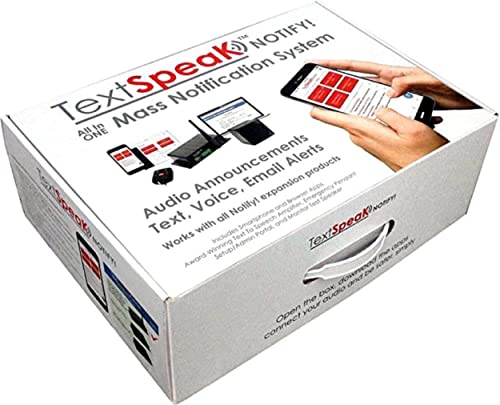
TextSpeak Notify! Mass Notification Alerting System – Cellular, All-in-One for Schools and Business – Active Shooter, Weather Alerts & Emergency Announcements
✅ 𝐄𝐯𝐞𝐫𝐲𝐭𝐡𝐢𝐧𝐠 𝐈𝐧𝐜𝐥𝐮𝐝𝐞𝐝 : Unlike all other Mass Notification systems that offer only a part of a total…
As an affiliate, we earn on qualifying purchases.
As an affiliate, we earn on qualifying purchases.
Conclusion
By setting up a smarter emergency contact system, you’re not just ticking a box—you’re ensuring help is just a tap away. Don’t wait until it’s too late to realize you’ve missed a crucial step. Take action now, and you’ll sleep easier knowing you’re prepared for the unexpected. Remember, it’s better to be safe than sorry, so make these quick adjustments today. After all, it’s better to have it and not need it than to need it and not have it.

BAOFENG UV5RMINI Two Way Radio NOAA Weather Radio Dual PTT 999CH Survival Radio APP Programming Copy Frequency Ham Radio
Main function of UV5R Mini-amateur radio, up to 999 channels. 2s reproduction frequency, AM radio, FM radio, VOX,…
As an affiliate, we earn on qualifying purchases.
As an affiliate, we earn on qualifying purchases.
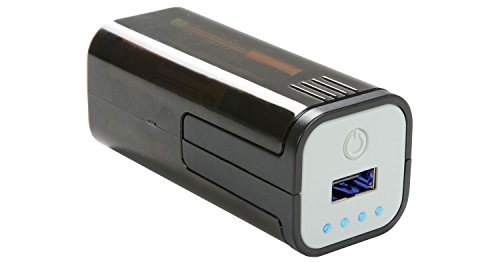
ADCB POW1 – Emergency USB Battery Powered Power Bank Compact Portable 4 AA Batteries Ideal for Smartphones, Tablets, Mobile, Apple, iPhone, Android
Batteries not included
As an affiliate, we earn on qualifying purchases.
As an affiliate, we earn on qualifying purchases.