
To make Bluetooth audio feel reliable, guarantee your devices support newer versions with adaptive frequency hopping to avoid interference. Keep your devices charged and maintain good battery health to prevent connection drops. Proper placement within the recommended range and avoiding obstacles helps strengthen the signal. Regularly updating firmware and choosing quality brands also boost stability. Paying attention to these factors can make your Bluetooth experience consistently smooth—you’ll discover even more ways to improve your connection if you keep exploring.

Get the latest gadgets delivered free — and shop member deals
- Fast, free delivery on millions of items
- Access to Prime Big Deal Days deals on October 6–7
- Prime Video, Amazon Music and more included
Key Takeaways
- Devices supporting newer Bluetooth versions (4.2, 5.0) with adaptive frequency hopping reduce interference and improve stability.
- Regular firmware updates fix bugs and enhance connection features, ensuring consistent audio performance.
- Proper device placement within optimal range minimizes signal loss and physical obstructions.
- Maintaining high device quality and compatibility prevents connection issues and ensures reliable performance.
- Keeping batteries charged and healthy prevents power fluctuations that can disrupt audio connections.
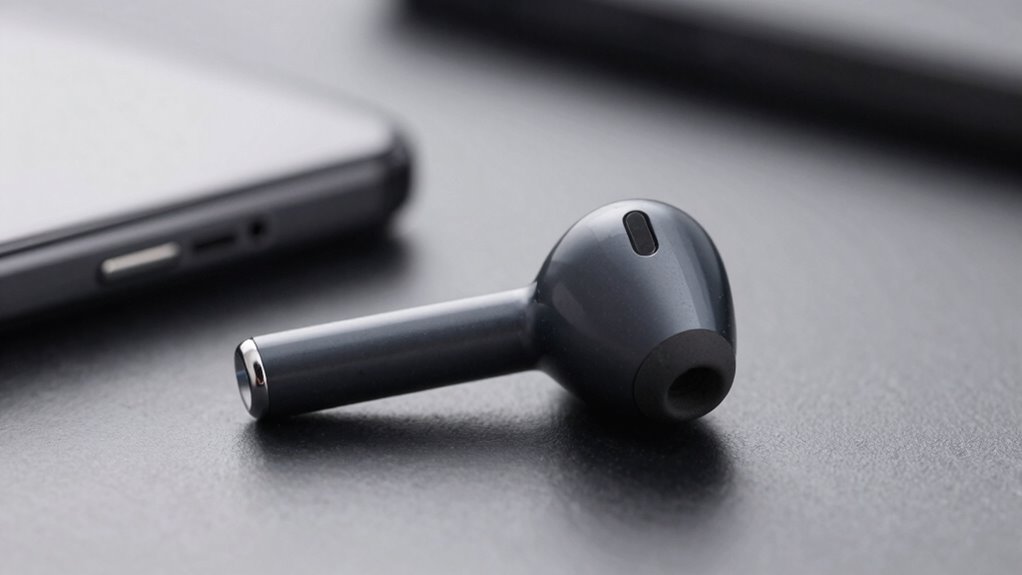
Have you ever experienced dropped connections or inconsistent sound quality when using Bluetooth audio devices? If so, you know how frustrating it can be when your music cuts out mid-song or your calls become choppy. The key to making Bluetooth audio feel reliable lies in understanding what causes these issues and how to minimize them. Two major factors play a role: wireless interference and battery performance.
Wireless interference is one of the biggest culprits behind unreliable Bluetooth connections. Your device communicates over the 2.4 GHz frequency, which is also used by Wi-Fi networks, microwave ovens, and even some wireless cameras. When multiple devices operate on the same frequency, signals can clash, leading to dropped connections or audio dropouts. To combat this, newer Bluetooth versions, like 4.2 and 5.0, use a technology called adaptive frequency hopping. This allows your device to switch channels quickly and avoid crowded frequencies, resulting in a more stable connection. Choosing devices that support these advancements can markedly improve reliability.
Wireless interference on the 2.4 GHz band can cause Bluetooth dropouts; newer Bluetooth versions use adaptive frequency hopping to improve stability.
Battery performance is another essential factor. If your Bluetooth device’s battery is low, it might not transmit signals as consistently, which can cause interruptions. Additionally, poor battery health can lead to power fluctuations, affecting the stability of the connection. To guarantee your audio remains reliable, keep your devices charged and replace batteries when they no longer hold a proper charge. Some high-quality Bluetooth headphones and speakers include power management features that optimize performance even as the battery depletes, helping maintain a steady connection throughout your listening session. Moreover, understanding battery health management can help you extend the lifespan and performance of your devices.
Beyond these technical factors, the overall quality and compatibility of your devices matter. Investing in reputable brands that prioritize Bluetooth stability often results in fewer issues. Proper placement also helps—keeping your device within the recommended range and avoiding physical obstructions like thick walls or metal objects minimizes interference and signal loss. Regular firmware updates are another simple step; manufacturers often release updates that improve connection stability and fix bugs related to wireless interference or battery management.
In addition, understanding the importance of projector technology can help you appreciate how reliable connections are vital for a seamless entertainment experience, whether in home theaters or gaming setups. Ultimately, reliable Bluetooth audio isn’t just about the hardware—it’s about how you use and maintain it. By paying attention to wireless interference, ensuring good battery health, choosing quality devices, and keeping your firmware up to date, you can enjoy consistent, high-quality sound without interruptions. This proactive approach transforms your Bluetooth experience from frustrating to dependable, making your listening sessions truly enjoyable.
As an affiliate, we earn on qualifying purchases.
Frequently Asked Questions
How Does Bluetooth Version Affect Audio Reliability?
Bluetooth version impacts audio reliability by supporting advanced Bluetooth codecs, which improve sound quality and connection stability. Newer versions also enhance battery optimization, ensuring your device maintains a stable connection longer. When you use devices with the latest Bluetooth, you benefit from reduced dropouts and better synchronization between audio and video. This combination of improved codecs and battery efficiency makes your Bluetooth audio experience feel more dependable and consistent.
Can Interference Impact Bluetooth Audio Quality?
Yes, interference can impact Bluetooth audio quality. Wireless interference from other devices or signals can cause disruptions or dropouts. Environmental obstacles like walls, furniture, or metal objects can also weaken the Bluetooth signal, resulting in choppy sound or reduced clarity. To improve reliability, keep your device close to the source, minimize obstacles, and avoid crowded wireless environments. This helps maintain a strong connection and guarantees better audio performance.
What Role Does Device Compatibility Play?
Ever wondered why some Bluetooth connections feel more reliable? Your device compatibility plays a essential role—if your gadgets don’t support the same Bluetooth profiles or standards, pairing can be glitchy. Ensuring proper device pairing and keeping firmware updates current helps maintain a stable connection. When both devices are compatible and updated, you’ll experience fewer dropouts and better audio quality, making your Bluetooth experience much more dependable.
How Does Signal Strength Influence Connection Stability?
Signal strength directly impacts your Bluetooth connection stability. When the signal is strong, you’re less likely to experience interruptions caused by signal interference or weak connectivity. Poor signal strength often results from obstacles or distance, which can also drain your device’s battery faster. To keep your audio reliable, stay close to your device, minimize interference, and make sure your devices have good battery performance, reducing the chances of connection dropouts.
Are There Specific Environments That Reduce Bluetooth Reliability?
Environmental factors like thick walls, metal surfaces, or dense interference act as stubborn gatekeepers, blocking your Bluetooth signals. In such environments, the connection feels like trying to hear a whisper in a storm. User behavior also plays a role—moving around or obstructing the device weakens the link. To keep your Bluetooth reliable, stay in open, unobstructed spaces and avoid interference, ensuring a smoother, more consistent audio experience.
adaptive frequency hopping Bluetooth speaker
As an affiliate, we earn on qualifying purchases.
As an affiliate, we earn on qualifying purchases.
Conclusion
To guarantee your Bluetooth audio feels as reliable as a trusted friend, focus on strong connections, clear signals, and updated devices. Think of it as tuning a fine instrument—when all parts align perfectly, the music flows seamlessly. Keep your firmware current, stay within effective range, and minimize interference. With these steps, your Bluetooth experience becomes a steady stream, turning what could be a choppy river into a smooth, reliable flow of sound you can count on every time you press play.
Bluetooth device firmware update kit
As an affiliate, we earn on qualifying purchases.
As an affiliate, we earn on qualifying purchases.
high quality Bluetooth audio transmitter
As an affiliate, we earn on qualifying purchases.
As an affiliate, we earn on qualifying purchases.
Fall Picks
fall essentials
As an affiliate, we earn on qualifying purchases.