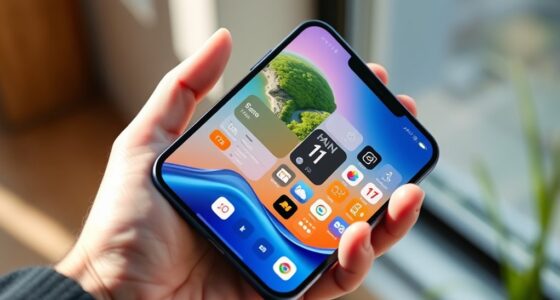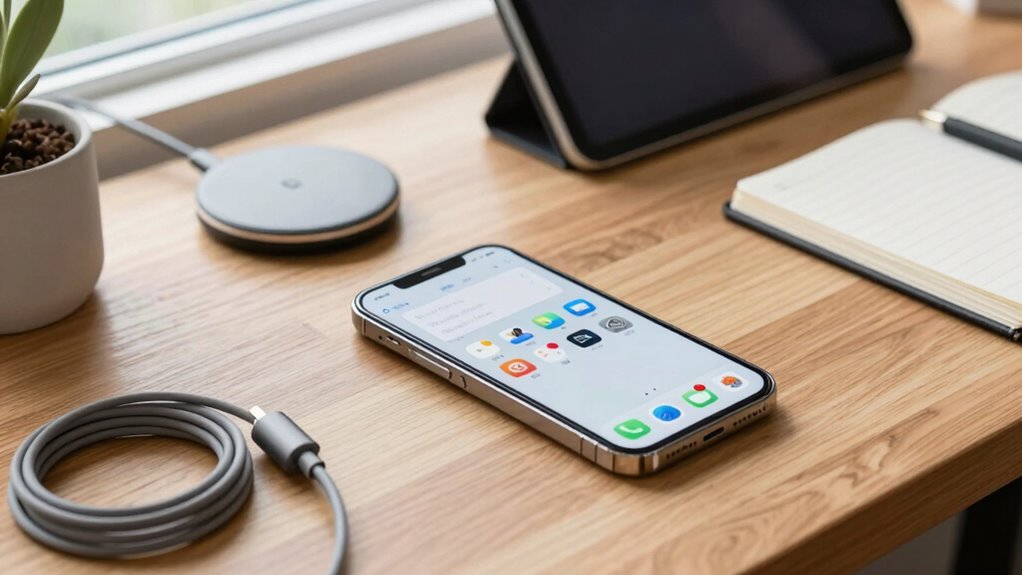

To fix your phone setup before it becomes a mess, start by enabling power-saving modes and customizing them for daily use to extend battery life. Review app permissions regularly, only granting access essential for their function, to protect your privacy. Keep your system updated and organize your home screen by removing unused apps and creating folders. Fine-tuning display settings for comfort and performance also helps. Continuing with these steps guarantees your device stays organized and efficient over time.
Open a free Amazon Business account
Business pricing, bulk buying and tax-exempt orders.
As an affiliate, we earn on qualifying purchases.
Key Takeaways
- Regularly review and manage app permissions to prevent privacy and security issues.
- Organize your home screen and app drawer by removing unused apps and creating folders.
- Enable and customize power-saving modes to maintain battery health and prevent performance decline.
- Keep your device’s operating system updated for security patches and new features.
- Turn off unnecessary background processes and app refreshes to improve performance and battery life.
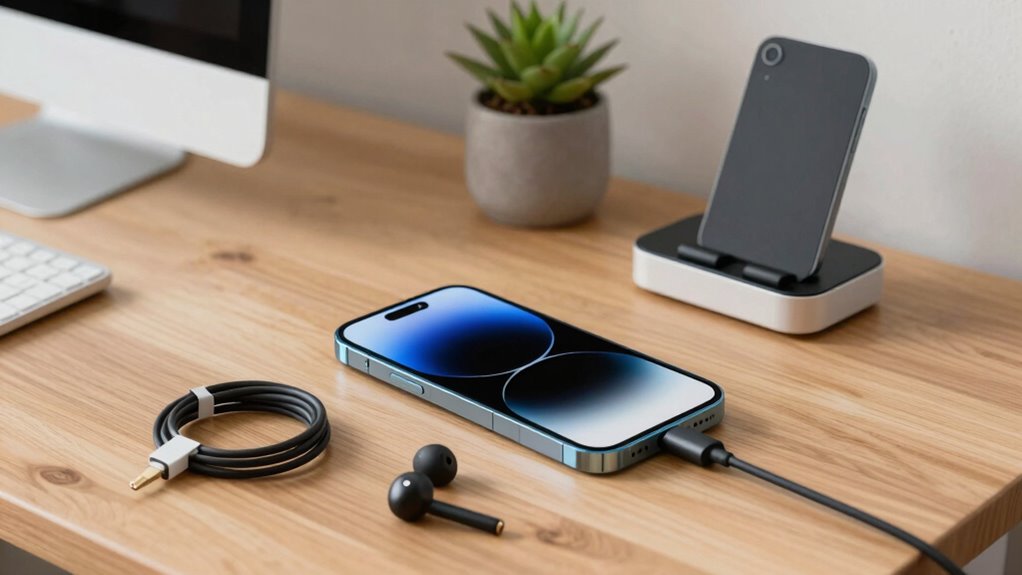
Setting up your phone correctly from the start can save you a lot of frustration down the line. The way you configure your device initially impacts its performance, security, and how smoothly it runs over time. One of the first steps is to focus on battery optimization. Many phones come with default settings that aren’t ideal for conserving power, so take a moment to review your battery usage. Enable any built-in power-saving modes, and customize them to suit your daily routine. Turn off unnecessary background processes and app refreshes that aren’t critical, as these drain your battery faster than you’d think. Managing battery consumption early prevents your device from slowing down unexpectedly and helps extend its lifespan.
Start with battery optimization to improve device performance and extend lifespan.
Next, pay close attention to app permissions. When installing new apps, you’re often prompted to grant access to various features like your camera, contacts, or location. Resist the urge to give blanket permissions to everything. Instead, carefully review each request and only allow access when it’s genuinely necessary for the app’s core function. This not only safeguards your privacy but also prevents apps from running unwanted background activities that could impact your device’s performance. Regularly check your app permissions in your settings and revoke any access that seems excessive or unnecessary. Keeping permissions tight from the beginning minimizes potential security risks and helps keep your phone running smoothly. Additionally, understanding app permissions can help you make more informed decisions about your privacy and security. Being aware of device security features**** is also crucial in protecting your personal data from potential threats.
Another crucial aspect is organizing your home screen and app drawer. Starting with a clean, organized layout prevents clutter, which can slow down your mental clarity and, in some cases, your device’s responsiveness. Remove any apps you no longer use, and group similar apps into folders. This makes it easier to find what you need quickly, reducing the risk of accidentally launching the wrong app or overloading your device with background processes. Also, ensure your operating system is up-to-date. Updates often include security patches, bug fixes, and performance improvements that are vital for maintaining a healthy device. Regularly updating your system can also enhance device compatibility with new apps and features. Additionally, understanding your device’s contrast ratio can help you customize display settings for better visibility and reduced eye strain, especially in dark environments. Keeping your display settings optimized can also contribute to longer battery life.
As an affiliate, we earn on qualifying purchases.
Frequently Asked Questions
How Often Should I Back up My Phone Data?
You should back up your phone data at least once a week to keep everything safe. Regular backups guarantee your data is protected through cloud backup services and data synchronization, so you don’t lose important files or memories. If you add new info frequently, consider backing up more often, like daily or bi-weekly. Consistent backups help prevent data loss and make restoring your phone quick and easy when needed.
What’s the Best Way to Organize Apps on My Phone?
Think of your phone as a well-tended garden—organized app placement keeps everything easy to find. To optimize app organization, group similar apps into folders, like social media, productivity, or entertainment. Use folder management to keep your home screen tidy, reducing clutter and enhancing accessibility. Regularly review and reorganize your folders, ensuring that your apps are always within reach, making your digital life as smooth as a well-oiled machine.
How Do I Improve My Phone’s Battery Life?
To improve your phone’s battery life, start by enabling battery optimization and power-saving techniques. Turn off unnecessary notifications, reduce screen brightness, and limit background app activity. Use power-saving mode during heavy usage, and avoid leaving Bluetooth or Wi-Fi running when not needed. Regularly close unused apps and update your software for efficiency. These steps help conserve energy and extend your phone’s battery life throughout the day.
Which Security Settings Should I Enable?
You should enable biometric security like fingerprint or facial recognition to protect your device quickly. Also, review app permissions regularly to prevent unauthorized access to your data. Turn on two-factor authentication where possible for added security. Keep your operating system and apps updated to patch vulnerabilities. These steps guarantee your phone is secure, minimize risks, and help prevent potential security breaches before they happen.
How Can I Free up Storage Space Quickly?
Think of your phone like a cluttered attic—quickly clearing space is essential. Start by deleting junk files and unused apps. Move photos, videos, and documents to cloud storage to free up local space. Clear cache data and uninstall apps you no longer need. These simple steps make your device run smoother and guarantee you have space for what matters most, just like Marie Kondo organizing her space.
smartphone app permission manager
As an affiliate, we earn on qualifying purchases.
As an affiliate, we earn on qualifying purchases.
Conclusion
By giving your phone setup a little gentle attention now, you’re steering clear of potential chaos down the road. A tidy, well-organized device makes your day smoother and keeps frustrations at bay. Think of it as a small, caring gesture that pays off in big ways later. So, take a moment to tidy up and optimize—your future self will thank you for the quiet peace and effortless ease it brings to your daily routine.
phone organization folders and apps
As an affiliate, we earn on qualifying purchases.
As an affiliate, we earn on qualifying purchases.
smartphone performance optimization tools
As an affiliate, we earn on qualifying purchases.
As an affiliate, we earn on qualifying purchases.
College move-in / dorm season Picks
dorm essentials
As an affiliate, we earn on qualifying purchases.