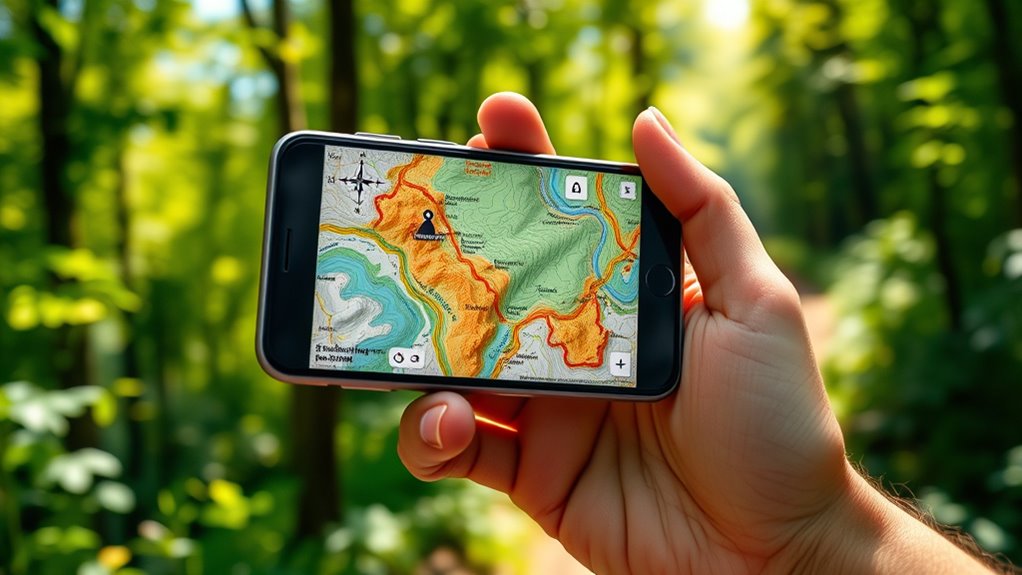

To use offline maps on your phone, first download the map area you need while connected to Wi-Fi. Make sure to select only the necessary regions to save space and update them regularly. Before heading out, confirm the maps are fully loaded and your GPS is active with a clear sky view for the best accuracy. Keep your device charged and explore additional features to navigate confidently even without internet, and then discover more tips to maximize your offline navigation experience.
Key Takeaways
- Download the desired map areas in your navigation app while connected to Wi-Fi for offline use.
- Ensure maps are fully downloaded and updated before leaving Wi-Fi coverage.
- Enable GPS and set location services to high accuracy for precise navigation without internet.
- Use search and waypoints within the app to navigate to destinations offline.
- Keep your device charged and consider using offline maps alongside physical maps for extended trips.
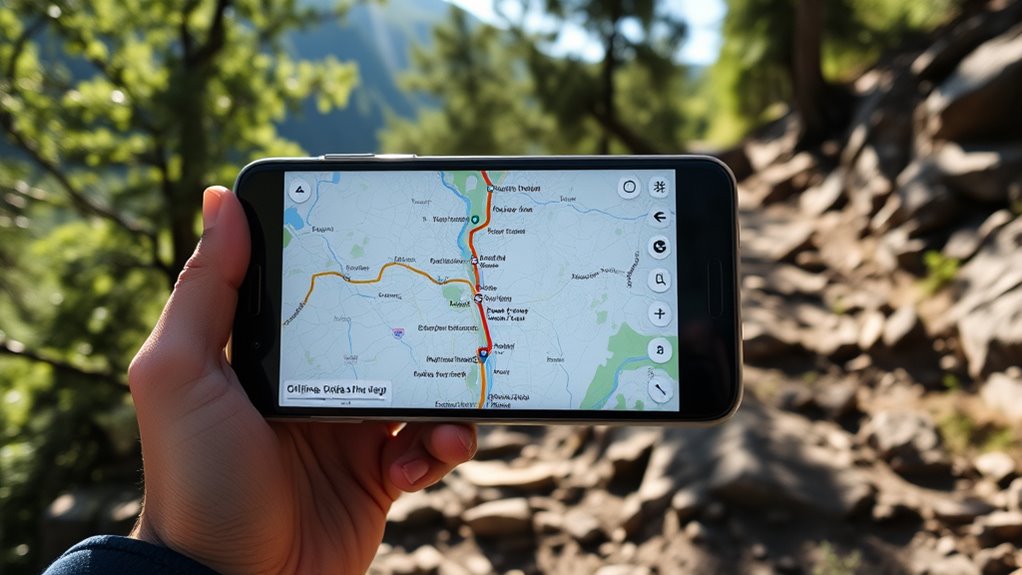
Exploring unfamiliar areas becomes much easier when you use offline maps on your phone, especially in places with poor or no internet connection. Before heading out, it’s essential to prepare by downloading the maps you’ll need. Start with map download tips like selecting the specific region or city you plan to visit, rather than downloading large, entire countries. This conserves storage space and makes updates quicker. Confirm your device is connected to Wi-Fi during download to avoid unnecessary data charges, and verify the map is fully loaded before you leave. Having the map saved locally guarantees access even when the network is unavailable, letting you navigate seamlessly without interruptions.
Additionally, understanding the importance of Free Floating in map design can help you interpret the map data more effectively, especially in natural or undeveloped areas. Once your maps are downloaded, focus on GPS accuracy tips to make your navigation smooth. Keep your phone’s GPS enabled and ensure it has a clear view of the sky; tall buildings, dense forests, or tunnels can interfere with signal quality. To improve accuracy, calibrate your compass if your app offers that feature, and keep your device’s location services set to high accuracy mode. This ensures the GPS constantly updates your position, giving you precise directions as you move. If you notice your location on the map drifting or lagging, try resetting your device or restarting the app to recalibrate the GPS signal.
Using offline maps effectively also involves understanding how to navigate within the app. Many offline map applications allow you to search for destinations, set waypoints, and even view different map layers like terrain or satellite images. Familiarize yourself with these features beforehand, so you don’t waste time trying to figure them out on the go. Additionally, keep your battery charged, as GPS functions can drain power quickly. Carrying a portable charger can be a lifesaver in remote areas.
Another tip is to periodically update your downloaded maps, especially if you’re planning a longer trip. Map data changes over time, and outdated maps can lead to wrong directions or missed routes. Some apps automatically update, but if yours doesn’t, connect to Wi-Fi periodically to download the latest versions. Remember, offline maps are a backup, so it’s wise to also have a physical map or printed directions for extremely remote locations.
Frequently Asked Questions
Can I Update Offline Maps Automatically?
Yes, you can update offline maps automatically if you enable automatic download settings. To do this, check your app’s map update frequency options and turn on auto-update features. This way, your maps stay current without manual intervention. Keep in mind that automatic updates depend on your device’s internet connection and app settings, so verify those are configured properly to receive the latest map data seamlessly.
How Much Storage Do Offline Maps Typically Require?
Maps usually don’t take up much space, so you won’t have to break the bank. Typically, offline maps require between 100MB and 2GB of map storage, depending on the area and detail level. Data compression helps keep file sizes manageable, so you can download more areas without filling up your device. Keep in mind, larger regions or detailed maps will need more storage, but it’s usually a small price to pay for reliable navigation offline.
Are Offline Maps Available for All Countries?
Offline maps aren’t available for all countries due to map data limitations and coverage discrepancies. While major destinations and popular regions usually have thorough offline map options, remote or less-traveled areas might lack detailed data. Before your trip, check your app’s coverage for your destination. If offline maps aren’t available, consider downloading alternative navigation apps or using GPS devices to guarantee reliable navigation wherever you go.
Can I Share Offline Maps With Others?
Yes, you can share offline maps with others, but it depends on the app’s map sharing and offline map permissions. Some apps let you export or send map files directly, while others restrict sharing due to licensing or privacy policies. Check your app’s settings for map sharing options and offline map permissions. Make sure the recipient has compatible apps and permissions to access the shared offline maps smoothly.
Do Offline Maps Track My Location Without Internet?
Offline maps are like a silent guardian, tracking your location without needing internet. They use GPS signals to pinpoint where you are, ensuring location privacy remains intact since no data is sent online. However, map accuracy depends on your device’s GPS quality and the map updates stored offline. So, while offline maps can track your location, they do so securely, offering reliable navigation without compromising your privacy.
Conclusion
Now that you know how to use offline maps, you’re better prepared for any adventure, even without internet. Did you know that nearly 60% of travelers have experienced connectivity issues while exploring new places? By downloading maps beforehand, you guarantee smooth navigation and stress-free trips. So, next time you explore, rely on offline maps for reliable guidance—because being prepared makes all the difference. Happy exploring!