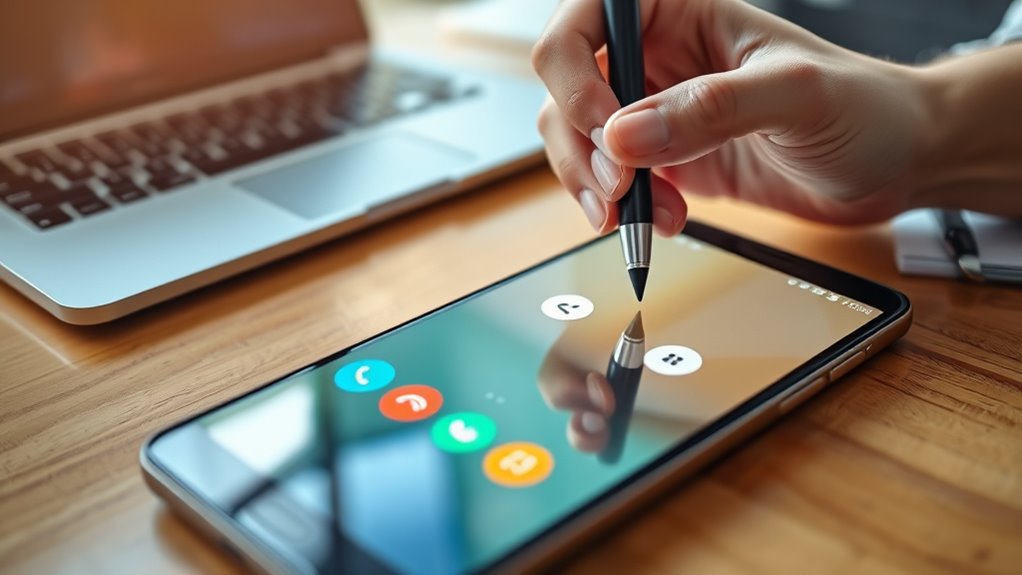

To record a call on Android legally and safely, first check your regional laws on call recording and inform the other person if required. Use a reliable third-party app with good reviews, ensuring it’s compatible with your device. Open the app before making or answering a call, and follow its instructions to start recording. Keep your recordings secure and respect privacy laws—more helpful tips await if you explore further.

Get the latest gadgets delivered free — and shop member deals
- Fast, free delivery on millions of items
- Access to Prime Big Deal Days deals on October 6–7
- Prime Video, Amazon Music and more included
Key Takeaways
- Check local laws to ensure call recording is legal and obtain consent if required.
- Use reputable third-party apps with good reviews, permissions, and clear privacy policies.
- Open the recording app before making or answering calls for optimal recording.
- Clearly inform the other party if legal regulations mandate consent during the call.
- Store recordings securely and respect privacy laws to maintain safe and lawful practices.
Recording a phone call on Android can be useful for keeping important conversations or for personal records. However, before you hit the record button, it’s vital to understand the call recording laws in your area. Call recording laws vary widely depending on where you live; some regions require only one-party consent, meaning you can record calls you’re involved in without informing the other person. Others demand that all participants be aware and agree to the recording. Ignoring these laws could lead to legal trouble, so it’s wise to research the specific regulations applicable to your location. Once you’re clear on the legal requirements, you can proceed confidently.
Many Android devices don’t include built-in call recording features, which is where third-party apps come into play. These apps can be downloaded from the Google Play Store and often offer simple interfaces to record calls automatically or manually. When choosing a third-party app, look for well-rated options with positive reviews and a clear privacy policy. Some apps work by creating a three-way call that includes the recording service, while others integrate directly into your dialer. Keep in mind, these apps may have limitations or require certain permissions, so read the instructions carefully before use.
To record a call using a third-party app, you typically need to open the app before making or receiving a call. For outgoing calls, you might need to start the recording first, then dial the number through the app’s interface. For incoming calls, you may need to answer the call and then merge it with the recording line or activate the app’s recording feature during the call. Many apps automatically save recordings to your device’s storage, making it easy to access and manage them later. Be aware that some apps might require a subscription or in-app purchases to unlock full features, so weigh the costs and benefits before committing.
It’s important to remember that recording calls without proper consent can have serious legal implications. Always inform the other party that you’re recording if the law requires it. This simple step can protect you from potential lawsuits or penalties. Additionally, store your recordings securely and respect privacy laws by not sharing sensitive information without permission. Many regions also have specific regulations regarding digital literacy and responsible technology use, which can help guide your practices. Overall, with careful attention to legal guidelines and the right tools, recording calls on Android can be a straightforward and useful process. Just ensure you’re compliant with laws and choose reputable third-party apps to keep your recordings safe and legal.
As an affiliate, we earn on qualifying purchases.
Frequently Asked Questions
Can I Record Calls on All Android Devices?
No, you can’t record calls on all Android devices directly, as some manufacturers disable call recording features or restrict access. However, you can use call recording apps that work on many devices, though compatibility varies. When recording calls, consider storage options like internal storage or cloud backups to save recordings securely. Always check your device’s settings and local laws before recording conversations to make certain you’re compliant.
How Do I Ensure Call Recordings Are Private?
To keep your call recordings private, start with privacy tips like encrypting your files. Use apps that offer end-to-end encryption to protect your recordings from unauthorized access. Always store recordings in secure locations, like password-protected folders or cloud services with strong security measures. Regularly update your device and apps to patch vulnerabilities. By following these steps, you guarantee your call recordings stay private and safe from prying eyes.
What Are the Legal Restrictions for Recording Calls?
Think of call recording laws as a tightrope walk—you need to balance privacy concerns and consent requirements carefully. Legally, you must inform the other party and get their permission before recording, especially in jurisdictions with strict privacy laws. Failing to do so can lead to legal trouble or privacy violations. Always check your local regulations to make sure you’re respecting consent requirements, safeguarding both your rights and theirs.
Do Call Recordings Affect Call Quality?
Call recordings typically don’t affect call quality considerably, but recording effects can sometimes cause minor audio issues. You might notice slight echoes or background noise if the recording app isn’t optimized or if your device struggles during the process. To guarantee clear call quality, use a reliable recording app, keep your device updated, and test recordings beforehand. This way, you minimize any potential impact on call quality during your recordings.
How to Access Recorded Calls on Android?
Ever wondered how to access your recorded calls on Android? You can find them in your device’s call storage or in the app you used to record. Just open your file manager or the recording app, locate the folder labeled “Call Recordings,” and tap on the file to playback. Want quick access? Some apps offer direct playback options within their interface, making it easy to review your calls whenever needed.
As an affiliate, we earn on qualifying purchases.
Conclusion
Recording a phone call on Android is like capturing a fleeting moment in a jar—you’ll want to do it legally and safely. Always check local laws before hitting the record button, and use trusted apps to keep your recordings private. With the right tools and precautions, you can preserve important conversations without turning your phone into a runaway train. Remember, a wise recorder knows when to hit pause and listen carefully.
legal call recording app Android
As an affiliate, we earn on qualifying purchases.
As an affiliate, we earn on qualifying purchases.
automatic call recorder for Android
As an affiliate, we earn on qualifying purchases.
As an affiliate, we earn on qualifying purchases.
Fall Picks
fall essentials
As an affiliate, we earn on qualifying purchases.