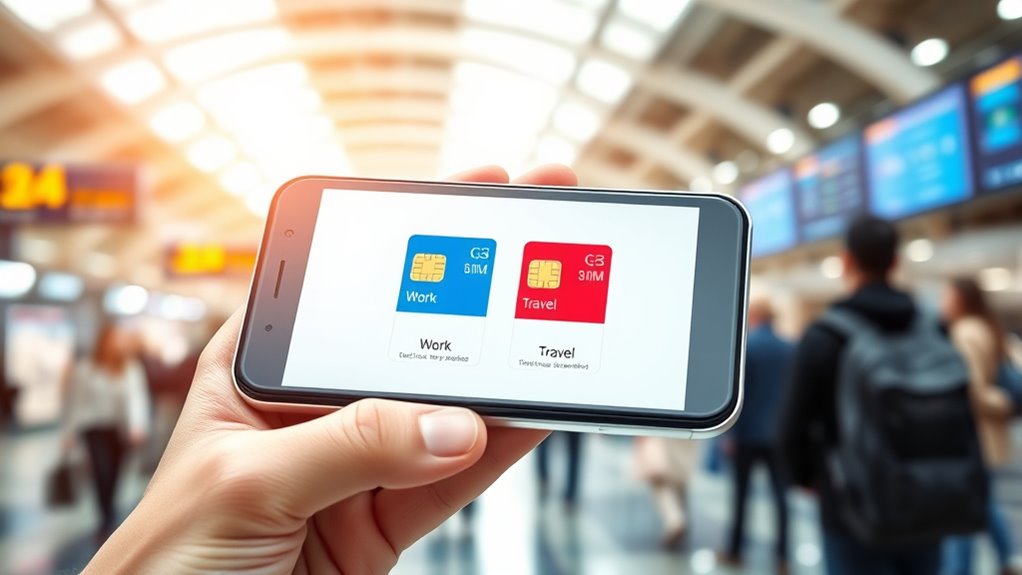

To manage dual SIM cards for travel or work, start by setting your preferred SIM for calls, messages, and data in your device settings. Switch between SIMs manually or enable auto-selection based on network quality. Use one SIM for local travel data while keeping the other active for work or personal calls. Regularly review and adjust your preferences to optimize cost and connectivity. Continue exploring to discover effective tips for seamless dual SIM management.

Get the latest gadgets delivered free — and shop member deals
- Fast, free delivery on millions of items
- Access to Prime Big Deal Days deals on October 6–7
- Prime Video, Amazon Music and more included
Key Takeaways
- Set default SIMs for calls, messages, and data based on your travel or work needs for seamless management.
- Switch between SIMs manually or automatically to access better network coverage or cost savings.
- Configure data plans and limits for each SIM to avoid extra charges and optimize usage.
- Enable or disable specific SIMs for certain functions, such as international roaming or local connections.
- Regularly review and adjust SIM preferences to maintain optimal call quality, connectivity, and cost-efficiency.

If you use two SIM cards on your phone, managing them effectively can enhance your communication experience and streamline your daily routine. Whether you’re traveling internationally or juggling work and personal life, knowing how to control both SIMs guarantees you stay connected without unnecessary hassle. One key aspect is optimizing call quality. Most phones allow you to assign a primary SIM for calls, which means you can choose the one that provides the best call quality based on your location or network coverage. If one network offers clearer, more reliable calls, set it as your default for voice calls. Additionally, many devices let you toggle between SIMs for specific contacts or apps, giving you flexibility if you notice call quality varies between networks. This way, you avoid frustration caused by dropped calls or poor audio, especially when relying on one network for important conversations.
Another important factor is managing your data plans. When using dual SIMs, you typically have the option to set different data plans for each SIM. For example, you might want to keep your main phone number on a plan with generous data, while using a secondary SIM with a cheaper, limited data plan for occasional use or local connectivity. To prevent unnecessary charges or data leakage, most phones allow you to designate which SIM handles mobile data. You can also set specific data limits for each plan or disable data on one SIM altogether when you’re not using it. This guarantees you’re not accidentally draining your data allowance or incurring extra charges, especially if one network has more expensive data rates. Understanding dual SIM management is essential for optimizing your device’s performance and cost-efficiency.
Managing notifications and network preferences is also vital. You might prefer to receive calls and messages on one SIM while only using the other for data. Many phones let you customize these settings, so you’re not overwhelmed by alerts from both SIMs simultaneously. If you’re traveling abroad, switch to a local network with a better data plan, but keep your original SIM active for receiving texts and calls, guaranteeing you don’t miss important messages. Remember to check how your device handles dual SIMs—some automatically select the best network, while others require manual switching. Understanding these settings helps you optimize call quality and data usage, making your dual SIM setup more efficient.
As an affiliate, we earn on qualifying purchases.
Frequently Asked Questions
Can I Use Two Different Carriers With Dual SIMS?
Yes, you can use two different carriers with dual SIMs, but it depends on carrier compatibility. Some carriers might restrict certain features or network access, so check if your carriers support dual SIM functionality. Also, remember that dual SIM security can vary; confirm your phone’s security settings are enabled for both SIMs to protect your data. Always verify compatibility before choosing carriers for dual SIM use.
How Do I Prevent Accidental Calls Between SIMS?
Prevent accidental calls between your SIMs like keeping two pets in separate cages. Turn off call forwarding between the two lines, and use the settings to disable calls on one SIM when not needed. Avoid sim slot swapping during calls, which can cause mix-ups. You can also assign specific contacts to each SIM, reducing accidental dialing. These steps help keep your calls organized and prevent mix-ups.
Is There a Battery Drain When Using Dual SIMS?
Yes, using dual SIM cards can increase battery consumption because your phone needs to power two radio antennas. However, good power management can minimize this drain. You can disable one SIM when not in use, enable airplane mode, or use features like Wi-Fi calling to conserve battery life. Keep your software updated and monitor your battery usage to guarantee efficient power management while enjoying the benefits of dual SIMs.
Can I Set Different Ringtones for Each SIM?
Yes, you can set different ringtones for each SIM. You just need to go into your phone’s settings, select the SIM card, and choose a custom ringtone. This way, you’ll easily identify incoming calls from each SIM. You can also set unique notification alerts for each, making it even clearer which line is receiving a message or call. Custom ringtones and notification alerts help you stay organized and responsive.
How Do I Transfer Contacts Between Dual SIMS?
Transferring contacts between dual SIMs is simple with contact transfer methods like exporting contacts to your SIM or cloud, then importing to the other. You can also use dual SIM management apps for quick transfers and organized contact management. Don’t worry—these tools make it easy to keep your contacts synced, even if you encounter some setup steps initially. Just follow the app instructions, and you’ll have your contacts on both SIMs in no time.
As an affiliate, we earn on qualifying purchases.
Conclusion
Managing dual SIM cards makes staying connected easier, whether for travel, work, or personal use. With the right setup, you can switch seamlessly between networks, save on costs, and keep your life organized. Did you know that over 60% of smartphone users in many countries now use dual SIMs? This shows just how popular and practical managing multiple numbers has become. So, take control of your devices and enjoy the flexibility that dual SIMs offer!
dual SIM call and message switcher
As an affiliate, we earn on qualifying purchases.
As an affiliate, we earn on qualifying purchases.
dual SIM network preference device
As an affiliate, we earn on qualifying purchases.
As an affiliate, we earn on qualifying purchases.
Fall Picks
fall essentials
As an affiliate, we earn on qualifying purchases.