
To get the most from Android 15’s new features, explore its advanced security options like Theft Detection Lock and remote locking to protect your data. Enhance your photos with Low Light Boost and better camera controls for night shots. Maximize battery life using the Dynamic Performance Framework and energy-saving modes. Safeguard your privacy with improved autofill and security tools. Plus, enjoy a smoother experience with upgraded multitasking and UI customization—keep going to uncover all the ways these features can work for you.
Key Takeaways
- Enable Theft Detection Lock and remote locking features to enhance device security and prevent unauthorized access.
- Use Low Light Boost and in-app controls to capture clearer photos in challenging lighting conditions.
- Optimize battery life by activating Power-efficiency mode and monitoring GPU/CPU performance through the Dynamic Performance Framework.
- Take advantage of privacy features like Confidential Profiles and Credential Manager for secure app and data management.
- Explore multitasking, Picture-in-Picture, and generated previews API to improve productivity and user experience.

EVEO Screen Cleaner Spray - Large Screen Cleaner Bottle - TV Screen Cleaner, Computer Screen Cleaner, for Laptop, Phone, Ipad - Computer Cleaning kit Electronic Cleaner (1 Pack)
Screen Cleaner is Your Screen’s New Bestfriend! - EVEO is proud to present a screen cleaner that’s perfectly...
As an affiliate, we earn on qualifying purchases.
Enhancing Your Device Security With Theft Detection and Lock Features
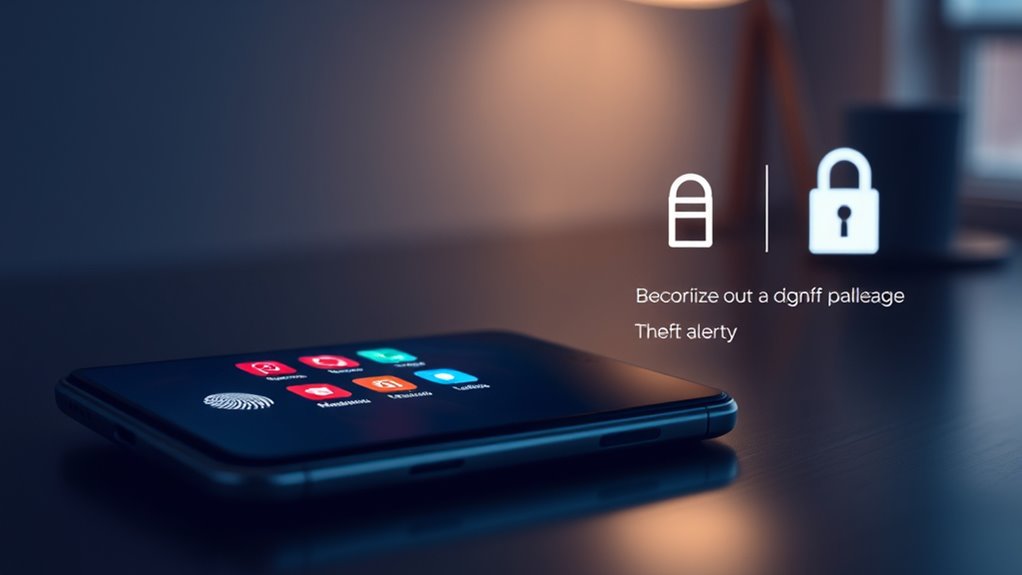
To strengthen your device security, Android 15 introduces advanced theft detection and locking features that work seamlessly to protect your data. Theft Detection Lock uses AI to automatically lock your device if it detects sudden movements, like running or biking away, helping prevent theft. You can also remotely lock your device from any other device by verifying your phone number and completing a simple security check. For added security, Android 15 requires authentication for sensitive actions like removing a SIM or disabling Find My Device. Multiple failed attempts to access apps or settings trigger a lockdown, deterring unauthorized access. These protections make it harder for thieves to reset or resell your device, ensuring your personal data stays secure at all times. Smart security features also work to monitor your device’s status and alert you to suspicious activity.

Screen Cleaner Spray (16oz - 473ml) – Best Large Cleaning Kit for LCD LED OLED TV, Smartphone, iPad, Laptop, Touchscreen, Computer Monitor, Electronic Devices, Microfiber Cloth Wipes and 2 Nozzles
SCREEN CLEANER SPRAY and cloth are designed for the high-end devices and works flawlessly for all electronic screens,...
As an affiliate, we earn on qualifying purchases.
Improving Photo Quality and Camera Performance in Low-Light Conditions
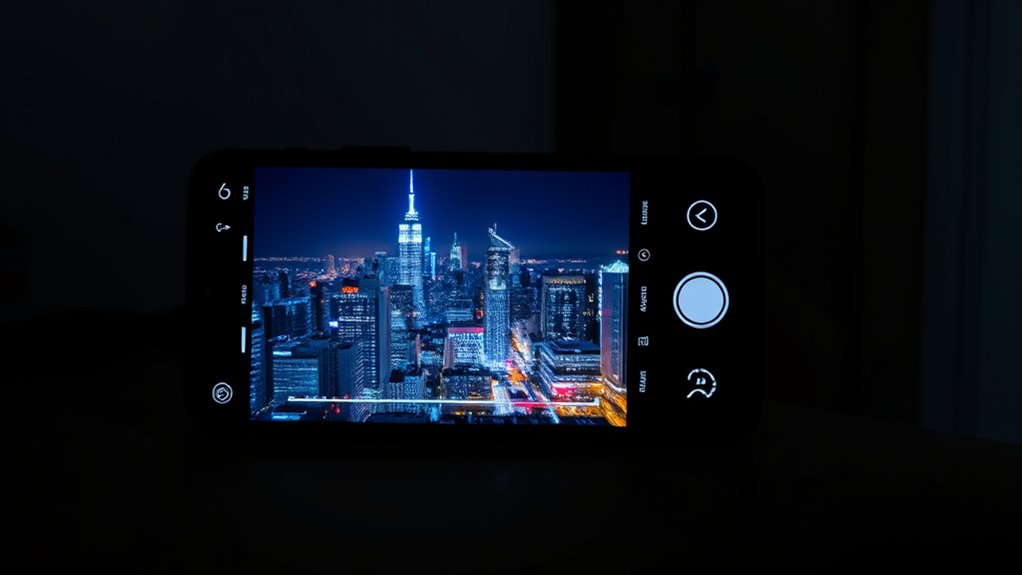
Android 15 considerably enhances your camera’s ability to capture clear, detailed photos in low-light conditions. The new Low Light Boost feature automatically adjusts exposure and sensor sensitivity, making night shots sharper and brighter. You’ll see improvements with in-app camera controls, giving you more precise adjustments for low-light scenes. Additionally, third-party apps now offer better flash control, including adjustable intensity and modes, for ideal lighting. Night mode now benefits from Low Light Boost, providing clearer images in challenging conditions. To visualize these enhancements, consider the following:
| Feature | Benefit |
|---|---|
| Low Light Boost | Brighter, sharper photos in dim environments |
| Improved Night Mode | Enhanced detail in night shots |
| Precise Flash Control | Better lighting customization |
| In-app Low-Light Controls | User-friendly adjustments |
| QR Code Scanner in Darkness | Faster scans even in limited light |
Furthermore, developers can now leverage innovative cloud solutions to optimize app performance and resource management in low-light photography scenarios.
Amazon Product B0CVF9J862
As an affiliate, we earn on qualifying purchases.
Maximizing Battery Life and Device Performance With New Optimization Tools
With the latest updates, Android 15 offers powerful new tools to extend your device’s battery life and optimize performance. The Android Dynamic Performance Framework now interacts more directly with your device’s power and thermal systems, helping it adapt dynamically to your usage. Power-efficiency mode prioritizes battery savings during hint sessions, while GPU and CPU durations are reported for better frequency adjustments. Thermal headroom thresholds predict and prevent overheating, ensuring smoother performance during intensive tasks. These enhancements help your device run efficiently longer and perform better during demanding activities like gaming or multitasking. Additionally, understanding home energy management can help you optimize device performance and battery longevity by reducing unnecessary background activity. By leveraging these tools, you can keep your device responsive, conserve battery, and avoid overheating, all without sacrificing the smooth experience you expect from Android 15.

Soundcore by Anker Q20i Hybrid Active Noise Cancelling Headphones, Wireless Over-Ear Bluetooth, 40H Long ANC Playtime, Hi-Res Audio, Big Bass, Customize via an App, Transparency Mode (Black)
Hybrid Active Noise Cancelling: 2 internal and 2 external mics work in tandem to detect external noise and...
As an affiliate, we earn on qualifying purchases.
Protecting Your Privacy With Advanced Security and Autofill Capabilities
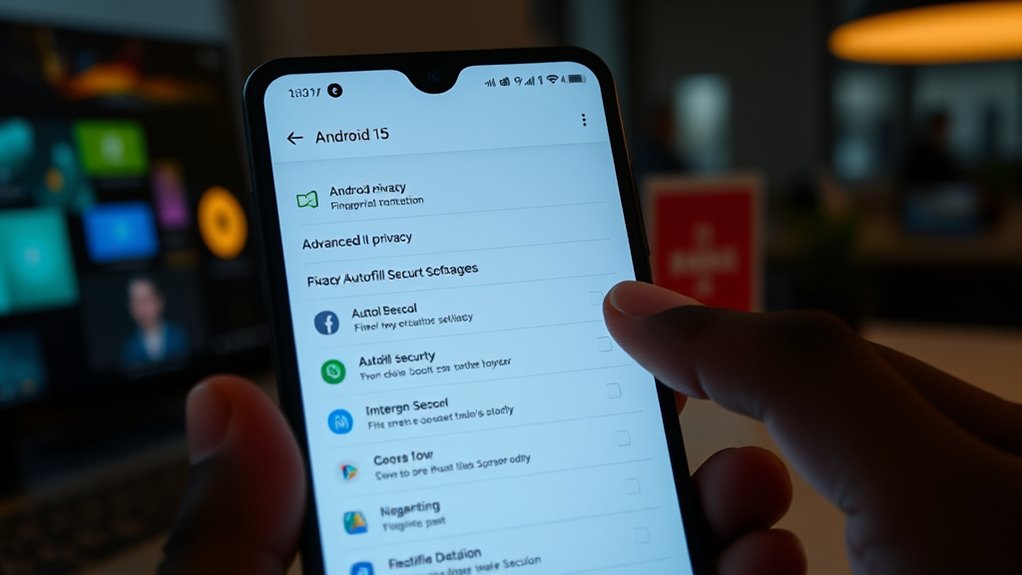
As privacy concerns grow, Android 15 introduces advanced security features that give you more control over your sensitive information. Credential Manager now links specific fields like usernames and passwords, enabling tailored autofill. Screen recording detection alerts you when apps are being recorded, adding a layer of protection. Confidential profiles act as secure vaults for your sensitive apps and data, preventing unauthorized access. Understanding pool terminology and security practices can help you better grasp these features and their importance in safeguarding your digital privacy.
Customizing User Experience and Productivity With System UI and Enterprise Tools
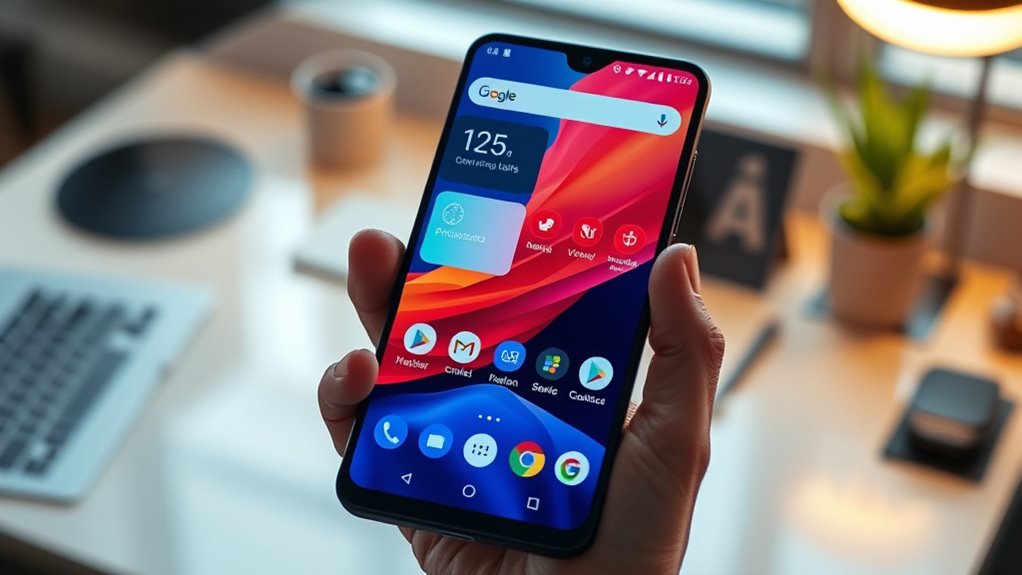
Building on the enhanced security features, Android 15 also focuses on refining your user experience and boosting productivity through system UI improvements and enterprise tools. You can now pin and unpin tasks on foldables and tablets, making multitasking more flexible. The Generated Previews API enables apps to create dynamic, real-time previews for widgets, enhancing interactivity. Picture-in-Picture mode is smoother, with floating windows that animate seamlessly and trigger callbacks for better control. Volume controls feature bold Material You icons, with labels that reposition dynamically and animations that make adjustments intuitive. Additionally, richer vibration effects let you customize notifications for a more tactile experience. For enterprise users, confidential profiles securely store sensitive apps, while enhanced Google Play Protect uses AI for real-time malware detection, keeping your device safer and more productive. High refresh rates improve the fluidity of UI animations and interactions, making the overall experience more responsive.
Frequently Asked Questions
How Does Android 15’s Theft Detection Lock Differentiate Between Accidental and Intentional Movements?
Android 15’s Theft Detection Lock uses AI to differentiate between accidental and intentional movements by analyzing movement patterns and intensity. When sudden, forceful movements like running or biking are detected, it assumes theft and locks the device. In contrast, minor or routine movements, such as adjusting your phone or placing it down, don’t trigger the lock. This smart detection helps prevent false alarms while securely protecting your device from theft.
Can I Customize Low Light Boost Settings for Specific Camera Apps?
You can customize Low Light Boost settings for specific camera apps in Android 15. This feature allows you to adjust exposure and flash control precisely, giving you better low-light photos tailored to each app’s capabilities. By accessing the camera app’s settings, you can enable or fine-tune Low Light Boost, ensuring best image quality whether you’re using the default camera or third-party apps. This customization helps you capture clearer photos in challenging lighting conditions.
What New Options Are Available for Managing Thermal Headroom During Intensive Tasks?
You can now manage thermal headroom more effectively with Android 15’s new options. The update lets you set thermal thresholds that trigger performance adjustments during intensive tasks, helping prevent overheating. You’ll receive alerts when thermal limits are approached, and the system can automatically reduce CPU or GPU activity to cool down. These controls give you better performance management, ensuring your device stays responsive without overheating during demanding activities.
How Does Credential Manager Improve Autofill Security Across Different Apps?
Did you know that using Credential Manager can reduce autofill-related security risks by up to 50%? It improves autofill security by linking specific views, like username and password fields, with trusted apps, preventing malicious apps from intercepting sensitive data. You get more control over your information, ensuring autofill only works in secure, designated areas. This targeted approach makes your login process safer and more reliable across all your apps.
Are There Ways to Automate Do Not Disturb Rules Based on Location or Time?
Yes, you can automate Do Not Disturb rules based on location or time in Android 15. You simply set up automatic rules in the Do Not Disturb settings, choosing options like specific times or locations where you want the mode to activate or deactivate. This way, your phone automatically adjusts DND based on your schedule or whereabouts, helping you stay focused or avoid interruptions without manual adjustments.
Conclusion
With Android 15, you’re like a skilled gardener tending to a thriving garden. Each new feature is a seed that, when nurtured, blossoms into a secure, efficient, and personalized experience. Just last week, I protected my data with the new security tools, feeling like I finally fortified my digital home. Embrace these updates, and you’ll cultivate a device that’s not only smarter but safer—ready to grow with you every step of the way.