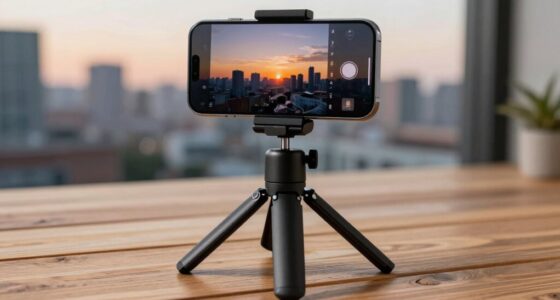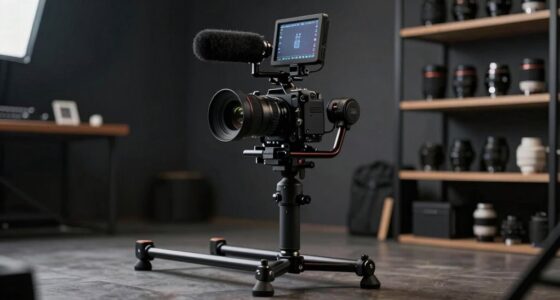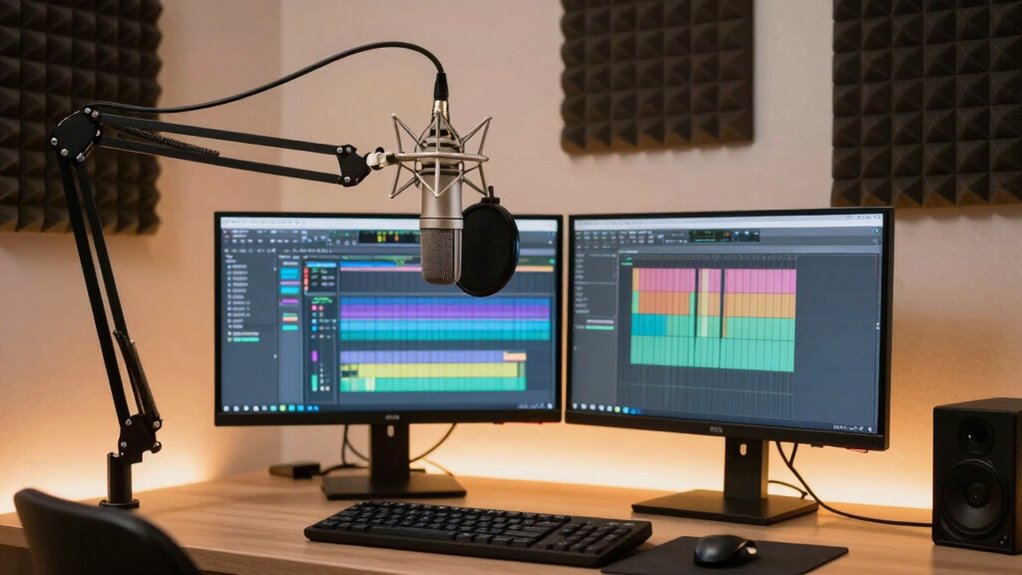

A better creator setup begins with stability and clear audio because these are the foundations of a professional stream. When your stream is stable, viewers stay engaged without distractions like flickers or lag. Good audio ensures your audience can hear you clearly, building trust and credibility. Without these core elements, even great content can lose its impact. Keep exploring how optimizing lighting and hardware can further elevate your production and keep viewers coming back.
Key Takeaways
- Stable streams prevent viewer frustration caused by buffering, lag, and disconnections, ensuring consistent engagement.
- Clear audio enhances viewer understanding and professionalism, making content more enjoyable and credible.
- Proper lighting and hardware reduce visual distractions, maintaining a polished and professional appearance.
- Regular maintenance and software updates ensure reliable performance and prevent technical issues during streams.
- Monitoring tools help identify and resolve stability or audio problems in real-time, improving overall viewer experience.

Are you struggling to achieve stable streams and clear audio in your creator setup? If so, the foundation of your success likely hinges on two critical elements: stability and audio quality. When your streams are choppy or your audio is muffled, viewers quickly lose interest. To fix this, you need to prioritize your setup’s stability, which starts with proper video lighting and smart hardware upgrades. Video lighting isn’t just about making your face look good; it ensures your camera captures a clear, well-lit image, preventing flickers and shadows that can distract viewers. Good lighting also reduces the strain on your camera’s sensor, making your visuals more consistent, even when your environment changes. Invest in adjustable softboxes or ring lights to create even, flattering light that enhances your video quality. This not only improves your appearance but also minimizes the need for constant camera adjustments, keeping your streams stable and professional.
Next, hardware upgrades are essential. Outdated equipment can cause lag, frame drops, or disconnections, all of which compromise stability. Upgrading your computer, graphics card, or capture card ensures your system can handle high-quality streams without crashing. A reliable internet connection is equally crucial; consider upgrading to a wired Ethernet connection instead of Wi-Fi, which can be unstable. This change drastically reduces latency and prevents disconnections during your streams. Don’t overlook your microphone and audio interface; investing in a good-quality microphone and a dedicated audio interface guarantees clear, consistent sound. This prevents audio dropouts and background noise, which can be distracting and diminish your credibility as a creator. Additionally, understanding the contrast ratio of your equipment can help you optimize your video quality, especially when streaming in various lighting conditions. Incorporating proper maintenance routines for your hardware can also extend the lifespan of your setup and ensure it performs reliably over time. Regularly checking and cleaning your gear can prevent dust buildup that might affect performance and overheating. Maintaining your gear regularly helps prevent unexpected failures and keeps your system performance optimal.
Stability isn’t just about hardware, though. Regularly updating your drivers and streaming software helps fix bugs and improve compatibility. Using an external monitor can also help you keep an eye on your stream health, so you can immediately address issues before viewers notice. Monitoring tools can provide real-time feedback on your stream’s stability and quality. All these hardware upgrades, combined with proper video lighting, serve to create a seamless viewing experience. When your visuals are steady and your audio crisp, your audience stays engaged and trusts your professionalism. Ultimately, a better creator setup begins with these core improvements—stability and audio—because they form the backbone of any successful stream. Once you have these elements dialed in, you can confidently focus on content, knowing your technical foundation is solid.

FIFINE XLR/USB Gaming Microphone Set, Dynamic PC Mic for Streaming Podcasting, Computer RGB Mic Kit with Boom Arm Stand, Mute Button, Headphones Jack, for Recording Vocal Voice-Over-AmpliGame AM8T
USB/XLR Connectivity-AM8T comes with a dynamic microphone and a boom arm stand. Versatile PC gaming microphone kit with…
As an affiliate, we earn on qualifying purchases.
As an affiliate, we earn on qualifying purchases.
Frequently Asked Questions
How Do I Choose the Right Microphone for My Setup?
To choose the right microphone, consider the microphone types suited for your needs, like condenser for studio-quality sound or dynamic for durability. Look for noise cancellation features to reduce background noise, guaranteeing clear audio. Think about your recording environment—if it’s noisy, prioritize microphones with strong noise cancellation. Also, match the microphone connector with your setup, whether USB or XLR, to ensure compatibility and ease of use.
What Are Common Stability Issues and How Can I Fix Them?
Stability issues typically stem from shaky software setups and sporadic power supplies. To fix them, streamline your software by updating and optimizing it for smooth streaming. Make sure your power supply is stable—use a reliable surge protector or UPS to prevent unexpected shutdowns. Regularly check connections, update drivers, and keep your system clean. This simple, swift solution stabilizes your setup, ensuring seamless streaming and superior sound.
How Important Is Room Acoustics for Audio Quality?
Room acoustics are essential for audio quality because they influence sound clarity and reduce unwanted noise. You should consider soundproofing techniques to minimize external noise and acoustic treatment options, like foam panels or bass traps, to improve sound reflection and absorption. By optimizing your space’s acoustics, you’ll get clearer recordings and better overall audio, making your content sound professional and polished.
What Equipment Is Essential for Beginner Creators?
You don’t need expensive gear to start; just focus on essentials like a good microphone, stable camera, and proper lighting setup. A decent camera with adjustable angles helps keep your content engaging, while good lighting makes everything look professional. Don’t worry about perfect equipment now—prioritize stability and clear audio first. As you grow, you can upgrade your camera angles and lighting setup to enhance your creator environment.
How Can I Improve Audio Clarity Without Expensive Gear?
To improve audio clarity without splurging on expensive gear, focus on minimizing background noise and optimizing microphone placement. Use a quiet space, close your microphone to your mouth, and aim it away from noise sources. You can also add a DIY pop filter or foam windscreen. These simple tweaks make a big difference, ensuring your voice sounds clear and professional without breaking the bank.

UBeesize 12'' LED Ring Light with 62'' Tripod Stand, Selfie Ring Light for Video Recording, Live Streaming, TikTok & YouTube, Compatible with iPhone & Android (Black)
【12” Powerful LED Ring Light with 240 LEDs】This upgraded 12-inch ring light features 240 high-efficiency LEDs delivering 10W…
As an affiliate, we earn on qualifying purchases.
As an affiliate, we earn on qualifying purchases.
Conclusion
Remember, the foundation you build upon quietly shapes your entire journey. When stability and clear audio become your silent allies, they gently lift your content to new heights, making your voice resonate even in the busiest moments. By nurturing these subtle essentials, you create a space where your creativity can truly flourish without distraction. Embrace these quiet cornerstones, and watch how they softly guide your growth, turning small steps into meaningful strides.
![BENFEI USB 3.0 to Ethernet Adapter, USB C to RJ45 Gigabit LAN (1000Mbps) Network Adapter, Compatible with MacBook/Pro/Air, Surface Pro, Windows 11/10/8/7, Mac OS [Aluminium Shell&Nylon Cable]](https://m.media-amazon.com/images/I/41fk9DHmdwL._SL500_.jpg)
BENFEI USB 3.0 to Ethernet Adapter, USB C to RJ45 Gigabit LAN (1000Mbps) Network Adapter, Compatible with MacBook/Pro/Air, Surface Pro, Windows 11/10/8/7, Mac OS [Aluminium Shell&Nylon Cable]
COMPACT DESIGN – The compact-designed portable BENFEI USB A/C to Ethernet adapter connects your computer or tablet to…
As an affiliate, we earn on qualifying purchases.
As an affiliate, we earn on qualifying purchases.

Capture Card Nintendo Switch, 4K HDMI Video Capture Card, 1080P 60FPS, HDMI to USB 3.0 Capture Card for Streaming Work with Camera/Xbox/PS4/PS5/PC/OBS
【1080P HD High Quality】Capture resolution up to 1080p for video source and it is ideal for all HDMI…
As an affiliate, we earn on qualifying purchases.
As an affiliate, we earn on qualifying purchases.