
To prevent small phone problems from growing, develop good habits like regularly updating your device software and apps to fix bugs early. Keep an eye on your battery health by avoiding extreme charges and temperatures, which can extend its lifespan. Manage app permissions and clear cache to prevent sluggishness. Restart your device periodically to keep it running smoothly. If you follow these steps, you’ll spot issues early and avoid costly repairs—there’s more you can do to keep your phone in top shape.

Get the latest gadgets delivered free with Prime
- Fast, free delivery on millions of items
- Prime Video, Amazon Music and more included
- Member-only deals all year
Key Takeaways
- Regularly restart your device to clear glitches and improve performance.
- Keep software and apps updated to fix bugs and enhance stability.
- Manage battery health by avoiding extreme temperatures and maintaining proper charge levels.
- Delete unused apps and clear cache to prevent sluggishness and storage issues.
- Use quality chargers and accessories to prevent hardware damage and ensure safe charging.
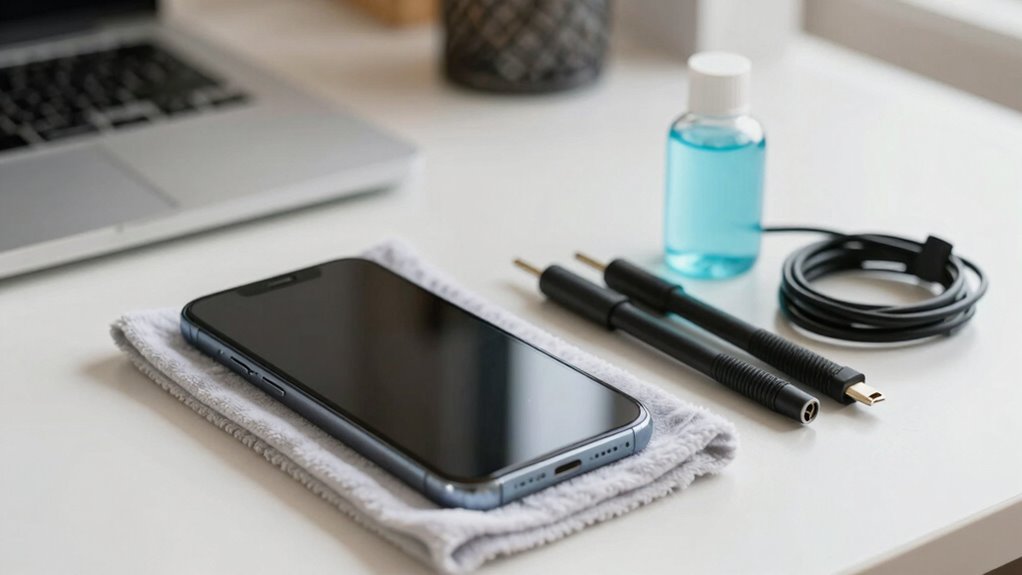
Your phone is an essential tool, but without proper care, it can develop problems that disrupt your daily life. Small issues like a draining battery or sluggish apps might seem minor at first, but ignoring them can lead to bigger frustrations down the line. Developing good habits now helps prevent minor glitches from turning into major problems, saving you time and money.
One of the most effective ways to keep your phone running smoothly is through battery maintenance. Your battery is the heart of your device, and neglecting it can cause unexpected shutdowns or reduced lifespan. To avoid this, try to keep your battery charge between 20% and 80%. Avoid letting it drain completely or constantly charging it to 100%, as both habits can stress the battery. Using your phone’s original charger and avoiding cheap, incompatible cables reduces the risk of damaging the battery’s health. Also, be mindful of extreme temperatures; exposing your phone to excessive heat or cold can accelerate battery wear. Regularly checking your battery usage in settings helps you identify apps that consume excessive power, so you can manage or uninstall them if necessary. Additionally, understanding how battery health impacts overall device performance can help you make better maintenance decisions. Being aware of natural degradation over time can help you set realistic expectations for your device’s longevity and performance. Monitoring your device’s power consumption habits can also contribute to extending your battery life. Incorporating a routine of software updates can further optimize battery efficiency and overall system stability. Moreover, staying informed about the latest innovations in electric power generation can inspire energy-efficient habits for your device usage.
App management is another vital habit to prevent small problems from escalating. Over time, your phone accumulates apps that may run in the background, drain resources, and slow down performance. Periodically review your installed apps, deleting those you no longer use. Keep your apps updated, because developers release updates that fix bugs and improve stability. Be cautious about granting unnecessary permissions; limiting app access to only what’s essential minimizes potential security issues or crashes. If you notice an app behaving erratically, force close it or uninstall it altogether. Clearing cache data regularly also helps prevent sluggishness and frees up storage space, which keeps your device responsive.
Beyond these specific habits, maintaining a clean and organized phone environment contributes greatly to its longevity. Use built-in tools or third-party apps to monitor storage and system performance. Restart your phone periodically; this simple step can refresh system processes and resolve minor glitches. Keeping your software up to date ensures you benefit from the latest security patches and stability improvements. Overall, establishing a routine that includes battery maintenance and app management helps you catch issues early, guaranteeing your phone remains reliable and efficient. By taking small, consistent steps, you prevent minor problems from snowballing into larger, costly repairs or replacements, ultimately extending the lifespan of your device and enhancing your user experience.
Products Worth Considering

LG UltraGear 27-inch QHD OLED Gaming Monitor, 240Hz

LG UltraGear 25G590B-B 25-Inch Full HD 1000Hz Gaming Monitor

Samsung Galaxy Tab S7 11-inch Android Tablet 128GB Wi‑Fi with S Pen Mystic Black
As an affiliate, we earn on qualifying purchases.
Frequently Asked Questions
How Often Should I Clean My Phone to Prevent Issues?
You should clean your phone weekly to prevent issues. Regular screen cleaning keeps dirt and fingerprints at bay, ensuring clear visibility and better hygiene. Incorporate dust prevention by using a soft cloth and avoiding placing your phone in dusty environments. This habit not only maintains your device’s appearance but also reduces the risk of dust buildup causing potential problems over time. Consistent cleaning keeps your phone functioning smoothly and extends its lifespan.
What’s the Best Way to Store My Phone When Not in Use?
When you’re not using your phone, think of it as a treasured book resting on a shelf. Store it in a protective phone case to shield it from dust and damage, and avoid exposing it to extreme temperatures. Keep it away from chargers unless you’re powering up, to prevent battery strain. This careful storage preserves your device’s health, ensuring it stays reliable and ready whenever you need it.
How Can I Tell if My Phone’s Battery Is Deteriorating?
You can tell if your phone’s battery is deteriorating by checking its battery health in settings or using a battery monitoring app. If you notice reduced battery life or your phone heats up during charging, it’s a sign of decline. Good charging habits, like avoiding overcharging and using the right charger, help maintain battery health. Keep an eye on these signs and habits to guarantee your phone’s battery stays in good shape.
Are There Specific Apps That Can Help Prevent Phone Problems?
They say, “A stitch in time saves nine,” and that’s true for your phone too. Yes, there are apps that help with app security and device maintenance, like antivirus or cleaning tools. These apps can monitor your phone’s health, clear cache, and protect against malware. Using them regularly keeps small problems from becoming big issues, ensuring your phone runs smoothly and stays secure longer.
Should I Use a Screen Protector to Avoid Damage?
Yes, using a screen protector boosts your phone’s screen durability and helps prevent damage. You can choose from various protector types like tempered glass or plastic film, depending on your needs. Tempered glass offers stronger protection, while plastic film is thinner and more affordable. Regularly applying a screen protector minimizes the risk of cracks and scratches, keeping your phone looking new and functioning properly.
Conclusion
By adopting these habits, you can keep small phone issues from snowballing into bigger headaches. Regularly cleaning your screen, avoiding overcharging, and handling your phone gently are like small stitches that prevent a larger tear. Think of your phone as a delicate plant—if you nurture it daily, it’ll stay healthy and thrive. So, stay proactive, and your device will serve you well, just like a trusted friend who’s always there when you need it.