A 120Hz refresh rate offers smoother and more responsive visuals compared to 60Hz, making animations, scrolling, and gaming feel more natural. It reduces motion blur and lag, enhancing your experience during fast-paced activities. However, higher rates consume more power and require stronger hardware. If you want a balance between performance and battery life, 60Hz might suit you better. To discover how these differences impact your device, explore the details below.
Key Takeaways
- 120Hz screens update twice as often as 60Hz, providing smoother motion and animations.
- Higher refresh rates improve responsiveness and reduce input lag, especially beneficial for gaming and fast scrolling.
- 120Hz consumes more power, leading to faster battery drain compared to 60Hz, which conserves energy.
- Static tasks like browsing and reading are adequately handled by 60Hz, preserving battery life.
- Adaptive refresh technology helps balance performance and power efficiency by adjusting rates based on activity.
Explanation of Refresh Rate Fundamentals
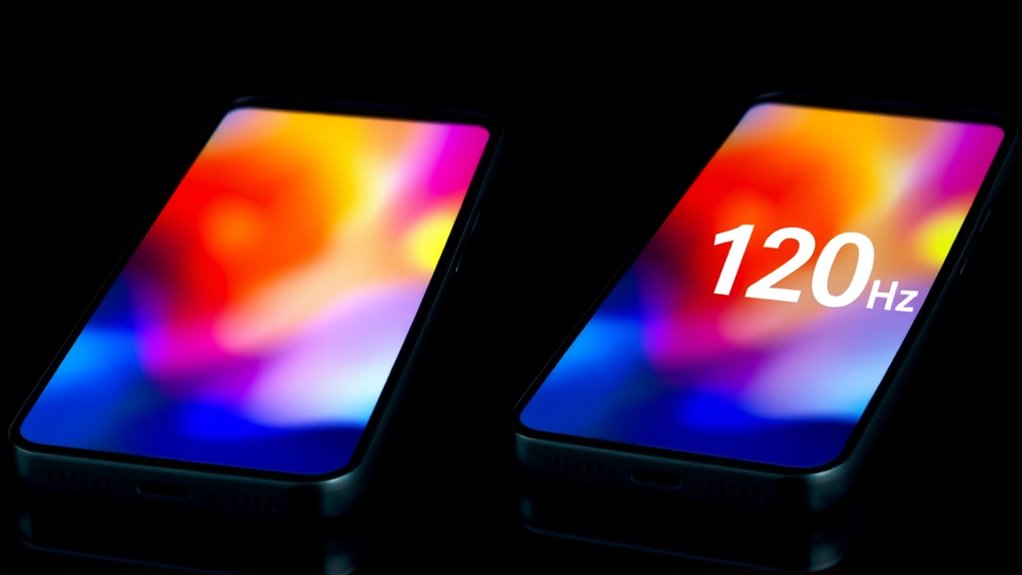
Understanding refresh rates begins with knowing that they define how many times your smartphone screen updates each second. If your device has a 60Hz refresh rate, it updates 60 times per second, providing a basic level of motion clarity. A 120Hz refresh rate doubles that, updating 120 times per second, resulting in smoother visuals. The refresh rate directly impacts how fluid animations, scrolling, and moving images appear. Higher refresh rates make transitions feel more responsive and natural, reducing motion blur and lag. It’s worth mentioning that the refresh rate is separate from the frame rate, which depends on your device’s graphics processing. Refresh rate influences how your device handles fast-moving content, affecting overall responsiveness and visual smoothness. Overall, the refresh rate determines how often your screen redraws itself, shaping your visual experience with clarity and smoothness.
Visual Impact of 60HZ Versus 120HZ Displays

When comparing 60Hz and 120Hz screens, you’ll immediately notice the difference in motion clarity and smoothness. A 120Hz display makes animations, scrolling, and fast-paced actions look much more fluid and crisp. This visual upgrade can considerably enhance your overall viewing experience, especially during gaming or quick interactions. Moreover, higher refresh rates like 120Hz can contribute to more energy-efficient displays, aligning with sustainable technology initiatives.
Motion Clarity Enhancement
Higher refresh rates substantially boost motion clarity on your smartphone screen, making fast-moving content look smoother and sharper. With a 120Hz display, you’ll notice less blur and more detail during quick actions like scrolling or gaming. Fast movements appear more fluid, reducing the streaking or ghosting seen on 60Hz screens. This results in sharper edges and clearer visuals when objects move rapidly across your view. Whether you’re watching videos, playing games, or steering menus, the higher refresh rate enhances the overall sharpness of motion, helping you track fast-moving elements more easily. This improvement isn’t just about aesthetics; it also makes interactions feel more responsive and precise, providing a noticeable upgrade in how your device handles quick, dynamic content.
Visual Smoothness Difference
The difference in visual smoothness between 60Hz and 120Hz displays is immediately noticeable when you scroll through content or navigate menus. With 120Hz, motions feel much more fluid, making interactions smoother and more responsive. You’ll notice less stuttering and a more seamless experience overall. To put it simply:
- Your scrolling becomes more fluid, reducing choppiness.
- Animations and transitions look crisper and more natural.
- Fast-moving content, like gaming or videos, appears sharper with less motion blur.
If you’ve used a 120Hz display, returning to 60Hz can feel sluggish and less responsive. The higher refresh rate elevates your visual experience, making everything feel more polished and effortless.
How Refresh Rate Affects User Interaction

Your interaction feels more responsive and precise with a higher refresh rate, especially during fast-paced activities. Motion appears smoother and clearer, making animations and scrolling less blurry. This improved control can considerably enhance your overall user experience.
Responsiveness and Control
Refresh rate directly impacts how quickly your smartphone responds to your actions, making interactions feel more immediate and precise. A higher refresh rate, like 120Hz, reduces input lag and creates a snappier experience. When you swipe, tap, or scroll, you’ll notice smoother and more accurate control. Understanding refresh rate helps you appreciate how your device’s responsiveness is optimized for better user experience. Here’s how it affects you: 1. Faster Response: Your commands are executed instantly, giving you a sense of control and fluidity. 2. Reduced Input Lag: Less delay between your touch and on-screen action, especially noticeable in gaming or fast navigation. 3. Enhanced Precision: Smoother movements help you target and interact more accurately, improving overall control. Switching from 60Hz to 120Hz sharpens your interaction, making your device feel more responsive and intuitive.
Motion Clarity and Smoothness
Higher refresh rates markedly enhance motion clarity and smoothness by updating the display more frequently, which results in fluid animations and seamless shifts. With a 120Hz screen, movements appear smoother, making fast scrolling, gaming, and shifts more natural and less choppy. You’ll notice less motion blur and ghosting, especially during quick actions or rapid gestures. This improvement is particularly noticeable when compared to 60Hz screens, where motion can seem stuttered or less refined. The increased refresh rate provides a more immersive experience, allowing you to follow fast-paced content effortlessly. Whether you’re scrolling through social media or playing high-speed games, higher refresh rates deliver superior visual fluidity and responsiveness, elevating your overall interaction with your device.
Power Consumption and Battery Life Considerations
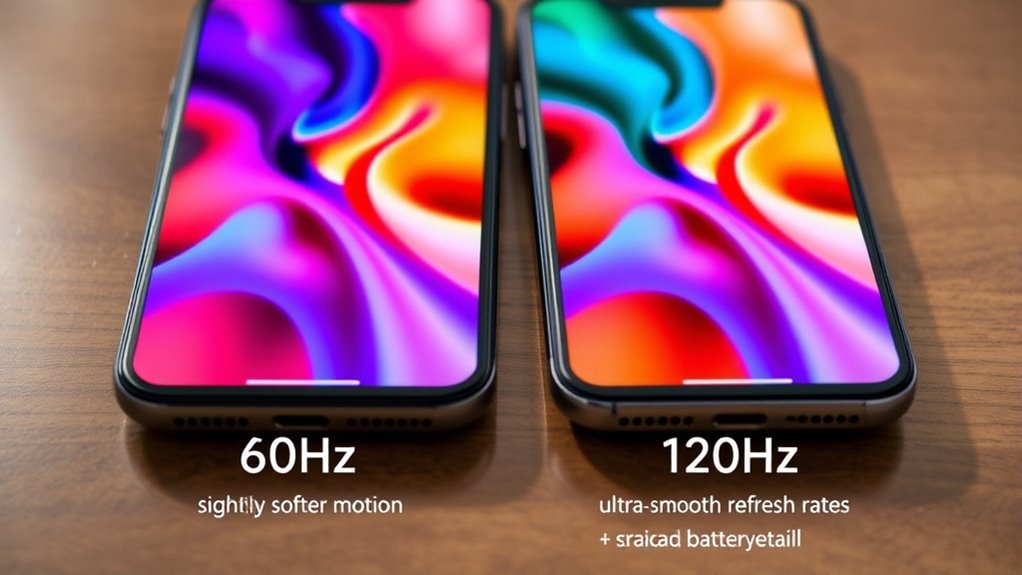
Since 120Hz screens update twice as often as 60Hz displays, they naturally consume more power because your processor and graphics chip work harder to render the extra frames. This increased workload can lead to faster battery drain, especially if you keep the higher refresh rate enabled all the time. To manage this, many devices use adaptive refresh technologies that adjust rates based on content. Additionally, understanding the free floating nature of screen refresh rates can help optimize performance and battery life. Here are three key points to contemplate:
120Hz screens drain battery faster; adaptive refresh tech helps conserve power by adjusting rates based on activity.
- Running at 120Hz continuously can considerably reduce your battery life compared to 60Hz.
- Adaptive refresh rate features help conserve power by lowering the refresh rate when high performance isn’t needed.
- Turning off high refresh rates during static activities, like reading or browsing, can extend your device’s battery life without sacrificing usability.
Hardware Demands and Device Performance

Devices with 120Hz displays demand more from their processors and graphics units to deliver smooth performance. To handle the increased frame rate, your device needs a more powerful CPU and GPU, often clocked at 2.0GHz or higher, ensuring fluid animations and quick response times. The display’s faster refresh rate also requires specialized screen drivers and optimized hardware to manage frequent updates efficiently. In contrast, 60Hz screens exert less load on graphics hardware, conserving battery life and reducing thermal output. Mid-range smartphones with 90Hz strike a balance, requiring moderate processing power. Overall, higher refresh rates push device performance, demanding better hardware components to maintain smooth operation without lag or stutter. This increased demand influences battery consumption and thermal management, making hardware capability essential for optimal experience. Additionally, refresh rate compatibility between hardware and display technology is crucial for achieving the best performance and efficiency.
Ideal Use Cases for Different Refresh Rates

Choosing the right refresh rate depends on how you use your smartphone. If you mainly browse, read, or watch videos, a 60Hz display is sufficient. However, if you enjoy gaming, fast scrolling, or multitasking, a 120Hz refresh rate enhances your experience. Here are ideal use cases:
- Gaming and Fast Action Content: 120Hz provides smoother gameplay and reduces motion blur, giving you a competitive edge.
- Scrolling and Navigation: Faster refresh rates make scrolling through social media or web pages more fluid and responsive.
- Multitasking and Productivity: Higher rates improve menu animations, app switching, and overall device responsiveness.
- Philosophical and Ethical Reflection: Choosing the appropriate refresh rate can also reflect your personal values regarding performance and efficiency, balancing user experience with battery life.
Market Trends and Technological Advancements

Market trends show that high refresh rates are no longer exclusive to gaming phones; they’ve become a standard feature across both premium and mid-range smartphones. Manufacturers are integrating adaptive refresh technologies that automatically adjust between low and high rates, optimizing performance and battery life. Devices now often support refresh rates beyond 120Hz, with some flagship models offering 144Hz or even 165Hz, though the visual gains diminish at higher speeds. This evolution is driven by advancements in display technology, such as OLED panels with faster pixel response times, and improvements in processing power, allowing smoother animations and more responsive interactions. Manufacturers also provide user controls to toggle refresh rates, giving consumers flexibility to prioritize performance or battery efficiency. Overall, these trends reflect a focus on delivering more fluid visual experiences across a broader range of smartphones.
User Experience and Perception Challenges

While higher refresh rates like 120Hz can substantially enhance visual smoothness, they also pose perceptual and experience challenges for users. You might find it hard to switch back to 60Hz after experiencing the smoother motion, making the shift feel jarring. Additionally, some users notice flickering or ghosting effects, especially on certain displays, which can cause eye strain. Higher refresh rates can also create a false sense of visual quality, leading you to believe the display is significantly better even for static content.
Here are some common challenges:
- Difficulty reverting to 60Hz without perceiving a drop in fluidity
- Eye strain or discomfort from flickering or ghosting
- Overestimating benefits for low-motion tasks, leading to unnecessary power drain
- Passive voice detection can help identify and improve clarity in technical explanations.
Choosing the Right Refresh Rate for Your Needs
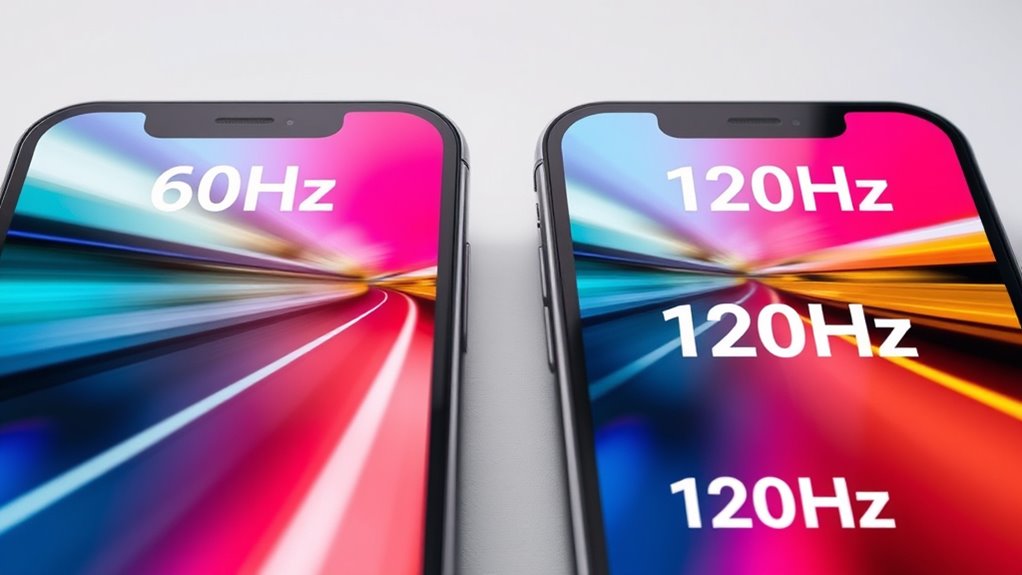
Selecting the right refresh rate depends on how you primarily use your smartphone. If you mainly browse, read, or view static images, sticking with 60Hz is sufficient and conserves battery life. For gamers or users who enjoy fast-paced videos and smooth scrolling, a 120Hz screen offers a noticeable boost in responsiveness and motion clarity. Casual users may not notice much difference between 60Hz and higher rates, so prioritizing battery efficiency makes sense. If you want a versatile device, look for adaptive refresh rate technology that switches between rates based on activity, balancing performance and power. Consider your device’s hardware capabilities and battery capacity to ensure ideal performance. Ultimately, choose a refresh rate aligned with your habits to get the best experience without unnecessary power drain. Additionally, some smartphones incorporate adaptive display technology that dynamically adjusts the refresh rate to optimize both performance and energy efficiency.
Frequently Asked Questions
Can I Change My Smartphone’s Refresh Rate Manually?
Yes, you can manually change your smartphone’s refresh rate. Most devices let you do this through settings, often under display or screen options. You can choose between 60Hz for better battery life and higher rates like 120Hz for smoother visuals. Some phones also have adaptive refresh rate features that automatically adjust based on what you’re doing, balancing performance and power efficiency. Just explore your device’s display settings to customize accordingly.
Does a Higher Refresh Rate Improve Video Playback Quality?
Like stepping into a time machine, a higher refresh rate can make video playback look smoother, especially during fast motion. While it doesn’t improve resolution or compression, it reduces motion blur and judders, making fast scenes appear more fluid. If your device supports 120Hz, you’ll notice crisper, more natural motion in videos, especially in action-packed or fast-paced scenes, enhancing your viewing experience.
Are There Health Concerns With Using 120HZ Screens?
You might wonder if using a 120Hz screen causes health issues. Generally, it doesn’t pose significant risks, but some people could experience eye strain, headaches, or discomfort from prolonged use, especially if they are sensitive to flickering or bright screens. To minimize these effects, take regular breaks, adjust brightness, and use blue light filters. Listening to your body and limiting screen time helps maintain your eye health.
How Does Refresh Rate Affect Gaming Performance?
Imagine you’re in a classic car race—higher refresh rates, like 120Hz, markedly boost your gaming performance. They reduce motion blur and input lag, giving you smoother visuals and quicker reactions. This means your movements feel more responsive, and you can react faster to fast-paced action. With a higher refresh rate, you’ll enjoy more precise controls and less screen tearing, making competitive gaming more immersive and giving you that competitive edge.
Do All Apps Support Higher Refresh Rates Seamlessly?
Not all apps support higher refresh rates seamlessly. You might notice some apps run at a standard 60Hz, especially older or less optimized ones. Developers need to update their apps to fully leverage 120Hz or higher refresh rates, but many popular apps now do. If an app isn’t optimized, you’ll see less smoothness, and the higher refresh rate may not improve your experience. It’s a gradual process as developers upgrade their software.
Conclusion
Choosing between 60Hz and 120Hz is like selecting the pace of your own story. A 60Hz screen offers steady, reliable chapters, while 120Hz adds a vibrant, dynamic twist. Think of it as the heartbeat of your device—matching your rhythm or elevating your experience. By understanding these differences, you craft a digital journey that’s perfectly in tune with your needs, turning every swipe into a seamless dance of innovation and insight.