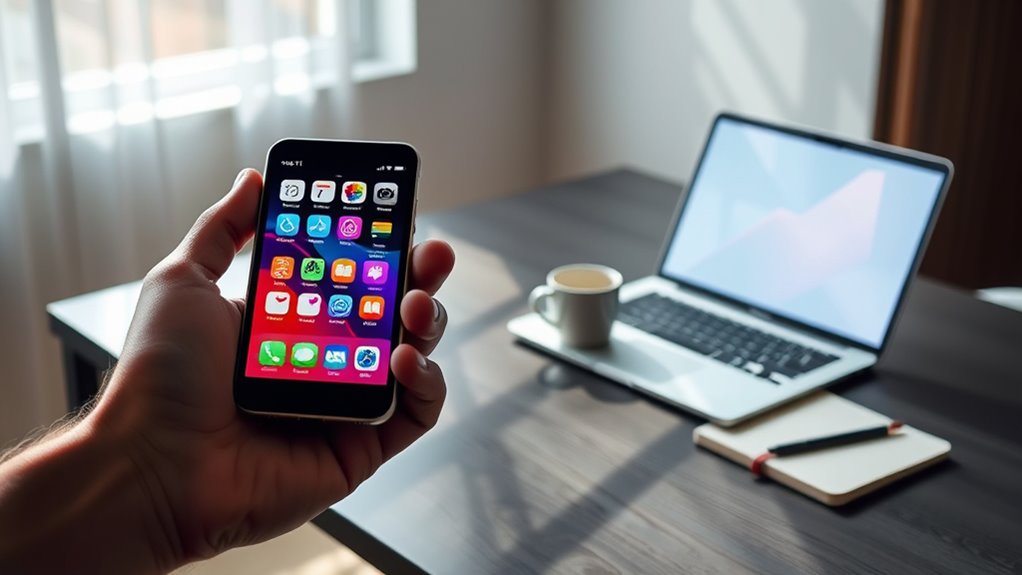

Smartphones are powerful devices that can handle many everyday tasks, but they can’t fully replace laptops. Their small screens, limited multitasking abilities, and ergonomic challenges make complex work or prolonged use difficult. While they excel for quick tasks, professional work and creative projects still require the larger screens, inputs, and hardware of laptops. If you want to explore how these limitations influence their long-term role, there’s more to discover ahead.
Key Takeaways
- Smartphones excel in portability and quick tasks but lack the processing power for demanding professional and creative workflows.
- Limited screen size and input options hinder multitasking, detailed work, and prolonged productivity sessions.
- Many essential software tools and enterprise applications are unavailable or limited on mobile platforms.
- Hardware constraints like thermal management, battery capacity, and compatibility restrict sustained high-performance use.
- Long-term replacement of laptops by smartphones remains unlikely due to fundamental ergonomic, performance, and software limitations.
The Rise of Smartphone Usage and Market Share

The rise of smartphone usage has fundamentally transformed how people access the internet, with mobile devices now accounting for over 64% of all website traffic as of May 2025. This rapid growth reflects how smartphones have become essential tools for daily online activities. In 2011, only 6.1% of web traffic came from mobile devices, showing a dramatic shift over the past decade. Today, nearly all internet users own smartphones, with 94.2% adoption worldwide. Android dominates the market with 73.49% share, fueling the popularity of mobile apps, social media, streaming, and gaming. This trend highlights how smartphones have become central to personal connectivity, entertainment, and even some work tasks, gradually reshaping the landscape of internet access and usage habits globally. Additionally, market share dynamics continue to influence the development and adaptation of online content and services to meet mobile-first consumer preferences.
Key Capabilities of Modern Smartphones
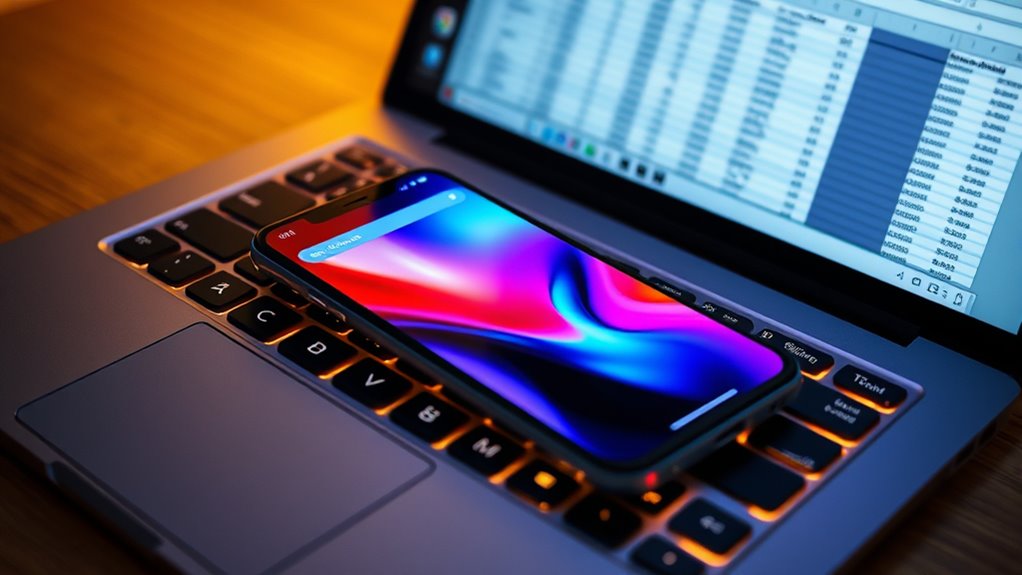
Modern smartphones pack impressive processing power, but they still face limitations compared to laptops, especially for heavy multitasking. Screen size remains a challenge for tasks that require detailed viewing or extensive workspaces. Additionally, input methods like touchscreens and on-screen keyboards can hinder productivity for complex tasks. Upgrades and maintenance in smartphones, such as external keyboards or larger displays, can help mitigate some of these issues.
Processing Power Limitations
Although smartphones have advanced considerably, their processing power still falls short of what’s needed for many demanding tasks. You’ll find four key limitations:
- Limited CPU cores and speed — smartphones typically have fewer cores and lower clock speeds than laptops, affecting multitasking and intensive applications.
- Thermal throttling — compact design leads to overheating during prolonged heavy use, reducing performance.
- Memory constraints — smartphones have less RAM, making complex multitasking or large file handling sluggish.
- Software optimization — many professional programs and specialized software aren’t optimized for mobile processors, restricting functionality.
Furthermore, the absence of enterprise-grade hardware in smartphones limits their ability to handle critical, resource-intensive work environments.
These factors mean smartphones struggle with resource-heavy tasks like video editing, software development, and large-scale data processing, making them less suitable as full replacements for laptops.
Screen Size Constraints
Smartphones, despite their advanced features, face significant limitations due to their small screens, which can hinder productivity and user experience. When you try to work on detailed spreadsheets, write lengthy documents, or view complex visuals, the limited display size makes it difficult to see everything clearly. Multitasking becomes cumbersome because split screens or multiple windows are often impractical. Stepping through many apps or content can require excessive scrolling and zooming, slowing down your workflow. Even for casual browsing, small screens can strain your eyes and reduce immersion. While smartphones excel in portability and quick access, their size constraints restrict the depth and efficiency needed for professional or intensive tasks. These limitations highlight why smartphones can’t fully replace larger, more versatile screens. Incorporating screen size constraints into your understanding of device capabilities helps explain why these limitations persist.
Input Method Challenges
While smartphones have advanced markedly, their input methods still pose notable challenges for users performing complex or lengthy tasks. Typing on small screens can be slow and error-prone, especially for detailed work. The absence of a physical keyboard limits speed and accuracy, making multitasking difficult. Swiping and voice commands help but aren’t always precise or practical for all tasks. Here are some key challenges:
- Limited typing speed and accuracy compared to physical keyboards.
- Difficulty in managing multiple windows or apps simultaneously.
- Lack of tactile feedback, reducing precision for detailed input.
- Challenges in entering long or complex text, like code or reports.
Additionally, Free Floating design elements can sometimes interfere with user interface navigation, further complicating input efficiency.
These limitations hinder smartphones from fully replacing laptops for professional or intricate tasks.
Limitations in Screen Size and Multitasking
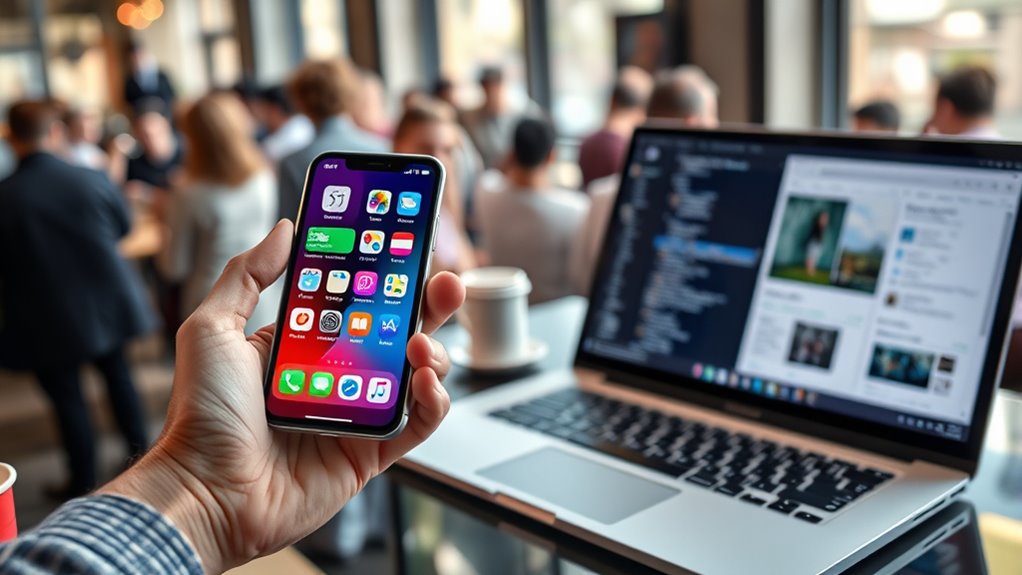
The small screen size of smartphones limits your ability to view multiple windows simultaneously or handle complex tasks that require detailed attention. You can’t comfortably multitask or compare information side-by-side like you would on a laptop or desktop. When working with spreadsheets, editing documents, or designing graphics, screen real estate becomes a major obstacle. The limited display forces you to switch between apps or zoom in and out constantly, disrupting your workflow. This not only reduces efficiency but also increases the chance of mistakes. For tasks that demand precision or prolonged focus, smartphones simply don’t provide the expansive workspace that larger screens offer. Additionally, the science behind display technology plays a role in why larger screens are more effective for detailed work. As a result, the smaller display remains a significant barrier to replacing laptops for professional or detailed activities.
The Role of Input Methods and Ergonomics
Input methods play a crucial role in determining whether smartphones can replace laptops for more demanding tasks. You rely on physical keyboards and precise mouse controls to type quickly, navigate complex software, and multitask efficiently—features smartphones struggle to match. Consider these key points:
- Keyboard and Mouse: Laptops offer tactile, full-sized keyboards and precise trackpads, making long typing sessions and detailed editing comfortable.
- Touchscreen Limitations: Smartphones use small touchscreens that can cause fatigue during extended use and hinder accuracy for detailed work.
- Ergonomics: Laptops are designed for better posture, reducing strain, whereas holding a smartphone for hours can cause discomfort or repetitive strain injuries.
- Multitasking: Multiple windows and split screens are easier with a laptop’s hardware and software, whereas smartphones limit multitasking capabilities for complex workflows.
- Input Method Flexibility: The availability of external peripherals such as keyboards and mice on laptops enhances productivity, an option often limited or less efficient on smartphones.
Software Availability and Compatibility Challenges
Despite advances in mobile hardware, software availability and compatibility remain significant hurdles preventing smartphones from fully replacing laptops. Many professional and specialized programs still lack mobile versions or have limited features on smartphones. This gap hampers tasks like detailed data analysis, software development, or complex editing. To illustrate, consider the following:
| Software Type | Desktop/ Laptop Availability | Mobile Compatibility |
|---|---|---|
| Professional Tools | Widely available | Limited or app-only |
| Creative Software | Full-featured | Basic versions |
| Enterprise Applications | Robust and integrated | Often incompatible |
You might find that essential tools for your work simply aren’t optimized for mobile platforms. Without universal software compatibility, smartphones can’t fully handle the demanding workflows that laptops support. Additionally, software technology affects how well programs can adapt to new hardware capabilities.
Professional and Creative Work: Can Smartphones Keep Up?

You might find smartphones handy for quick tasks, but they often fall short for professional or creative work. Software compatibility issues, small screens, and limited input options make complex tasks harder to perform efficiently. Can smartphones truly keep up with the workflow demands of professional and creative professionals? Additionally, reliable connectivity is essential for seamless collaboration and data transfer, which can be challenging to maintain on a smartphone.
Software Compatibility Limits
While smartphones have made significant advances in hardware and app ecosystems, they still face critical limitations when it comes to software compatibility for professional and creative work. You often find that essential desktop software isn’t available or fully functional on mobile OS. This restricts your ability to perform complex tasks efficiently. Consider these key constraints:
- Many professional programs, like Adobe Creative Suite or CAD tools, lack full mobile versions.
- Advanced editing, data analysis, or coding environments are limited or unavailable.
- File management systems are less robust, complicating workflows with large or multiple files.
- Compatibility issues arise with specialized peripherals or hardware required for certain tasks.
These gaps hinder smartphones’ ability to replace desktops for demanding professional and creative tasks.
Screen and Input Challenges
Smartphones face significant hurdles when it comes to supporting professional and creative work, primarily due to their limited screen size and input methods. Small screens make detailed tasks like editing documents, designing graphics, or reviewing complex data cumbersome. Precise input is a challenge; touchscreens lack the accuracy and speed of a physical keyboard and mouse. This hampers prolonged typing, intricate commands, or multitasking across multiple applications. While foldable or larger-screen smartphones help, they still don’t match the workspace and clarity of a laptop or desktop monitor. Additionally, limited screen real estate forces constant zooming, scrolling, or switching between apps, disrupting workflow. These constraints make smartphones less practical for intensive tasks, especially those requiring precision, multiple windows, or extended focus.
Multitasking and Workflow
Despite advances in mobile technology, smartphones still struggle to match the multitasking capabilities of laptops and desktops, especially for professional and creative work. You often find yourself switching apps or closing tasks to manage limited screen space. Smartphones lack the hardware and software support needed for seamless workflow. To illustrate, consider:
- Limited screen real estate makes multitasking cumbersome.
- App-switching is slower and less intuitive.
- Multitasking features like split-screen are restricted or unavailable.
- Complex workflows requiring multiple tools demand a desktop environment.
These limitations hinder your efficiency, especially when juggling multiple projects or editing large files. While smartphones excel at quick tasks, they often fall short when it comes to sustained productivity and multitasking demands of professional or creative work.
Ecommerce and Transaction Preferences on Mobile Devices
Ecommerce and transaction preferences have shifted considerably toward mobile devices, as more consumers use their smartphones for online shopping. You now find it easier to browse products, compare prices, and complete purchases directly from your phone. Mobile payment options like digital wallets and one-click checkout have simplified transactions, making impulse buying more common. However, many prefer desktops or laptops for larger transactions, citing better security and more detailed interfaces. Despite this, the convenience of mobile shopping continues to grow, especially through apps optimized for quick, seamless experiences. Your mobile device’s portability allows you to shop anytime and anywhere, reinforcing its role in daily transactions. Still, certain complex or high-value purchases may still lead you to switch to a computer for added comfort and security. Additionally, secure browsing practices are essential for protecting your personal information during mobile transactions.
The Future of Device Integration and Hybrid Usage

As device ecosystems become more integrated, users increasingly rely on hybrid usage patterns that seamlessly combine smartphones, tablets, laptops, and desktops. This integration enhances productivity, entertainment, and communication by allowing smooth progression between devices. You’ll find that:
- Cloud services enable effortless file sharing and synchronization across devices.
- Continuity features let you start a task on one device and finish it on another without interruption.
- Universal apps and peripherals improve compatibility, reducing the need to switch hardware.
- Remote desktop and screen-sharing tools bridge gaps between mobile and traditional computers, fostering flexible workflows.
- Innovations in smart home technology further support device integration, allowing for more connected and automated environments that complement hybrid device usage.
These advancements create a cohesive experience, making it easier to adapt to different environments and needs. As device integration deepens, hybrid usage will become the norm, blurring the lines between dedicated device categories.
Regional Variations in Device Dependence

Regional differences markedly shape how people depend on various devices for internet access. In Europe, for example, about 75.5% of users rely on computers, reflecting widespread access and infrastructure. Conversely, in parts of Africa and Asia, fewer than half of internet users utilize desktops or laptops, making mobile devices their primary means of connectivity. Developing regions often prioritize affordability and portability, leading to higher smartphone dependence. Meanwhile, developed areas maintain strong professional and personal ties to computers, especially for work tasks requiring multitasking or complex software. These regional patterns influence device adoption and usage, shaping how individuals access online services and content. As a result, your reliance on smartphones versus computers varies notably depending on where you live, impacting the feasibility of replacing laptops with mobile devices. Device dependence varies significantly across regions, influencing how effectively smartphones can substitute for laptops in different contexts.
Assessing the Long-Term Possibilities and Boundaries

You might wonder if smartphones can truly replace laptops in the long run, but performance and power limits remain significant hurdles. Software compatibility and ergonomic issues also restrict their ability to handle complex tasks comfortably. As technology advances, these boundaries will shape how far mobile devices can go in replacing traditional computers. Additionally, power management remains a critical factor influencing the practicality of extended mobile use for intensive work.
Performance and Power Limits
The long-term potential of smartphones to replace laptops is limited by fundamental performance and power boundaries. Smartphones can’t match laptops in processing speed, sustained multitasking, or hardware flexibility. Battery life remains a challenge, especially during intensive tasks. As technology advances, these limits may improve, but significant gaps persist.
Consider these points:
- Processing Power: Laptops have multi-core CPUs and dedicated GPUs that smartphones can’t replicate for demanding tasks.
- Thermal Management: Phones cannot dissipate heat as effectively, restricting sustained high-performance use.
- Battery Capacity: Compact design limits battery size, making long, high-power activities difficult.
- Hardware Expansion: Laptops support peripherals and upgrades, which smartphones cannot easily accommodate.
These constraints shape the long-term feasibility of smartphones fully replacing laptops.
Software and Compatibility Gaps
Despite advances in hardware, software compatibility remains a significant barrier to smartphones fully replacing laptops. Many professional tools, specialized applications, and complex workflows are optimized for desktop environments. Mobile operating systems like Android and iOS often lack support for legacy software or advanced features needed for tasks like programming, data analysis, or graphic design. This creates a gap where smartphones can’t handle certain work requirements efficiently. Additionally, software frameworks are often designed with desktop systems in mind, further limiting mobile capabilities.
| Software Type | Compatibility Challenge |
|---|---|
| Professional Apps | Limited or no support on mobile platforms |
| Development Tools | Often exclusive to desktop OSes |
| Creative Software | Requires high processing power and screen size |
| Enterprise Systems | Compatibility issues with legacy infrastructure |
This gap limits your ability to perform professional-grade work solely on a smartphone.
Ergonomics and User Experience
As mobile devices become more powerful and versatile, their ergonomics and user experience are central to evaluating whether they can fully replace traditional laptops. You’ll notice that smartphones excel in portability but fall short in comfort and efficiency during extended use. Consider these key points:
- Screen Size: Small screens strain your eyes and limit multitasking, making long work sessions uncomfortable.
- Input Methods: Touchscreens and virtual keyboards hinder fast, accurate typing compared to physical keyboards.
- Posture and Comfort: Holding a phone for hours causes fatigue, while laptops provide better ergonomic support with adjustable stands and keyboards.
- Software Experience: Complex software and multitasking are less intuitive on smaller screens and limited app ecosystems.
- Heritage and Design: The ergonomics of device design influence long-term comfort and usability, with laptops generally offering superior support for extended tasks.
These boundaries highlight that, despite improvements, smartphones aren’t yet capable of matching the ergonomic and user experience standards of laptops for long-term, intensive tasks.
Frequently Asked Questions
How Do Smartphone Battery Life Limitations Affect Long-Term Productivity?
Your smartphone’s limited battery life can considerably impact your long-term productivity. When the battery drains quickly, you’re forced to find charging spots or pause your work, which interrupts your flow. This interruption can cause delays, reduce efficiency, and frustrate your tasks. To stay productive, you need to carry portable chargers or plan your work around available power sources, ensuring your device keeps up with your demanding schedule.
Can External Peripherals Compensate for Smartphone Input and Display Constraints?
Think of external peripherals as trusty sidekicks that can enhance your smartphone’s abilities. Keyboard, mouse, and larger displays act like a knight’s sword, shield, and steed—helping you conquer tasks that are tough on a phone. While they improve input and viewing, they can’t fully turn your smartphone into a laptop. Limitations like portability and seamless integration still challenge these peripherals from offering a complete replacement.
What Security Risks Are Associated With Mobile-Only Workflows?
You face significant security risks with mobile-only workflows, like increased exposure to malware, phishing, and data theft. Mobile devices often lack robust security features found on laptops, making them easier targets. Public Wi-Fi networks and unsecured apps heighten these dangers. You must use strong passwords, enable two-factor authentication, and keep your software updated to protect sensitive information and mitigate potential cyber threats.
Are There Upcoming Innovations That Could Bridge Current Smartphone Gaps?
You might be surprised, but upcoming innovations aim to bridge smartphone gaps. Foldable screens and enhanced multitasking will make your device more like a mini-laptop, while powerful processors and better peripherals will boost productivity. Yet, despite these advancements, you’ll still struggle with the physical constraints of small screens and input methods. So, don’t hold your breath—these innovations will help, but probably won’t fully replace your trusty laptop anytime soon.
How Do Regional Infrastructure Differences Impact Mobile Device Reliance?
Regional infrastructure differences greatly influence your reliance on mobile devices. In developed areas with strong internet connections, you can comfortably use smartphones for most activities. However, in regions with limited connectivity or slower networks, you’ll depend more on laptops or desktops for reliable access. These disparities shape how and where you access online content, making infrastructure a key factor in determining whether mobile devices meet your needs or if you need traditional computers.
Conclusion
While smartphones are steadily transforming how you connect and work, they’re like a mighty river—powerful but limited in width. You can paddle downstream with ease, but crossing mountains of tasks and screens still demands a laptop’s sturdiness. For now, smartphones serve as versatile companions, but the full landscape of productivity remains a terrain where laptops still hold ground. Embrace the journey, knowing each device shapes your tech horizon differently.