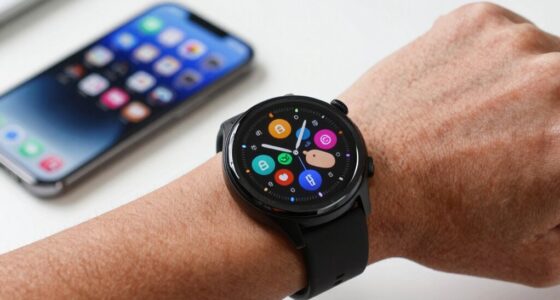
When taking into account cellular on your smartwatch, evaluate how often you’ll need to stay connected on the go for calls, texts, or apps, and weigh this against battery life, which drains faster with constant data use. Be mindful of security risks and encrypt sensitive info, turning off cellular when not needed. Balance convenience with security by using Bluetooth or Wi-Fi mostly, and enable cellular only for essential moments. To optimize your experience and stay safe, there’s more to think about.

Get the latest gadgets delivered free with Prime
- Fast, free delivery on millions of items
- Prime Video, Amazon Music and more included
- Member-only deals all year
Key Takeaways
- Assess the necessity of cellular for your lifestyle, emergencies, or work needs.
- Balance convenience with potential battery drain from constant data use.
- Prioritize security by enabling cellular only when required and using strong authentication.
- Consider connectivity options (Wi-Fi, Bluetooth) to reduce reliance on cellular and conserve battery.
- Stay aware of security risks and update device software regularly to protect sensitive information.
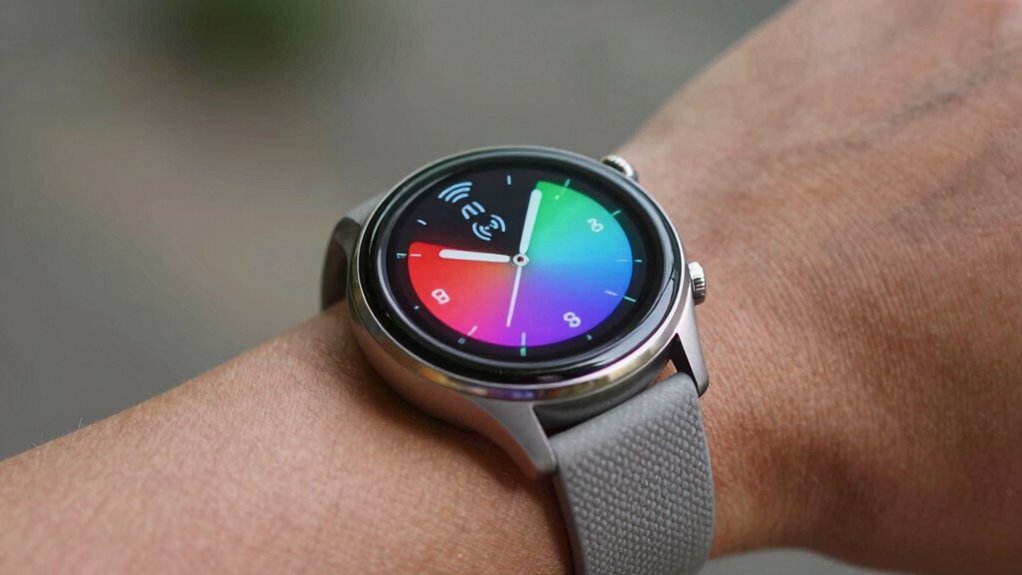
If you’re considering a smartwatch with cellular capabilities, it’s important to understand how this feature can change your experience. Having cellular on your smartwatch means you can stay connected without needing your phone nearby. You can make calls, send texts, stream music, and access apps directly from your wrist, which adds a new level of convenience and independence. However, this convenience comes with some trade-offs, especially when it comes to battery life and data security.
Cellular smartwatches offer independence but require balancing battery life and data security considerations.
First, you should know that enabling cellular connectivity typically drains your smartwatch’s battery faster. When your device constantly communicates with cell towers, it consumes more power than when it’s connected solely via Bluetooth or Wi-Fi. If you tend to use your watch throughout the day, you might find yourself charging it more frequently. This is especially true if you use data-intensive features like streaming music or GPS navigation. To mitigate this, consider adjusting your usage habits or turning off cellular when you don’t need it, such as during workouts or at night.
Data security is another vital aspect to think about. With cellular capability, your smartwatch transmits your data over cellular networks, which are more vulnerable to security breaches than your personal Wi-Fi or Bluetooth connections. While most smartwatches employ encryption and other security measures, you should remain cautious about sensitive information. Avoid sending confidential data or logging into unsecured networks through your watch, especially if you’re in a public or untrusted environment. Additionally, keep your device’s software up to date, as manufacturers regularly release security patches to address vulnerabilities. Using strong authentication methods, like passcodes or biometric locks, also helps protect your information in case your device is lost or stolen. Recognizing the importance of device security can help you maintain your privacy and safeguard your data. Incorporating security protocols such as VPNs or multi-factor authentication can further enhance your protection when using cellular networks on your smartwatch. Moreover, understanding connectivity options such as Bluetooth, Wi-Fi, and cellular can help you make more informed decisions about when to enable each feature for optimal security and battery life. Knowing the network coverage in your area can also influence how often you rely on cellular connections, especially in remote or rural locations. Additionally, being aware of emergency features available on your smartwatch can be crucial in situations where cellular connectivity is limited or unavailable, ensuring you can still access vital functions when needed.
You also need to weigh the value of having cellular versus the potential risks. If staying connected on the go is essential for you—say, for work or emergencies—the benefits might outweigh the downsides. But if you’re mostly casual about connectivity and prefer longer battery life, you might opt to use your smartwatch mainly connected through Bluetooth or Wi-Fi, turning on cellular only when necessary.
Ultimately, thinking about cellular on your smartwatch involves balancing convenience with practical concerns about battery life and data security. It’s about understanding how often you’ll rely on the cellular connection, how much you’re willing to compromise on battery longevity, and how vigilant you’ll be about keeping your data safe. Making informed choices allows you to maximize your smartwatch’s potential without exposing yourself to unnecessary risks or inconvenience.
smartwatch with cellular connectivity
As an affiliate, we earn on qualifying purchases.
As an affiliate, we earn on qualifying purchases.
Frequently Asked Questions
Can I Use Cellular on Multiple Smartwatches With One Plan?
Yes, you can use cellular on multiple smartwatches with one plan, but it depends on your carrier and the shared plan options they offer. Some carriers allow multiple devices under a single plan, making it more affordable and convenient. Check with your provider to see if they support multiple devices on one plan and if there are additional costs. This way, you can stay connected across all your smartwatches seamlessly.
How Does Cellular Affect My Smartwatch’s Battery Life?
Cellular capabilities can gently nudge your smartwatch’s battery life downward, as they increase power consumption. To keep your device running smoothly, focus on battery optimization by turning off cellular when not needed. This way, you preserve essential power, ensuring your watch stays ready without sacrificing features. With mindful management, you can enjoy the benefits of cellular connectivity while minimizing its impact on your smartwatch’s overall battery life.
Is Cellular Connectivity Necessary for Fitness Tracking?
Cellular connectivity isn’t necessary for fitness tracking, as most smartwatches can sync with fitness apps via Bluetooth or Wi-Fi. However, having cellular can enhance your experience by allowing real-time updates and GPS tracking without your phone. Just keep in mind, using cellular may impact data privacy, so review your watch’s security settings. If privacy and battery life matter most, you might prefer sticking to Bluetooth and Wi-Fi connections for fitness tracking.
What Are the Costs Associated With Adding Cellular to My Smartwatch?
Adding cellular to your smartwatch involves costs like data plans, which vary depending on your carrier and usage. You’ll also need to factor in network compatibility, ensuring your device works with your carrier’s network. Some carriers charge monthly fees, while others may include it in your existing plan. Keep in mind, the initial purchase price of the smartwatch might be higher, and additional fees could apply for activation and service.
Can I Switch Between Cellular and Wi-Fi Connections Seamlessly?
You can switch between cellular and Wi-Fi almost instantly, like flipping a switch at lightning speed! Your smartwatch intelligently detects the best connection, ensuring seamless handoffs. Just remember, while switching, your network security and data privacy stay protected if you keep your software updated and use strong passwords. This way, you enjoy uninterrupted connectivity without sacrificing safety, making your smartwatch your ultimate, secure companion.
best smartwatch for fitness and calls
As an affiliate, we earn on qualifying purchases.
As an affiliate, we earn on qualifying purchases.
Conclusion
Now that you’ve got the scoop on cellular smartwatches, imagine never missing a call, an emergency, or even a text again—no matter where you are! It’s like having a tiny, unstoppable communication powerhouse strapped to your wrist, ready to connect you to the world at a moment’s notice. So go ahead, embrace cellular technology, and make your smartwatch the ultimate freedom machine. The future’s calling—you don’t want to miss it!
smartwatch with long battery life
As an affiliate, we earn on qualifying purchases.
As an affiliate, we earn on qualifying purchases.
As an affiliate, we earn on qualifying purchases.
Fall Picks
fall essentials
As an affiliate, we earn on qualifying purchases.