To take stunning 360° photos with your smartphone, open your camera app and select the dedicated 360° or panorama mode. Find a stable spot with a wide view, then hold your phone steady while slowly rotating in one smooth direction, following any on-screen guides. The camera stitches overlapping images automatically, creating a seamless panoramic photo. Paying attention to your movement and alignment helps improve the final shot. Keep exploring for more tips to master your 360° captures.
Key Takeaways
- Use a dedicated 360° mode or panorama feature in your camera app for seamless capture.
- Rotate your phone slowly and steadily in a single direction to ensure smooth stitching.
- Keep the camera level and follow on-screen guides to prevent distortions or stitching errors.
- After capturing, review and crop or edit the image to enhance composition and correct any issues.
- Save in a compatible format and upload to platforms supporting 360° content for immersive sharing.
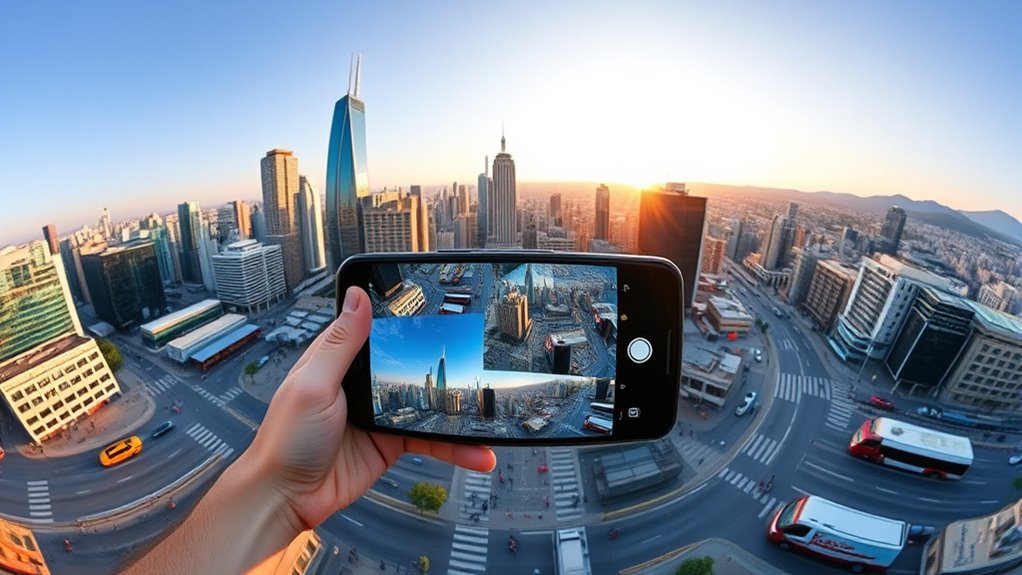
Capturing stunning 360° photos with your smartphone is easier than you might think. With just a little practice and the right technique, you can create immersive images that showcase the entire scene around you. The key lies in understanding how to leverage your phone’s camera app features, especially those designed for panoramic stitching. Most smartphones today come equipped with built-in panorama modes or specialized 360° photo options, making the process straightforward.
Start by opening your camera app and exploring the available modes. If your phone has a dedicated 360° photo feature, select it. Otherwise, use the panorama mode, which is commonly found in most camera apps. Once you’ve chosen the right mode, find a stable spot with a good view of your surroundings. Hold your phone steady and follow the on-screen prompts. Typically, you’ll need to slowly rotate your phone in a single direction, maintaining a consistent speed and keeping the camera level. This guarantees seamless panoramic stitching and avoids misalignments that can ruin the final image.
Open your camera, select panorama mode, hold steady, and rotate slowly for seamless 360° photos.
As you move, pay attention to your camera app’s instructions. Many apps provide visual guides, such as a line or arrow, to help you stay on track. Keep your movements smooth, avoiding sudden jerks or quick turns, which can cause stitching errors. The camera’s software will capture multiple overlapping images and automatically combine them through panoramic stitching algorithms, creating a wide, continuous view. The better you follow the prompts and keep your phone steady, the more seamless and striking the resulting 360° photo will be.
Once you finish the rotation, the app will process the images and generate your panoramic shot. Sometimes, you might need to crop or adjust the image slightly to improve composition or remove any distortions. Many camera apps include editing tools that help with this, allowing you to straighten horizons or enhance colors. When you’re satisfied, save your photo. If your device supports sharing in 360°, your image can be uploaded to platforms that support immersive viewing, giving viewers a true sense of being there. Additionally, understanding the technology behind 360° photography can help you optimize your shots and achieve better results.
In essence, mastering panoramic stitching and understanding your camera app features liberates the full potential of your smartphone for 360° photography. It’s a simple yet powerful way to capture the world around you, turning everyday moments into captivating, immersive experiences. With patience and practice, you’ll soon be taking impressive 360° photos that wow friends and followers alike.
Frequently Asked Questions
Can I Edit 360° Photos After Capturing Them?
Yes, you can definitely edit 360° photos after capturing them. You just need photo editing software that supports panoramic or 360° images, allowing you to enhance the image and perform image enhancement. You can adjust brightness, contrast, colors, or even crop and straighten specific areas. Many apps and desktop programs are designed for this, making it easy to improve your 360° photos and achieve the desired visual effect.
Which Smartphones Are Best for 360° Photography?
Think of your smartphone as a magic lens, turning everyday moments into panoramic wonders. The best phones for 360° photography are those with stellar camera compatibility and minimal app requirements, like the iPhone 13 or Samsung Galaxy S23. These devices seamlessly integrate with dedicated apps, making capturing immersive shots a breeze. Choose one with a wide-angle lens and powerful processing to release your creative universe effortlessly.
Do I Need Special Accessories for 360° Photos?
You don’t always need special accessories for 360° photos, but they can enhance your experience. Check your smartphone compatibility first; some models work better with specific accessories. If you want smoother stitching or a wider view, consider a compatible 360° camera or a tripod. Make sure any accessory you choose is compatible with your phone to avoid issues and get the best results for your 360° photography.
How Do I Share 360° Photos on Social Media?
You can share your 360° photos on social media platforms by uploading them directly, ensuring you use the right sharing settings. Most platforms like Facebook and Instagram support 360° photos, so you just need to select the photo, adjust the privacy or sharing options if needed, and upload. Make sure your photo is compatible and properly formatted to preserve the immersive experience, so viewers can explore your 360° shot seamlessly.
What Are Common Issues When Taking 360° Photos?
Sometimes, your shots might not turn out as crisp as you’d like, hinting at resolution issues or stitching errors. These common issues can make your 360° photos look less seamless or detailed, especially if lighting isn’t ideal or movement occurs during capture. To improve, guarantee steady hands, good lighting, and update your app. Being patient with the process helps you avoid these pitfalls and captures stunning, immersive images.
Conclusion
Now that you know how to take 360° photos with your smartphone, you can effortlessly capture immersive scenes wherever you go. Did you know that 360° photos are shared 30% more often on social media, boosting engagement? So, don’t hesitate to experiment and share your stunning panoramic shots. With a little practice, you’ll create mesmerizing images that truly stand out and bring your moments to life for everyone to enjoy.