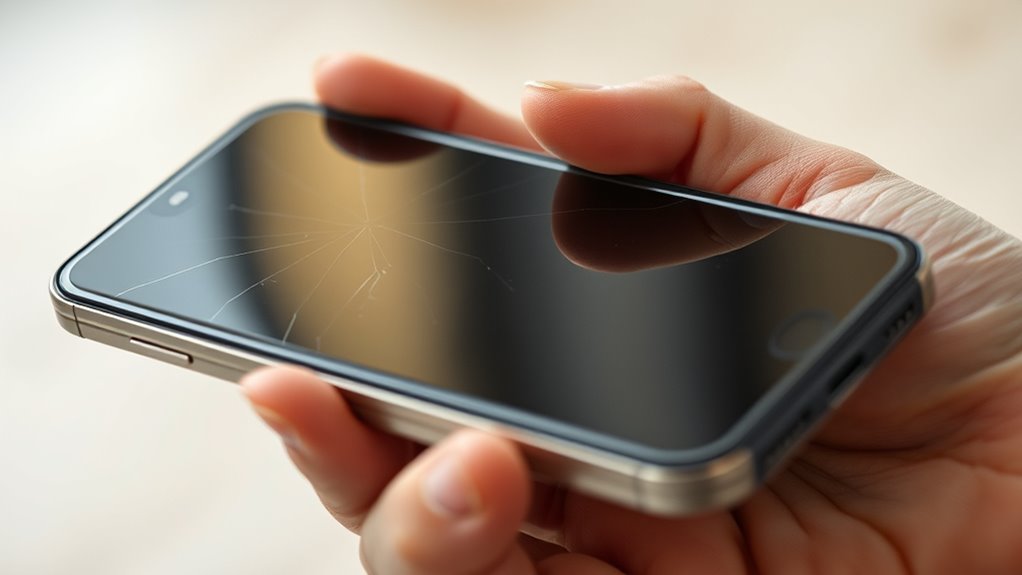

If you notice your phone’s battery is swollen, power it off immediately and avoid pressing or puncturing it. If the battery is removable, carefully take it out using gloves or tools, but if not, seek professional help to handle the situation safely. Don’t throw the battery in regular trash—use designated recycling sites or contact your local waste center. Taking quick action can prevent hazards; learn more about safe disposal and handling steps here.
Key Takeaways
- Power down the device immediately and avoid applying pressure to the swollen battery.
- Carefully remove the battery if it is removable, following proper safety procedures.
- Do not puncture, press, or attempt to disassemble the swollen battery.
- Dispose of the damaged battery at designated recycling centers or authorized disposal locations.
- Seek professional assistance from authorized service centers for safe handling and replacement.

A swollen phone battery can be a frustrating and potentially dangerous problem, and it’s vital to address it promptly. When your phone’s battery begins to bulge, it’s a clear sign that something is wrong internally. The swelling occurs because of gas buildup inside the battery, which can be caused by overcharging, manufacturing defects, or aging. Ignoring this issue can lead to leaks, fire hazards, or even explosions. Prioritizing battery safety is essential to prevent harm to yourself and damage to your device.
The first step is to power down your phone immediately and avoid using it further. Do not try to puncture or press on the swollen battery, as this could cause it to rupture or catch fire. Handling a swollen battery improperly can be dangerous, so it’s best to proceed with caution. Once the device is turned off, carefully remove the battery if your phone design allows for easy removal. If your phone’s battery isn’t removable, you should avoid attempting to open the device yourself, as this could void warranties or cause additional damage. In such cases, it’s safest to seek professional help or visit an authorized service center.
When it comes to disposal procedures, never throw a swollen or damaged battery in your regular trash. Lithium-ion batteries contain hazardous chemicals and require special handling to prevent environmental contamination or fire hazards. Contact your local waste management or recycling center to find out about proper disposal options for batteries. Many regions have designated drop-off locations for electronic waste, including batteries. Alternatively, some electronics stores or repair shops offer battery recycling programs. Before disposing of the battery, ensure it’s stored in a non-conductive container, like a plastic bag or a fireproof container, to prevent accidental short circuits or fires during transit. Additionally, understanding the role of contrast ratio in projectors can help you choose a display that minimizes the need for perfect lighting conditions, which is especially important during cleanup and disposal processes involving electronic waste.
It’s vital to follow safety protocols throughout this process. Avoid exposing the battery to heat, puncturing it, or trying to discharge it yourself. If you’re unsure about how to handle or dispose of the swollen battery safely, don’t hesitate to contact professionals. They have the training and equipment to manage battery safety and disposal procedures properly. Remember, taking quick action not only protects your health but also ensures environmental safety. Managing a swollen phone battery responsibly is key to preventing accidents and ensuring your device’s safe disposal. Prioritize safety at every step, and don’t delay in addressing this urgent issue.
Frequently Asked Questions
Can a Swollen Battery Cause Your Phone to Overheat?
Yes, a swollen battery can cause your phone to overheat. When the battery leaks chemicals, it creates chemical hazards and disrupts proper heat dissipation. The swelling indicates internal damage, which can generate excessive heat during use. This overheating can lead to further damage or safety risks. Always handle a swollen battery carefully, avoid charging or using the device, and replace the battery promptly to prevent hazards.
How Long Does It Take for a Swollen Battery to Fully Deflate?
Like waiting for a dial-up connection in the ’90s, your swollen battery takes time to deflate. Typically, it can take anywhere from a few days to a week, depending on the swelling severity and temperature. During this swelling timeline, the battery gradually deflates as gases escape. To stay safe, you should remove the battery and avoid charging or using the device until it’s fully deflated and inspected by a professional.
Is It Safe to Carry a Swollen Battery in Your Pocket?
Carrying a swollen battery in your pocket isn’t safe because it risks puncturing or damaging the battery, which can cause leaks or fires. Instead, prioritize battery disposal by taking it to a proper recycling center. For pocket safety, keep the swollen battery separate from your belongings and handle it carefully. Never attempt to puncture or compress it, and always follow local regulations for battery disposal to prevent accidents.
Will a Swollen Battery Damage My Phone Permanently?
A swollen battery can be a ticking time bomb, risking permanent damage to your phone. If you ignore it, you might face costly battery repairs or even complete device failure. The swelling indicates internal damage, which could lead to leaks or explosions. To prevent potential damages, remove the battery safely and seek professional help promptly. Don’t let a swollen battery silently ruin your device’s future—act now before it’s too late.
Can I Use My Phone After Replacing a Swollen Battery?
You can use your phone after replacing a swollen battery, but be cautious. Properly installed, it won’t harm your device or juice preservation. Just verify the replacement is genuine and installed correctly to avoid warranty concerns. Avoid overcharging and monitor battery health. If you notice issues, stop using it and seek professional help. This way, you keep your phone safe, extend battery life, and protect your warranty.
Conclusion
If your phone battery is swollen, don’t ignore it—safety comes first. Handle it carefully, avoid puncturing, and get it to a professional or proper recycling center promptly. Did you know that over 60% of lithium-ion battery fires are caused by swelling and overheating? Taking swift action can prevent serious accidents and protect you and your device. Remember, a swollen battery isn’t just an inconvenience—it’s a safety hazard. Stay cautious and prioritize safety every time.