
To keep your phone safer in public places, connect only to secure Wi-Fi networks with strong encryption and use a VPN to protect your data. Keep your device within sight, avoid leaving it unattended, and use secure pockets or bags. Enable strong security features like passcodes or biometrics, and stay updated on software. Be cautious on open networks and log out of apps after use. Staying vigilant helps you stay ahead of potential threats—learn more to sharpen your security habits.

Get the latest gadgets delivered free — and shop member deals
- Fast, free delivery on millions of items
- Access to Prime Big Deal Days deals on October 6–7
- Prime Video, Amazon Music and more included
Key Takeaways
- Use secure Wi-Fi networks and a VPN to protect your internet traffic from eavesdropping.
- Keep your phone within sight and avoid unattended devices in public spaces.
- Enable strong passcodes, biometric locks, and update security settings regularly.
- Be cautious when accessing sensitive accounts over public Wi-Fi or unsecured networks.
- Stay alert for suspicious activity and practice proactive security habits.
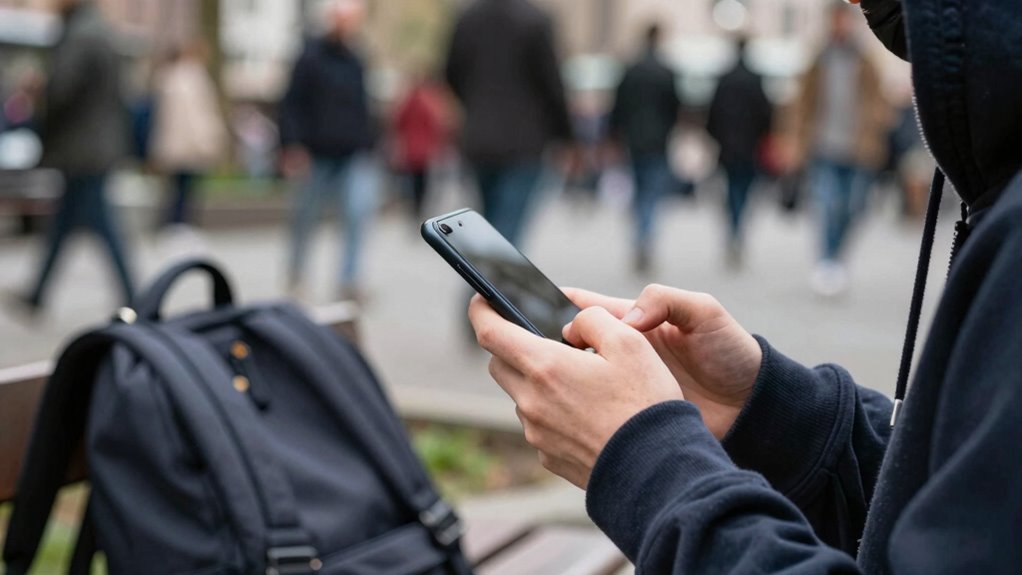
Have you ever worried about your phone getting stolen or compromised in a busy public place? It’s a common concern, especially with so many potential threats lurking around. To keep your device safe, you need to focus on two critical areas: ensuring secure Wi-Fi connections and maintaining physical security. Both play a huge role in preventing theft and safeguarding your personal information.
When you’re connecting to Wi-Fi in public spaces—cafes, airports, or hotels—make sure you’re using a secure Wi-Fi network. Avoid free or open networks that don’t require a password, because these are easy targets for hackers who want to intercept your data. Instead, look for networks with strong encryption, like WPA2 or WPA3, and whenever possible, use a virtual private network (VPN). A VPN encrypts your internet traffic, making it much harder for anyone to eavesdrop on your activity or steal sensitive details like passwords and banking information. Being cautious about the networks you connect to is one of the simplest ways to protect your privacy and reduce the risk of cyber threats. Additionally, understanding the importance of encryption standards can further enhance your online security.
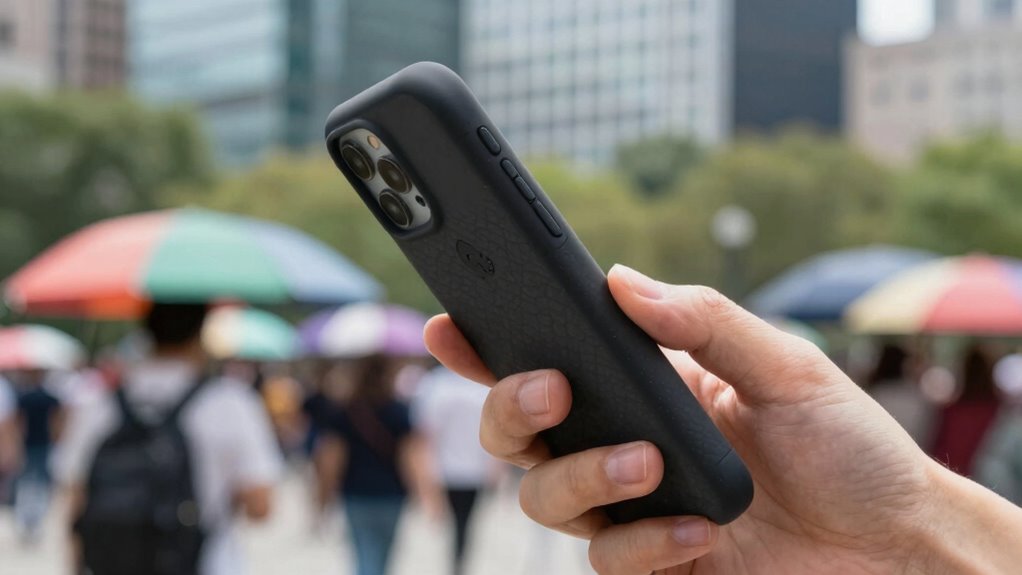
Physical security is equally vital. Keep your phone within sight at all times, especially in crowded areas where pickpocketing is more common. Don’t leave it unattended on tables or counters, even briefly. Using a secure pocket or a bag with a zipper can prevent opportunistic theft. If you’re sitting down, hold onto your device or keep it in your hand when not in use. Consider investing in a theft-proof phone case or a lanyard that attaches to your clothing—these accessories make it more difficult for someone to snatch your device quickly. Also, enable security features like a strong passcode, fingerprint, or facial recognition. These measures act as a barrier if your phone gets lost or stolen, ensuring that your personal data stays protected. Being aware of the cybersecurity landscape can help you stay informed about emerging threats and best practices for safeguarding your device. Regular updates and security awareness are key to staying one step ahead of potential threats.
In addition to physical security and secure Wi-Fi, be mindful of your digital habits. Avoid accessing sensitive accounts over public networks, and log out of apps or websites when you’re done. Regularly update your phone’s software to patch vulnerabilities that hackers might exploit. Being aware of the latest security threats can help you recognize and respond to new risks effectively. And, perhaps most importantly, stay alert—cybercriminals and thieves often target distracted or unaware individuals. By combining secure Wi-Fi practices with vigilant physical security, you significantly lower your chances of falling victim to theft or cyberattacks. Protecting your phone is about being proactive, aware, and prepared so you can enjoy your time in public spaces without worry. Staying informed about home design and architecture details can also help you create safer, more secure environments at home and in public settings.
secure phone case with RFID blocking
As an affiliate, we earn on qualifying purchases.
As an affiliate, we earn on qualifying purchases.
Frequently Asked Questions
Can Using a Screen Lock Prevent Theft in Crowded Areas?
Using a screen lock can help prevent theft in crowded areas by adding a layer of theft prevention. When your phone locks automatically, it makes it harder for someone to access your personal information if it’s stolen or lost. This simple step discourages thieves and gives you control over who can release your device, reducing the chances of unauthorized use or theft in busy public spaces.
Are Public Wi-Fi Networks Safe for Accessing Personal Information?
Public Wi-Fi networks pose significant risks to your personal data protection. They are often unsecured, making it easy for hackers to intercept sensitive information like passwords or banking details. To stay safe, avoid accessing private accounts or conducting transactions on public Wi-Fi. Instead, use a virtual private network (VPN) to encrypt your connection, or wait until you’re on a secure, private network to handle sensitive tasks.
How Can I Recover My Phone if It’s Lost in Public?
Imagine your phone as a lost ship drifting in a sea of strangers. To recover it, activate phone tracking through your device’s Find My Phone feature, like sending a beacon for rescue. Use lost phone recovery tools to pinpoint its location, then contact authorities if needed. Stay calm, follow these steps, and soon your digital ship will sail back into your hands, safe and sound.
Is It Better to Disable Bluetooth and NFC in Public?
Yes, it’s better to disable Bluetooth and NFC in public for enhanced Bluetooth security and NFC privacy. When you turn these features off, you prevent potential hackers from detecting or exploiting your device via Bluetooth or NFC signals. This simple step reduces the risk of unauthorized access, data theft, or malware. Always disable Bluetooth and NFC when not in use, especially in crowded or unfamiliar public places, to keep your phone safer.
What Are the Signs of Phone Malware Infection in Public?
If you notice suspicious activity or your phone’s performance suddenly slows, it could be a sign of malware infection. Check your app permissions—if apps request access to unnecessary features, that’s a red flag. Unfamiliar apps or pop-ups are also warning signs. Regularly monitor your device, keep software updated, and run security scans to catch malware early. Staying vigilant helps protect your personal information in public.
As an affiliate, we earn on qualifying purchases.
Conclusion
By staying aware of your surroundings and taking simple precautions, you can considerably reduce the risk of losing or compromising your phone in public places. Remember to keep your device close, use secure passwords, and avoid risky situations. Isn’t your peace of mind worth a little extra effort? Protecting your phone isn’t just about avoiding inconvenience — it’s about safeguarding your personal information and peace of mind wherever you go.
biometric fingerprint phone lock
As an affiliate, we earn on qualifying purchases.
As an affiliate, we earn on qualifying purchases.
As an affiliate, we earn on qualifying purchases.
Fall Picks
fall essentials
As an affiliate, we earn on qualifying purchases.