
To securely erase your phone before selling it, start by enabling encryption to protect your data. Then, perform a factory reset to wipe all personal information, apps, and settings. Afterward, verify that all data is gone by restarting the device and checking for any remains. Sign out of accounts like Apple ID or Google. For extra security, consider using specialized software to overwrite any residual data. To learn more about thoroughly safeguarding your device, continue exploring expert tips.

Get the latest gadgets delivered free — and shop member deals
- Fast, free delivery on millions of items
- Access to Prime Big Deal Days deals on October 6–7
- Prime Video, Amazon Music and more included
Key Takeaways
- Enable device encryption before performing a factory reset for maximum security.
- Sign out of all accounts, such as Apple ID or Google, to prevent account linking.
- Perform a complete factory reset to erase personal data and restore default settings.
- Verify data removal by restarting the device and checking for personal information.
- Consider using specialized data-wiping software for added security if necessary.
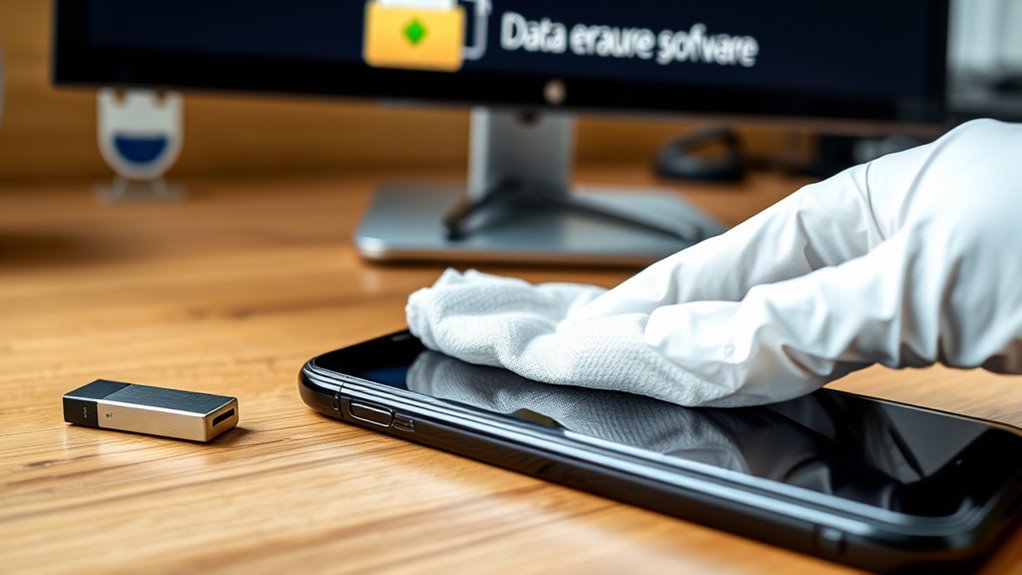
When you’re ready to sell, donate, or recycle your phone, it’s crucial to erase your data securely to protect your privacy. The first critical step is performing a factory reset. This process restores your device to its original settings, fundamentally wiping out all personal data, apps, and configurations you’ve added. However, a factory reset alone doesn’t guarantee your information is completely unrecoverable. Some data may still be recoverable through specialized tools unless you’ve taken additional precautions. That’s why, before initiating the reset, you should ensure that your data is encrypted, which makes any remaining information unreadable even if recovery attempts are made.
Data encryption is a fundamental security feature integrated into most modern smartphones. When enabled, it converts your personal data into an unreadable format, requiring a password or PIN to decrypt. If your device has encryption turned on, performing a factory reset greatly enhances security because it renders residual data useless. If encryption isn’t enabled, you should activate it before resetting your device. On Android phones, you can typically find this setting in the security menu, while iPhones automatically encrypt data with a passcode. Once encryption is active, your device is more resilient against data recovery efforts, ensuring that even if some data remains after the reset, it’s practically impossible to access.
After encrypting your data and performing a factory reset, it’s wise to double-check that all personal information has been removed. For Android devices, you can verify by booting your phone and confirming that all your accounts and personal data are gone. For iPhones, ensure that your Apple ID is signed out, and the device doesn’t contain any of your personal information. If you’re still concerned about residual data, consider overwriting the storage by installing a new, meaningless file or using specialized data-wiping software designed to securely delete data beyond recovery. Keep in mind that simply deleting files or performing a reset isn’t enough if encryption wasn’t enabled beforehand.
Additionally, consulting device-specific security guidelines can help ensure you follow best practices for your particular model.
As an affiliate, we earn on qualifying purchases.
Frequently Asked Questions
Can I Recover Data After Securely Erasing My Phone?
Once you securely erase your phone, recovering data becomes extremely difficult, but not impossible. Data recovery tools may help if the data wasn’t overwritten, but forensic analysis by professionals can sometimes retrieve information even after deletion. To minimize risks, guarantee you use thorough methods like factory resets combined with data wiping tools. Remember, the more advanced the data destruction, the less likely recovery will succeed.
Is Factory Reset Enough to Permanently Delete All Data?
A factory reset alone isn’t enough to permanently delete all data because data recovery tools can often retrieve information afterward. When you perform a factory reset, it erases your data from the user interface, but residual data may still exist on the device’s storage. To guarantee your data is unrecoverable, consider using specialized data wiping software or encrypting your phone before resetting it.
How Do I Erase Data on a Locked or Disabled Phone?
Think of your locked or disabled phone as a sealed treasure chest. To erase data, you need encryption software to open and wipe it clean. First, make sure you’ve backed up your data, like storing valuables in a safe place. Then, connect your device to a computer with specialized software to bypass the lock and securely erase everything. This process guarantees your data stays private, even when the phone’s locked or disabled.
Does Erasing My Phone Delete Icloud or Google Account Information?
Erasing your phone doesn’t automatically delete your cloud account, like iCloud or Google, or remove your data from their servers. To properly perform data removal, you need to sign out of your cloud account before erasing the device. This guarantees your account information remains secure and not linked to the device afterward. Always double-check that you’ve signed out to fully protect your privacy and prevent unauthorized access.
Are There Risks of Data Recovery Even After Wiping My Device?
Imagine your data is a treasure chest buried deep underground; even after erasing your phone, there’s a tiny chance someone could dig it up. Data recovery risks exist if you use only basic erasure methods like a simple reset. To truly protect your information, opt for advanced techniques like encryption or professional data wiping tools. This extra effort diminishes data recovery risks and ensures your personal secrets stay hidden forever.
As an affiliate, we earn on qualifying purchases.
Conclusion
So, after all that fuss about wiping your phone, you might think you’re safe from prying eyes. Ironically, the one person most likely to access your data is you—if you forget to double-check that everything’s gone. Before selling, take a moment to verify, because leaving any trace behind could turn your “secure” erase into a hilarious privacy fail. Better safe than sorry, right? Your future self will thank you—preferably without any awkward surprises.
As an affiliate, we earn on qualifying purchases.
As an affiliate, we earn on qualifying purchases.
Fall Picks
fall essentials
As an affiliate, we earn on qualifying purchases.