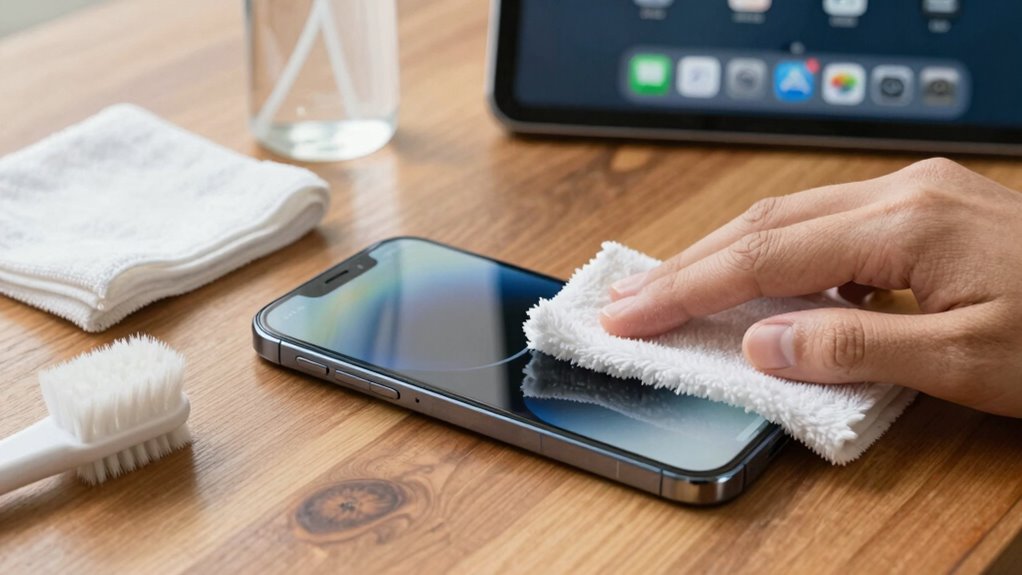

To clean up your phone without deleting important data, start by reviewing app permissions and disabling unnecessary access to protect your privacy. Clear app caches and temporary files to free space without losing essential files. Use cloud backups or external drives for photos, videos, and documents, so you never risk losing them. Regularly restart your device and install updates to optimize performance. Keep an eye on storage and battery health for ongoing smooth operation—you’ll find even more tips to keep your device in top shape.

Get the latest gadgets delivered free with Prime
- Fast, free delivery on millions of items
- Prime Video, Amazon Music and more included
- Member-only deals all year
Key Takeaways
- Clear app caches and temporary files to free space without deleting personal data.
- Use cloud backups or external drives to save important files before cleaning.
- Uninstall or disable unused apps to reduce clutter without losing essential ones.
- Manage app permissions to prevent unnecessary background activity and resource drain.
- Regularly update software for security, performance, and bug fixes, ensuring your device stays optimized.
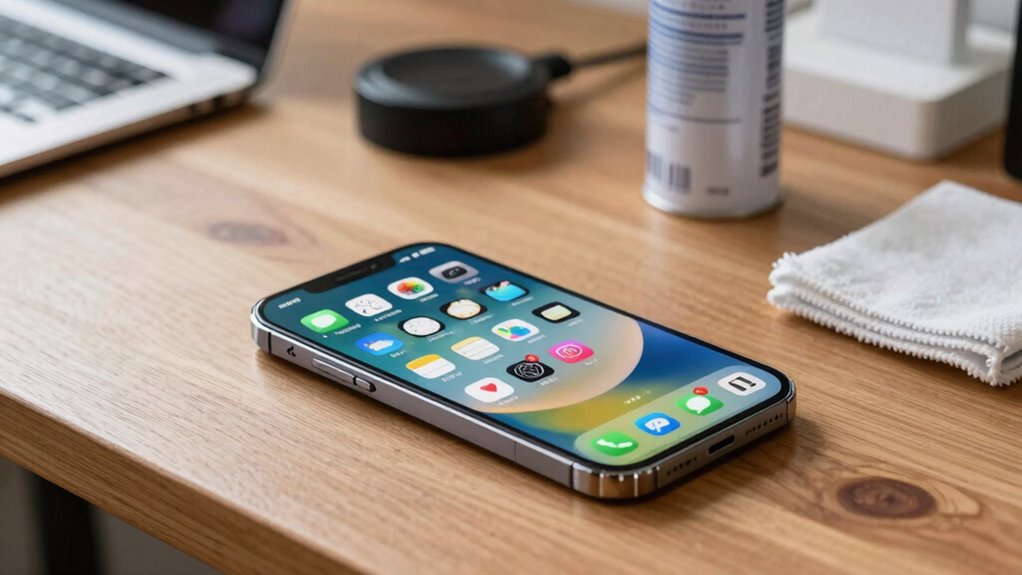
Ever wonder how to keep your phone clean and running smoothly? The good news is, you don’t have to delete files or uninstall apps to improve its performance. Instead, focus on a few smart strategies that preserve your important data while optimizing your device. One of the most effective ways to do this is by managing your app permissions. Over time, apps ask for more access than they need, which can slow down your phone and pose privacy risks. Review permissions regularly—check which apps have access to your location, camera, microphone, and contacts. Disable permissions that aren’t essential. Not only does this tighten security, but it also prevents apps from running unnecessary background processes, which can drain your battery and slow your device.
Managing app permissions keeps your phone secure and running smoothly by limiting unnecessary background activity.
Battery optimization is another vital step. Many apps run in the background, updating content or syncing data even when you’re not actively using them. This eats into your battery life and can cause your phone to lag. To counter this, go into your settings and enable battery optimization for apps that don’t require constant updates. This restricts background activity and conserves power, making your phone feel snappier and extending its battery life. You can also monitor which apps consume the most power and decide whether to disable or limit their background activity. Keeping your software up to date is equally important—new updates often include performance improvements and security patches that help your device run more efficiently. Additionally, understanding background processes can help you identify which apps are unnecessarily draining resources, similar to how contrast ratio affects image quality by revealing more details in dark scenes. Regularly reviewing your device’s battery health can also give insights into its overall condition and help you plan for replacements or repairs before issues arise.
Next, declutter your storage without deleting important files. Use cloud services or external drives to back up photos, videos, and documents you want to keep but don’t need immediate access to. Clearing app caches and temporary files can free up significant space and improve load times. Most devices have built-in options to clear cache, or you can do it manually through app settings. Regularly reviewing your installed apps and removing those you no longer use can also help your device operate more smoothly. If you’re worried about losing data, look for options to archive or back up your information before deleting. Additionally, understanding media literacy can help you identify trustworthy sources and avoid unnecessary clutter caused by fake or misleading content. Practicing digital organization can further streamline your device’s performance and make it easier to find what you need quickly. Just as selecting the right projector type and screen setup can enhance your home cinema experience, organizing your digital space optimizes your device’s overall performance.
Finally, restart your phone periodically. A quick reboot clears out temporary glitches and refreshes system resources, giving your device a fresh start. This simple step can fix minor bugs and keep your phone running at peak performance. Remember, keeping your phone clean isn’t just about deleting files—it’s about managing permissions, optimizing battery use, backing up your data, and maintaining your device regularly. With these practices, you’ll keep your phone in top shape without sacrificing anything important.
As an affiliate, we earn on qualifying purchases.
Frequently Asked Questions
How Often Should I Clean My Phone’s Storage?
You should clean your phone’s storage every few months to maintain ideal storage optimization and prevent digital clutter from piling up. Regularly reviewing apps, photos, and files helps you identify what’s unnecessary. This habit keeps your device running smoothly and frees up space for new content. By staying consistent, you avoid the chaos of digital clutter, making it easier to find what you need and improve overall performance.
Can Cleaning Apps Delete Important Data Accidentally?
Cleaning apps usually don’t delete important data accidentally, especially if you review app permissions beforehand. However, some apps might affect your battery health or delete cache data that seems unnecessary. To prevent issues, always back up your data and check app permissions carefully. Use trusted cleaning apps and avoid ones that request excessive access. This way, you keep your phone optimized without risking essential info or damaging your device’s health.
What’s the Best Way to Organize Photos on My Phone?
To organize photos on your phone effectively, start with a photo backup to keep copies safe. Then, create album organization by sorting images into themed albums like vacations, family, or events. Regularly review and delete duplicates or blurry shots to free space. Using your phone’s gallery features or third-party apps can streamline this process. This keeps your photo library tidy, easy to browse, and guarantees important memories are well-preserved.
How Do I Identify Which Files Are Safe to Delete?
You can identify safe files to delete by checking file types that take up a lot of storage space but aren’t essential, like old downloads, duplicates, or large video files. Look for apps, cache files, and documents you no longer need. Use your phone’s storage settings or a cleaning app to see which files are consuming the most space, and delete those that aren’t important to free up storage without risking important data.
Will Cleaning My Phone Improve Its Performance Significantly?
Cleaning your phone can boost performance, especially if you consider that apps often run background processes, draining battery health and slowing response times. Regular cleanup reduces clutter, freeing up storage and optimizing app permissions. This, in turn, helps your device run more smoothly and efficiently, making a noticeable difference. While it might not fix all issues, consistent cleaning can substantially improve your phone’s speed and longevity.
external hard drive for phone backup
As an affiliate, we earn on qualifying purchases.
As an affiliate, we earn on qualifying purchases.
Conclusion
By cleaning your phone regularly, you’re not just freeing up space—you’re releasing a lightning-fast, clutter-free device that can handle anything you throw at it. Imagine your phone gleaming like a brand-new gadget, ready to conquer apps and crush notifications in a single swipe. With a little effort, you’ll transform your device into a sleek, unstoppable powerhouse—so clean it up today, and watch it perform like a rocket blazing through the digital universe!
cloud storage for photos and videos
As an affiliate, we earn on qualifying purchases.
As an affiliate, we earn on qualifying purchases.
battery health monitor for smartphones
As an affiliate, we earn on qualifying purchases.
As an affiliate, we earn on qualifying purchases.
Halloween Picks
halloween
As an affiliate, we earn on qualifying purchases.