

Roaming confuses many users because it depends on complex agreements between your home carrier and local networks abroad. Your phone doesn’t automatically connect to the best or even a reliable network, and these agreements vary by region and carrier. Factors like network sovereignty, infrastructure, and congestion can cause unpredictable switches and charges. Understanding how these behind-the-scenes arrangements work can help you navigate roaming smoother—stick with us to uncover the details.

Get the latest gadgets delivered free — and shop member deals
- Fast, free delivery on millions of items
- Access to Prime Big Deal Days deals on October 6–7
- Prime Video, Amazon Music and more included
Key Takeaways
- Roaming depends on complex agreements between carriers, not just network switching, making it confusing for users.
- Network sovereignty and regional restrictions can cause unpredictable connections and service disruptions.
- Roaming charges vary widely based on agreements, plans, and local infrastructure, leading to user confusion.
- Automatic network switching during roaming is influenced by congestion and limited agreements, not user control.
- Lack of clear information about roaming agreements and infrastructure limits causes uncertainty for users abroad.
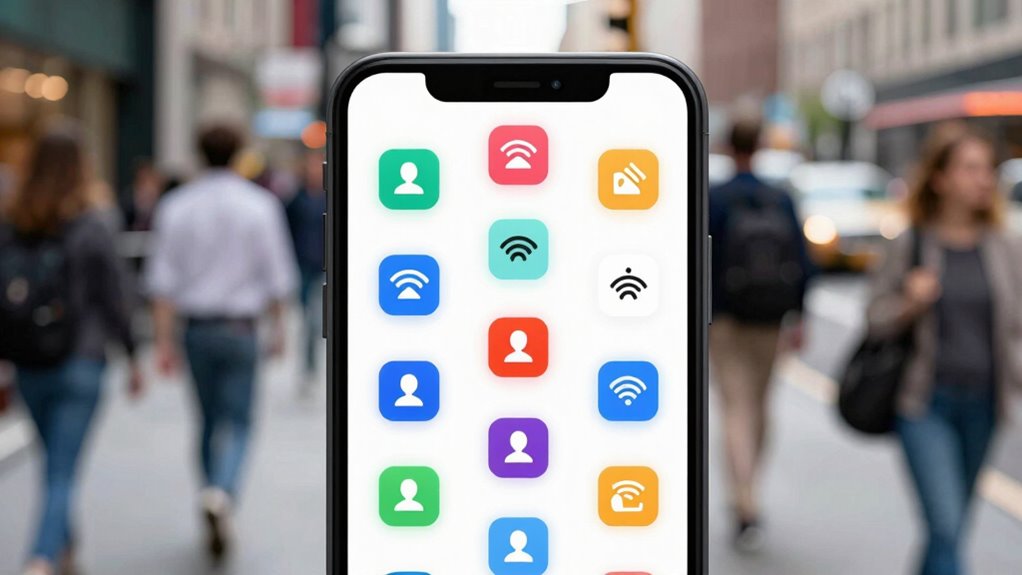
Have you ever been puzzled by your phone’s roaming feature, unsure of what it does or why it suddenly shifts your connection? Roaming can seem complicated because it involves more than just switching networks; it’s tied to complex agreements and regulations between countries and carriers. When you travel abroad, your phone doesn’t automatically connect to local networks. Instead, it relies on roaming agreements—contracts between your home carrier and local providers—to give you service. These agreements determine which networks you can access and how much they’ll charge you. Because of this, your experience with roaming can vary considerably depending on where you are and which carriers are involved.
One of the main reasons roaming confuses users is the idea of network sovereignty. Unlike in your home country, where your carrier controls the network infrastructure, foreign networks are owned by different companies and governments. Network sovereignty refers to the authority a nation or entity has over its telecommunications infrastructure. When you travel, your connection depends on agreements between your carrier and the local network operators. Sometimes, these agreements are limited or only cover certain regions, which can cause your phone to switch networks unexpectedly or to lose service altogether. It’s not just about signal strength; it’s about whether your carrier has a roaming agreement with the local network in that area. Additionally, **network infrastructure** plays a crucial role in how effectively your device can connect across borders. A better understanding of international telecommunications can help you navigate these complexities more smoothly.
Network sovereignty affects your roaming experience, depending on agreements between carriers and local network ownership.
Roaming agreements are designed to make your experience seamless, but they’re not always perfect. For example, if your carrier has an agreement with only one local provider in a country, your phone will connect to that network. If that network becomes congested or has issues, your phone might switch to another network, or you might get no service at all. This switching can seem random and confusing, especially if you don’t understand the underlying agreements and regulations. Moreover, roaming charges aren’t uniform—they depend on the agreements in place and can be quite high if you’re not on a suitable plan.
In essence, roaming is a complex dance of agreements, regulations, and infrastructure controlled by different entities across borders. Your phone acts as a receiver of these arrangements, and it’s why sometimes your connection feels unpredictable. Understanding the basics of network sovereignty and roaming agreements can help you better grasp why your service behaves the way it does when you’re traveling. It’s not just about signal strength; it’s about a web of agreements designed to keep you connected across different territories, often with limitations you might not be aware of.
As an affiliate, we earn on qualifying purchases.
Frequently Asked Questions
How Does Roaming Affect My Phone’s Battery Life?
Roaming can drain your phone’s battery faster because your device constantly searches for signals across different networks, especially when signal strength is weak. To improve battery life, enable battery optimization features and consider turning off roaming when you don’t need it. Staying in areas with good signal strength also helps your phone save power, as it won’t work as hard to find and connect to networks.
What Are the Costs Associated With Roaming?
Roaming costs can add up quickly with roaming charges, especially if you don’t have an international plan. When you travel, your carrier might bill you for data, calls, and texts outside your home country. To avoid surprises, check if your provider offers international plans or packages that reduce roaming charges. Staying informed about these costs helps you manage your expenses and prevents unexpected bills while traveling.
Can I Use Wi-Fi Instead of Cellular Data Abroad?
Using Wi-Fi abroad is like having a secret passage through a bustling city—quick and convenient. You can definitely rely on Wi-Fi instead of cellular data, especially by using International SIMs that connect you to local networks. Just remember to prioritize VPN security to keep your data safe from prying eyes. With a bit of planning, you’ll stay connected without draining your roaming costs or sacrificing security.
How Do I Manually Turn Roaming on or Off?
To manually turn roaming on or off, go to your device’s Network selection or SIM card settings. First, access your device’s settings menu, then find the Cellular or Network options. Tap Network selection and choose Automatic to enable roaming, or select Manual to turn it off. This way, you control when your phone connects to foreign networks, avoiding unexpected charges or connectivity issues.
Why Does My Phone Sometimes Disconnect When Roaming?
Your phone disconnects when roaming due to signal fluctuations or issues with your International SIM. When you’re in an area with weak network coverage, your device struggles to maintain a stable connection, causing disconnections. Sometimes, your International SIM might not be fully compatible with local networks, or network congestion could be a factor. Ensuring your SIM is activated properly and manually selecting the best network can help reduce these disconnections.
portable Wi-Fi hotspot for travel
As an affiliate, we earn on qualifying purchases.
As an affiliate, we earn on qualifying purchases.
Conclusion
So, next time you see “roaming” pop up, don’t let it throw you into a tizzy like a knight at a joust. Remember, it’s simply about your phone connecting to networks outside your usual area, much like ancient explorers charting new lands. Embrace the confusion as part of the journey, and before long, you’ll be steering roaming settings with the ease of a seasoned sailor navigating through stormy seas — no questions asked.
As an affiliate, we earn on qualifying purchases.
As an affiliate, we earn on qualifying purchases.
Halloween Picks
halloween
As an affiliate, we earn on qualifying purchases.