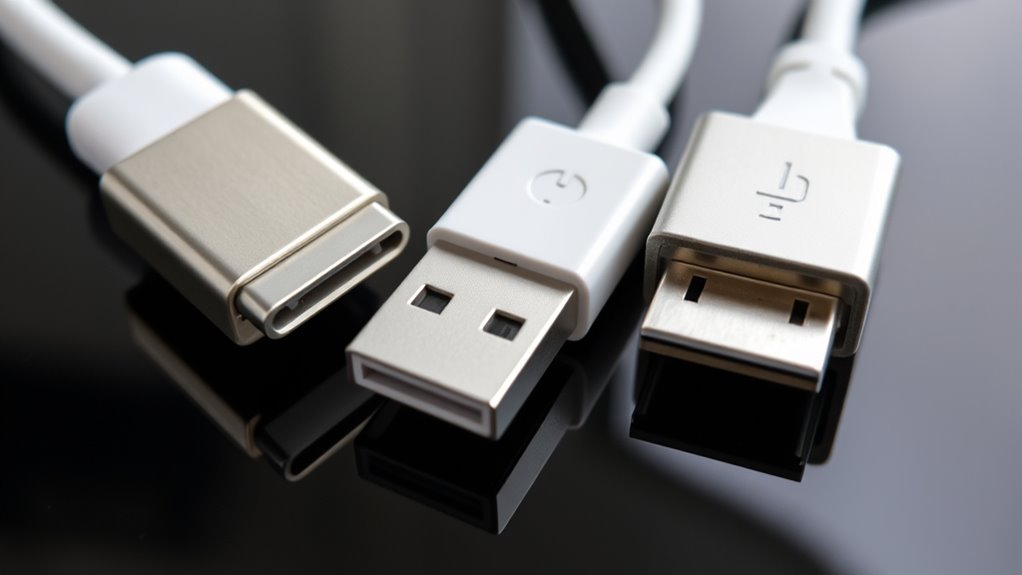

Choosing the right cable type impacts your device’s compatibility, data transfer speed, and charging efficiency. USB-C offers faster data rates, higher power delivery, and reversibility, making it ideal for modern devices like laptops and smartphones. Lightning works well within the Apple ecosystem, while Micro-USB is mainly for older gadgets. Understanding these differences helps you pick the best cable for your needs—and if you want to know more, there’s plenty to discover.
Key Takeaways
- USB-C offers higher data transfer speeds and power delivery, supporting modern devices like laptops and high-resolution monitors.
- Lightning is exclusive to Apple devices, with moderate data speeds and limited power support compared to USB-C.
- Micro-USB is outdated, with slower data transfer, lower power delivery, and less durable design, suitable mainly for older or budget devices.
- Reversible connectors in USB-C and Lightning improve user experience by simplifying connections and reducing wear.
- Industry trends favor USB-C for universality, future compatibility, and regulatory support, making it the most versatile cable type.
Physical Design and Compatibility
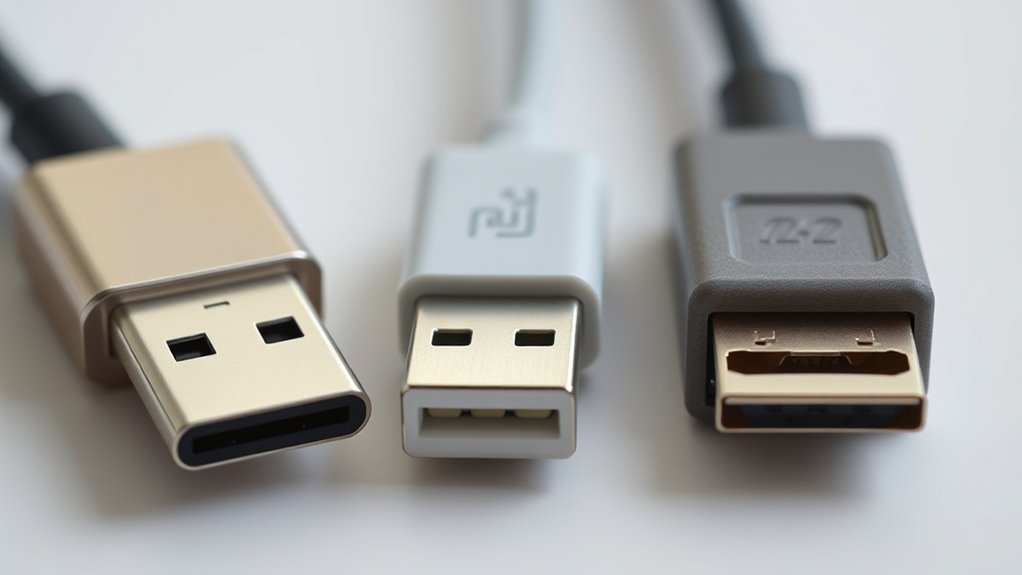
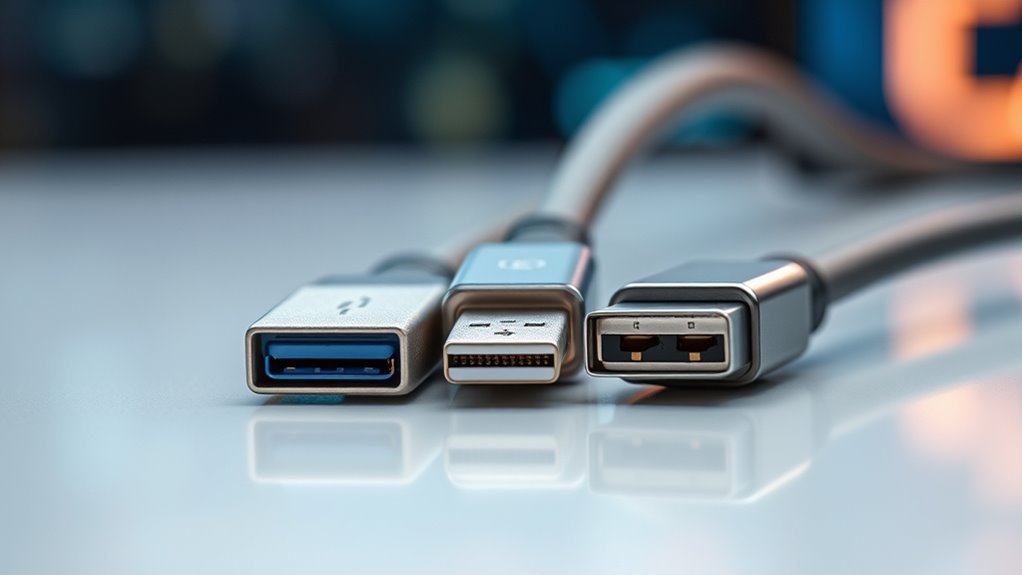
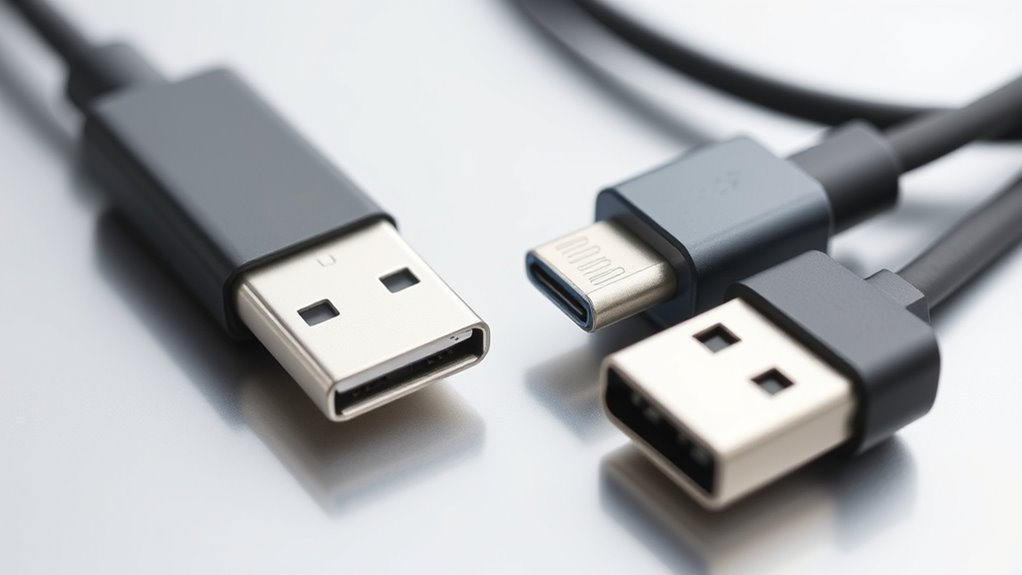
When comparing the physical design of USB-C, Lightning, and Micro-USB connectors, you’ll notice significant differences that affect compatibility and durability. USB-C is about 8.34 mm wide with a rounded rectangular shape and 24 pins, making it versatile and robust. Lightning is smaller—around 6.7 mm wide and 1.5 mm tall—with 8 pins and a slim, solid design, exclusive to Apple. Micro-USB measures approximately 6.85 mm by 1.8 mm, with a rounded top and flat bottom, but is less durable due to its non-reversible, fragile internal structure. USB-C and Lightning are reversible, allowing easy insertion from either side, reducing wear. Micro-USB’s non-reversible design increases the chance of damage or incorrect connections, making it less user-friendly over time. Additionally, the physical design of these connectors influences how well they can withstand repeated use and accidental tugs.
Data Transfer Capabilities
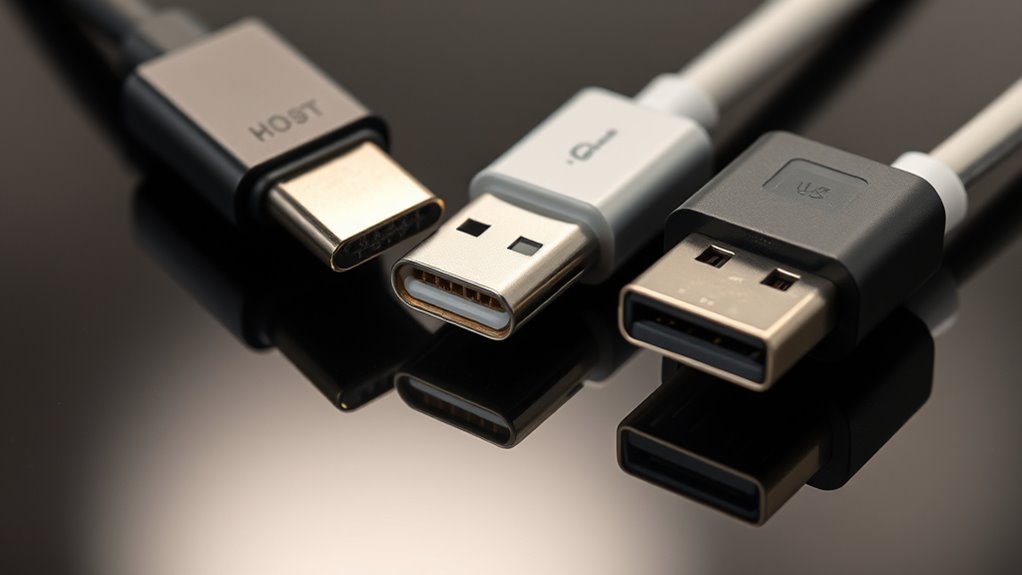
When it comes to data transfer speeds, you’ll notice big differences between these connectors. USB-C can handle much faster data rates, making it ideal for high-speed devices, while Lightning and Micro-USB are limited to slower speeds. Understanding these differences helps you choose the right cable for your device’s data needs. Additionally, high refresh rates are essential for smooth performance during data-intensive tasks like gaming or video editing.
Transfer Speed Differences
The data transfer speeds of USB-C, Lightning, and Micro-USB vary considerably, directly impacting how quickly you can move files or connect peripherals. USB-C supports multiple standards, from USB 3.2 Gen 1 at 5 Gbps to USB4 and Thunderbolt 3 at 40 Gbps, making it the fastest option. Lightning cables typically support USB 2.0 speeds of 480 Mbps, limiting transfer rates for large files. Micro-USB also maxes out at USB 2.0 speeds, roughly 480 Mbps. Your experience depends on the cable and device capabilities—USB-C can handle high-speed data transfers effortlessly, while Lightning and Micro-USB are much slower. If fast data movement matters, USB-C provides a significant advantage, especially for transferring large files or connecting high-performance peripherals. Additionally, cable compatibility plays a crucial role in achieving these speeds, as using unsupported or low-quality cables can hinder performance.
Compatibility With High-Speed Devices
USB-C’s advanced data transfer capabilities make it well-suited for high-speed devices and peripherals. With support for USB 3.2, USB4, and Thunderbolt 3, it can handle speeds up to 40 Gbps, making large file transfers, external displays, and high-performance peripherals seamless. This means you’re able to connect high-speed external drives, 4K or even 8K monitors, and fast data hubs without bottlenecks. In contrast, Lightning and Micro-USB are limited to USB 2.0 speeds of 480 Mbps, which substantially restricts data transfer performance. If you work with large files or need quick data exchanges, USB-C ensures you’re future-proofed with faster, more efficient transfer rates. This makes USB-C the ideal choice for high-speed device compatibility across a wide range of modern tech. Additionally, data transfer capabilities are a key factor in choosing the right cable type for your devices.
Power Delivery and Charging Efficiency
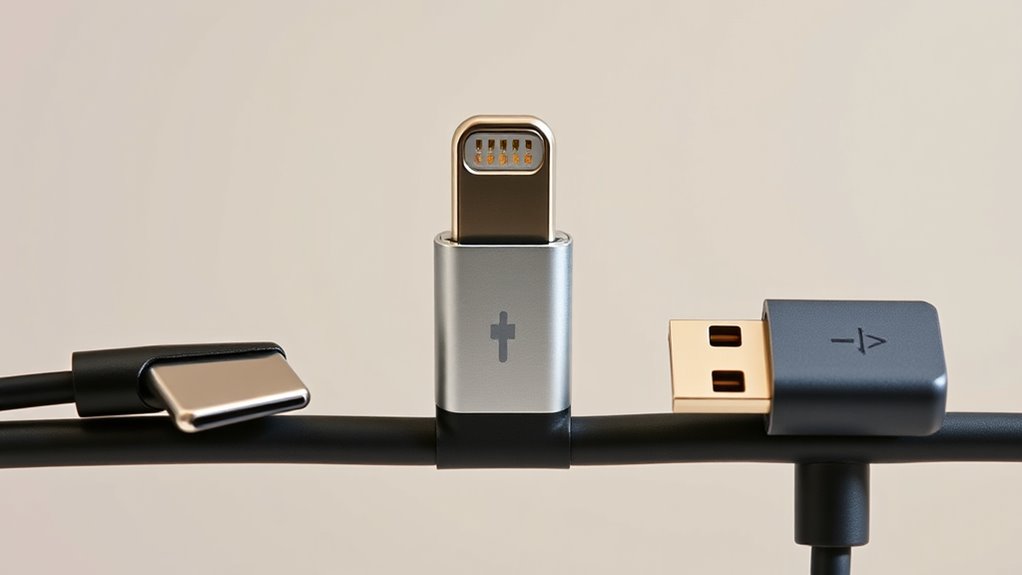
Power delivery and charging efficiency vary markedly among USB-C, Lightning, and Micro-USB cables, impacting how quickly and effectively your devices recharge. USB-C supports up to 100 W, with some implementations reaching 240 W, making it ideal for fast-charging laptops and high-power devices. It negotiates current from 1.5 A to 3.0 A at 5 V, ensuring flexible, efficient power transfer. Lightning cables typically deliver 12 W to 27 W, suitable for phones and tablets but limited for larger devices. Micro-USB offers slower charging, usually under 10 W, and handles lower power levels, making it less efficient. Choosing the right cable impacts not only charging speed but also device safety and battery health, especially when using fast-charging technology. Additionally, smart home technology increasingly relies on reliable power delivery for connected devices, emphasizing the importance of choosing suitable cables for longevity and safety.
Durability and User Experience

You’ll notice that the reversible design of USB-C and Lightning makes connecting easier and reduces port wear, unlike Micro-USB’s non-reversible plug. Micro-USB’s internal parts are more prone to damage and wear after repeated use, leading to shorter lifespan. Meanwhile, USB-C’s robust construction and higher connect-disconnect cycles generally offer better durability and a smoother user experience. Additionally, choosing high-quality cables can further enhance longevity and performance. cable quality
Reversible Connection Design
The reversible design of USB-C and Lightning connectors considerably enhances both user experience and device durability. You no longer have to worry about inserting the cable the wrong way, reducing frustration and accidental damage. This feature ensures a smoother connection process, saving time and effort. Micro-USB, lacking reversibility, demands correct orientation, increasing the risk of bent pins and port damage over time. Reversible connectors also promote better port longevity by minimizing wear from repeated incorrect insertions. Additionally, outdoor gear benefits from such durable and user-friendly connections, especially in challenging environments.
Wear and Tear Resistance
Durability plays a crucial role in how well a cable withstands daily use, and the design differences among USB-C, Lightning, and Micro-USB considerably impact their lifespan. Micro-USB connectors, with their small size and internal fragile tabs, typically endure around 10,000 connect-disconnect cycles but are prone to wear and breakage. USB-C cables are built with a more robust design, featuring a reversible connector and reinforced materials like nylon braiding, allowing for more cycles and less internal stress. Lightning cables, although featuring exposed pins, are generally sturdy due to their solid construction and Apple’s certification standards, especially when paired with quality accessories. Overall, USB-C and Lightning cables tend to last longer and handle repeated use better than Micro-USB, offering a more reliable user experience over time. Understanding testing methodologies can help in evaluating the durability of different cable types over their lifespan.
Port Durability and Longevity
Reversible connectors like USB-C and Lightning substantially enhance port longevity by reducing the risk of damage from incorrect insertions. With their symmetrical design, you can insert these cables in either orientation, minimizing wear on the port and internal components. This not only extends the lifespan of your device’s port but also improves user experience by eliminating frustration. In contrast, micro-USB’s non-reversible design makes it more prone to accidental damage, especially when forced into the incorrect orientation. Additionally, USB-C’s robust build and higher cycle ratings (often over 10,000 cycles) mean it withstands repeated connections better than micro-USB. While Lightning’s solid, pin-based design offers decent durability, its exposed pins can collect dirt and suffer damage over time. Overall, USB-C and Lightning provide a more durable, user-friendly experience. Research supports the durability benefits of reversible connectors, emphasizing their role in enhancing port longevity.
Ecosystem Integration and Device Support
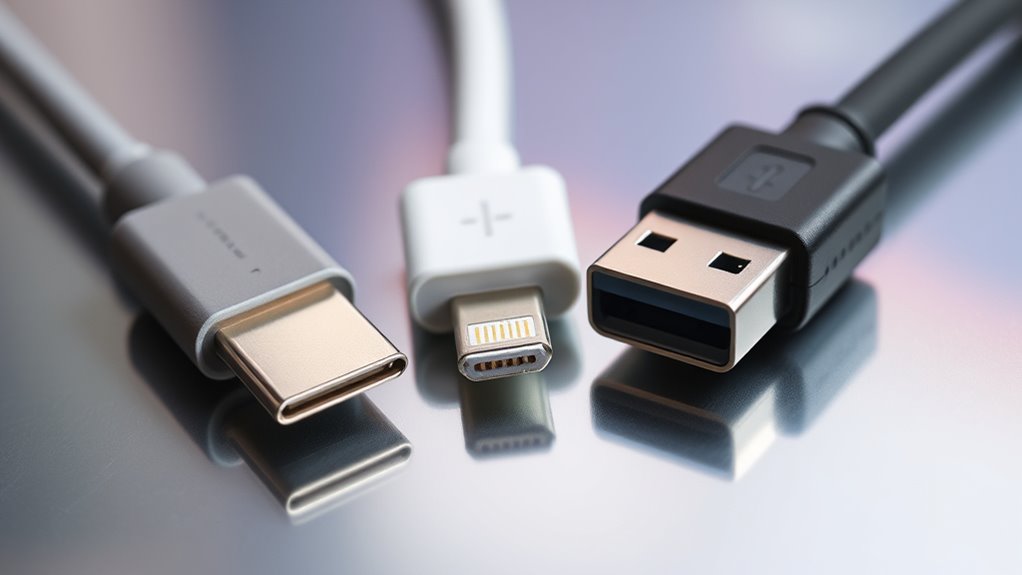
Ecosystem integration plays a crucial role in determining which type of connector best suits your devices, as compatibility affects both functionality and convenience. If you’re an Apple user, Lightning is the natural choice, supporting iPhones, iPads, and accessories like AirPods and Magic peripherals. However, this exclusivity limits device flexibility and can cause compatibility issues with other brands. In contrast, USB-C is embraced across a broad range of devices, including Android smartphones, laptops, gaming consoles, and peripherals, making it a versatile option for mixed ecosystems. Micro-USB, while still present on some older Android devices and IoT gadgets, is gradually phased out. Choosing the right connector depends on your device ecosystem, with USB-C offering the most universal support and future-proofing. Additionally, Free Floating design considerations can influence cable compatibility and overall device integration.
Adoption Trends and Industry Standards
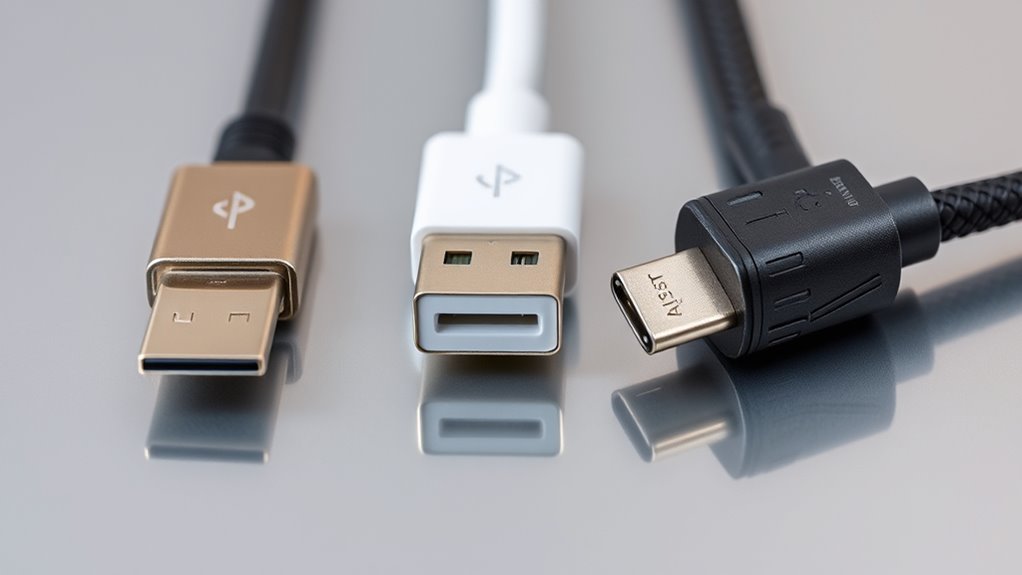
Industry standards are rapidly shifting toward universal acceptance of USB-C, driven by regulatory mandates and technological advancements. Governments, especially in the EU, are enforcing rules requiring a common charging solution for smartphones and devices, accelerating adoption. Manufacturers are increasingly integrating USB-C into their products due to its versatility, high data transfer speeds, and power delivery capabilities. While Lightning remains exclusive to Apple, more companies are moving toward USB-C to ensure compatibility and future-proof their devices. Micro-USB is gradually phased out as its limitations become evident. This trend simplifies consumer choices, reduces electronic waste, and fosters a more unified ecosystem. As standards evolve, staying aligned with USB-C guarantees your devices remain compatible, efficient, and ready for upcoming technological developments. Floating on Water offers insights into how adaptable water-based solutions are becoming integral to modern tech and lifestyle choices.
Future-Proofing and Technological Evolution
As technology continues to advance rapidly, choosing the right connector now can substantially impact your device’s longevity and compatibility in the future. USB-C is designed to evolve with standards like USB4 and Thunderbolt, supporting faster speeds, higher power delivery, and versatile functions like video output. Conversely, Lightning remains a closed, proprietary system, limiting its upgrade potential, and Micro-USB is already becoming obsolete. By selecting USB-C, you’re investing in a future-proof solution that adapts to emerging tech. Consider these points:
Choosing USB-C ensures future compatibility, faster speeds, higher power, and ongoing support for emerging tech standards.
- USB-C supports upcoming standards like USB4 and Thunderbolt 4
- It enables faster data transfer and higher power options
- It’s compatible with a wide range of devices and accessories
- Micro-USB is fading out with no significant upgrades planned
- Lightning’s evolution is restricted by Apple’s proprietary system
This makes USB-C your best bet for long-term compatibility and performance.
Choosing the Right Cable for Your Needs
Choosing the right cable depends on your specific needs for speed, durability, and device compatibility. If you require fast data transfer and future-proofing, USB-C is your best option, supporting up to 40 Gbps and high power delivery. For everyday charging of Apple devices, Lightning offers reliable performance, especially with fast-charging adapters. Micro-USB may suffice for older gadgets or budget devices, but it’s slower and less durable. Consider how often you connect and disconnect your cables; USB-C and Lightning are more resilient with reversible designs, reducing wear. Think about your device ecosystem—if you’re using Apple products, Lightning makes sense, but for broader compatibility, USB-C is more versatile. Match your choice to your priorities—speed, longevity, or device ecosystem. Incorporating sound healing science principles into your device usage can also promote better focus and relaxation during work or leisure.
Frequently Asked Questions
Are There Compatibility Issues Between Different Cable Types and Devices?
Yes, compatibility issues can arise between different cable types and devices. You might find that a Micro-USB cable doesn’t fit newer USB-C ports, or a Lightning cable isn’t compatible with non-Apple devices. Using the wrong cable can cause slow charging, data transfer problems, or even damage your device’s port. To avoid these issues, always check your device’s port type and choose a compatible cable.
How Do Different Connectors Impact Data Security and Potential Vulnerabilities?
You should know that different connectors impact data security and vulnerabilities in various ways. USB-C’s open standard allows for better security features and encryption, reducing risks. Lightning’s proprietary design limits some vulnerabilities but can still be targeted if poorly implemented. Micro-USB’s older technology offers fewer security measures, making it more susceptible to tampering or malware. Overall, choosing the right connector can help protect your data from potential threats and unauthorized access.
Can Cable Quality Affect Charging Speed and Device Longevity?
Yes, cable quality directly impacts your charging speed and device longevity. High-quality cables use better materials, ensuring stable power delivery and reducing risks of overheating or short circuits. Cheaper or poorly made cables can cause slower charging, damage your device’s battery, or even pose safety hazards. Investing in certified, durable cables helps maintain ideal charging performance and prolongs your device’s lifespan by preventing wear and electrical issues.
What Are the Environmental Impacts of Manufacturing Each Cable Type?
You should know that manufacturing each cable type has different environmental impacts. USB-C cables often require more raw materials and energy due to their complex design and higher production standards, which can lead to increased waste. Lightning cables, being proprietary, may involve environmentally taxing processes for licensing and manufacturing. Micro-USB cables, though simpler, often have shorter lifespans, leading to more frequent disposal and electronic waste.
Do Cable Types Influence Warranty and Repair Policies?
Cable types definitely dictate your warranty and repair policies. When you choose USB-C, you often get wider warranty coverage because of its durability and universal compatibility. Lightning cables, being proprietary, may limit repair options and involve higher costs or official service requirements. Micro-USB, while common on older devices, often lacks specific warranty support. So, your cable choice can markedly shape your service and support experience, saving you stress and expenses.
Conclusion
Choosing the right cable depends on your needs, but did you know that USB-C’s universal design might actually future-proof your devices? While Lightning offers seamless Apple integration, Micro-USB is gradually fading out. By understanding each type’s strengths, you can make smarter choices today. So, don’t just follow trends—consider the technology’s evolution and your long-term needs. After all, the cable you pick could shape how smoothly your devices connect tomorrow.