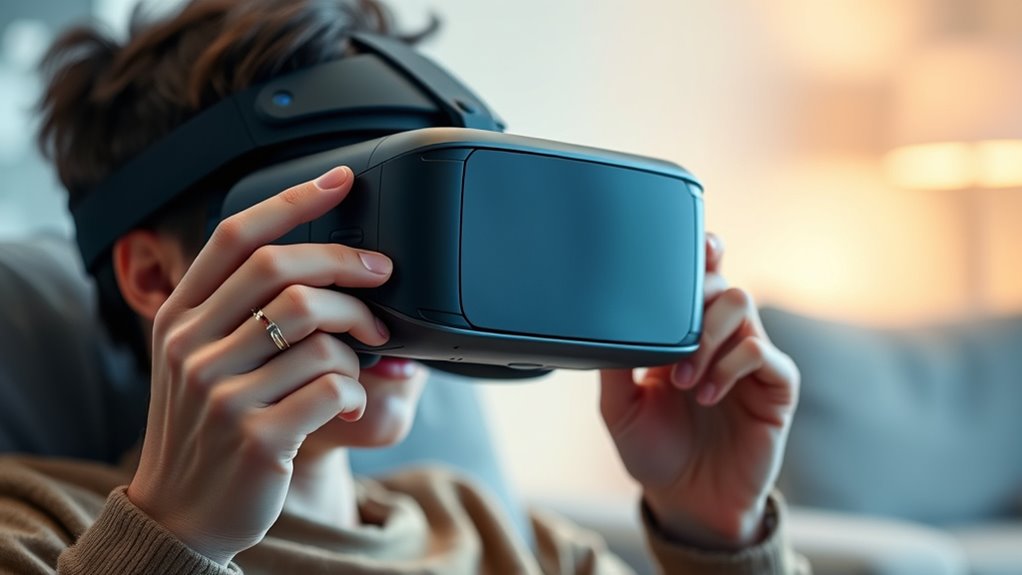

You can turn your smartphone into a VR device using compatible headsets designed to hold mobile phones, giving you access to immersive apps and games without high costs. Make sure your phone matches the headset’s size and specs, like resolution and processing power, for smooth visuals. Adjust the straps and lenses for comfort and clarity, and secure your phone properly. For more tips on getting the best experience, explore the options in detail.
Open a free Amazon Business account
Business pricing, bulk buying and tax-exempt orders.
As an affiliate, we earn on qualifying purchases.
Key Takeaways
- Ensure your phone is compatible with the VR headset and supports necessary VR apps for smooth operation.
- Check that your phone’s display resolution and processing power meet the headset’s requirements for optimal visuals.
- Adjust the headset’s straps and lens alignment for a comfortable fit and clear, immersive viewing experience.
- Securely position and fix your phone in the headset to prevent shifting and ensure proper alignment with lenses.
- Experiment with headset settings, including IPD and contrast, for personalized comfort and the best VR experience.
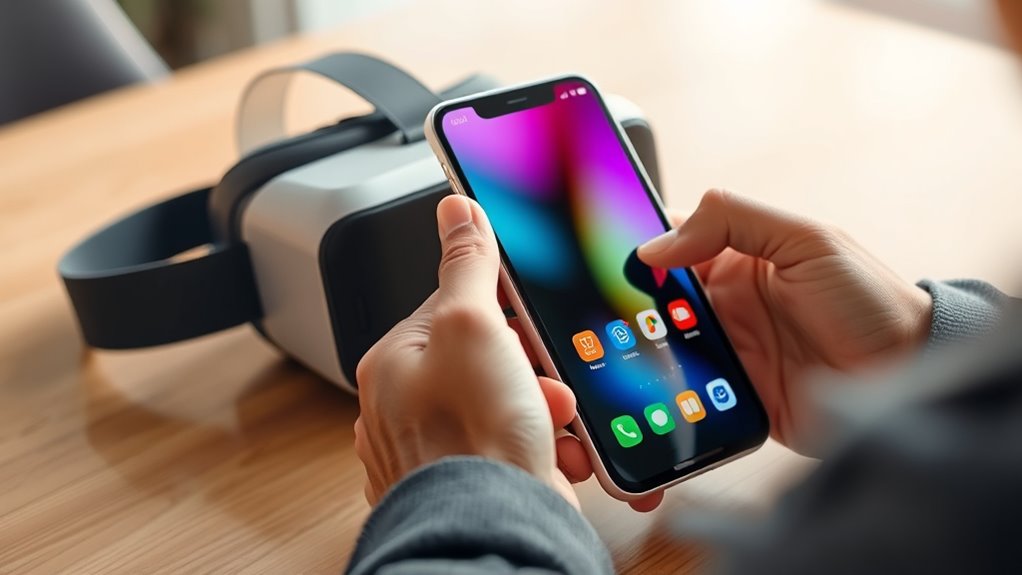
Using your phone with VR headsets is a convenient way to experience virtual reality without investing in expensive dedicated devices. It’s a cost-effective approach that lets you explore immersive worlds using equipment you likely already own. The key to a smooth experience lies in guaranteeing your phone is compatible with the VR headset you choose. Many headsets are designed to work with a broad range of smartphones, but it’s important to check mobile app compatibility before purchasing or setting up your device. Some VR apps and games are only available on specific platforms or require certain features, so verifying that your phone supports the necessary apps can save you frustration later. Additionally, look for headsets that support your phone’s size and specifications, including display resolution and processing power, to get the best visual experience.
Once you’ve selected a compatible headset, adjusting it for comfort and best viewing becomes essential. Headset adjustment tips are straightforward but vital. First, ensure the straps are snug but not too tight, so the headset stays securely in place without causing discomfort. Many headsets come with adjustable straps—use them to center the device comfortably over your eyes. Pay attention to the interpupillary distance (IPD)—the distance between your pupils—if your headset offers this adjustment. Proper IPD alignment reduces eye strain and enhances image clarity. Also, make sure the lenses are clean and properly aligned with your eyes to prevent blurriness or distortion.
Proper headset adjustment isn’t just about comfort; it directly impacts your virtual reality experience. If your headset feels loose or shifts during use, it can cause visual discomfort and affect immersion. Take a moment to fine-tune the straps and lens positions before diving into longer sessions. Many VR headsets have simple mechanisms to customize fit, so don’t hesitate to experiment with different settings until you find the most comfortable setup. Remember to position your phone correctly inside the headset—most models have a designated spot or holder. Securing your phone firmly ensures it doesn’t shift or fall out during use, which can disrupt your experience or damage your device. Additionally, understanding the importance of contrast ratio can help you optimize your viewing conditions for a more immersive experience.

CoCerKet VR Headset for Smartphones with Bluetooth Controller, HD Aspheric Lenses with Adjustable Focus & IPD, Universal Compatible with 4.7-7 Inch Phones, Heat Dissipation Design for Extended Comfort
- Bluetooth Controller: Easy media control without removal
- Lightweight & Breathable Design: Reduces fatigue during extended use
- Adjustable Headband: Fits various head sizes securely
As an affiliate, we earn on qualifying purchases.
As an affiliate, we earn on qualifying purchases.
Frequently Asked Questions
Can I Use Any Smartphone With Any VR Headset?
You can’t use any smartphone with any VR headset because phone compatibility and headset compatibility vary. Check your headset’s requirements to see which phone models it supports, as some need specific screen sizes or operating systems. Not all smartphones will fit or work properly, so it’s crucial to verify compatibility before purchasing or trying to use your device. This ensures a smooth VR experience without technical issues.
What Are the Best Apps for Mobile VR Experiences?
Think of VR content as a treasure chest, and app compatibility as the map guiding you there. The best apps for mobile VR experiences include Oculus, SteamVR, and YouTube VR, offering diverse content from immersive games to 360° videos. These apps guarantee you access high-quality VR content seamlessly, making your experience richer and more engaging. Choose apps that are compatible with your headset to reveal the full potential of your mobile VR adventures.
How Do I Connect My Phone to a VR Headset Wirelessly?
To connect your phone to a VR headset wirelessly, start with wireless streaming options like Oculus Air Link or SteamVR’s wireless adapters, which let you stream content directly. You’ll also want to pair your phone via Bluetooth for controllers or headset notifications. Make sure your Wi-Fi connection is strong and stable, and follow the headset’s setup instructions for seamless wireless streaming and Bluetooth pairing, giving you a cable-free VR experience.
Are There Specific Phone Requirements for VR Compatibility?
Imagine slipping your hand into a sleek, high-tech glove—your phone’s specifications matter for VR compatibility. You need a smartphone with a powerful processor, ample RAM, and a high-resolution display to immerse yourself fully. Check your VR headset’s compatibility list to verify your device’s specifications meet or surpass the requirements. Without the right phone, your VR experience might feel sluggish or distorted, like viewing through foggy goggles.
How Do I Troubleshoot Common Phone-Vr Headset Connectivity Issues?
If you’re having connectivity issues with your phone and VR headset, start by checking for software updates to guarantee compatibility. Restart both devices and verify the headset is properly mounted and connected. For charging issues, make sure your phone is fully charged or connected to power, as low battery can cause connection problems. Also, clean any sensors or connectors to improve contact. These steps often resolve common phone-VR headset issues quickly.

CoCerKet VR Headset with Bluetooth Controller, HD Aspheric Lenses, Adjustable Focus & IPD – Universal Fit for 4.7–7" Smartphones with Heat Dissipation Design
- Bluetooth Controller: Responsive, high-precision Bluetooth remote control
- Ergonomic Design: Breathable sponge padding for comfort
- Adjustable Headband: Customizable fit for different head sizes
As an affiliate, we earn on qualifying purchases.
As an affiliate, we earn on qualifying purchases.
Conclusion
As you explore these options, imagine the endless worlds waiting just a tap away, your phone transforming into a portal to new adventures. But what if there’s more than meets the eye? The possibilities are expanding every day, and the line between reality and virtual is blurring. Are you ready to take the leap and discover what’s next? Your journey is just beginning—dive in, and see where your phone and VR headset can take you.
CoCerKet VR Headset for Smartphones with Bluetooth Controller, HD Aspheric Lenses with Adjustable Focus & IPD, Universal Compatible with 4.7-7 Inch Phones, Heat Dissipation Design for Extended Comfort
- Bluetooth Controller: Easy media control without removal
- Lightweight & Breathable Design: Reduces fatigue during extended use
- Adjustable Headband: Fits various head sizes securely
As an affiliate, we earn on qualifying purchases.
As an affiliate, we earn on qualifying purchases.

3D VR Headset, Virtual Reality Glasses Headset Helmets, Compatible with 5.0-7.0 inch with Controller, for Mobile Games & Movies(Black)
- Immersive 3D Viewing: Adjustable focus and wide field of vision
- Enhanced Control: Control music and volume via connected phone
- Wide Smartphone Compatibility: Fits 5.0-7.0 inch phones
As an affiliate, we earn on qualifying purchases.
As an affiliate, we earn on qualifying purchases.
College move-in / dorm season Picks
dorm essentials
As an affiliate, we earn on qualifying purchases.