To pick a stylus for your phone, start by checking your device’s screen sensitivity and compatibility. Opt for a stylus with a fine tip for precision and verify it matches your screen type—passive or active. Consider battery life if choosing an active stylus, and look for one with good responsiveness to avoid pressure issues. Exploring options now can help you find the best fit for your needs, and there’s more detail ahead to guide you further.
Key Takeaways
- Check if your phone’s screen is compatible with capacitive styluses or requires an active stylus.
- Consider stylus tip material and size for precision and screen sensitivity.
- Determine if you need an active stylus with pressure sensitivity or a passive one for basic navigation.
- Ensure the stylus’s compatibility with your phone model through reviews and product specs.
- Choose a stylus with good battery life or energy-efficient features for extended use.
Choosing the right phone stylus can substantially enhance your touchscreen experience, especially if you use your device for drawing, note-taking, or precision tasks. When selecting a stylus, one of the most important factors to contemplate is screen sensitivity. Different devices respond differently to stylus inputs, so you need to make certain that your chosen stylus can register accurately without requiring excessive pressure. A stylus with high screen sensitivity will glide smoothly across your screen, providing precise control and reducing frustration during detailed work. If your phone has a capacitive touchscreen, most styluses designed for such screens will work, but some are optimized for better sensitivity and responsiveness. For devices with thicker glass or special coatings, look for styluses that specify compatibility with those screens, to avoid lag or unresponsiveness.
Choosing a stylus with high sensitivity ensures smooth, accurate touchscreen interactions for drawing, note-taking, and detailed tasks.
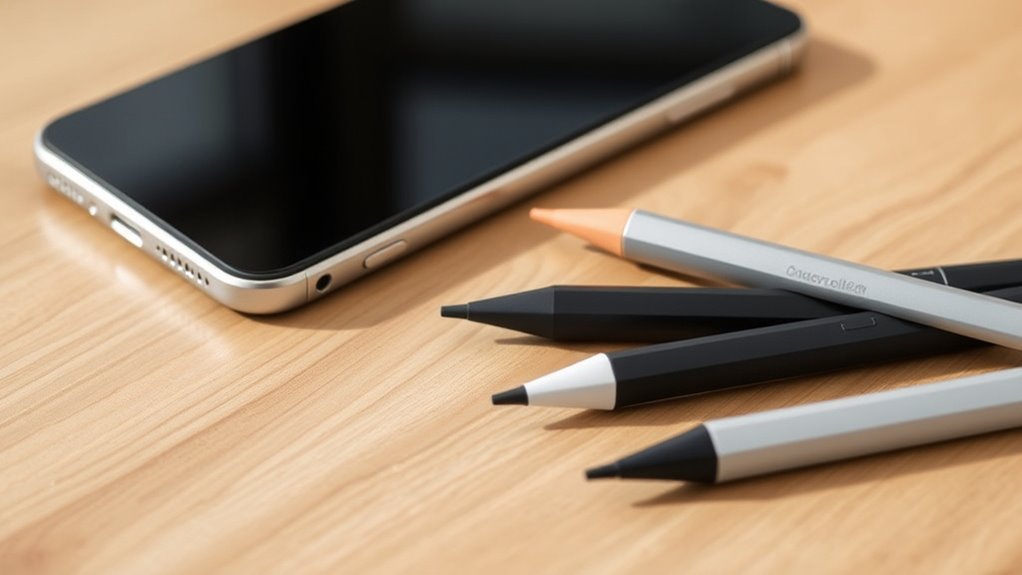
Stylus compatibility is another crucial aspect. Not all styluses work with every device, so you’ll want to double-check whether your phone supports active or passive styluses. Passive styluses, or capacitive styluses, work by mimicking your finger’s conductive properties, making them compatible with most touchscreen phones. However, they may lack pressure sensitivity and advanced features. Active styluses, on the other hand, contain electronic components that communicate directly with your device, often offering features like pressure sensitivity, tilt recognition, and palm rejection. Before purchasing, verify if your phone is compatible with these advanced styluses. Some brands specify which models or operating systems they support, so reading product descriptions and reviews can save you from buying a stylus that doesn’t work properly.
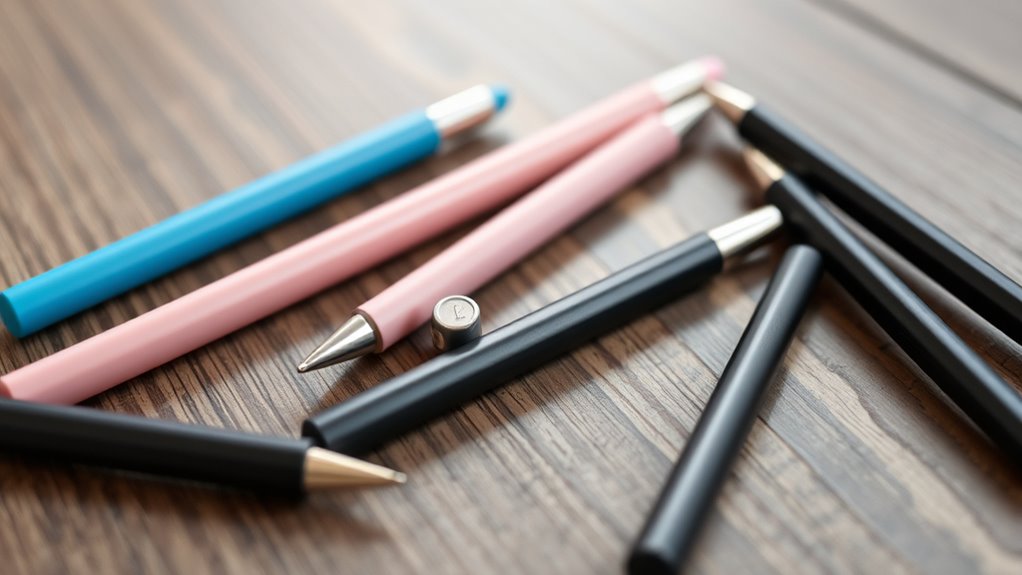
Another aspect to consider is the stylus tip. Fine-tipped styluses provide better precision, which is especially useful for detailed drawing or handwriting. The material of the tip also impacts screen sensitivity; softer tips tend to glide more smoothly, but may wear out faster, while firmer tips last longer but might scratch sensitive screens if not designed carefully. Balance these factors based on your usage needs. Battery life and charging requirements are additional considerations for active styluses; some need regular charging, while others operate without batteries. If you plan to use your stylus frequently, opting for one with long-lasting or rechargeable power sources can be more convenient.
Additionally, choosing a stylus with energy-efficient technology can help extend battery life and ensure consistent performance during extended use. Ultimately, choosing a stylus that aligns with your device’s screen sensitivity, is compatible with your phone, and suits your usage style will improve your overall experience. Don’t overlook the importance of reading reviews and product specifications to guarantee compatibility and performance. With the right stylus in hand, you’ll enjoy more precise input, smoother navigation, and an enhanced creative or productivity workflow.
Frequently Asked Questions
Do All Styluses Work With Any Phone?
Not all styluses work with any phone because of different stylus technology and device compatibility. Some styluses are designed specifically for capacitive screens, while others use active stylus technology, which requires compatible hardware. To verify it works, check your phone’s specifications and look for styluses that match your device’s compatibility requirements. Always read reviews or manufacturer details to confirm the stylus you choose will work seamlessly with your phone.
Can I Use a Drawing Stylus for Note-Taking?
Did you know that over 70% of digital artists use drawing styluses for note-taking? Yes, you can definitely use a drawing stylus for note-taking. Many styluses support features like handwriting recognition and precision, making them perfect for jotting down quick notes or detailed sketches. Just make certain the stylus is compatible with your device and offers pressure sensitivity if you want a more natural writing or drawing experience.
What’s the Difference Between Active and Passive Styluses?
Active styluses connect via Bluetooth and often offer pressure sensitivity, giving you more precise control and better drawing or writing experience. Passive styluses, on the other hand, don’t need batteries or Bluetooth; they use capacitive technology, making them more basic. If you want features like pressure sensitivity and palm rejection, go for an active stylus. If simplicity and affordability matter more, a passive stylus will do just fine.
How Do I Know if a Stylus Is Compatible With My Device?
You can tell if a stylus is compatible with your device by checking its screen calibration and stylus material. Make sure the stylus supports your screen type, like capacitive or resistive, to guarantee proper functionality. Look for compatibility info from the manufacturer, and consider whether the stylus’s material, such as rubber or plastic, matches your device’s screen sensitivity. Testing the stylus on your device is the best way to confirm compatibility.
Are There Styluses Designed Specifically for Small or Large Screens?
Ever wondered if there’s a screen size stylus just for you? Yes, there are styluses designed specifically for small or large screens. You’ll find ergonomic stylus designs that comfortably fit larger hands or smaller devices, making your experience more precise and enjoyable. Choosing the right screen size stylus guarantees smooth navigation and better control. So, look for styluses tailored to your device’s screen size for maximum comfort and performance.
Conclusion
Choosing the right stylus can make all the difference in your mobile experience. By considering compatibility, tip type, and features, you’ll find one that feels like it was made for you. Remember, don’t put all your eggs in one basket—test a few options if you can, and see which one truly clicks. With the right stylus in hand, you’ll be ready to hit the ground running and make the most of your device’s capabilities.