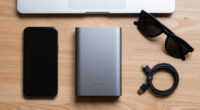
To build a better phone-first desk setup, use a dedicated mount or adjustable stand to keep your phone within arm’s reach and at eye level. Incorporate wireless charging pads for a clutter-free power source, and organize cables with clips or sleeves to keep everything tidy. Add proper lighting to reduce eye strain, and choose ergonomic accessories like stands and chairs for comfort. Keep exploring to discover more tips for creating a ideal workspace.

Get the latest gadgets delivered free — and shop member deals
- Fast, free delivery on millions of items
- Access to Prime Big Deal Days deals on October 6–7
- Prime Video, Amazon Music and more included
Key Takeaways
- Use a dedicated mount or stand for your phone at eye level to improve accessibility and reduce neck strain.
- Incorporate wireless charging pads to keep your phone powered without cluttered cables.
- Choose ergonomic accessories like adjustable stands and supportive chairs for overall comfort.
- Optimize workspace lighting with natural light and proper illumination to reduce eye strain.
- Implement cable management solutions to keep cords organized and prevent tripping hazards.
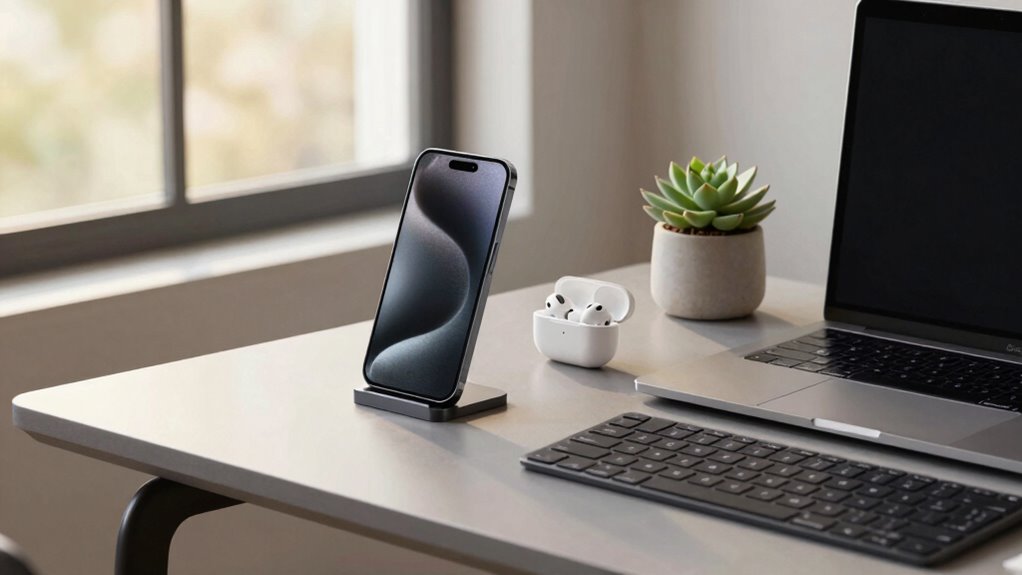
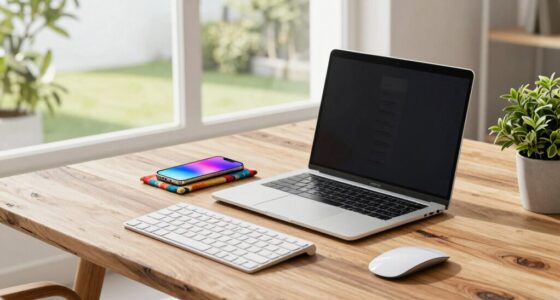
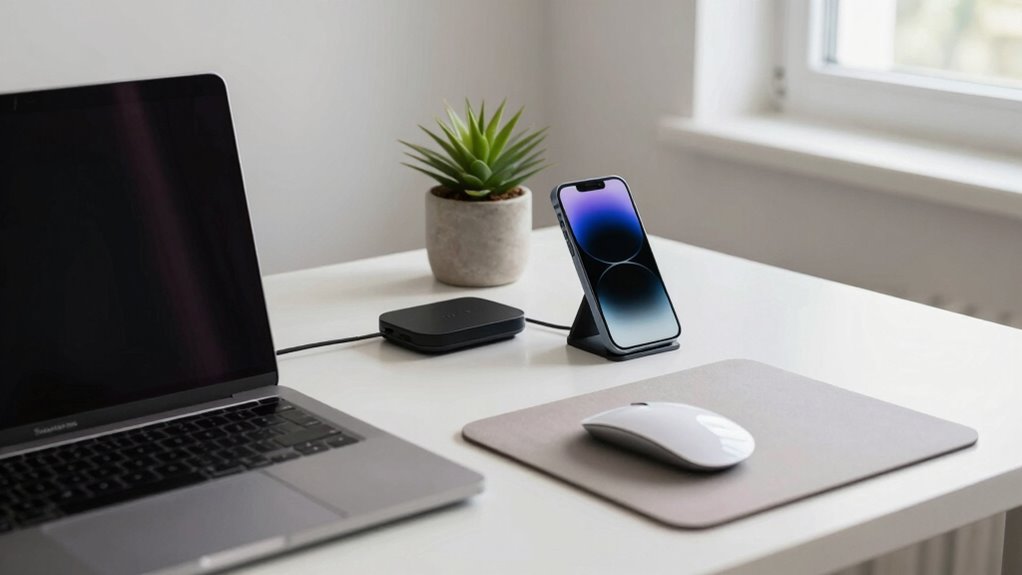
In today’s fast-paced work environment, a phone-first desk setup can streamline your daily tasks and boost productivity. To achieve this, start by prioritizing easy access to your phone. Use a dedicated mount or stand that keeps your device within arm’s reach and at eye level. This reduces neck strain and allows you to glance at notifications or answer calls quickly without disrupting your workflow. Incorporating wireless charging pads into your desk can eliminate clutter caused by cords and provide a seamless power source. You simply place your phone on the pad, and it charges effortlessly, ensuring your device stays powered throughout the day. Choose a wireless charger that’s compatible with your phone model and offers fast-charging capabilities to keep you moving without interruptions.
A phone-first desk setup boosts productivity with easy access, wireless charging, and ergonomic organization.
Next, focus on ergonomic accessories to create a comfortable and efficient workspace. An adjustable stand or riser for your phone can help you maintain proper posture, preventing strain on your neck and wrists. Pair this with an ergonomic keyboard and mouse setup to support natural hand positioning and reduce fatigue. A good ergonomic chair and footrest will complement these accessories, making sure your entire body remains comfortable during long work sessions. When your body feels balanced and supported, your focus and productivity naturally improve. Additionally, paying attention to ergonomic principles can help prevent discomfort and injuries over time. Incorporating natural lighting into your workspace can also enhance your mood and reduce eye strain, further supporting your well-being.
Cable management is another essential aspect of a well-organized phone-first desk. Use clips or sleeves to hide charging cables and keep your workspace tidy. This not only enhances aesthetics but also prevents accidental disconnections or tripping hazards. Proper cable management can also prevent potential technology damages, ensuring your devices stay safe and functional. With your phone and accessories neatly arranged, you’ll spend less time searching for devices or untangling cords, allowing you to concentrate on your tasks. Additionally, exploring emerging trends like wireless charging stations can help further streamline your setup.
As an affiliate, we earn on qualifying purchases.
Frequently Asked Questions
What Are the Best Ergonomic Accessories for a Phone-First Desk?
The best ergonomic accessories for a phone-first desk include a sturdy phone grip to prevent slips and reduce strain. Pair it with a stand that promotes stand ergonomics, keeping your phone at eye level to avoid neck pain. Consider a flexible, adjustable holder for comfort and ease of use. These accessories help minimize wrist and neck strain, making your phone interactions more comfortable and efficient throughout your workday.
How Do I Manage Multiple Apps Efficiently on a Phone-Based Setup?
To manage multiple apps efficiently on your phone-based setup, embrace app multitasking features like split-screen or picture-in-picture modes. Prioritize notification management by customizing alerts to reduce distractions and stay focused. Use app switchers to quickly toggle between essential apps, and organize your home screen to keep frequently used tools accessible. This approach streamlines your workflow, helping you stay productive without feeling overwhelmed by multitasking.
What Lighting Options Improve Phone-Screen Visibility and Reduce Eye Strain?
Imagine your phone screen as a window—would you want glare blinding you or soft light easing your view? To improve visibility and reduce eye strain, opt for adjustable warm LED lights or a desk lamp with dimming features. Position lights to minimize screen glare and enhance eye comfort. Consider using screen filters or blue light glasses for extra protection, making your phone experience more comfortable and eye-friendly.
How Can I Secure My Phone Data While Working at My Desk?
To safeguard your phone data at your desk, enable data encryption to protect sensitive information from unauthorized access. Regularly perform secure backups, either to the cloud or an external device, to prevent data loss. Use strong, unique passwords and activate two-factor authentication. Keep your apps and operating system updated to patch security vulnerabilities. These steps help guarantee your phone data remains private and protected during work.
What Are Cost-Effective Ways to Upgrade My Phone Desk Setup?
They say “a penny saved is a penny earned,” so start with budget-friendly smartphone accessories like a stand or pop socket to boost comfort and functionality. Improve your desk organization with affordable storage solutions to keep your phone and accessories tidy. Consider DIY upgrades like cable clips or a simple monitor stand to elevate your setup without breaking the bank. Small changes make a big difference in creating an efficient, cost-effective phone desk environment.
wireless charging pad for smartphones
As an affiliate, we earn on qualifying purchases.
As an affiliate, we earn on qualifying purchases.
Conclusion
By optimizing your phone-first desk setup, you turn your workspace into a well-oiled machine where productivity flows smoothly. Think of your desk as the stage, and your devices as the cast — each playing a crucial role. When everything is in its right place, you’ll find it easier to focus, work efficiently, and stay inspired. With a little effort, your setup becomes a trusted partner, making every workday feel like a breeze sailing on calm waters.
cable management clips and sleeves
As an affiliate, we earn on qualifying purchases.
As an affiliate, we earn on qualifying purchases.
ergonomic desk chair with footrest
As an affiliate, we earn on qualifying purchases.
As an affiliate, we earn on qualifying purchases.
Fall Picks
fall essentials
As an affiliate, we earn on qualifying purchases.