
Downgrading your phone’s software involves opening the bootloader and flashing older firmware or custom ROMs, which can be tricky and risky. You’ll need to carefully back up your data, find compatible files, and follow precise steps to avoid bricking your device. Since the process differs across devices and may void warranties, it’s essential to understand potential security risks and compatibility issues. If you want to learn more about the detailed methods and precautions, keep going.

Get the latest gadgets delivered free — and shop member deals
- Fast, free delivery on millions of items
- Access to Prime Big Deal Days deals on October 6–7
- Prime Video, Amazon Music and more included
Key Takeaways
- Downgrading involves flashing older firmware or custom ROMs, which can risk bricking your device if not done correctly.
- It requires unlocking the bootloader and using specialized tools like fastboot or Odin, often voiding warranties.
- Compatibility issues and security vulnerabilities increase when installing outdated or unofficial software versions.
- Precise instructions and trusted sources are essential to avoid security risks and ensure successful downgrading.
- Official updates improve security; downgrading may expose devices to malware, bugs, and stability problems.
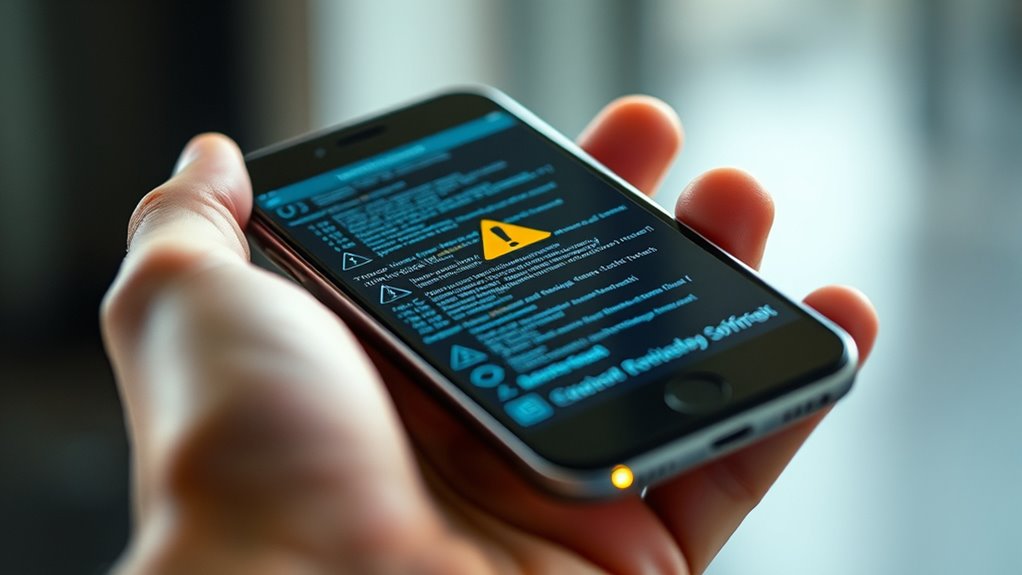
If you’ve recently updated your phone’s software and wish to revert to an earlier version, downgrading can be a viable solution. However, it’s not always straightforward, especially since the process varies depending on your device and the software involved. One common approach involves flashing custom ROMs, which are modified versions of the operating system created by the developer community. Custom ROMs can offer a way to go back to a previous Android version or bypass restrictions set by official updates. But be warned: using custom ROMs introduces security risks, as these unofficial files aren’t always thoroughly vetted. They may contain vulnerabilities or malicious code, so you should only download them from trusted sources.
Before attempting a downgrade, you need to back up all your important data. Downgrading often requires wiping your device, which means you’ll lose apps, settings, and personal files unless you’ve saved them elsewhere. Next, you’ll need to unblock your device’s bootloader, a step that typically voids your warranty and can expose your phone to security risks if not done carefully. Once unlocked, you can flash the desired firmware or custom ROM using specialized tools like fastboot or Odin. This process involves connecting your phone to a computer, entering specific commands, and carefully following instructions. Any mistake could brick your device, making it unusable. Additionally, understanding the security implications of downgrading can help you make an informed decision and mitigate potential risks.
Back up data and unlock your bootloader before flashing firmware or custom ROMs carefully.
Keep in mind that official firmware updates are designed to patch security vulnerabilities and improve stability. Downgrading can leave your device vulnerable, especially if you’re installing an older version that has known security flaws. Custom ROMs, while offering flexibility, can sometimes lack the rigorous security measures built into official updates. This makes your device susceptible to malware, data breaches, or other security risks. Additionally, some apps may not work correctly on older versions, and you might encounter compatibility issues or bugs.
Furthermore, not all devices support downgrading easily. Manufacturers often lock bootloaders or restrict access to older firmware files, so you might need to search community forums or specialized websites for compatible files. Even then, the process can be technically challenging, requiring patience and caution. Ultimately, downgrading can be useful if you prefer an earlier OS version or want to fix issues caused by the latest update, but it’s not without its risks. Proceed carefully, weigh the security implications, and only use trusted sources for custom ROMs and firmware files.
As an affiliate, we earn on qualifying purchases.
Frequently Asked Questions
Can I Downgrade My Phone Without Losing Data?
You can often downgrade your phone without losing data by backing up your data first. However, be aware of compatibility issues, as older software versions might not support all features or apps. Carefully safeguard your data to ensure it’s safe, then follow a reliable downgrade process. Keep in mind, some devices might still experience data loss or issues, so proceed cautiously and consider professional help if needed.
Is Downgrading Safe for My Device’s Hardware?
Downgrading can be risky for your hardware if you ignore hardware compatibility and software stability. Imagine trying to fit a puzzle piece that’s slightly off—your device’s components might struggle, risking damage or reduced performance. If the software isn’t designed for your hardware, you could face crashes or hardware issues. Always guarantee the downgrade version matches your device specs and is stable to protect your hardware’s longevity.
Will Downgrading Void My Phone’s Warranty?
Downgrading your phone’s software can void your warranty because manufacturer policies often state that any unauthorized modifications may invalidate coverage. If you decide to proceed, be aware that warranty concerns might arise if issues occur afterward. Manufacturers typically reserve the right to refuse repairs for devices with altered software. Always check your device’s warranty terms before downgrading to avoid unexpected costs or losing your warranty benefits.
How Do I Find the Right Software Version to Install?
Finding the right software version might seem intimidating, but it’s crucial to avoid bricking your device. You should check firmware compatibility carefully by matching your phone’s model and carrier specifics. Use trusted update sources like official manufacturer websites or dedicated forums to locate the correct firmware. Always verify the version before downloading, ensuring it’s compatible with your device to keep everything running smoothly and safely.
What Are the Risks of Bricking My Phone?
Bricking your phone is a real risk if firmware compatibility isn’t perfect or if you skip backup precautions. If you install incompatible firmware, your device may become unresponsive or stuck in a boot loop. To avoid this, double-check firmware compatibility and always back up your data beforehand. Even a small mistake can render your phone useless, so proceed carefully and follow instructions closely.
As an affiliate, we earn on qualifying purchases.
Conclusion
Downgrading your phone’s software might seem like a simple task, but it’s more like steering through a maze of digital landmines. If you don’t follow the steps carefully, you risk turning your device into a paperweight. Remember, it’s not for the faint of heart—it’s almost as tricky as defusing a bomb! So, weigh your options, back up everything, and proceed with caution. Your phone will thank you for it, and you’ll avoid turning a sleek device into a useless brick.
Odin flashing software for Samsung
As an affiliate, we earn on qualifying purchases.
As an affiliate, we earn on qualifying purchases.
As an affiliate, we earn on qualifying purchases.
Fall Picks
fall essentials
As an affiliate, we earn on qualifying purchases.