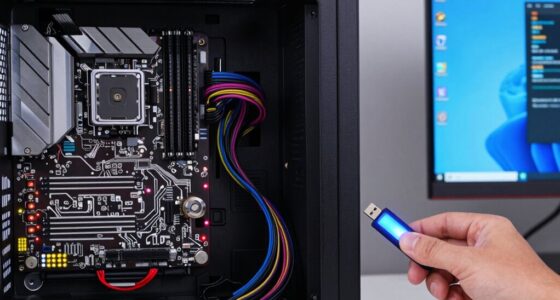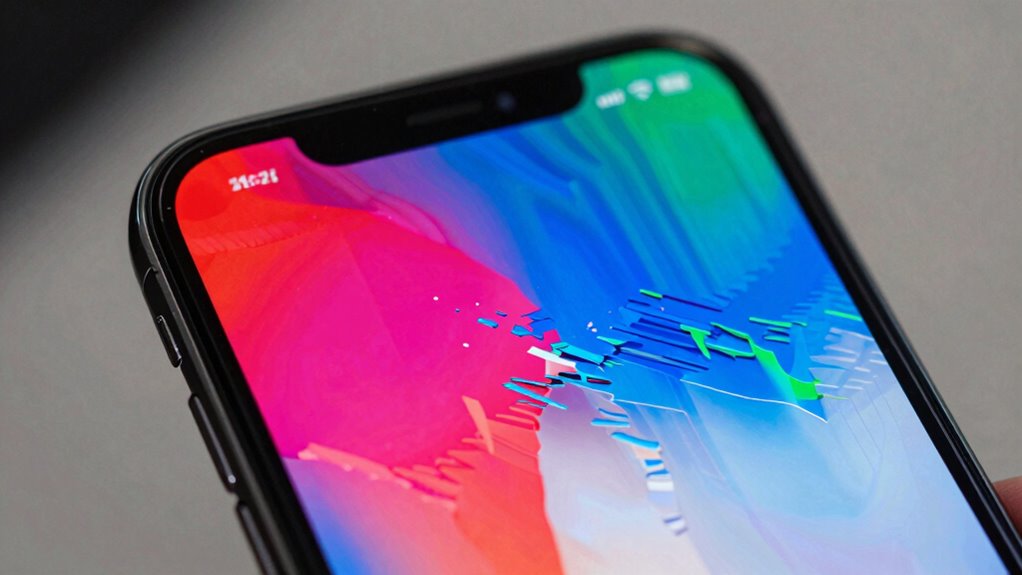

Many phone glitches resolve on their own because your device has built-in system processes that detect and fix issues automatically. Background updates, resource management, and self-healing routines help stabilize your phone without manual intervention. These internal mechanisms monitor performance, restrict problematic apps, and recalibrate system functions over time. If glitches happen, your device often manages them silently before you even notice. Curious about how these systems work? Keep exploring to discover more about your phone’s smart functions.
Listen free for 30 days with Audible
Thousands of audiobooks and originals — cancel anytime.
As an affiliate, we earn on qualifying purchases.
Key Takeaways
- Background processes temporarily misfire and self-correct over time, resolving glitches naturally.
- Software bugs are fixed through automatic updates and system recalibration.
- Built-in self-healing features monitor and reset unstable apps or processes automatically.
- Ongoing resource management and optimization prevent minor glitches from persisting.
- Device’s adaptive mechanisms work to restore stability without manual intervention.
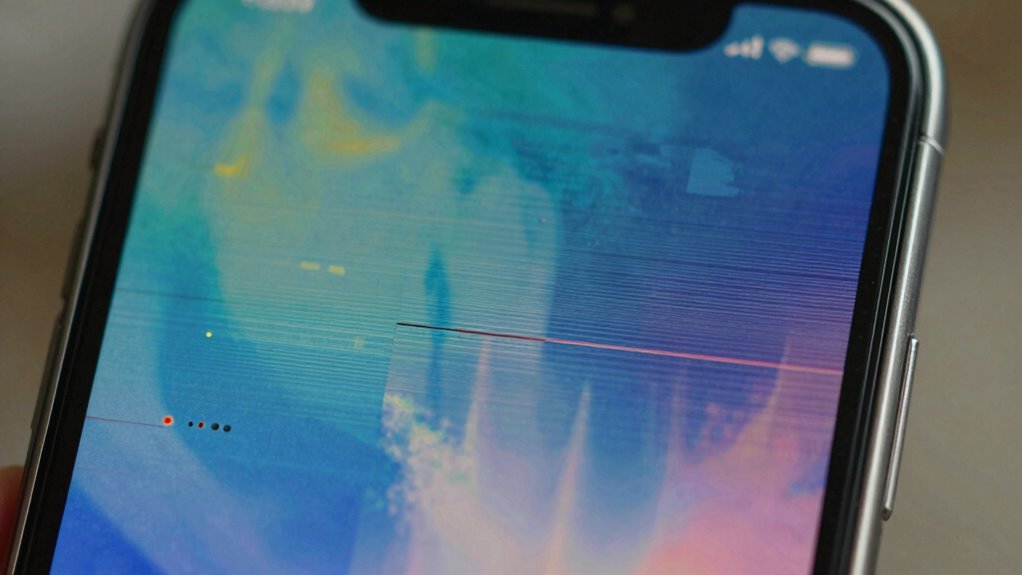
Sometimes, phone glitches seem to resolve themselves without any intervention, leaving you wondering what caused the issue in the first place. This often happens because your device’s background processes or settings temporarily misfire, then correct themselves naturally. This self-correction can be influenced by the device’s management of its own resources through battery optimization. When the system detects that certain apps are draining too much power or causing instability, it may temporarily limit their activity. This can lead to glitches like frozen screens, lagging, or unresponsive apps. Over time, as the system recalibrates, these issues tend to disappear without you doing anything. Additionally, some glitches may be caused by software bugs, which are often patched in subsequent updates, helping the device to self-correct over time.
Phone glitches often fix themselves as the system manages resources and recalibrates automatically.
Another factor that helps resolve some glitches is regular software updates. Phone manufacturers often release updates designed to fix bugs and improve overall stability. If your device automatically installs these updates, it can resolve underlying software conflicts that cause glitches. Sometimes, a glitch is just a result of a temporary software bug, which gets patched in a subsequent update. When your phone completes an update, it often reboots with the latest fixes in place, preventing the issue from recurring. Even if you don’t notice an explicit update, your device might have received background patches that subtly improve performance and security, reducing the chance of glitches popping up again. The system’s ability to adapt to changing conditions ensures smoother operation over time.
Your phone’s built-in processes actively monitor and adjust system performance, which can lead to these glitches resolving on their own. For example, if an app crashes or behaves unpredictably, the system might automatically close it or reset certain settings without your involvement. This self-healing mechanism is often triggered by battery optimization routines that prioritize stability and longevity. As the system re-evaluates which apps are essential and which can be temporarily restricted, it might clear up temporary glitches without your needing to restart or troubleshoot manually.
In many cases, your phone’s ability to self-correct is a combination of these factors working in tandem. The system’s ongoing efforts to optimize battery life and apply software updates help keep your device running smoothly. If you notice glitches that disappear after a while, it’s usually a sign that your phone’s internal systems are doing their job. They’re balancing resource management with software improvements, often resolving issues before you even notice them. While it’s tempting to manually troubleshoot, sometimes all your device needs is a bit of time and the natural processes it’s designed to perform.
As an affiliate, we earn on qualifying purchases.
Frequently Asked Questions
Can Software Updates Prevent Future Phone Glitches?
Yes, software updates can help prevent future phone glitches. They often include bug fixes that address issues like data corruption and improve overall stability, which benefits your battery health. By keeping your device updated, you minimize the chances of glitches reappearing, ensuring smoother performance. Regular updates are essential because they patch vulnerabilities and optimize system functions, helping your phone run reliably and reducing the need for troubleshooting.
Do Hardware Issues Cause Glitches That Fix Themselves?
Surprisingly, hardware issues like ghost touch sometimes fix themselves, but don’t bet on it. When a hardware malfunction causes glitches, it often seems to resolve temporarily—only to return later. Ironically, your device’s hardware can temporarily stabilize, giving you false hope. Usually, these glitches are signs of deeper problems, and ignoring them risks permanent damage. So, while some hardware glitches vanish temporarily, you should still get your phone checked.
How Long Do Most Phone Glitches Typically Last?
Most phone glitches, like screen flickering or sudden battery drain, last from a few minutes to a few hours. Often, they resolve themselves as the device’s system stabilizes or background processes finish. If you experience persistent issues, restarting your phone or updating software can help. However, if problems persist longer than a day, consider seeking professional help to prevent hardware or deeper software problems.
Are Certain Apps More Likely to Cause Glitches?
Certain apps are more likely to cause glitches, especially those prone to app crash or battery drain. Imagine an app running wild like a runaway train, overwhelming your phone’s system. These apps often have poor coding or heavy resource demands, making them the main culprits behind glitches that sometimes disappear on their own. If you notice issues, try updating or reinstalling such apps, as they’re usually the biggest troublemakers.
Can Resetting My Phone Stop Recurring Glitches?
Resetting your phone can often stop recurring glitches like battery drain and screen flickering by clearing temporary files and resolving software issues. When you perform a reset, it restores your device to its original settings, which can eliminate minor bugs causing these problems. Just make sure to back up your data first. This simple step can improve your phone’s performance and prevent glitches from happening again, at least temporarily.
As an affiliate, we earn on qualifying purchases.
Conclusion
Sometimes, phone glitches are like passing storms—they’ll clear up on their own if you wait patiently. Your device might just need a moment to reset or sort itself out, much like a calm after chaos. So, instead of rushing for solutions, give it some time. Often, these issues resolve as effortlessly as waves retreating from the shore, leaving your phone smooth and glitch-free once again. Patience truly is a digital virtue.
battery optimization phone accessories
As an affiliate, we earn on qualifying purchases.
As an affiliate, we earn on qualifying purchases.
As an affiliate, we earn on qualifying purchases.
Flea & tick season Picks
flea and tick prevention
As an affiliate, we earn on qualifying purchases.