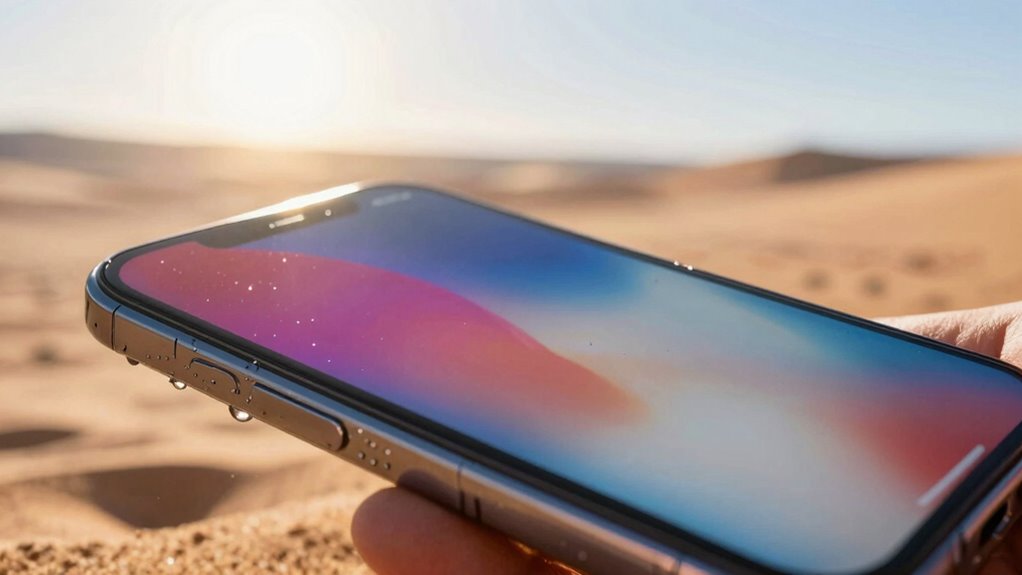

When your smartphone heats up, it slows down and responds less quickly because heat interferes with the communication between touch sensors and processors. The device’s performance drops, apps lag, and graphics stutter. Excess heat also drains your battery faster and can make your phone uncomfortably hot to hold. Over time, high temperatures can damage internal components, shortening your device’s lifespan. If you want to understand why heat impacts your phone’s performance, keep exploring these important details.

Get the latest gadgets delivered free with Prime
- Fast, free delivery on millions of items
- Prime Video, Amazon Music and more included
- Member-only deals all year
Key Takeaways
- Heat causes smartphone components to slow down, leading to lag and unresponsiveness.
- Elevated temperatures accelerate battery degradation and increase power drain.
- Hot devices become physically uncomfortable to hold, discouraging prolonged use.
- Overheating damages internal parts, reducing device lifespan and long-term performance.
- Excess heat impairs thermal regulation, worsening device responsiveness and user experience.

When a smartphone gets too hot, everything about using it feels worse. You might notice that your device starts to lag, or the screen becomes unresponsive when you tap on apps or swipe through menus. This isn’t just in your head; heat directly impacts your phone’s performance. One of the first things you’ll observe is a decline in battery performance. As the temperature rises, your battery can drain faster than usual, and in some cases, it may even shut down unexpectedly to protect itself. The heat causes chemical reactions inside the battery to accelerate, leading to quicker depletion and potential wear over time. This means your phone won’t hold a charge as long, and you might find yourself constantly searching for a charger, especially during prolonged use in hot environments.
Heat causes faster battery drain and potential shutdowns, degrading performance over time.
Beyond battery issues, heat takes a toll on screen responsiveness. When your device heats up, the display may become sluggish, making it harder to interact smoothly. You might tap on an icon expecting it to open instantly, but instead, there’s a noticeable delay. This sluggishness occurs because high temperatures interfere with the communication between your touch sensors and the device’s processor. The screen’s touch sensitivity can degrade, leading to missed taps or accidental inputs. As a result, tasks that once felt quick and effortless now seem frustratingly slow, hampering your overall experience. Recognizing the importance of device temperature management can help you prevent these issues before they worsen. Additionally, proper heat dissipation techniques can help maintain the integrity of internal components, preventing long-term damage. Proper ventilation can also assist in reducing heat buildup, ensuring your device remains within safe operating temperatures. Effective thermal regulation is essential to optimize performance and longevity, especially in high-temperature environments.
The consequences of heat extend further. Overheating can cause your device to automatically limit performance to prevent damage, which means apps run slower, and graphics may stutter during gaming or video playback. The internal components are delicate and designed to operate within specific temperature ranges; when they go beyond that, they slow down or temporarily shut off to avoid permanent damage. This protective measure, while necessary, leaves you feeling like your smartphone is underperforming when you need it most.
You might also notice that the device’s exterior becomes hot to the touch, making it uncomfortable to hold. This discomfort discourages prolonged use, especially during intensive tasks like streaming videos or editing photos. The heat build-up not only affects internal performance but also makes the device physically uncomfortable, adding to the overall feeling that everything about using it is worse. Keeping your phone cool isn’t just about comfort—it’s essential for maintaining its performance, battery health, and responsiveness. When it’s hot, your experience deteriorates, making what should be simple tasks feel like a challenge.
Heat can also cause internal components to degrade over time, which worsens overall device performance and longevity. Proper temperature regulation can help extend the lifespan of your device and keep it functioning optimally.
Products Worth Considering

Apple AirPods Pro (2nd Generation) Wireless Earbuds with USB-C MagSafe Charging Case

Logitech MX Mechanical Wireless Illuminated Keyboard, Tactile Quiet, Graphite

Samsung Odyssey G55C 32-Inch QHD 1000R Curved Gaming Monitor
As an affiliate, we earn on qualifying purchases.
Frequently Asked Questions
Can Heat Damage My Smartphone’s Battery Permanently?
Yes, heat can permanently damage your smartphone’s battery. Excessive heat accelerates battery degradation, reducing its lifespan and capacity. Proper thermal management is essential to prevent overheating, especially during intensive use or charging. When your device gets too hot, it risks irreversible damage, so avoid exposing it to high temperatures and keep it cool to maintain peak battery health and performance over time.
How Can I Prevent Overheating During Intensive Gaming?
During a gaming session, your smartphone’s temperature can rise rapidly, with some devices reaching over 105°F, risking performance issues. To prevent overheating, use cooling accessories like fans or thermal cases, and take breaks to let your phone cool down. Keep your gaming environment cool, avoid direct sunlight, and lower screen brightness. These steps help maintain peak performance and extend your device’s lifespan during intense gaming.
Does Temperature Affect Smartphone Screen Sensitivity?
Yes, temperature affects your smartphone’s screen sensitivity. When it gets too hot, your device’s touch responsiveness can decrease, making your screen less accurate. Heat can also disrupt screen calibration, causing issues with touch accuracy. To maintain ideal performance, avoid exposing your phone to high temperatures, especially during gaming or heavy use. Keeping your device cool helps guarantee your touchscreen remains responsive and properly calibrated, providing a better user experience.
Are Some Phone Models More Heat-Resistant Than Others?
Some phone models are indeed more heat-resistant, thanks to better thermal insulation and heat dissipation features. You’ll find that premium devices often incorporate advanced materials and design elements that help manage internal temperatures effectively. These phones prevent overheating by dispersing heat more efficiently, making them less prone to performance issues or damage in hot conditions. Choosing a model with superior thermal insulation and heat dissipation can keep your device cooler and more reliable.
How Long Does It Take for Heat to Damage Internal Components?
Heat can damage internal components in just a few hours if it’s excessive, especially without proper heat dissipation. Thermal expansion causes parts to expand and contract, stressing delicate circuits. When your phone overheats, it struggles to dissipate heat, accelerating damage. To prevent this, avoid prolonged exposure to high temperatures and make certain your device has adequate cooling. Acting quickly minimizes the risk of permanent harm to your smartphone’s internal parts.
Conclusion
When your smartphone heats up, it’s like a storm brewing inside—causing everything to feel more intense and overwhelming. The heat isn’t just discomfort; it affects performance, battery life, and even your device’s longevity. So, whenever your phone starts to feel hot, think of it as a warning sign—a signal to cool things down before the storm wreaks more havoc. Keep it cool, and your device will stay steady and reliable, ready for whatever comes next.