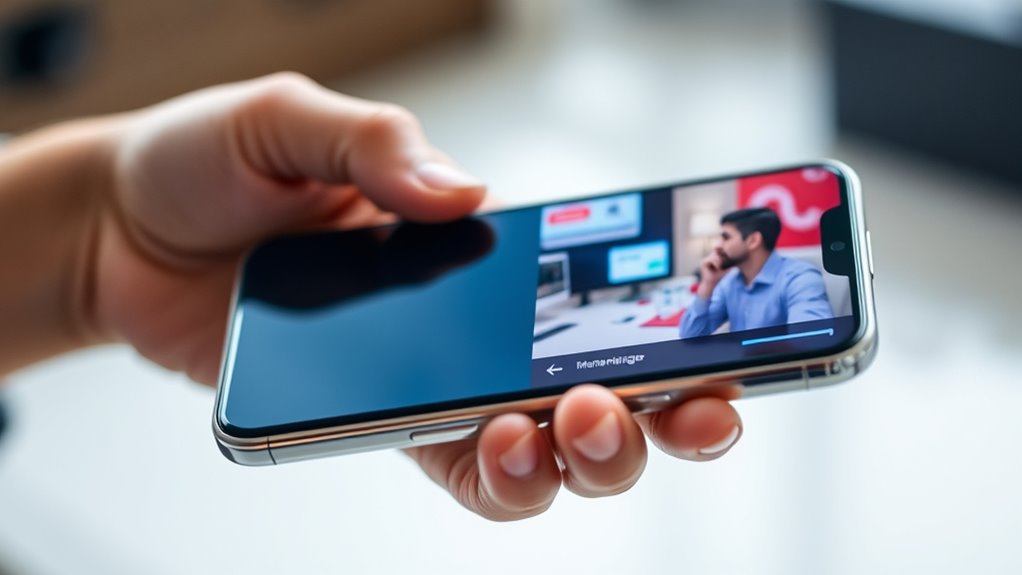

You’ve seen phones go from basic calling devices to powerful multitasking tools. Early models lacked apps and simple interfaces, but hardware and software improvements like faster processors and intuitive UIs changed everything. Features like split-screen and multi-window modes now let you do multiple tasks seamlessly. As phones keep evolving, their multitasking abilities become even more sophisticated. Curious about how these innovations shaped your current device? Keep exploring to discover the full story.
Listen free for 30 days with Audible
Thousands of audiobooks and originals — cancel anytime.
As an affiliate, we earn on qualifying purchases.
Key Takeaways
- Early smartphones offered limited multitasking, mainly focusing on calling and texting with simple app switching.
- Hardware advances like faster processors enabled running multiple apps simultaneously, improving multitasking capabilities.
- User interface improvements, such as gestures and swipe navigation, made switching between apps more intuitive.
- Split-screen and multi-window features allowed users to view and interact with two apps at once, marking a major milestone.
- Modern multitasking includes picture-in-picture, app pinning, and seamless switching, driven by hardware and UI innovations.
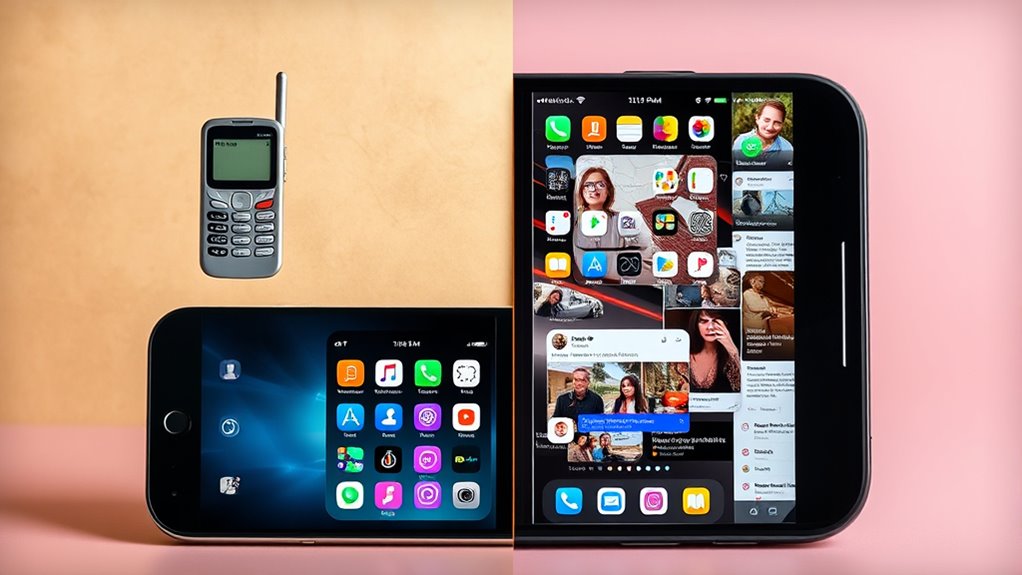
The evolution of multitasking on phones has transformed how you manage your daily activities, turning your device into a powerful tool that handles multiple tasks seamlessly. Early smartphones offered limited functionality, with simple user interfaces that focused mainly on calling and texting. As technology progressed, the user interface became more intuitive and flexible, allowing you to switch between apps quickly. These improvements made multitasking more practical, but the real game-changer came with hardware advancements. Faster processors, increased RAM, and better graphics chips meant your phone could run multiple apps simultaneously without slowing down or draining the battery too quickly.
Initially, multitasking was mostly about switching apps manually—pressing home buttons or using recent apps menus to jump from one task to another. Over time, operating systems introduced features like app switching and notifications that kept you connected without interrupting your workflow. These features relied heavily on improvements in hardware, which provided the necessary power and efficiency. As phones became more capable, developers designed more sophisticated user interfaces that made multitasking feel natural. For example, gestures replaced buttons, and swipe features allowed you to access multitasking options effortlessly.
The introduction of split-screen functionality marked a significant milestone in multitasking evolution. With split-screen, you could view and interact with two apps at the same time, which was a huge leap forward in productivity. This feature required not only powerful hardware capable of managing multiple processes smoothly but also a user interface designed to support it. Manufacturers optimized the user interface to make resizing and switching between apps intuitive, ensuring you could effortlessly multitask without confusion or lag. These advancements made your device more than just a communication tool; it became a mini-computer capable of handling complex tasks simultaneously.
As hardware continued to improve, so did the sophistication of multitasking features. Multi-window support, picture-in-picture mode, and app pinning became standard in newer operating systems. These features were made possible by hardware advancements that increased processing power and memory capacity, allowing your device to run multiple apps reliably. The user interface adapted to these changes by offering clean, accessible controls that let you manage multiple tasks comfortably. Now, you can watch a video while replying to messages or browse the web while taking notes—all thanks to the seamless integration of hardware, energy-efficient processors, and user interface design, enabling an efficient, multitasking experience on your phone.

CHANGAIDA 12 Inch 3D Curved HD Phone Screen Amplifier Foldable Phone Holder Suit for All Smartphones
- HD 3D Screen Amplifier: Enhances phone display 3-5 times larger
- Safe for Kids and Elderly: No batteries, protects eyes and reduces radiation
- Radiation and Glare Protection: Acrylic lenses prevent glare and radiation
As an affiliate, we earn on qualifying purchases.
As an affiliate, we earn on qualifying purchases.
Frequently Asked Questions
How Did Early Phones Handle Multitasking Without Apps?
Early phones handled multitasking with limited capabilities, mainly relying on background processes to manage multiple functions. You couldn’t run many tasks simultaneously because of hardware constraints like minimal RAM and processing power. Instead, these devices paused or closed apps when you switched tasks, making multitasking less seamless. They simply weren’t designed for multitasking yet, focusing instead on basic calls and messaging, with multitasking emerging as hardware improved.
When Did Split-Screen Multitasking First Become Available?
You first saw split-screen multitasking on smartphones around 2013 with Android’s release of split-screen mode. This feature, enabling dual screen gaming, picture-in-picture, and multitasking, quickly transformed how you use your device. It allowed you to watch videos while browsing or chat while gaming, making multitasking more seamless. Since then, more phones have adopted this feature, enhancing your productivity and entertainment options, keeping you connected in more ways than ever before.
What Are the Limitations of Multitasking on Smartphones?
You might notice that background limitations, like reduced RAM and CPU resources, can slow down your multitasking experience on smartphones. These constraints prevent apps from running seamlessly together, leading to lag or crashes. Additionally, smaller screens and touch controls can hinder user experience, making it harder to manage multiple tasks efficiently. Developers continue to optimize software, but hardware limitations still restrict how smoothly you can multitask on your device.
How Do Multitasking Features Impact Phone Battery Life?
Multitasking on your phone is like juggling flames; it demands more power consumption, which drains your battery faster. When you activate features like split-screen or background apps, your device works harder, increasing energy use. To keep your battery healthy, enabling battery optimization helps manage power consumption. So, while multitasking boosts productivity, it’s essential to balance it with good battery habits to avoid unexpected shutdowns.
What Future Innovations Are Expected in Mobile Multitasking?
You can expect future mobile multitasking to integrate advanced voice assistants and augmented reality, making multitasking more seamless. Voice assistants will anticipate your needs, allowing you to switch between tasks hands-free effortlessly. Augmented reality will overlay information directly onto your view, enabling you to manage multiple apps and functions simultaneously without clutter. These innovations will create smarter, more intuitive experiences, transforming how you interact with your device throughout your day.

PGST Home Security System, Home Alarm System Wireless Touch Screen Motion Detection, Door and Window Alarms for Home, Wireless Siren, Remotes, Phone App, for Villa Home Apartment
- Display: 4.3-inch full touchscreen with color IPS
- Battery Life: 12+ months battery life for sensors
- Connectivity: Supports Wi-Fi and 2G/3G/4G networks
As an affiliate, we earn on qualifying purchases.
As an affiliate, we earn on qualifying purchases.
Conclusion
Now, here you are, juggling multiple apps on your sleek phone, just like early pioneers dreamed. Ironically, what once took a bulky computer now fits in your hand, yet you often wish for a simpler time when multitasking meant fewer distractions. As you swipe and split screens effortlessly, remember how far you’ve come— from no apps at all to a mini command center. Who would’ve thought, your tiny device now rules your busy, multitasking life.

AI Real Time Translation Earbuds, Bluetooth 5.4 Translator Earphones, Black
- 3-in-1 Functionality: Offline translation, HD calls, music playback
- Fast Bluetooth 5.4: Stable, rapid wireless connection
- Supports 164 Languages: Real-time two-way translation
As an affiliate, we earn on qualifying purchases.
As an affiliate, we earn on qualifying purchases.

STOBOK Phone Grip Holder Adjustable Phone Finger Holder for Back of Adhesive Cell Ring with Kickstand Accessory for Smartphones and Tablets
- Strong Adhesion: Self-adhesive for secure attachment
- 2-in-1 Functionality: Phone holder and kickstand combo
- Comfortable Grip: Ergonomic design reduces hand strain
As an affiliate, we earn on qualifying purchases.
As an affiliate, we earn on qualifying purchases.
Grilling season Picks
grills
As an affiliate, we earn on qualifying purchases.