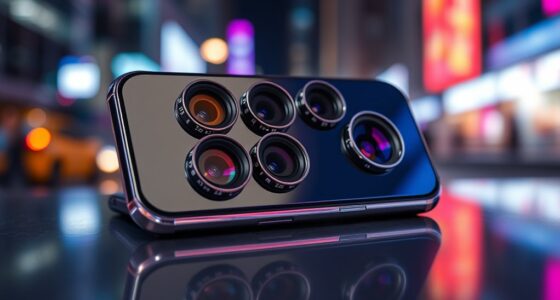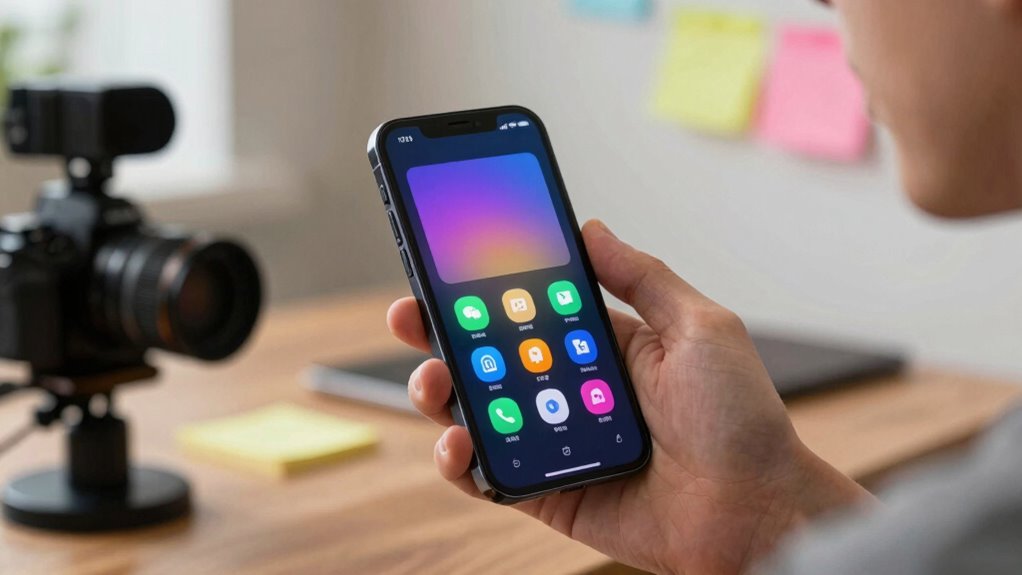

As a content creator, you mainly notice features that boost your workflow and improve video quality. Battery optimization keeps you going longer without interruptions, while stable hardware supports smooth shooting. Camera stabilization, especially optical and electronic tech, helps you produce cinematic shots even on the move. Adaptive stabilization adjusts to your environment, making dynamic scenes easier. If you stick around, you’ll discover how these features work together to make your footage look professional and your editing smoother.
Key Takeaways
- Battery optimization enables longer filming sessions without frequent recharging, maintaining workflow continuity.
- Advanced camera stabilization (OIS and EIS) produces smooth, professional-looking videos effortlessly.
- Adaptive stabilization adjusts in real-time to different environments, ensuring steady footage in dynamic scenes.
- Hardware capabilities support extended recording times and reduce performance issues during filming.
- Efficient background app management and airflow help prevent overheating, preserving device health during intensive shooting.
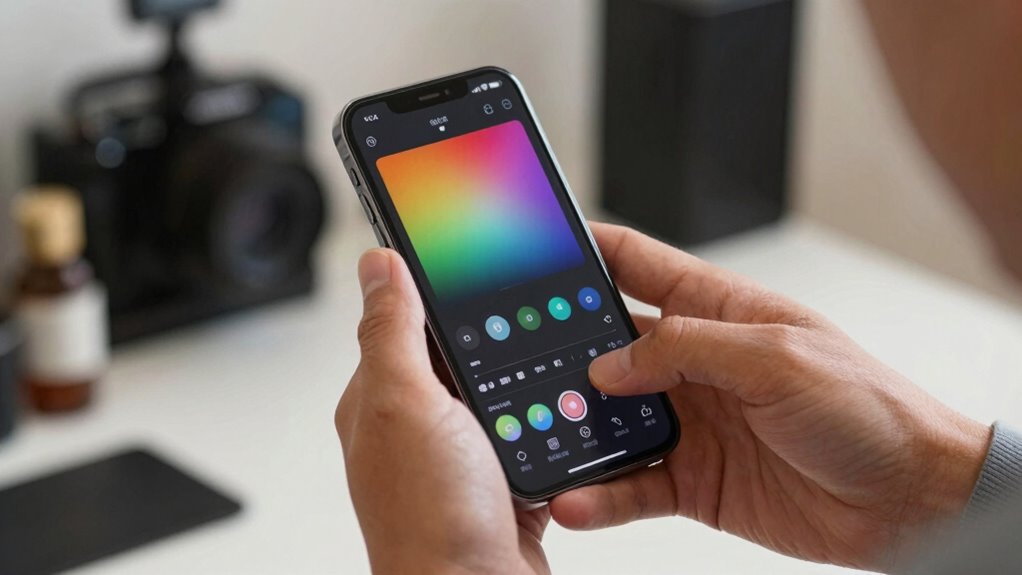
Have you ever wondered how your smartphone’s features can elevate your content creation game? It’s not just about having a good camera anymore; it’s about how the device’s smart functions support your workflow and improve the quality of your content. Two features that truly stand out are battery optimization and camera stabilization. These may seem like small details, but they have a significant impact on your ability to produce content seamlessly and professionally.
Battery optimization might not be the first thing you think of when talking about content creation, but it’s essential. When you’re filming for an extended period or editing on the go, running out of power can be a real setback. Modern smartphones are equipped with intelligent battery management systems that conserve power while using minimal resources, so you don’t have to worry about your device dying halfway through a shoot. Features like adaptive refresh rates and background app management help stretch your battery life, allowing you to focus on capturing great footage without constantly hunting for a charger. This optimization ensures you stay productive, especially during long shoots or when you’re away from power sources. Additionally, maintaining proper airflow around your device can help prevent overheating, which can also impact performance and battery life. Understanding smartphone hardware capabilities can help you optimize your setup further and extend your shooting sessions.
Smartphone battery management keeps you filming longer without interruptions.
Camera stabilization is another game-changer. Handheld shots can often look shaky and unprofessional, but with advanced stabilization tech, your videos become smooth and cinematic. Many smartphones now include optical image stabilization (OIS) or electronic stabilization (EIS), which automatically works to counteract hand movements and vibrations. As a content creator, this means you can shoot dynamic scenes or record vlogs without needing extra equipment like gimbals. It saves both time and money while giving your footage a polished, steady look. Plus, stabilization features are becoming smarter, adapting in real-time to different shooting conditions so your videos stay clear and steady in every situation. Recognizing device capabilities and how they enhance your shooting experience allows you to make the most out of your smartphone’s features.

DJI Osmo Mobile 8 Advanced Tracking Combo Gimbal Stabilizer for Phone, AI Native Tracking with Audio & Lighting, 360° Pan Rotation, Built-in Extension Rod & Tripod, 10h Battery, Extension Rod
Native Tracking With Audio [4] & Lighting [1] – Level up your shots with a DJI gimbal that…
As an affiliate, we earn on qualifying purchases.
As an affiliate, we earn on qualifying purchases.
Frequently Asked Questions
How Do Smartphone Camera Updates Affect Content Quality?
Smartphone camera updates boost your content quality by improving camera stabilization and image processing. Enhanced stabilization reduces shaky footage, making your videos smoother and more professional. Upgraded image processing algorithms brighten photos, improve color accuracy, and add detail. These updates allow you to capture clearer, more vibrant images with less effort, helping your content stand out. Overall, they empower you to produce higher-quality visuals easily, elevating your creative projects markedly.
Are There Hidden Smartphone Features Creators Overlook?
Did you know that over 60% of creators miss hidden smartphone features? You might overlook UI customization options that let you tailor your interface for faster editing, or battery optimization settings that extend your shooting sessions. These hidden features can boost your productivity and content quality. Exploring them reveals new potential, ensuring you make the most of your device without draining power or wasting time searching through menus.
Which Smartphone Accessories Most Improve Content Creation?
The most impactful accessories for content creation are external microphones, portable tripods, and ring lights. Ensuring accessory compatibility with your smartphone is essential for seamless use. A battery pack or power bank also boosts your productivity by optimizing battery life during long shoots. These tools help you capture high-quality audio and visuals, making your content more professional and engaging, especially during extended filming sessions or outdoor shoots.
How Does Phone Storage Impact Content Production?
Your phone’s storage directly impacts your content production. Insufficient space can slow you down and cause data loss, but cloud backup and storage enhancement help. By regularly backing up files and deleting unused apps or media, you free up space, making your workflow smoother. These practices guarantee you have quick access to your content and avoid interruptions, keeping your creative process effective and your device running at its best.
Can Software Updates Enhance Video Editing Capabilities?
Yes, software updates can dramatically boost your video editing capabilities, like giving your device a superhero upgrade. They often improve app performance, making editing smoother and faster, while also enhancing battery optimization to keep you working longer without interruptions. These updates fix bugs, add new features, and optimize existing tools, ensuring your smartphone stays powerful enough to handle demanding editing projects. Keep your device updated to reveal its full creative potential.
smartphone battery optimizer
As an affiliate, we earn on qualifying purchases.
As an affiliate, we earn on qualifying purchases.
Conclusion
As a content creator, you’re like a painter with a new set of brushes—each feature a stroke that transforms your work. Remember when I upgraded my camera, and suddenly every shot felt like a masterpiece? That’s the power of the right smartphone features—they turn everyday moments into vivid stories. Keep exploring these tools; they’re your palette to craft content that truly resonates. Embrace them, and watch your creativity bloom beyond limits.

Black Shark FunCooler 5 Magnetic Cell Phone Cooler for Gaming, Portable Mobile Phone Cooling Fan with RGB Light, Cellphone Radiator for iPhone Magnetic Series/Android/Tablet/iPad (Black)
【20W Power Ultra-Fast Cooling】The wired magnetic phone cooler utilizes high-performance Peltier element (TEC) with high heat dissipation capacity,…
As an affiliate, we earn on qualifying purchases.
As an affiliate, we earn on qualifying purchases.

DJI Osmo Mobile 7P Gimbal Stabilizer for iPhone & Android, Native Tracking
Snap the Spectacular – The Multifunctional Module packs intelligent tracking, DJI Mic 2/DJI Mic Mini reception, and lighting…
As an affiliate, we earn on qualifying purchases.
As an affiliate, we earn on qualifying purchases.