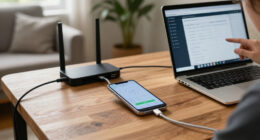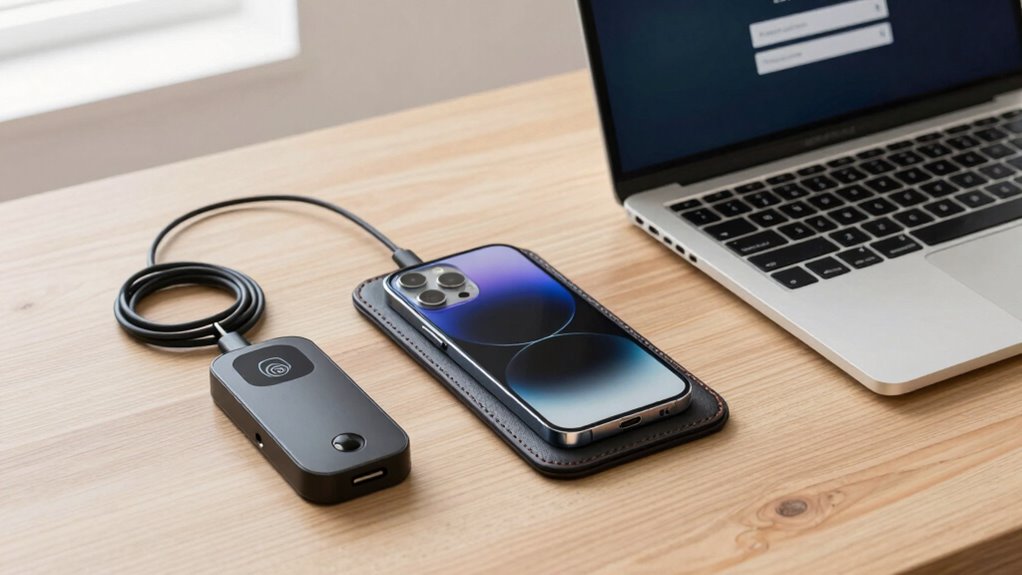

A practical mobile security setup balances strong protection with ease of use. Enable device encryption and biometric authentication to secure your data quickly and effortlessly. Keep your software updated and use a reputable password manager for strong, unique passwords. Activate features like remote tracking and wiping to safeguard your phone if lost. Combining these tools creates a seamless defense system that keeps your information safe without slowing you down. Stay with us to discover how to make your security both effective and simple.

Get the latest gadgets delivered free with Prime
- Fast, free delivery on millions of items
- Prime Video, Amazon Music and more included
- Member-only deals all year
Key Takeaways
- Integrate strong encryption with easy-to-activate device settings for seamless data protection.
- Use biometric authentication for quick, secure access without complex passwords.
- Keep software updated automatically to patch vulnerabilities without user effort.
- Enable remote tracking and wiping to protect data if the device is lost or stolen.
- Balance security features with user convenience to ensure consistent, hassle-free protection.
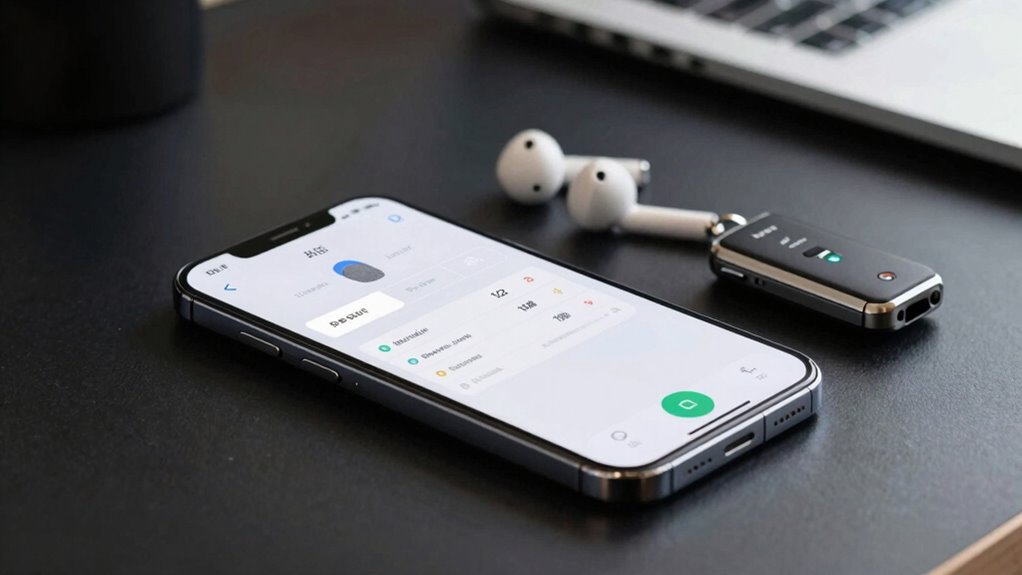
Setting up your mobile security might seem intimidating, but with practical steps, you can protect your device and data effectively. The key is to implement security measures that are both strong and user-friendly, ensuring you don’t get overwhelmed by complicated setups. The foundational element of a practical mobile security setup is encryption protocols. These protocols encrypt your data, making it unreadable to anyone who doesn’t have the proper decryption key. When you enable device encryption, your personal information, messages, and app data stay protected even if your phone is lost or stolen. Many smartphones now come with built-in encryption options that are easy to activate in settings, so take the time to turn them on. This small step adds a significant layer of security without affecting your daily usage. Additionally, being aware of the different cookie categories used by apps and websites can help you better understand how your data might be shared or tracked, further informing your security decisions. Understanding how user data is managed and protected can also enhance your overall security awareness. Incorporating security scanning tools can help identify vulnerabilities before they are exploited, adding an extra layer of protection.
Enabling device encryption protects your personal data even if your phone is lost or stolen.
Biometric authentication is another essential component of a practical mobile security setup. It allows you to unlock your device with your fingerprint or facial recognition, providing both convenience and security. Unlike PINs or passwords, biometric authentication is quick and less prone to being forgotten or guessed. Setting up biometric authentication is simple—most devices guide you through the process during initial setup or in the security settings. Once enabled, it reduces the temptation to use weak passwords, as your biometrics act as a secure barrier. Keep in mind, though, that biometric data is stored locally on your device and not shared online, which enhances privacy. Combining biometric authentication with strong encryption protocols creates a security environment that’s both easy to use and difficult for intruders to bypass.
To make your mobile security truly practical, consider also enabling automatic updates. Many security breaches happen because devices run outdated software. Regular updates patch vulnerabilities and improve overall security. Pair this with the use of strong, unique passwords for different accounts—ideally managed through a reputable password manager—to prevent unauthorized access. Additionally, activate remote tracking and wiping features, so you can locate or erase your device if it gets lost. These measures work together seamlessly, ensuring your security setup doesn’t interfere with your daily routine but instead enhances your peace of mind. Being aware of how cookies are categorized and managed can also help you control data sharing and improve your overall privacy.
In the end, a practical mobile security setup balances robust protection with ease of use. By focusing on encryption protocols, biometric authentication, timely updates, and secure password management, you create a comprehensive defense system that doesn’t feel cumbersome. These steps safeguard your personal information while remaining simple enough to maintain consistently.
mobile device encryption software
As an affiliate, we earn on qualifying purchases.
As an affiliate, we earn on qualifying purchases.
Frequently Asked Questions
How Often Should I Update My Mobile Security Settings?
You should update your mobile security settings regularly, ideally every few months. Consistently review your password management by changing passwords and using strong, unique ones. Enable biometric authentication, like fingerprint or facial recognition, to add an extra layer of security. Staying proactive helps prevent unauthorized access, especially if you notice suspicious activity or after significant updates. Regular updates keep your device protected against emerging threats and guarantee your security measures stay effective.
What’s the Best Way to Recover a Compromised Device?
You should immediately wipe your compromised device and perform a factory reset. Enable device encryption to protect your data during recovery, and set up biometric authentication for quick, secure access moving forward. Change your passwords for all accounts linked to the device, and monitor your accounts for suspicious activity. Updating your security settings regularly helps prevent future issues, but these steps are essential for minimizing damage after a compromise.
Are Free Security Apps as Effective as Paid Ones?
Think of free security apps as the Robin Hood of antivirus comparison—they offer decent protection, but might not be as thorough as paid options. They often lack advanced features and have weaker privacy policies, risking your data. Paid apps typically provide better malware detection and transparent privacy policies. So, while free apps can be helpful, investing in a reputable paid security app ensures you get robust protection and peace of mind.
How Can I Secure My Mobile Transactions Effectively?
To secure your mobile transactions effectively, you should enable biometric authentication for added security and convenience. Always manage app permissions carefully, limiting access to sensitive data and features. Use secure, trusted apps for banking and shopping, and keep your device’s software up to date. These steps help prevent unauthorized access, ensuring your transactions remain private and protected from potential threats.
What Are Common Mobile Security Mistakes to Avoid?
Avoid neglecting app permissions and device encryption, or you could expose sensitive data. Overly granting app permissions may grant malicious apps access to personal info, while skipping device encryption leaves your data vulnerable if your phone is lost or stolen. Don’t fall into these traps—regularly review permissions and enable encryption. These simple steps can make a significant difference, preventing potential breaches before they even happen.
biometric fingerprint scanner for smartphones
As an affiliate, we earn on qualifying purchases.
As an affiliate, we earn on qualifying purchases.
Conclusion
To keep your mobile security setup practical, focus on simplicity and consistency. Use strong, unique passwords, enable two-factor authentication, and stay updated with the latest security patches. Don’t fall into the trap of overcomplicating things — even a modern-day knight needs a reliable shield. Remember, a well-rounded approach that fits into your daily routine is your best armor. With these tips, you’ll be ready to face digital dragons, no quest required.
automatic software update app for Android
As an affiliate, we earn on qualifying purchases.
As an affiliate, we earn on qualifying purchases.
remote phone tracking and wiping tools
As an affiliate, we earn on qualifying purchases.
As an affiliate, we earn on qualifying purchases.
Fall Picks
fall essentials
As an affiliate, we earn on qualifying purchases.