
A good emergency security plan for your phone involves regularly backing up your data, updating security features, and managing app permissions carefully. Enable device tracking and quick access tools like SOS mode to respond swiftly during crises. Use strong authentication methods, like biometrics and two-factor verification, to prevent unauthorized access. Staying informed about potential threats and maintaining ongoing security habits help keep your device safe. Keep going for more tips to strengthen your emergency preparedness.

Get the latest gadgets delivered free — and shop member deals
- Fast, free delivery on millions of items
- Access to Prime Big Deal Days deals on October 6–7
- Prime Video, Amazon Music and more included
Key Takeaways
- Enable emergency features like SOS mode and quick contact access for rapid response.
- Regularly update security settings and test emergency functions to ensure reliability.
- Back up data frequently to facilitate quick recovery after incidents.
- Use strong, multi-factor authentication to protect sensitive information during emergencies.
- Familiarize yourself with device tracking and remote wipe options for swift action if lost or stolen.
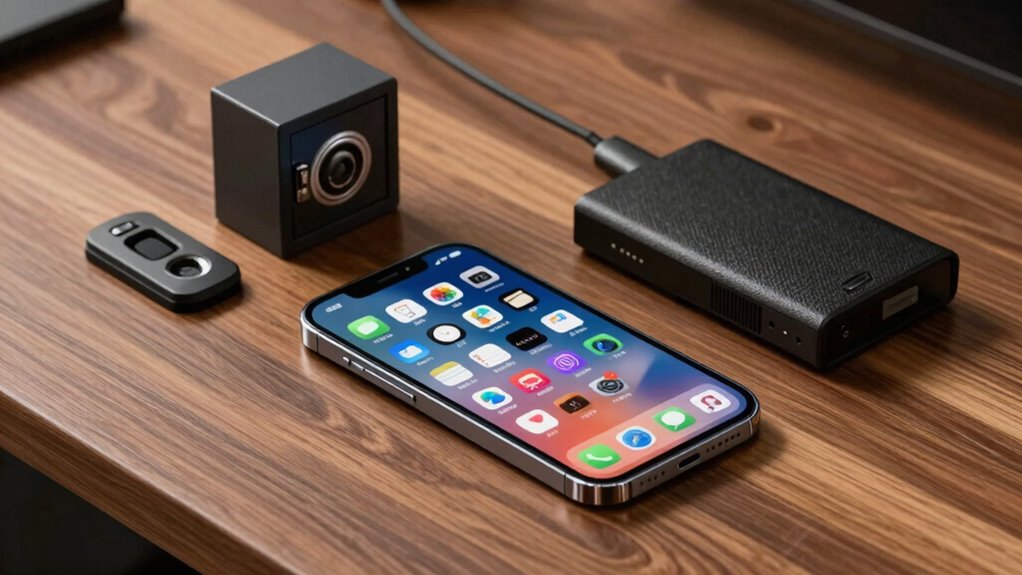
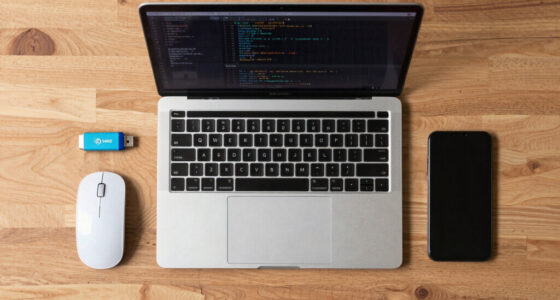
In today’s digital world, having an emergency security plan for your phone isn’t just smart—it’s essential. Your phone contains personal information, work data, and access to your financial accounts, so being prepared for unexpected issues can save you time, stress, and potential security breaches. A good emergency plan starts with regular data backups. You want to ensure that your contacts, photos, messages, and important apps are stored safely elsewhere—preferably in the cloud or on a secure external device. Regular backups mean you won’t lose everything if your phone gets lost, stolen, or damaged. It’s a simple step that provides peace of mind, knowing you can restore your data quickly and easily.
Regular data backups ensure your essential information is safe and easily recoverable in emergencies.
Another crucial aspect is managing app permissions. Many apps request access to features or data that they don’t really need, such as location, contacts, or camera. A robust emergency plan involves reviewing and adjusting these permissions periodically. By limiting unnecessary access, you reduce the risk of malicious apps or vulnerabilities that could be exploited in a security breach. When you’re aware of what permissions you’ve granted, you’re better positioned to identify suspicious activity or revoke permissions that no longer serve a purpose. This proactive approach minimizes potential entry points for hackers or malware, making your phone less vulnerable. Additionally, understanding the importance of security features** can help you better protect your device in emergencies. Incorporating security best practices from reputable sources further enhances your overall safety. Being aware of security vulnerabilities specific to your device model can also help you take targeted actions to mitigate risks. Regularly reviewing and updating your privacy settings ensures you maintain control over your data and reduce exposure to threats. Furthermore, staying informed about current cybersecurity threats** can give you an added layer of awareness to safeguard your device effectively.
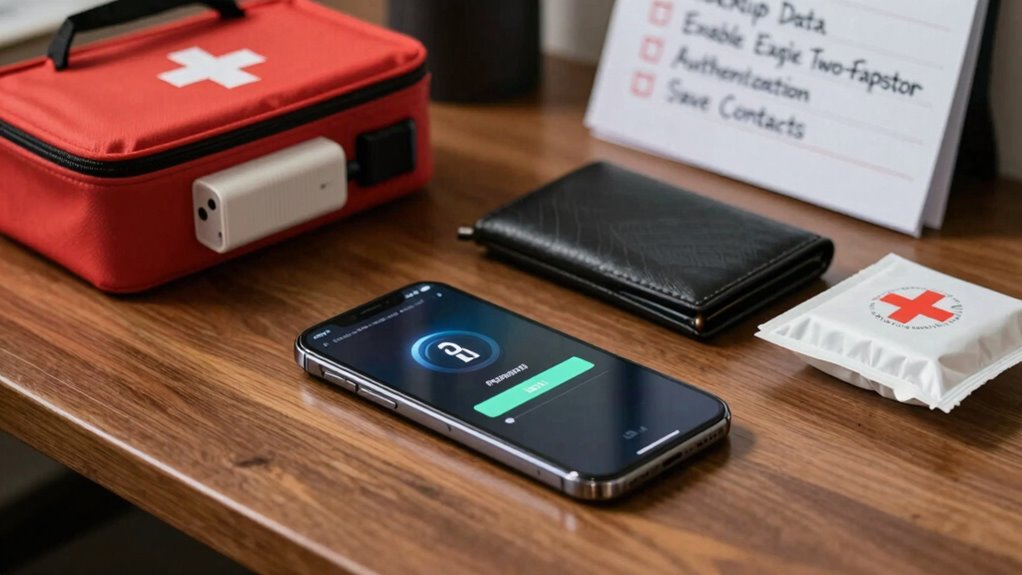
Beyond backups and permissions, your emergency plan should include enabling security features like two-factor authentication, screen lock, and device tracking. Two-factor authentication adds an extra layer of security for your online accounts, making it harder for someone to hijack your information even if they get hold of your password. A strong screen lock—using a PIN, password, or biometric authentication—prevents unauthorized access if your phone is misplaced or stolen. Additionally, activating device tracking allows you to locate, lock, or wipe your phone remotely if it’s lost or stolen, preventing sensitive data from falling into the wrong hands.
It’s also wise to keep your operating system and apps updated. Updates often include security patches that fix known vulnerabilities, making it harder for cybercriminals to exploit weaknesses. You should set your device to update automatically or regularly check for updates manually.
Finally, familiarize yourself with your phone’s emergency features, like SOS mode or quick access to contacts. Knowing how to quickly alert someone or share your location can be invaluable in urgent situations. By combining these strategies—regular data backups, managing app permissions, enabling security features, keeping your software updated, and understanding emergency tools—you create a comprehensive, effective security plan. This preparation ensures you’re ready to handle any unexpected situation confidently and minimize potential damage to your personal and sensitive information.
As an affiliate, we earn on qualifying purchases.
Frequently Asked Questions
How Often Should I Update My Emergency Security Plan?
You should update your emergency security plan at least once a year or whenever there’s a significant change in your device or routines. Regular updates ensure your security protocols stay current and effective. Reassess your backup strategies too, making certain your data remains protected and accessible. Staying proactive helps you respond quickly during emergencies, minimizing data loss and security risks. Consistent updates keep your plan reliable and tailored to your evolving needs.
What Are the Best Apps for Emergency Security?
You should consider apps that prioritize data encryption and carefully manage app permissions for emergency security. Apps like Signal and WhatsApp offer end-to-end encryption, guaranteeing your messages stay private. Additionally, security apps like Lookout or Norton can scan for threats and manage permissions, reducing vulnerabilities. These apps help keep your data protected and ensure only trusted apps access your sensitive information during emergencies.
How Can I Protect My Phone From Physical Theft?
Protecting your phone from physical theft is like locking a treasure chest—secure and unbreakable. Use biometric authentication, like fingerprint or facial recognition, to prevent unauthorized access. Always keep your phone in a safe place, like a bag or pocket, and avoid revealing it in crowded areas. Consider physical security accessories like a sturdy case or anti-theft lock. These steps guarantee your device remains yours and safe from thieves.
Should I Include Emergency Contacts Outside My Country?
Yes, including international contacts in your emergency security plan is essential. It allows you to maintain cross-border communication if you’re abroad and face an emergency. Sharing your international contacts guarantees someone outside your country can assist or alert local authorities if needed. This preparation helps you stay connected and secure, especially in unfamiliar environments, providing an extra layer of safety during unexpected situations or emergencies overseas.
What Should I Do if My Phone Is Hacked During an Emergency?
If your phone gets hacked during an emergency, you should immediately disable access by changing your passwords using a secure device. Use password management tools to generate strong, unique passwords, and enable biometric security like fingerprint or face recognition to prevent further breaches. Contact your mobile provider and local authorities if needed. Acting swiftly helps protect your data and regain control of your device in critical situations.
As an affiliate, we earn on qualifying purchases.
Conclusion
Having a solid emergency security plan for your phone is like building a fortress around your digital life. It keeps your personal information safe and guarantees you’re prepared when the unexpected happens. Regular updates, strong passwords, and backup plans are your shields against threats. Remember, your phone is your lifeline—treat it like a precious treasure, and you’ll stay one step ahead in the unpredictable world of tech risks. Stay vigilant, stay secure.
As an affiliate, we earn on qualifying purchases.
device tracking and remote wipe tool
As an affiliate, we earn on qualifying purchases.
As an affiliate, we earn on qualifying purchases.
Fall Picks
fall essentials
As an affiliate, we earn on qualifying purchases.