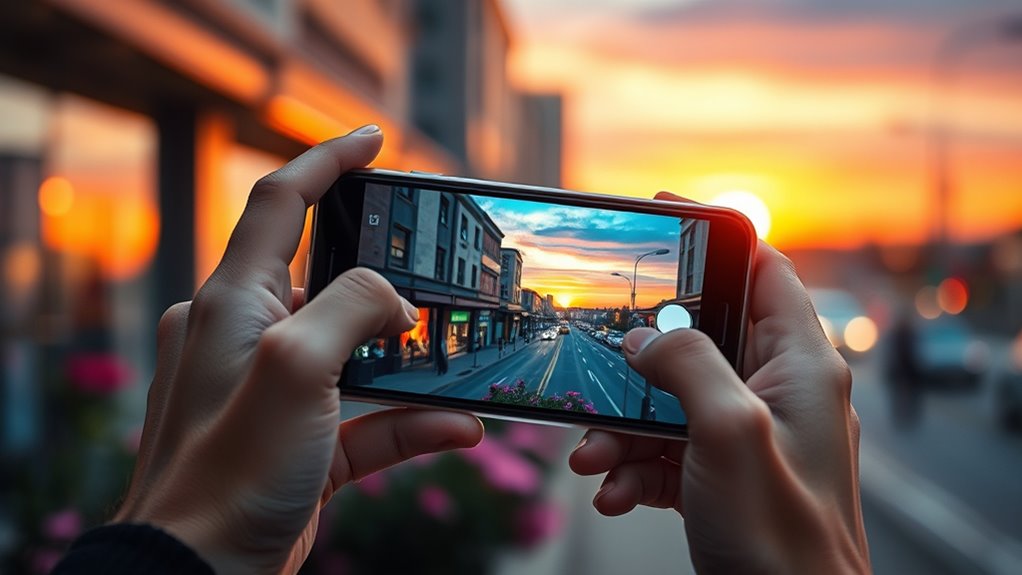

To take better photos with your smartphone, master your camera settings by adjusting focus, exposure, and using modes like HDR and gridlines for better composition. Apply techniques like the rule of thirds, leading lines, and framing to create interesting shots. Use natural light wisely, shoot during golden hours, and avoid harsh midday sun. Edit your photos for enhanced colors and details. Keep practicing, organizing, and exploring new techniques — you’ll release even more stunning images as you continue to improve.
Key Takeaways
- Use gridlines and the rule of thirds to improve composition and create balanced images.
- Adjust focus and exposure manually by tapping on the screen to ensure sharp, well-lit photos.
- Capture photos during golden hours or in diffuse light for natural, flattering illumination.
- Experiment with different modes like HDR, portrait, and night to enhance scene details.
- Edit photos to boost vibrancy, contrast, and sharpness, refining your images for a professional look.
Master Your Camera Settings for Optimal Shots
To capture the best possible photos with your smartphone, mastering your camera settings is vital. First, adjust your ISO based on lighting conditions—around 800 to 1600 for indoor or low-light scenes helps avoid grainy images. Tap on your screen to set focus and exposure; this ensures your subject is sharp and well-lit. Use white balance to maintain natural colors, especially under artificial lighting. Don’t forget to tweak exposure compensation to prevent overexposed or dark photos in tricky lighting. Enable HDR mode when capturing scenes with a wide range of light to balance shadows and highlights. Familiarize yourself with your camera’s focus modes and experiment with manual or pro settings for more control. Additionally, understanding how color accuracy impacts your photos can help you achieve more vibrant and true-to-life images. Mastering these options will considerably improve your photo quality.
Use Composition Techniques to Create Visual Interest

Using composition techniques can make your photos more engaging and balanced. Try applying the rule of thirds by placing your subject along grid lines, or use leading lines like roads or fences to guide the viewer’s eye. Framing elements such as branches or windows help highlight your subject and add depth to your shot.
Rule of Thirds
Have you ever wondered how to make your photos look more balanced and engaging? The rule of thirds is a simple yet powerful technique. Imagine dividing your frame into a 3×3 grid, then position your subject along these lines or at their intersections. This creates a natural focal point and guides the viewer’s eye smoothly through the image. Instead of centering your subject, try shifting it off-center to add interest and dynamic tension. Many smartphone cameras display gridlines—activate them in your settings to help with composition. Applying the rule of thirds helps you avoid static, uninteresting shots and makes your photos feel more professional. Practice this technique consistently, and you’ll notice your images become more balanced, lively, and visually appealing. Additionally, understanding basic composition techniques can further elevate your photography skills.
Leading Lines
Leading lines are a powerful way to draw viewers into your photo and create a sense of depth. They guide the eye naturally along a path, emphasizing your subject and adding visual interest. Roads, fences, shadows, or rivers make excellent leading lines, creating a journey through the image. To enhance this technique, pay attention to the lines’ direction and convergence points. Use your smartphone’s gridlines to align these lines and strengthen the composition. Incorporating energy-efficient cloud solutions can also ensure your photography workflow remains sustainable and secure.
Framing Elements
Framing elements are essential tools to draw attention to your subject and add depth to your photos. By incorporating natural or built-in frame-like objects—such as branches, doorways, or windows—you direct the viewer’s focus and create a sense of context. Use these elements to surround your subject, making it stand out and adding layers to your composition. For example, framing a person with an archway or a tree branch creates visual interest and guides the eye. Be mindful of the placement and size of the frame to avoid clutter or distraction. Experiment with different natural frames to find what best complements your subject. Proper framing enhances storytelling and makes your photos more compelling and polished. Incorporating well‑designed living spaces can also serve as inspiring backgrounds that reflect your personal style and comfort.
Harness Natural Light for Better Photos
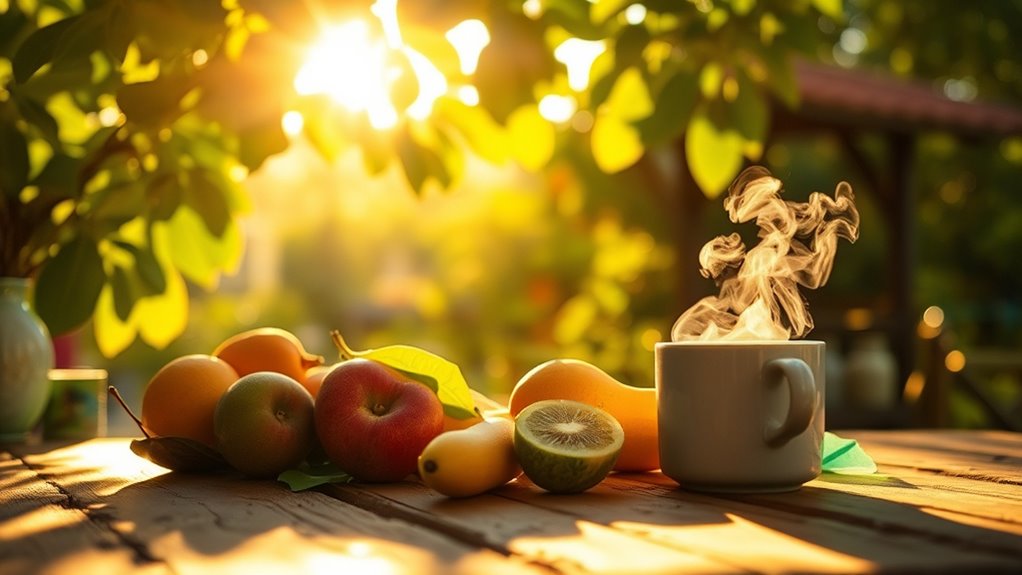
Ever wonder how to make your smartphone photos look warmer and more vibrant? The secret lies in harnessing natural light. Aim to shoot during the golden hours—shortly after sunrise or before sunset—when sunlight is soft and warm. Avoid midday sun, which creates harsh shadows and washed-out colors; instead, seek shade or diffuse light for gentle illumination. Position your subject so natural light hits it from the side or front, enhancing textures and colors. If outdoors, turn away from direct sunlight to prevent overexposure. Use your phone’s gridlines to align your shot and keep horizons straight. Remember, natural light adds depth and warmth that artificial lighting often can’t replicate, making your photos more lively and authentic. Additionally, understanding basic lighting techniques can help you further improve your images.
Focus Carefully and Use Exposure Compensation
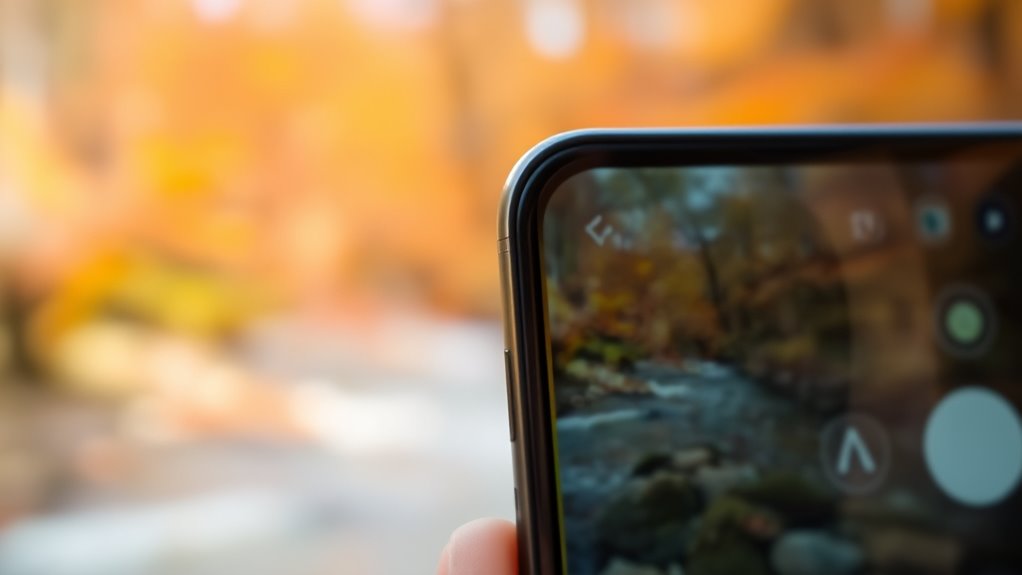
When capturing moments with your smartphone, paying close attention to focus and exposure settings can make a big difference in photo quality. Tap on your screen to set focus precisely on your subject, ensuring clarity and sharpness where it matters most. This also adjusts exposure automatically, but sometimes the photo can be too dark or too bright. Use exposure compensation to fine-tune this—slide the adjustment up or down to brighten or darken the image, especially in tricky lighting conditions. Avoid relying solely on auto settings; manual tweaks give you control over how your photo turns out. By focusing carefully and adjusting exposure, your images will look more professional, balanced, and visually appealing, regardless of the lighting environment. Incorporating proper technique can further enhance your smartphone photography skills.
Take Advantage of HDR and Gridlines
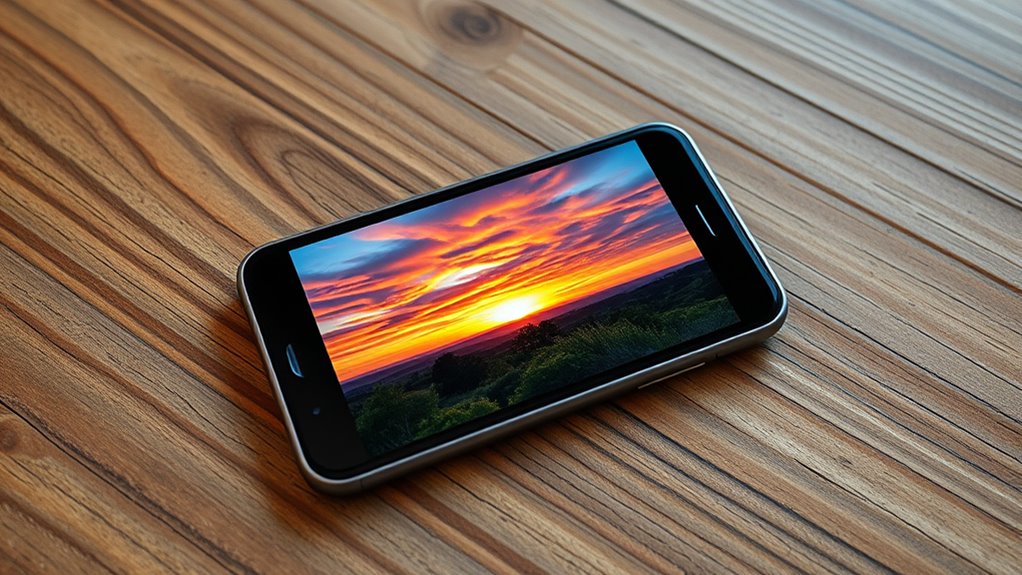
Utilizing HDR mode and gridlines can substantially enhance your smartphone photography. HDR helps balance exposure in scenes with bright highlights and dark shadows, ensuring you capture more detail without overexposing or underexposing parts of the photo. Turn it on when shooting landscapes, interiors, or high-contrast scenes. Gridlines are a simple yet powerful tool to improve composition; they help you align horizons and position subjects using the rule of thirds, creating more balanced images. Keep gridlines enabled as you frame your shot, ensuring key elements are placed strategically. Combining HDR with gridlines makes it easier to capture well-exposed, attractively composed photos with a professional feel. Don’t forget to review your images, adjusting settings for *best* results in different lighting conditions. Incorporating composition techniques such as leading lines or framing can further elevate your photos.
Experiment With Different Modes and Features
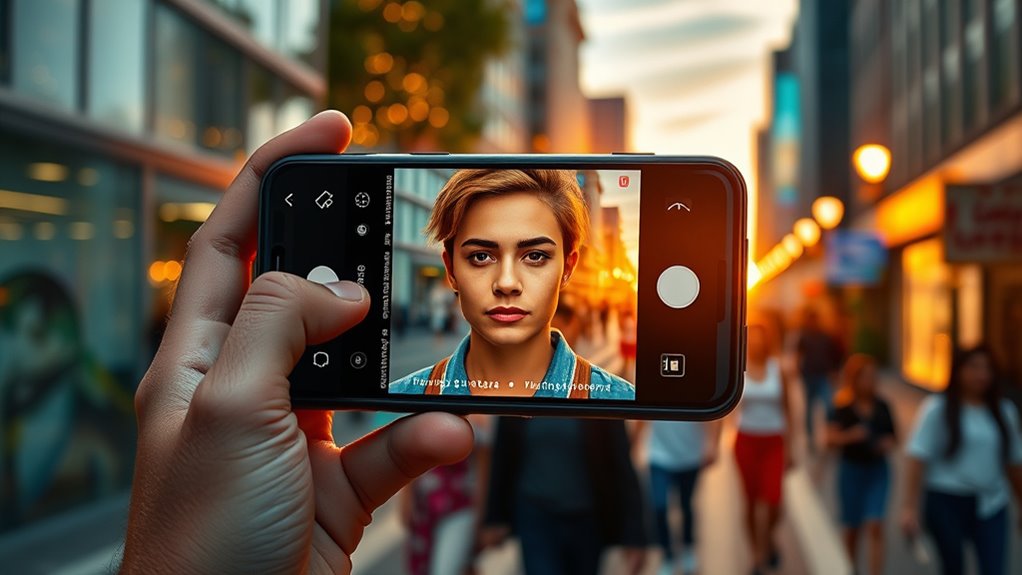
Exploring the various camera modes and features on your smartphone can reveal new creative possibilities and improve your photos. Different modes help you adapt to lighting, motion, and subject types, making your images stand out. For example, Portrait mode blurs backgrounds, while Night mode brightens low-light scenes. Burst mode captures fast action, and Panorama creates wide-angle shots. Here’s a quick overview:
| Mode | Best Use | Key Benefit |
|---|---|---|
| Portrait | Emphasize subjects with background blur | Focus on the subject |
| Night | Low-light or nighttime scenes | Brighten and add detail |
| Panorama | Wide landscapes or cityscapes | Capture expansive views |
Experiment with these modes to discover what works best for each situation and free your creative potential. Additionally, understanding smartphone camera features can help you unlock even more capabilities to enhance your photography.
Incorporate Leading Lines and Framing

Look for natural guides like roads, fences, or shadows that lead the viewer’s eye into your photo. Use foreground elements such as flowers or rocks to add depth and interest. Frame your subject with surrounding natural features to draw attention and create a balanced composition. Incorporating visual storytelling techniques can also help convey emotion and context in your images.
Identify Natural Guides
Natural guides like leading lines and framing are powerful tools to direct your viewer’s eye and add depth to your photos. Look for roads, fences, shadows, or rivers that naturally draw the eye toward your subject. Leading lines create a sense of movement and perspective, guiding viewers through the scene. Framing involves using natural elements like branches, doorways, or windows to surround your subject, emphasizing it and adding context. To identify these guides, observe your surroundings carefully before snapping the shot. Think about how lines or frames can lead to your main subject or highlight it. Incorporating these natural guides helps create more engaging, well‑composed photos that instantly captivate viewers and convey a sense of depth and dimension. Recognizing natural guides in your environment is essential for making your photos more compelling.
Use Foreground Elements
Incorporating foreground elements into your photos can add depth and draw viewers’ attention to the main subject. Use leading lines like roads, fences, or shadows to guide the eye toward your focal point, creating a sense of movement and dimension. Framing with natural elements such as branches, arches, or windows helps isolate your subject and add context. Position these elements thoughtfully so they don’t overpower the main focus but instead enhance it. Get close to interesting foreground objects to emphasize their presence and create layers within your composition. Experiment with different angles to find compelling ways to incorporate these features. Effective use of foreground elements transforms simple scenes into engaging, dynamic images that invite viewers to explore the story you’re telling.
Frame With Surroundings
Using your surroundings creatively can considerably enhance your smartphone photos by guiding viewers’ eyes and highlighting your subject. Incorporate leading lines like roads, fences, or shadows to draw attention inward. Frame your subject with natural elements such as arching branches or doorways to add depth and focus. These techniques help create visual pathways that lead to your main point. Here’s a quick guide:
| Technique | Example |
|---|---|
| Leading Lines | Roads, rivers, fences |
| Natural Framing | Windows, trees, arches |
| Symmetry | Buildings, reflections |
| Negative Space | Open sky, blank walls |
Combine these methods to create compelling, well-balanced images that naturally direct the viewer’s gaze. Incorporating visual composition principles can further optimize your photos for maximum impact.
Edit Photos to Enhance Colors and Details

Enhancing colors and details in your smartphone photos can considerably improve their visual impact. After capturing an image, use editing apps to boost vibrancy and contrast, making colors pop without overdoing it. Adjust brightness and shadows to reveal hidden details in dark areas, and tweak highlights to prevent washed-out spots. Sharpening the image can bring clarity to textures and fine lines, but avoid over-sharpening, which can create noise. Use white balance tools to correct color casts caused by different lighting conditions, ensuring accurate hues. Applying subtle filters can set the mood while maintaining a natural look. Remember, small, precise edits often produce the most professional results, making your photos more striking and engaging without losing authenticity. Leveraging local automation features can also help you quickly apply consistent edits across multiple images for a cohesive look.
Organize and Backup Your Photo Library
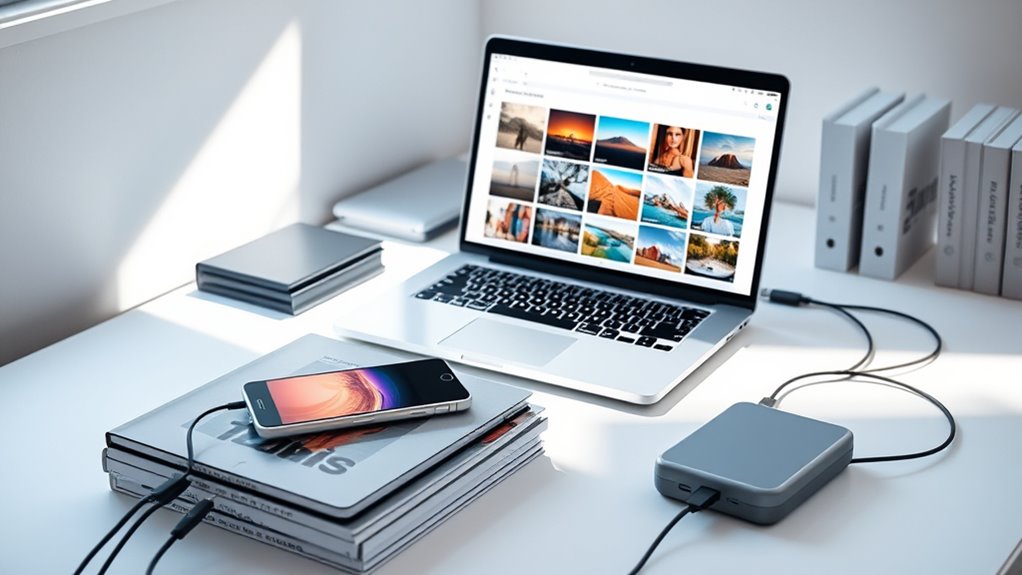
Keeping your photo library organized makes finding images easier and saves storage space. Use tagging systems to categorize your photos and regularly delete duplicates to avoid clutter. Automating your backup process guarantees your memories stay safe without extra effort on your part. Additionally, exploring AI-powered organization tools can further streamline the sorting and management of your photo collection.
Use Tagging Systems
Have you ever felt overwhelmed by the thousands of photos stored on your device? Using tagging systems helps you organize and find images quickly. Most photo apps let you add tags or keywords to each photo, such as “beach,” “birthday,” or “mountains.” When you need a specific shot, you can search using these tags instead of scrolling through endless albums. Be consistent with your tags—use clear, descriptive words that make sense to you. Some apps even allow location tags or date labels, adding more context. Tagging also enhances backup efficiency, ensuring your photos are categorized properly across devices and cloud services. This simple step saves time, reduces frustration, and keeps your photo library tidy and accessible. Incorporating simple, room-by-room solutions can help you stay organized across your entire digital collection.
Regularly Delete Duplicates
Over time, your photo library can become cluttered with duplicate images that take up valuable storage space and make it harder to find the photos you want. Regularly deleting duplicates helps keep your collection organized and saves space for new shots. Start by scanning your gallery for similar or identical photos—these often occur after multiple shots of the same scene or accidental repeats. Use built-in tools or third-party apps designed to identify duplicates quickly and accurately. Review the suggested duplicates carefully before deleting to avoid losing any meaningful shots. Clearing out duplicates not only streamlines your library but also improves your ability to locate your favorite photos faster. To make this process easier, consider using specialized duplicate finder apps that can automate the detection and removal of similar images. Make this a routine to maintain a clean, efficient, and manageable photo collection.
Automate Backup Processes
To prevent losing precious memories, automating your backup process guarantees your photos are safely stored without manual effort. Set up automatic backups on cloud services like Google Photos, iCloud, or OneDrive. These apps sync your images seamlessly, saving you time and reducing risk. Use your phone’s settings to enable backup features and schedule regular uploads. Organizing your library becomes easier when backups happen automatically, ensuring new photos are preserved instantly. Here’s a quick reminder of the core benefits:
| Benefit | Action | Result |
|---|---|---|
| Reliability | Enable scheduled backups | No manual effort needed |
| Organization | Use tagging and albums in cloud apps | Easy retrieval |
| Storage Safety | Store on external drives or cloud | Protects against device loss |
| Consistency | Automate daily or weekly uploads | Keeps library current |
| Peace of Mind | Set and forget | Prevents accidental loss |
Additionally, choosing the right vacuum features can greatly improve cleaning efficiency and effectiveness.
Practice Regularly to Improve Your Skills
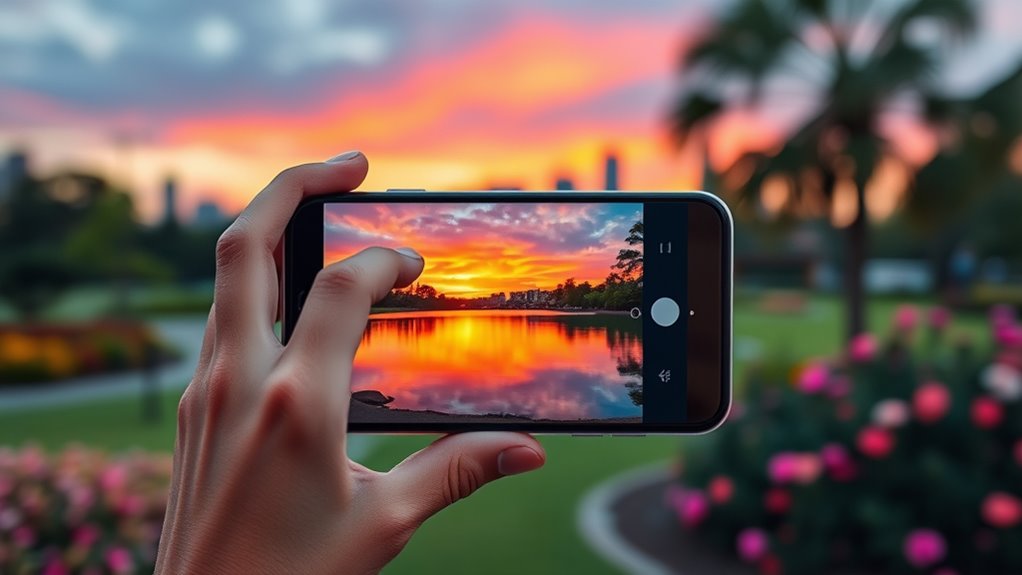
Practicing regularly is essential to transforming your smartphone photography from basic snapshots into compelling images. The more you shoot, the better you’ll understand your device’s capabilities and limitations. Experiment with different lighting, angles, and subjects to discover what works best. Set aside time each week to challenge yourself with new themes or techniques, like using gridlines or adjusting focus manually. Review your photos critically to identify areas for improvement, such as composition or exposure. Don’t be afraid to retake shots or explore editing tools to refine your images. Over time, consistent practice builds your eye for detail and helps you develop a personal style. The key is staying curious and committed to capturing moments thoughtfully and intentionally, especially as anime movies continue to inspire artistic creativity.
Frequently Asked Questions
How Can I Improve Photo Stability Without a Tripod?
To improve photo stability without a tripod, brace yourself by holding your phone with both hands and keep your elbows close to your body. Find a solid surface like a table or wall to steady yourself, or lean against a stable object. Use your body as a support, breathe steadily, and gently press the shutter button to avoid shake. Activating gridlines can also help keep your shot level.
What Are the Best Apps for Smartphone Photo Editing?
You should try apps like Adobe Lightroom, Snapseed, and VSCO for smartphone photo editing. Research shows these apps offer advanced tools for adjusting brightness, contrast, color, and sharpness, allowing you to enhance photos naturally. They also include filters and retouching options. With their intuitive interfaces, you can easily improve your images, making them more striking before sharing. Experimenting with these apps helps you develop your editing skills and create professional-looking photos.
How Do I Capture Clear Photos of Moving Subjects?
To capture clear photos of moving subjects, you should use burst mode to shoot multiple frames quickly, increasing your chances of getting a sharp shot. Enable the pro or manual mode to adjust shutter speed to a faster setting, ideally 1/500s or higher, to freeze motion. Tap to focus precisely on your subject, and keep your hands steady or use a stabilizer to minimize blur. Practice timing and anticipate movement for better results.
When Should I Use Flash Versus Natural Lighting?
When you’re in a dim room, use your flash to brighten shadows and reveal details, like capturing a friend’s smile in a dark café. But if you’re outdoors on a sunny day, natural light creates softer, more natural photos with warm tones. Avoid using flash in bright settings; instead, find shaded areas or wait for better lighting. Balance flash and natural light to keep your images vibrant and true to life.
How Can I Make My Photos Look More Professional?
To make your photos look more professional, master your camera settings, like adjusting ISO for better low-light shots and using focus modes to sharpen your subject. Apply composition techniques such as the rule of thirds and leading lines to create balance. Use natural light during golden hours, and incorporate subtle post-processing edits for color and brightness. Experiment with portrait mode and HDR to add depth and detail, elevating your overall image quality.
Conclusion
By applying these tips, you’ll notice your smartphone photos become sharper, more vibrant, and striking. Did you know that 87% of photos taken today are captured on smartphones? With consistent practice and attention to lighting, composition, and editing, you’ll steadily improve your skills. Keep experimenting and backing up your images—your best shot is just around the corner. Happy snapping!