To boost your phone’s signal, start by optimizing antenna placement—hold your device away from metal or thick walls and near windows. Consider using a signal booster to amplify weak signals, especially indoors or in rural areas. Moving to higher ground or closer to windows can also improve reception. Properly positioning outdoor antennas or upgrading to external ones can make a noticeable difference. Keep exploring for more tips on achieving stronger, more reliable signal connections.
Key Takeaways
- Keep your phone away from metal objects, thick walls, and electronic devices to prevent signal interference.
- Move closer to windows or higher ground to improve indoor reception and reduce signal loss.
- Adjust your device’s position or antenna placement to find areas with stronger signal strength.
- Use external antennas or signal boosters to amplify weak signals and enhance connectivity.
- Regularly reposition your phone and consider outdoor antenna upgrades for optimal reception.
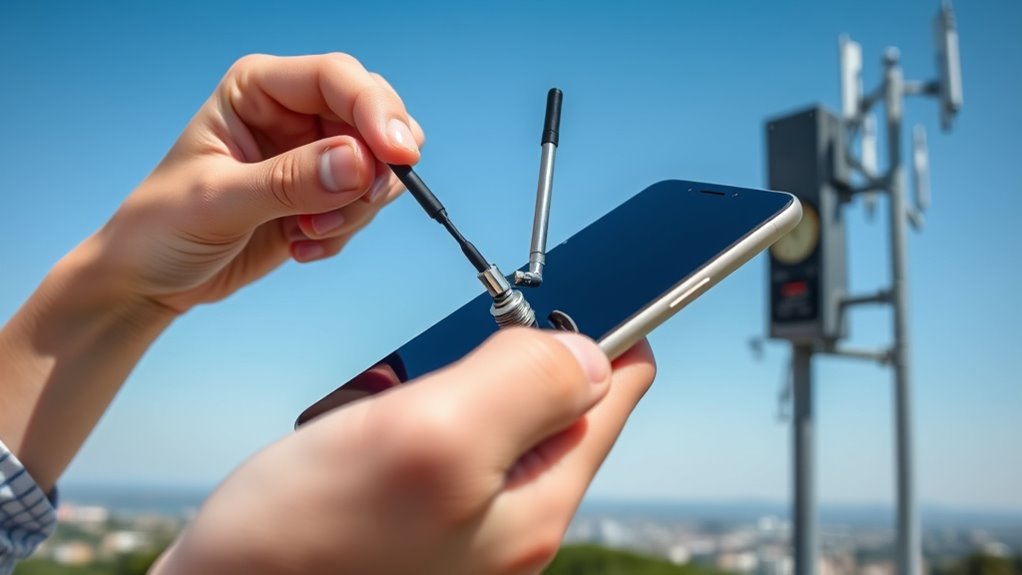
If you’re struggling with weak phone signal, there are simple steps you can take to boost reception. One of the most effective ways to improve your signal is by paying attention to antenna placement. Your phone’s antenna is responsible for sending and receiving signals, so positioning it correctly can make a noticeable difference. Keep your device away from thick walls, metal objects, and electronic devices that can interfere with signal transmission. For example, holding your phone in a way that covers the antenna area or placing it near windows can enhance reception. If your phone has a removable antenna or external antenna connections, adjusting or upgrading them can also help. Proper antenna placement guarantees the device can connect to the strongest nearby cell towers, reducing dropped calls and increasing data speeds. Additionally, understanding the importance of antenna technology can help you make more informed decisions about signal improvement options.
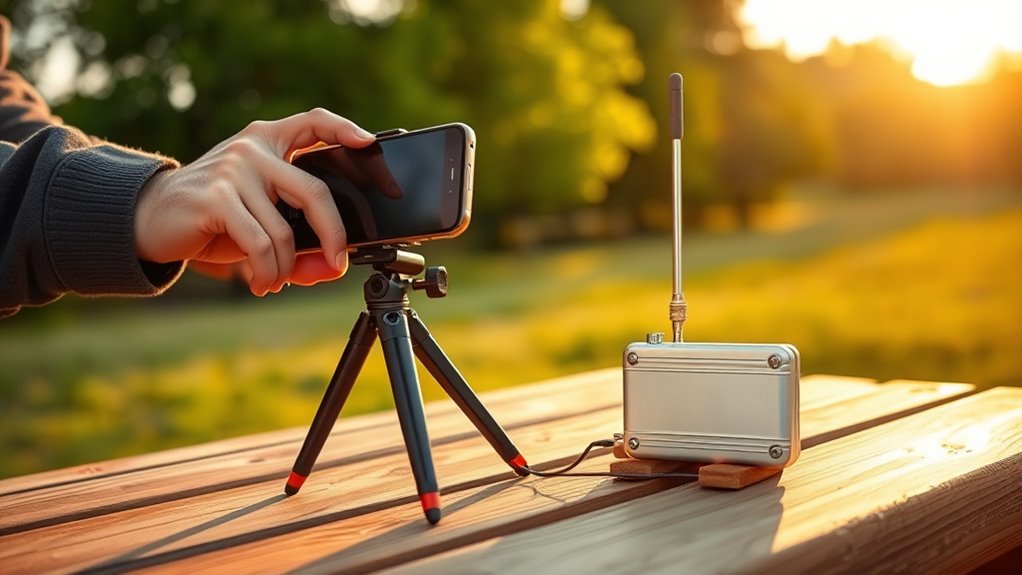
Another valuable solution is using signal boosters. These devices amplify the existing cellular signal, making it stronger and more reliable inside your home or office. Signal boosters work by capturing the weak signal from outside, amplifying it, and then rebroadcasting it within a designated area. Installing a signal booster can be a game-changer in areas with poor coverage, especially if you live in a rural location or a building with thick walls that block signals. When choosing a signal booster, consider the coverage area and compatibility with your carrier. Proper installation is vital; placing the outdoor antenna in a high, unobstructed spot ensures the booster receives the best possible signal to amplify. The internal antenna should be positioned in the area where you need the strongest reception, avoiding obstructions like furniture or metallic fixtures.
Along with these technical adjustments, simply relocating your phone to a different spot can help. Moving closer to windows or higher ground often improves reception, as signals tend to weaken indoors or underground. Keep in mind that sometimes, even small changes in antenna placement or the use of a signal booster can greatly improve your phone’s connectivity. These solutions are cost-effective and straightforward, providing immediate benefits without the need for complex repairs or upgrades. By paying attention to antenna placement and investing in a quality signal booster, you take control of your signal quality. With a little effort, you’ll experience more consistent calls, faster data speeds, and fewer frustrating disconnects, making your daily communication smoother and more reliable.
Frequently Asked Questions
Can Signal Boosters Damage My Phone’s Hardware?
Signal boosters are generally safe for your phone’s hardware if you choose a compatible model and make sure proper installation. They’re designed to improve signal quality without risking hardware safety. However, using an incompatible booster or incorrect setup might cause issues. Always check booster compatibility with your phone and follow manufacturer instructions carefully. When used properly, signal boosters won’t damage your device’s hardware and can enhance your signal reliably.
Do Certain Phone Models Have Better Signal Reception?
Of course, some phone models have better signal reception—it’s all about their antenna design and signal modulation. You might find that newer models with advanced antenna setups and smarter modulation techniques pick up signals like a pro, while older ones struggle. So, if you’re tired of dropping calls, upgrading might just be your answer. Just remember, even the best tech can’t beat a good signal booster sometimes!
How Does Weather Affect My Phone’s Signal Strength?
Weather interference and atmospheric conditions can considerably weaken your phone’s signal strength. When it’s stormy, rainy, or foggy, signals struggle to travel through the dense air, causing dropped calls or slow data. Cold temperatures can also impact signal quality by affecting your phone’s hardware. To improve your connection, try moving to a sheltered spot or indoors during severe weather, as these conditions directly disrupt your phone’s ability to maintain a strong signal.
Is Switching Carriers Effective for Better Reception?
Switching carriers can be like finding a new highway—sometimes it’s the best route to better reception. It’s effective if your new carrier offers better service coverage and compatibility with your device. Before you switch, check their coverage maps and guarantee your phone works with their network. If your current carrier falls short, a change might open stronger signals, clearer calls, and faster data, making your mobile experience smoother and more reliable.
Can Using Wi-Fi Calling Improve Overall Connectivity?
Yes, Wi-Fi calling can improve your overall connectivity, especially in areas with weak cell signals. The benefits include clearer calls and fewer dropped connections since it uses your Wi-Fi network instead of relying solely on cellular signals. Keep in mind, signal interference sources like thick walls or electronic devices can affect Wi-Fi calling quality. Using a strong Wi-Fi connection minimizes these issues, ensuring better communication and a more reliable experience.
Conclusion
Just like a skilled sailor navigates through stormy seas, you can master your phone’s signal with these simple steps. By staying aware of your surroundings and trying a few tricks, you’ll keep your connection steady, no matter where you are. Remember, even the strongest signals can falter if you don’t tend to them. So, take control now—your digital voyage depends on it. After all, a well-tuned signal is your modern-day compass.