
To calibrate your phone’s battery, fully drain it until it turns off automatically, then connect it to your charger and charge it uninterrupted to 100%, keeping it plugged in for an extra 30 minutes. Afterward, unplug and let the battery drain again. This process helps sync the software with the battery’s actual capacity, making the charge indicator more accurate. If you’d like to learn the full steps and tips, keep exploring the details.

Get the latest gadgets delivered free with Prime
- Fast, free delivery on millions of items
- Prime Video, Amazon Music and more included
- Member-only deals all year
Key Takeaways
- Fully discharge your phone until it turns off automatically to reset the battery’s internal gauge.
- Charge your phone uninterrupted to 100% using the original charger and cable.
- Keep the device plugged in for an additional 30 minutes after reaching 100%.
- Repeat the discharge and charge process once or twice for accurate calibration.
- Calibration helps improve battery percentage accuracy but doesn’t restore degraded battery capacity.
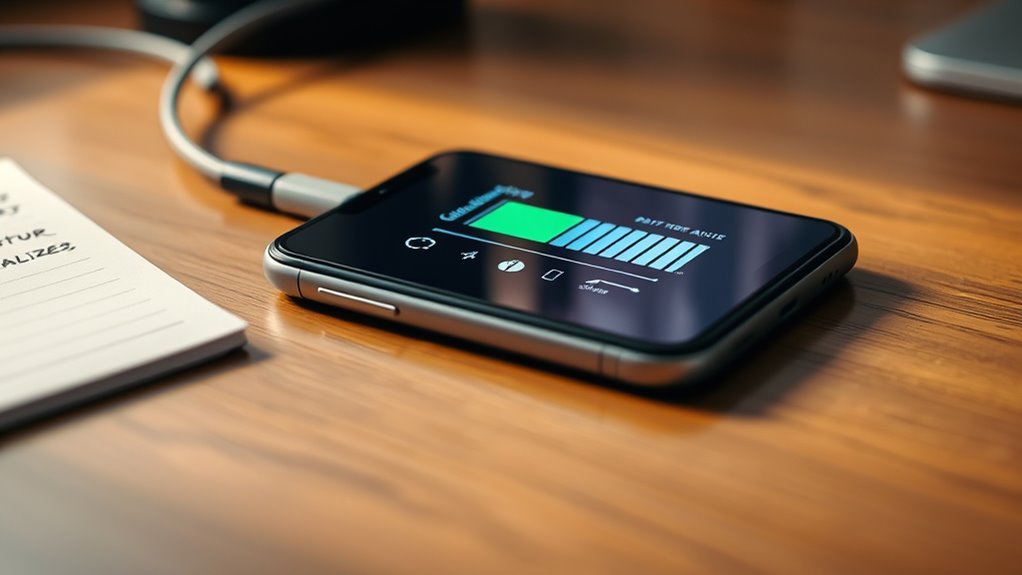
If your phone’s battery percentage seems unreliable or drains quickly, calibrating your battery can help improve its accuracy. Over time, your device’s battery health can decline due to repeated charging cycles, leading to inaccurate readings and shorter usage times. Calibrating isn’t a fix for a degraded battery, but it can guarantee your phone’s software correctly reflects the actual battery capacity. To get the best results, you should also review your charging habits. Consistently overcharging or letting your battery drain completely before recharging can accelerate wear and skew the battery’s reporting. Improving your charging habits—like avoiding overnight charging and unplugging once it hits 100%—can help maintain battery health longer, making calibration more effective.
The first step in calibration is to fully discharge your phone’s battery until it turns off automatically. This process resets the battery’s internal gauge, which sometimes gets out of sync with the actual power level. Once your phone is off, plug it into a charger and let it charge uninterrupted until it reaches 100%. It’s best to use the original charger and cable for proper calibration. Don’t unplug it prematurely; let it finish charging to guarantee the battery is truly full. After reaching 100%, keep the phone plugged in for an additional 30 minutes to allow the battery to stabilize. Then, disconnect and use your phone normally until the battery drains down to 0% and the device shuts off again.
Additionally, understanding the impact of projector contrast ratio and its influence on image quality can help you optimize your viewing setup. Now, restart your phone and fully charge it to 100% once more without interruptions. This cycle helps recalibrate the battery’s software, giving your device a more precise reading of its remaining charge. Keep in mind, if your battery health has considerably declined, calibration won’t restore its capacity, but it can improve the display accuracy of battery percentage. Additionally, adjusting your charging habits—such as avoiding frequent deep discharges and not leaving your phone plugged in for long periods after reaching full charge—can slow down battery degradation and help maintain better battery health over time.
In many cases, calibration is a simple yet effective way to improve your phone’s battery percentage accuracy, especially if you notice sudden drops or inconsistent readings. However, it’s not a substitute for proper battery care or replacement if your battery is already heavily degraded. Regularly monitoring your charging habits and avoiding behaviors that harm battery health will keep your device functioning exceptionally longer. Calibration isn’t a cure-all, but when combined with good charging practices, it can help you get more accurate information about your battery’s actual capacity, making your device more reliable day-to-day.
original phone charger and cable
As an affiliate, we earn on qualifying purchases.
As an affiliate, we earn on qualifying purchases.
Frequently Asked Questions
How Often Should I Calibrate My Phone’s Battery?
You should calibrate your phone’s battery every few months to maintain ideal battery lifespan. Regular calibration helps you understand your device’s true charge level, improving charging habits. If you notice your battery percentage jumps or drains quickly, it’s a good sign to calibrate. Keep in mind, over-calibrating isn’t necessary, so stick to a routine every 2-3 months unless you see issues. Proper calibration supports better battery health over time.
Does Calibration Improve Battery Health or Just Accuracy?
Calibration mainly boosts accuracy, like fine-tuning a musical instrument, but it doesn’t directly extend your battery’s lifespan. When you calibrate, you help your phone better estimate remaining battery life, preventing unexpected shutdowns. While it won’t make your battery last longer over time, it ensures your battery health readings stay reliable. So, calibration improves precision, helping you manage your device more effectively, even if it doesn’t directly enhance overall battery health.
Can Calibration Fix Battery Drain Issues?
Calibration can sometimes help with battery drain issues by giving you a more accurate reading of your battery’s capacity. When you recalibrate, you reset the battery lifespan data, which may improve how your phone manages charging cycles. However, it doesn’t directly fix underlying hardware problems. If your battery drains quickly, consider replacing it or optimizing your usage, as calibration alone won’t extend your battery’s overall health or lifespan.
Is Calibration Necessary for New Phones?
Is calibration necessary for new phones? Usually not. Modern smartphones are designed to optimize battery lifespan through software updates, so calibration isn’t essential right after purchase. Your device’s battery management system already accounts for accurate readings. However, if you notice inconsistent battery percentages or quick drain, calibration might help. Otherwise, just keep your phone updated and avoid extreme charging habits to maintain battery health naturally.
Are There Risks Involved in Calibrating My Battery?
Yes, there are minimal risks involved in calibrating your battery if you prioritize battery safety. Using proper calibration tools ensures accurate results and prevents potential damage. However, avoid over-calibrating or using unverified tools, as this can strain your battery or cause misreporting of charge levels. Always follow manufacturer guidelines and monitor your device during the process to keep your phone safe and maintain ideal battery health.
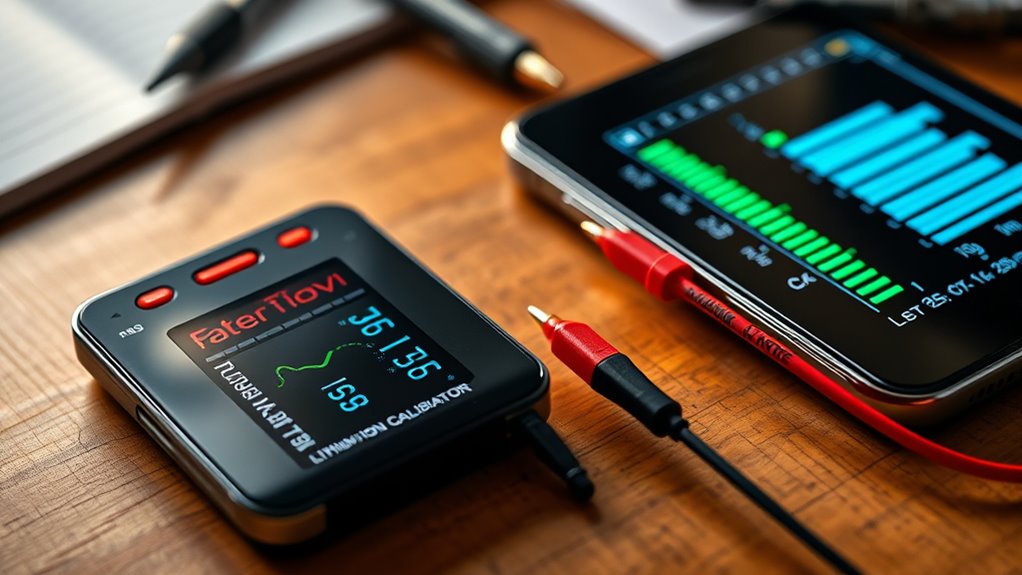
battery calibration tool for smartphones
As an affiliate, we earn on qualifying purchases.
As an affiliate, we earn on qualifying purchases.
Conclusion
So, now that you know how to calibrate your phone’s battery, you might be wondering if it’s worth the effort. Will this simple trick really extend your battery’s life? Or is it just a temporary fix? The truth is, a quick calibration could make a difference—if you’re willing to try. But beware: sometimes, the real answers lie beneath the surface. Are you ready to find out what your battery’s been hiding?
smartphone battery health monitor
As an affiliate, we earn on qualifying purchases.
As an affiliate, we earn on qualifying purchases.
USB charging cable for smartphones
As an affiliate, we earn on qualifying purchases.
As an affiliate, we earn on qualifying purchases.
Halloween Picks
halloween
As an affiliate, we earn on qualifying purchases.