
Traveling with a smartphone can be frustrating because your battery drains quickly with GPS and apps, leaving you powerless at the worst times. You might face signal issues in remote or crowded areas, causing missed routes or dropped calls. Even with solutions like offline maps or power banks, external factors like poor coverage can still interfere. Staying prepared helps, but you’ll discover more tricks to minimize these annoyances as you explore further.
Key Takeaways
- Battery drain from heavy usage can leave devices unusable during critical moments.
- Signal issues in remote or crowded areas cause dropped calls and navigation problems.
- Reliance on connectivity and apps can be disrupted by poor coverage or network fluctuations.
- External factors like device limitations and weak infrastructure persist despite technological advances.
- Technical problems require backup plans, like offline maps or printed guides, to avoid travel disruptions.
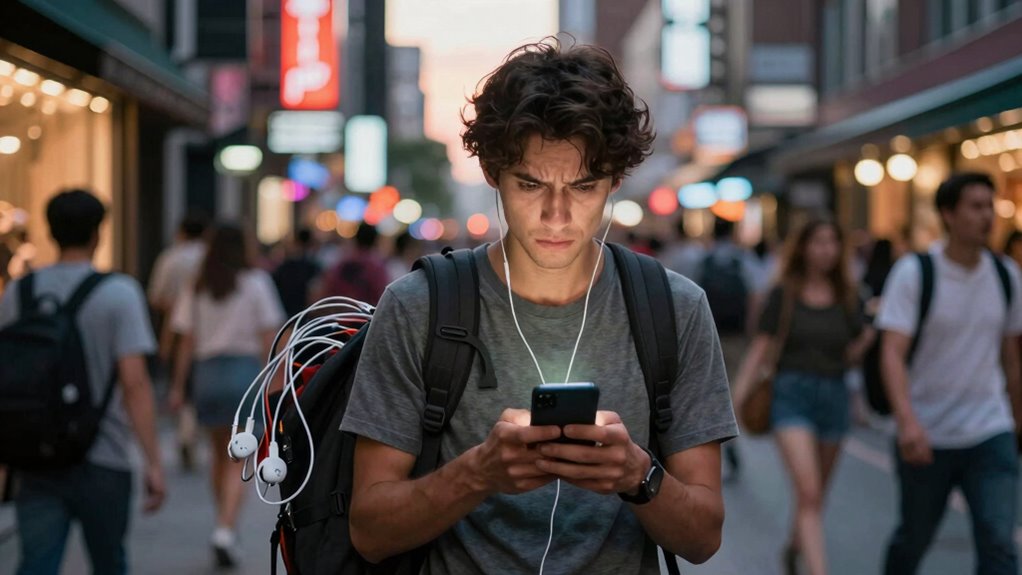
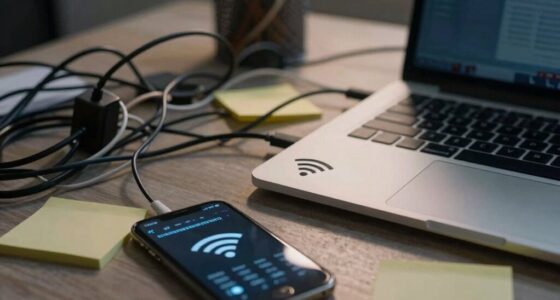
Traveling with a smartphone can be both a blessing and a source of frustration. While it keeps you connected, helps you navigate, and captures memories, it also comes with its own set of annoyances. One of the most common issues you face on the road is battery drain. When you’re exploring new places or relying heavily on GPS and apps, your phone’s battery can deplete faster than expected. You might find yourself scrambling for a charger or power bank just when you need your device the most. This sudden loss of power can leave you disconnected, lost, or unable to access important information, turning an enjoyable trip into a stressful experience.
Battery drain on the road can leave you disconnected and stressed when you need your phone most.
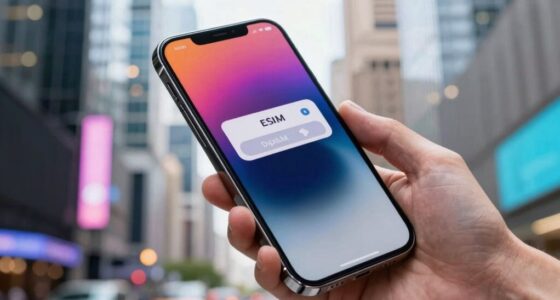
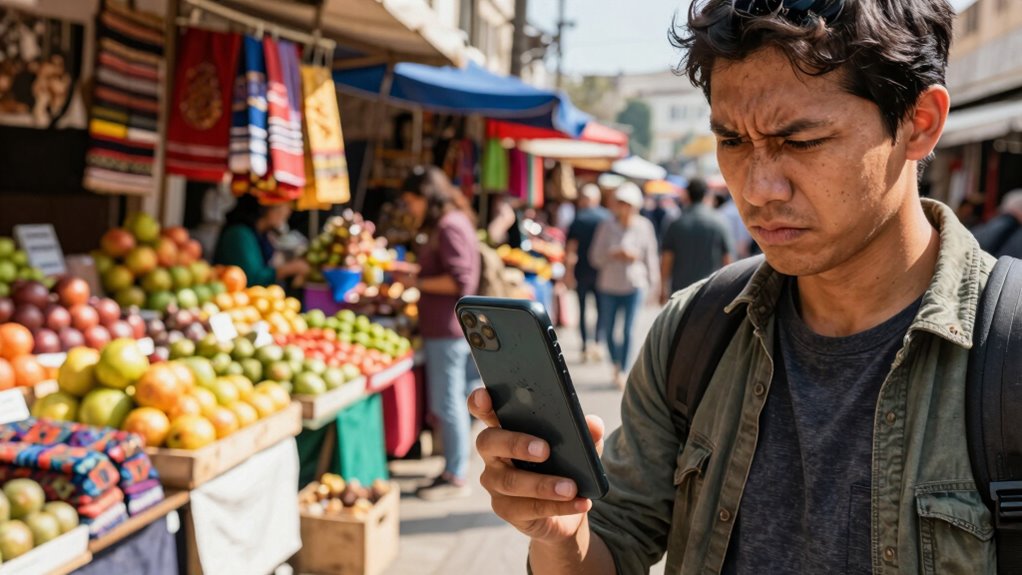
Signal issues are another major headache. Traveling often means moving through areas where mobile network coverage isn’t reliable. You might find yourself in a remote spot with no signal or battling weak signals in crowded places like airports or tourist attractions. These signal issues can make it difficult to get directions, book reservations, or even stay in touch with friends and family. It’s frustrating to depend on your smartphone to guide you, only to find it constantly searching for a network or dropping calls at critical moments. This can slow down your plans, cause missed opportunities, or leave you feeling isolated in unfamiliar surroundings. Additionally, choosing devices with high contrast ratios can sometimes help improve screen visibility in bright outdoor conditions, reducing eye strain and making it easier to read maps and texts. Some travelers also carry portable signal boosters to mitigate this problem, but they are not always effective or practical. Being aware of local SIM card options can sometimes help avoid these expenses and improve connectivity, especially in foreign countries.
Despite advances in technology, these problems continue to persist. You may try to conserve battery by turning off background apps or lowering screen brightness, but that doesn’t always solve the problem entirely. Similarly, signal issues are often outside your control, especially in areas with poor coverage. You might also encounter problems with roaming charges if you’re traveling internationally, which can add unexpected costs and complicate your plans further. It’s helpful to understand device limitations and plan accordingly, such as downloading offline maps or guides beforehand. Knowing how to manage your device settings can help optimize your phone’s performance and reduce some of these issues. Understanding device limitations further emphasizes the importance of having backup plans, like printed maps or offline guides. These small precautions can help you avoid the frustration of battery drain or signal issues, ensuring your trip remains enjoyable despite the inevitable tech hiccups.

INIU 45W Fast Charging Portable Charger, 40% Smaller 10000mAh with Detachable Cable, Flight-Safe Travel Power Bank, USB C External Phone Battery Pack for iPhone 17 16 Pro iPad Samsung S26 Google etc
40% Smaller & Lighter Portable Charger: Powered by the industry’s first TinyCell high-density battery technology, this ultra-compact 10,000mAh…
As an affiliate, we earn on qualifying purchases.
As an affiliate, we earn on qualifying purchases.
Frequently Asked Questions
How Can I Extend My Smartphone’s Battery Life While Traveling?
To extend your smartphone’s battery life while traveling, focus on battery management and adopt power saving tips. Turn on battery saver mode, reduce screen brightness, and limit background app activity. Disable Wi-Fi and Bluetooth when not in use, and avoid high-power functions like GPS unless necessary. Carry a portable charger, and close unused apps. These tips help conserve energy, ensuring your phone stays functional throughout your trip.
What Are the Best Apps for Offline Travel Navigation?
You should try offline map apps like Google Maps, Maps.me, or OsmAnd for reliable GPS navigation without internet. These apps let you download maps beforehand, so you can access directions even in remote areas. They’re perfect for offline travel navigation, ensuring you won’t get lost or run into data issues. Just download your desired maps before your trip, and you’re good to go, hassle-free.
How Do I Protect My Phone From Theft Abroad?
To protect your phone from theft abroad, follow security tips like keeping it out of sight in crowded areas and never leaving it unattended. Use theft prevention tools such as locking your device with a strong password or biometric security. Enable find-my-phone features, and avoid displaying your phone openly. Stay vigilant, especially in busy locations, and always be aware of your surroundings to minimize the risk of theft during your travels.
Can Smartphones Help Prevent Travel Scams?
Your smartphone acts like a vigilant guardian, catching scam signals before they strike. Use safety tips like avoiding suspicious links and verifying contacts, turning your device into a scam detective. Stay alert, recognize red flags, and trust your instincts. With sharp scam identification skills, your phone helps you navigate tricky situations, shielding you from fraudsters. Think of it as your personal bodyguard, always ready to spot trouble and keep your journey smooth.
What Accessories Are Essential for Smartphone Travel Convenience?
You need essential accessories like a portable charger for reliable power and a universal travel adapter to guarantee gadget compatibility worldwide. A sturdy phone case protects against drops, while a screen protector keeps your display pristine. Don’t forget earbuds for hands-free calls and entertainment. These accessories support smartphone travel etiquette by keeping you connected and respectful in shared spaces. With them, your tech stays functional and your trip smoother.

Cell Phone Booster for Truck RV Vehicle, Cell Phone Signal Booster Compatible with All U.S. Carriers AT&T, Verizon, T-Mobile & More, Boosts 5G/4G LTE/3G Signal for Band 4/12/13/17/5/2/25
【Ideal Cell Booster for Truck】Serves as a ideal, in-vehicle connectivity solution for stationary and mobile use. Multi User…
As an affiliate, we earn on qualifying purchases.
As an affiliate, we earn on qualifying purchases.
Conclusion
So, even with your trusty smartphone in hand, those pesky glitches and distractions can turn your trip into a never-ending chaos. It’s like fighting a never-sleeping beast that robs you of pure enjoyment. You’ll find yourself constantly battling notifications, dead batteries, and Wi-Fi woes. But hey, despite these digital demons, your adventure remains unforgettable—just maybe not as smooth as you’d hoped. Keep your patience, and remember, every glitch is just part of the wild travel story you’re creating.

BoxWave Screen Protector Compatible with Garmin Tread SxS Edition – ClearTouch Anti-Glare (2-Pack), Anti-Fingerprint Matte Film Skin
🌞 [ANTI-GLARE] BoxWave Screen Protector Compatible With Garmin Tread SxS Edition. Disperses light so the glare does not…
As an affiliate, we earn on qualifying purchases.
As an affiliate, we earn on qualifying purchases.
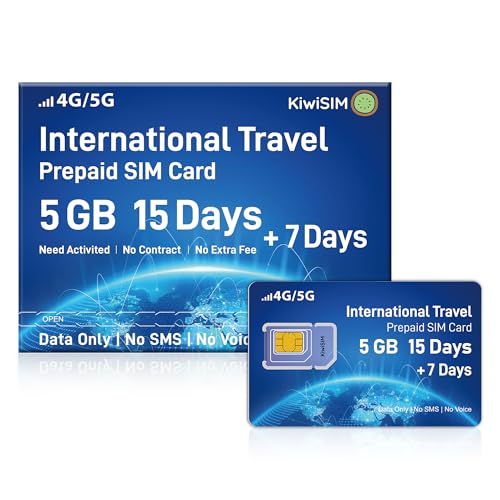
International Sim Card for Travel,Coverage Europe USA & 100+ Countries, 5GB Data Only 15+7 Days, 5G丨4G LTE Prepaid Data SIM Card, Preloaded Data in 51 Countries, Compatible with Unlocked Devices
15+7Days SIM Card for International Travel: KiwiSIM international SIM card offers a 5GB high-speed data plan valid for…
As an affiliate, we earn on qualifying purchases.
As an affiliate, we earn on qualifying purchases.