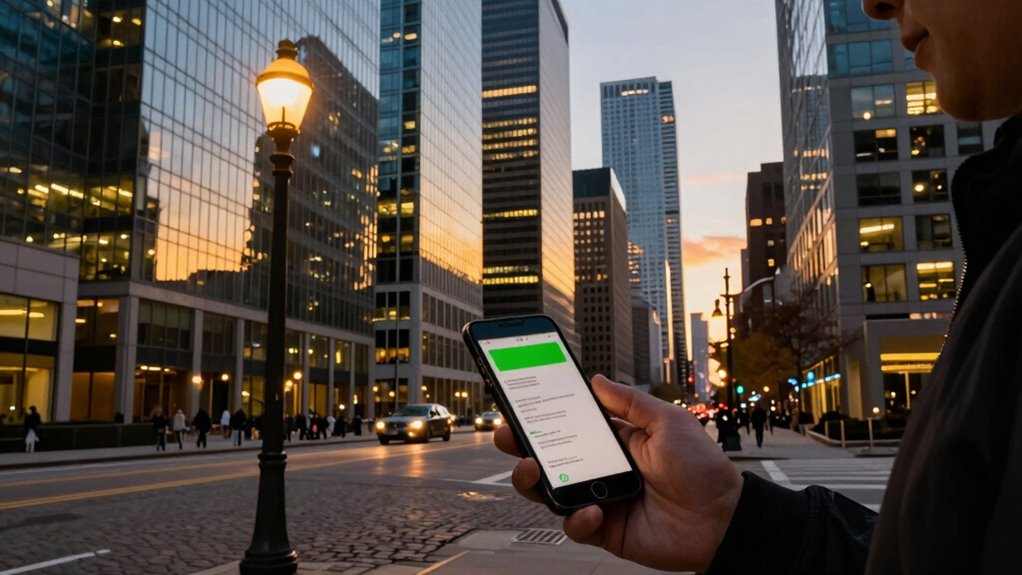

Your phone signal changes from place to place because different buildings and environments impact how radio waves travel. Thick walls, metal structures, and dense materials can block, reflect, or absorb signals, making reception weaker. Outdoor areas with clear skies usually offer stronger signals. External sources like electronic devices or nearby transmitters can also cause interference. Understanding how surroundings affect signal quality can help you find better spots, and if you explore further, you’ll discover even more about these effects.
Listen free for 30 days with Audible
Thousands of audiobooks and originals — cancel anytime.
As an affiliate, we earn on qualifying purchases.
Key Takeaways
- Building materials like concrete, brick, and metal absorb or reflect signals, causing reception fluctuations.
- Dense structures and obstacles block or weaken radio waves, leading to inconsistent signal strength.
- External electronic devices and electromagnetic sources create interference, disrupting signal quality.
- Moving between open outdoor spaces and indoor environments causes natural variations in signal reception.
- Environmental factors such as crowded areas or nearby transmitters can cause signal degradation or fluctuation.
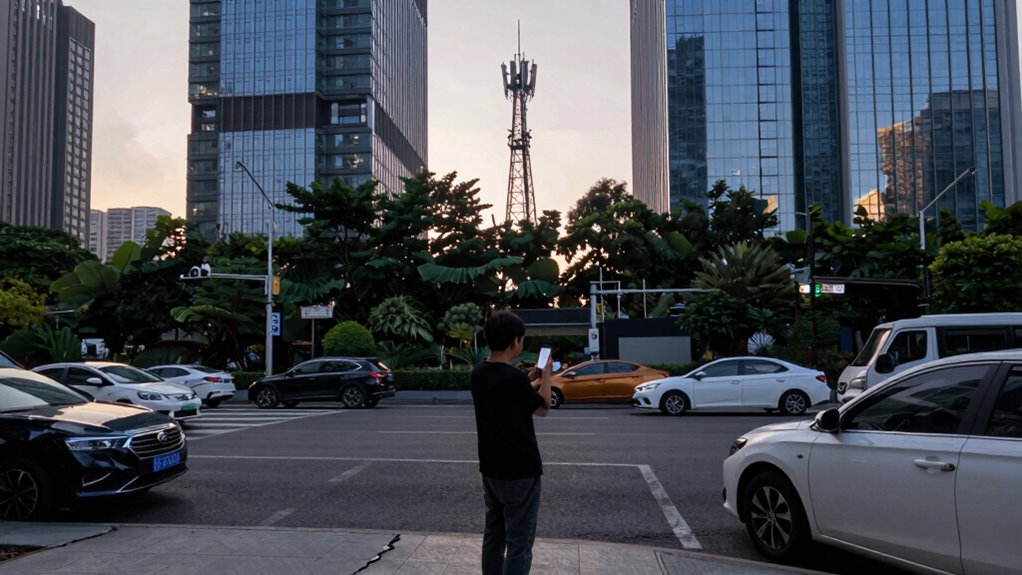
Have you ever wondered why your phone signal fluctuates unexpectedly? It can be frustrating when you’re trying to make a call, stream a video, or send a message, only to see the bars drop or the connection cut out. One of the main reasons for this inconsistency is network interference. This interference occurs when other electronic devices, Wi-Fi signals, or even dense structures disrupt the radio waves that carry your phone’s data. Think about it: your phone communicates with cell towers through radio frequencies, and anything that interferes with this communication can weaken or block the signal. This is why you might notice your signal drops in crowded areas, near large electronic billboards, or inside certain buildings.
Building materials play a surprisingly significant role in how well your phone receives a signal. Not all materials are created equal when it comes to transmitting radio waves. For example, concrete and brick walls tend to absorb or reflect signals, making it harder for your phone to establish a stable connection. Metal, in particular, is highly reflective and can cause signals to bounce around or be blocked entirely. That’s why you might experience poor reception in a basement, inside a thick-walled building, or even near large metal structures. The type and thickness of the materials in a building can drastically impact signal strength, often more than you might expect. Glass windows, especially if they’re tinted or coated, can also weaken signals, although they generally allow more transmission than solid walls. Additionally, the presence of dense or metallic structures can cause signal reflection, further complicating reception. External factors like electromagnetic interference from nearby power lines or radio transmitters can also degrade signal quality, especially in urban environments. Understanding building material properties can help you predict and improve your mobile reception in different environments. Recognizing how signal propagation interacts with various materials can make a noticeable difference in troubleshooting signal issues.
Your surroundings constantly influence how your phone interacts with cell towers. When you move from an open outdoor space to a densely built urban area or inside a building with heavy materials, your signal can change accordingly. If you’re in a location surrounded by concrete or metal, the radio waves struggle to reach your device effectively. Conversely, in open areas with a clear view of the sky, signals tend to be stronger because there are fewer obstacles blocking the path. It’s a dynamic process, and understanding these factors helps explain why your signal isn’t always consistent. Whether it’s interference from nearby electronics or the composition of the building materials around you, these elements play a crucial role in shaping your mobile experience.

TP-Link AC1200 WiFi Extender – 1.2Gbps Home Signal Booster, Dual Band 5GHz/2.4GHz, Up to 1600 Sq.ft and 32 Devices, EasyMesh Compatible, One Ethernet Port (RE315)
- Enhanced Wi-Fi Coverage: Eliminates dead zones with strong signal
- Fast Dual-Band Speeds: Up to 1.2Gbps total bandwidth
- Wide Coverage Area: Supports up to 1500 sq.ft
As an affiliate, we earn on qualifying purchases.
As an affiliate, we earn on qualifying purchases.
Frequently Asked Questions
How Do Weather Conditions Affect Phone Signals?
Weather conditions can markedly impact your phone signal through weather-related interference and signal attenuation. Rain, snow, or storms can cause signals to weaken as water absorbs or scatters radio waves, leading to poor reception. Additionally, heavy clouds or fog can interfere with signal transmission. You might notice your signal drops during bad weather because these conditions disrupt the normal flow of radio signals, making your connection less reliable.
Can Phone Cases Weaken Signal Strength?
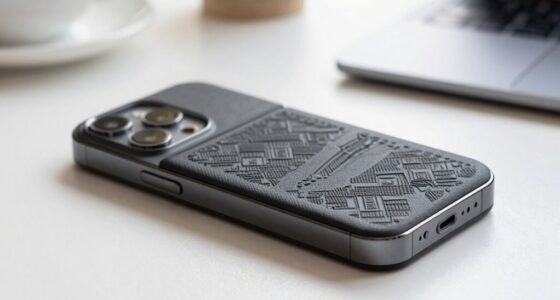
Did you know that a bulky phone case can reduce your signal strength by up to 20%? Yes, phone cases with poor durability or design can weaken signals because they block or absorb radio waves. Thin, well-designed cases made from materials that don’t interfere with signals help you stay connected. So, choosing the right phone case isn’t just about durability but also about ensuring your signal stays strong wherever you go.
Do Buildings Block Cell Signals?
Buildings can block cell signals because they contain interference sources like thick walls, metal, and concrete that weaken signal strength. These materials absorb or reflect signals, making it harder for your phone to connect. To improve reception indoors, you might use signal amplifiers that boost weak signals. Keep in mind, even modern buildings with interference sources can cause your signal to drop, especially without a clear line of sight to cell towers.
How Does Network Congestion Impact Signal Quality?
Network congestion impacts your signal quality by increasing network load and signal interference. When many people use the same cell tower, the network struggles to keep up, causing slower data speeds and dropped calls. High network load means your device competes with others for bandwidth, while signal interference from nearby electronic devices worsens connection stability. To improve your signal, try avoiding busy areas or waiting for less congested times.
Can Switching Carriers Improve Signal Consistency?
Switching carriers can improve your signal consistency if your current provider has poor coverage in your area. Make sure your phone is compatible with the new carrier’s network to avoid compatibility issues. Signal boosting devices can also help strengthen your connection, especially in weaker signal zones. By choosing a carrier with better coverage and using signal boosters, you’ll experience more reliable, consistent service wherever you go.

Phonetone Cell Phone Signal Booster for Band 12,13,17
- Compatible with Verizon and AT&T: Boosts 4G LTE and 5G signals
- Covers up to 4,500 sq ft: Wide area cellular coverage
- Supports Band 12/13/17: Optimized for major 5G bands
As an affiliate, we earn on qualifying purchases.
As an affiliate, we earn on qualifying purchases.
Conclusion
So, next time your phone signal drops or gets stronger unexpectedly, remember it’s mostly due to your surroundings and network infrastructure. While it might seem frustrating, understanding these factors helps you stay patient and adaptable. Don’t assume your provider is always at fault—sometimes, physical obstacles or even weather play a bigger role than you think. With a little awareness, you’ll be better equipped to navigate those signal fluctuations smoothly.
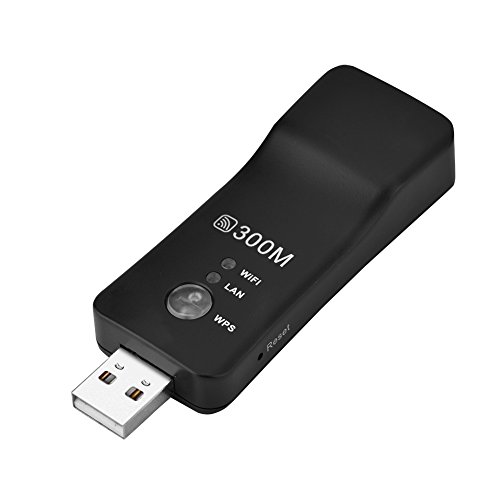
Mini WiFi Range Extender, 300M High Speed USB Wireless Repeater WiFi Booster Signal Amplifier for Smart TV, Laptop, Mobile Phone, Tablet (Black)
- High-Speed WiFi: Up to 300M wireless speed
- Easy Setup: Plug and play compatibility
- Ethernet Conversion: Includes RJ45 Ethernet port
As an affiliate, we earn on qualifying purchases.
As an affiliate, we earn on qualifying purchases.
Phonetone Cell Phone Signal Booster for Band 12,13,17
- Compatible with Verizon and AT&T: Boosts 4G LTE and 5G signals
- Covers up to 4,500 sq ft: Wide area cellular coverage
- Supports Band 12/13/17: Optimized for major 5G bands
As an affiliate, we earn on qualifying purchases.
As an affiliate, we earn on qualifying purchases.
College move-in / dorm season Picks
dorm essentials
As an affiliate, we earn on qualifying purchases.