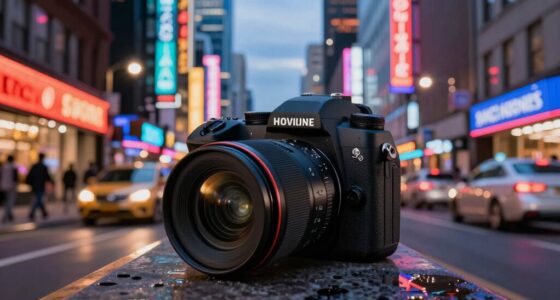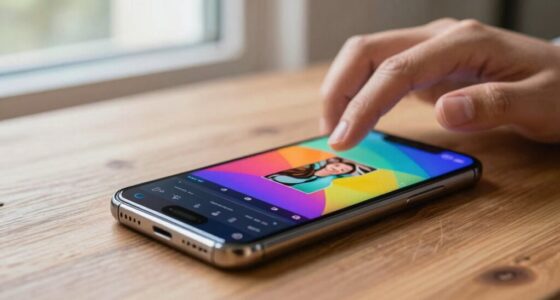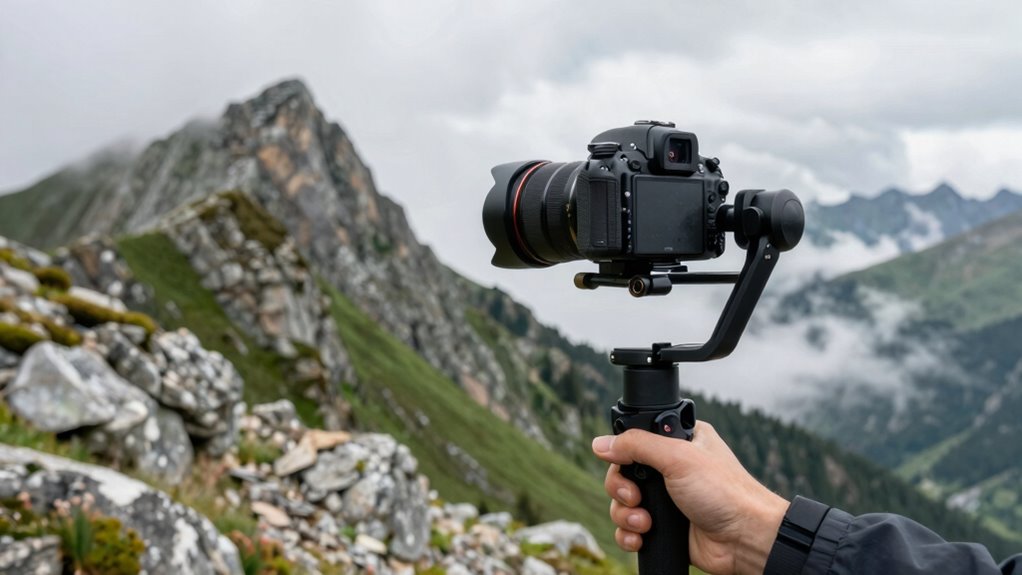

Stabilization is more important than zoom because it keeps your videos clear, smooth, and professional, even if your hands shake. When your footage is stable, viewers focus on your message instead of being distracted by shaky images. Zoom can magnify movement problems, making shake worse, but stabilization minimizes this issue. Prioritizing stabilization ensures your videos look polished and engaging, regardless of movement. If you want to learn how to improve your videos further, keep going.

Get the latest gadgets delivered free with Prime
- Fast, free delivery on millions of items
- Prime Video, Amazon Music and more included
- Member-only deals all year
Key Takeaways
- Stabilization keeps videos steady and clear, preventing blur caused by hand movement or shaking.
- It enhances overall video quality more effectively than zoom, especially during movement.
- Good stabilization maintains image clarity regardless of zoom level, avoiding pixelation and distortion.
- Stabilization technology reduces the need for re-shoots or post-editing, saving time and effort.
- For most users, smooth footage improves viewer engagement and professionalism more than simply zooming in.
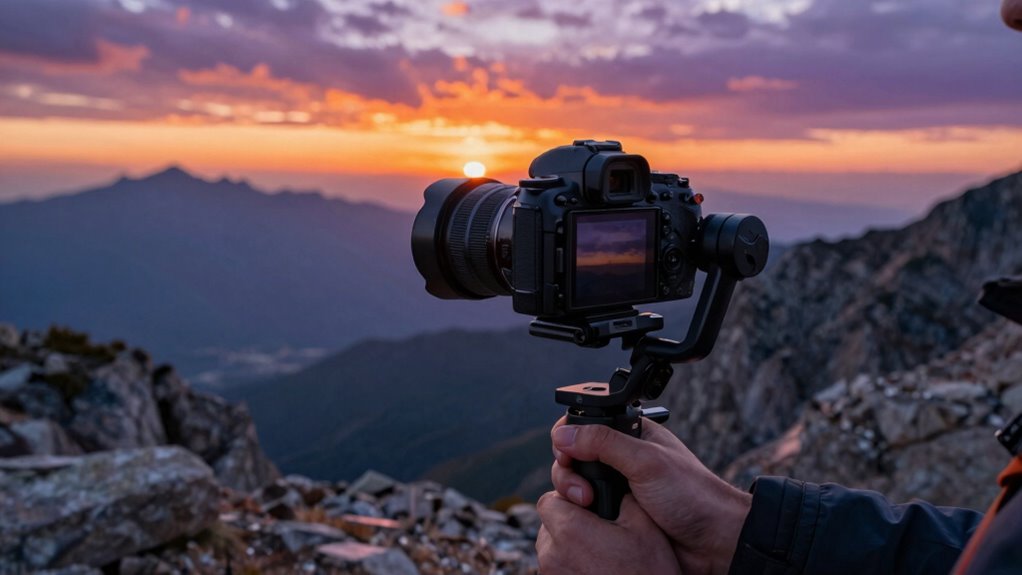
Have you ever struggled to keep your camera steady during a video call or recording? If so, you’re not alone. Camera shake can turn an otherwise professional-looking video into a blurry, distracting mess. When your camera isn’t stable, it’s nearly impossible to maintain good image clarity, which is vital whether you’re working remotely, streaming, or capturing memories. Instead of obsessing over zoom levels, many people overlook the importance of stabilization, even though it has a more immediate impact on your video quality. A shaky camera makes it difficult for viewers to focus on what you’re saying or showing, and it can distract from the message you want to convey.
Stabilization technology is designed to counteract those unintentional movements that cause camera shake. When your device has effective stabilization, it keeps the image steady, even if you’re moving around or if your hands are unsteady. This means your footage remains smooth and clear, making it easier for viewers to stay engaged. No matter how close or far you zoom, if the image isn’t stable, details get lost, and the overall quality diminishes. Zooming in might seem like a solution to focus on a subject, but if your camera shake worsens as you zoom, the clarity suffers, and the video becomes hard to watch. That’s why stabilization should be a priority—because it preserves image clarity at any zoom level.
In many cases, people think that zooming is the key to better video quality, but it’s actually stabilization that makes the biggest difference. When your camera stays steady, you don’t need to rely on zoom to hide shaky footage or to get a closer shot. You can focus on framing your shot properly and trust that your image will stay sharp and clear. Modern smartphones and cameras come equipped with advanced stabilization features—like optical image stabilization (OIS) and electronic image stabilization (EIS)—that eliminate much of the camera shake. These features are rooted in sound healing science, which shows how vibrations and stabilization techniques can influence overall performance. These features ensure every frame is crisp, reducing the need for post-editing or re-shoots. Additionally, stabilization technology continues to evolve, making it easier for everyday users to achieve professional-quality results without expensive equipment. Recognizing the importance of camera stabilization can help you select devices or accessories that enhance your recording experience, especially as eco-friendly and recycled materials become more integrated into modern tech designs. Ultimately, stabilization impacts your overall video experience more than zoom. It keeps your footage smooth, clear, and professional-looking, which is essential whether you’re on a video call, recording a vlog, or streaming live. When you prioritize stabilization, you’ll find it easier to communicate your message without distraction, making your videos more engaging and polished. So next time you’re filming or on a call, remember: keeping your camera steady isn’t just about avoiding a shaky image—it’s about delivering clarity and confidence in every frame.
smartphone camera stabilization gimbal
As an affiliate, we earn on qualifying purchases.
As an affiliate, we earn on qualifying purchases.
Frequently Asked Questions
How Does Stabilization Improve Video Quality in Low-Light Conditions?
Stabilization improves video quality in low-light conditions by reducing camera shake, which often causes blurry footage. When your camera stabilizes the image, it allows more light to be effectively captured without motion blur, enhancing low light clarity. This means your videos stay sharp and clear even in dim settings. By minimizing unwanted movement, stabilization guarantees your footage looks professional, smooth, and detailed, regardless of lighting challenges.
Can Stabilization Reduce Motion Sickness During Long Video Calls?
Imagine a steady ship sailing smoothly through choppy seas—that’s what stabilization does for your video calls. It reduces frame jitter, preventing sudden, jarring movements that can throw off your viewer’s balance. This smoothness boosts viewer comfort, making long calls feel less like a turbulent ride and more like a tranquil cruise. So yes, stabilization can considerably cut down motion sickness, helping everyone stay engaged without feeling seasick.
Is Stabilization Technology Beneficial for Professional Videographers?
Yes, stabilization technology benefits professional videographers by enhancing camera ergonomics and reducing fatigue during shoots. It allows for smoother shots without extensive equipment, making handling easier. A user-friendly interface guarantees you can quickly adjust stabilization settings on the fly, maintaining focus on your creative vision. This combination helps you produce high-quality footage efficiently, especially during dynamic or lengthy shoots, ultimately elevating your professional work.
How Does Stabilization Impact Battery Life on Smartphones?
Stabilization can increase battery drain because it requires additional power for image processing and sensor activity. When you use stabilization features, your smartphone’s power consumption rises, which leads to faster battery depletion. If you’re filming for extended periods or using other power-intensive apps, stabilization might impact your battery life more noticeably. To conserve power, consider turning off stabilization when it’s not essential, helping you extend your device’s usage time.
Are There Differences Between Optical and Digital Stabilization?
Think of optical stabilization as a steady hand guiding your shot, offering superior optical accuracy, while digital stabilization acts like a shaky edit, risking digital artifacts. Optical stabilization moves the lens or sensor directly to counteract movement, providing clear, crisp footage. Digital stabilization, however, digitally crops and adjusts frames, which can introduce artifacts and reduce quality. For smooth, professional results, optical stabilization clearly outshines digital methods.
video stabilization device for smartphones
As an affiliate, we earn on qualifying purchases.
As an affiliate, we earn on qualifying purchases.
Conclusion
Think of your camera as a steady boat steering through choppy waters. While zooming can feel like stretching the horizon, it’s the stabilization that keeps you afloat and focused on the journey. Without steady hands, even the most impressive zoom falls apart, like a fragile boat tossed by waves. So, prioritize stabilization; it’s your anchor, ensuring your scenes stay clear and steady—even when the waters get rough. In the end, stability keeps your story afloat.
optical image stabilization camera
As an affiliate, we earn on qualifying purchases.
As an affiliate, we earn on qualifying purchases.
electronic image stabilization camera
As an affiliate, we earn on qualifying purchases.
As an affiliate, we earn on qualifying purchases.
Columbus Day / Indigenous Peoples' Day Picks
long weekend sales
As an affiliate, we earn on qualifying purchases.