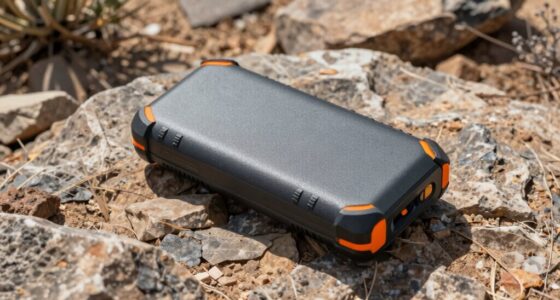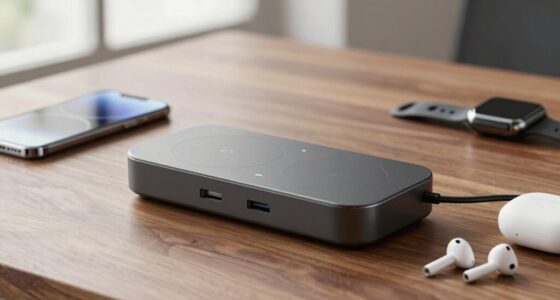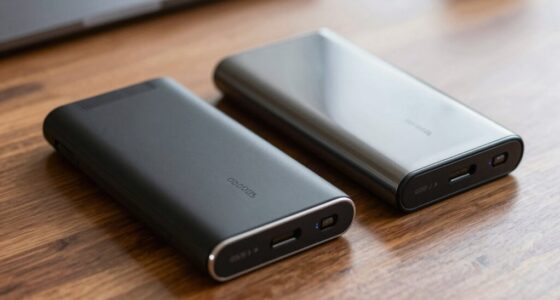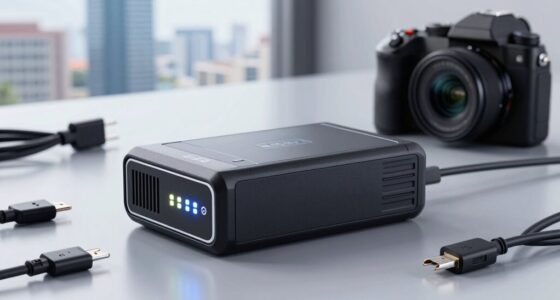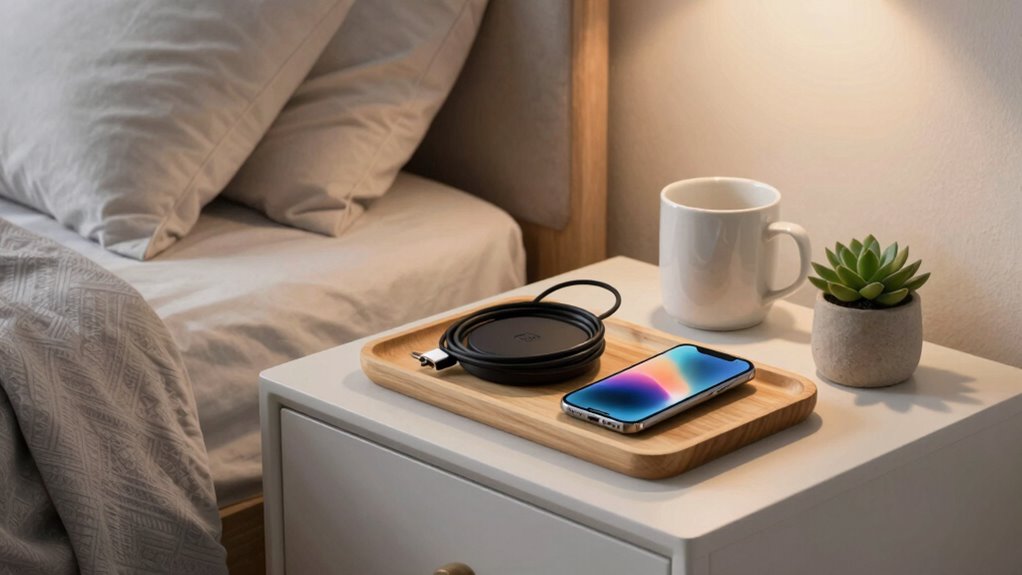
To build a better bedside charging setup, opt for wireless charging stations to reduce clutter and make overnight charging easier. Organize your cables with clips, sleeves, or ties, and run them along furniture edges to hide them. Position chargers within easy reach and use trays or stands to keep devices stable. Keep your space minimal and regularly update your setup by removing unused cables. For more tips on creating a clean, efficient setup, keep exploring practical organization ideas.

Get the latest gadgets delivered free with Prime
- Fast, free delivery on millions of items
- Prime Video, Amazon Music and more included
- Member-only deals all year
Key Takeaways
- Incorporate wireless charging stations to reduce cable clutter and simplify device charging.
- Use cable management tools like clips and sleeves to keep cords organized and prevent damage.
- Position chargers within easy reach and designate specific areas to maintain a tidy surface.
- Utilize trays or stands for device stability and to keep essentials nearby.
- Maintain a minimal setup by regularly reviewing and removing unused cables and chargers.

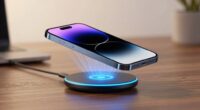
A cluttered or inefficient bedside charging area can make it frustrating to keep your devices powered up and within reach. To improve this, you need a setup that’s both functional and organized, allowing you to charge multiple devices without the mess. One of the best ways to do this is by investing in wireless charging stations. These eliminate the need for constant plugging and unplugging, reducing cable clutter and giving you a sleek, modern look. A good wireless charger can accommodate your phone, smartwatch, and even wireless earbuds, making it easy to power everything up overnight or during the day without fuss.
Upgrade your bedside with wireless charging stations for a clutter-free, modern, and efficient device setup.
But even with wireless charging, cord management remains essential. Loose cables tend to tangle, fall off surfaces, or become damaged over time. To prevent this, use cord organizers like clips, sleeves, or cable ties. You can run these along the back or underside of your nightstand to keep cords out of sight and prevent accidental yanks that might damage your devices. Labeling cables can also help you quickly identify which cord belongs to which device, saving you time and avoiding confusion in the dark. Additionally, choosing natural materials for your setup can contribute to a more calming and eco-friendly environment.
Positioning is just as important as the technology you choose. Place your wireless chargers in spots that are easy to access and visible, such as right next to your bed or on a dedicated tray. Avoid cluttered surfaces by designating a specific space for your charging station. This not only makes it easier to find your devices but also encourages a habit of keeping things tidy. If you have multiple devices, consider a multi-device charging pad that consolidates everything into one neat spot—this reduces the number of chargers and cables cluttering your bedside table. Incorporating cable management techniques can further streamline your setup and keep everything organized.
In addition to technology, think about the physical setup. Use a small, dedicated tray or stand for your devices to prevent them from sliding off or getting damaged. Keep essential items like your glasses, a book, or a water glass nearby but organized, so everything is within arm’s reach without creating a mess. Regularly review your setup, removing outdated chargers or unused cables, to keep your space minimal and efficient.
wireless charging station for bedside
As an affiliate, we earn on qualifying purchases.
As an affiliate, we earn on qualifying purchases.
Frequently Asked Questions
How Many Devices Can I Charge Simultaneously at My Bedside?
You can charge multiple devices simultaneously at your bedside, but the exact number depends on your power source and charging station. To maintain charging cable longevity and guarantee efficient bedside power management, use a multi-port charger with surge protection. Avoid overloading outlets, and use quality cables. This way, you maximize device charging without risking damage, keeping your setup safe and organized for multiple devices at once.
What Safety Features Should I Look for in a Charging Station?
When choosing a charging station, you should look for surge protection to prevent damage from power spikes and guarantee safety. Make sure it supports various charging cable types like USB-C, Lightning, or Micro USB to accommodate your devices. Additionally, opt for stations with built-in safety features such as overcurrent, overvoltage, and short-circuit protection. These features help keep your devices safe while charging efficiently.
Are Wireless Chargers as Fast as Wired Options?
Wireless chargers aren’t quite as fast as wired options — it’s like trying to race a cheetah with a turtle! Wireless charging limitations include slower speeds and less efficiency compared to wired. When comparing wired vs wireless, wired charging delivers rapid power, filling your device in no time, while wireless can take longer due to power transfer constraints. If speed is your priority, wired remains the champion, hands down.
How Do I Prevent My Devices From Overheating While Charging?
To prevent your devices from overheating while charging, guarantee proper overheating prevention by using chargers with built-in heat management features. Keep your devices in a cool, well-ventilated area and avoid covering them. Regularly monitor charging times to prevent overcharging, which can harm battery lifespan. Using quality chargers and cables also helps maintain ideal temperature, protecting your device’s battery lifespan and ensuring safe, efficient charging.
Can I Use a Power Strip for Multiple Bedside Devices Safely?
They say, “Don’t put all your eggs in one basket,” and that applies to power strips too. Yes, you can safely use a power strip for multiple bedside devices, but choose a surge protector with safety features. Power strip safety and surge protector benefits safeguard your devices from power surges and overloads. Always make certain your power strip isn’t overloaded and is UL-listed for safety to prevent hazards.
cable management clips and sleeves
As an affiliate, we earn on qualifying purchases.
As an affiliate, we earn on qualifying purchases.
Conclusion
By optimizing your bedside charging setup, you create a more convenient and organized space for your devices. Incorporate multi-port chargers, cable management, and accessible outlets to streamline your nightly routine. Did you know that the average person checks their phone over 80 times a day? Improving your charging station not only keeps your devices ready but also encourages healthier tech habits. Small upgrades can make a big difference in your nightly comfort and overall productivity.
As an affiliate, we earn on qualifying purchases.
As an affiliate, we earn on qualifying purchases.
Halloween Picks
halloween
As an affiliate, we earn on qualifying purchases.