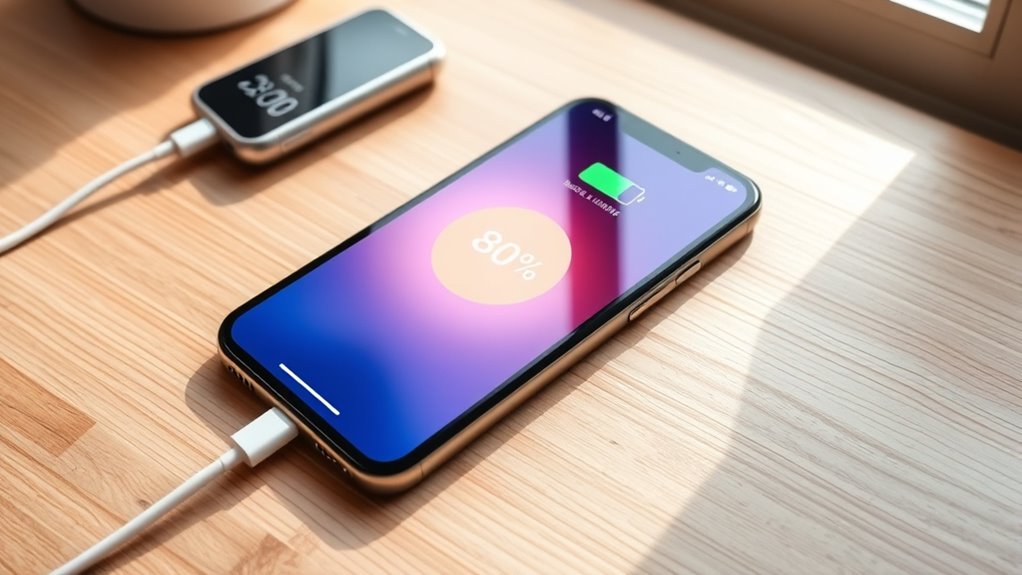

To maximize your phone’s battery lifespan, keep it charged between 20% and 80%, avoiding full charges or discharges. Use quality chargers and avoid overnight charging or heat exposure, which can damage the battery. Manage heat by charging in cool environments and limit fast charging. Adjust software settings like battery saver mode and screen brightness to reduce drain. Following these tips can markedly extend your battery’s health, and you’ll discover more ways to maintain it effectively.
Key Takeaways
- Keep your battery charge between 20% and 80% to reduce stress and extend lifespan.
- Avoid overcharging or leaving your phone plugged in overnight; unplug once it reaches 80-90%.
- Use certified chargers with proper voltage and temperature regulation to prevent damage.
- Minimize heat exposure by charging in cool, ventilated environments and avoiding direct sunlight.
- Enable battery saver modes and software updates to optimize power management and reduce unnecessary drain.
Maintaining the Ideal Charge Range

Maintaining the ideal charge range is essential for prolonging your phone’s battery life. You should aim to keep your battery between 20% and 80%, as this reduces stress caused by high voltage and deep discharge. Letting your battery drop to 0% or charging all the way to 100% accelerates wear and shortens its lifespan. Partial charges are beneficial because they keep the voltage lower, which helps sustain battery health over time. Operating within this range effectively doubles the cycle life by minimizing voltage stress. For long-term storage, keeping your battery around 50% prevents degradation. Additionally, choosing energy-efficient European cloud servers can help reduce environmental impact and support sustainable technology practices. Consistently maintaining these levels ensures your battery remains healthy and performs efficiently, saving you from frequent replacements and maintaining device reliability.
Avoiding Overcharging and Overnight Charging
Overcharging your phone can harm its battery over time, even with modern devices that have built-in protection. While many phones stop charging at 100%, leaving it plugged in longer can cause subtle damage, like lithium plating, which reduces capacity. Overnight charging might seem convenient, but it often leads to unnecessary heat buildup, accelerating battery degradation. Additionally, keeping your phone at full charge for extended periods puts constant high-voltage stress on the battery. To maximize lifespan, unplug your device once it reaches around 80-90%. Avoid leaving it plugged in all night, and don’t rely solely on automatic charging stops. Instead, develop a habit of disconnecting your phone promptly once it’s sufficiently charged. This practice reduces thermal and voltage stress, helping your battery stay healthy longer. Remember that battery health can be maintained better by avoiding frequent deep discharges and keeping the charge level within a moderate range.
Choosing the Right Charging Equipment
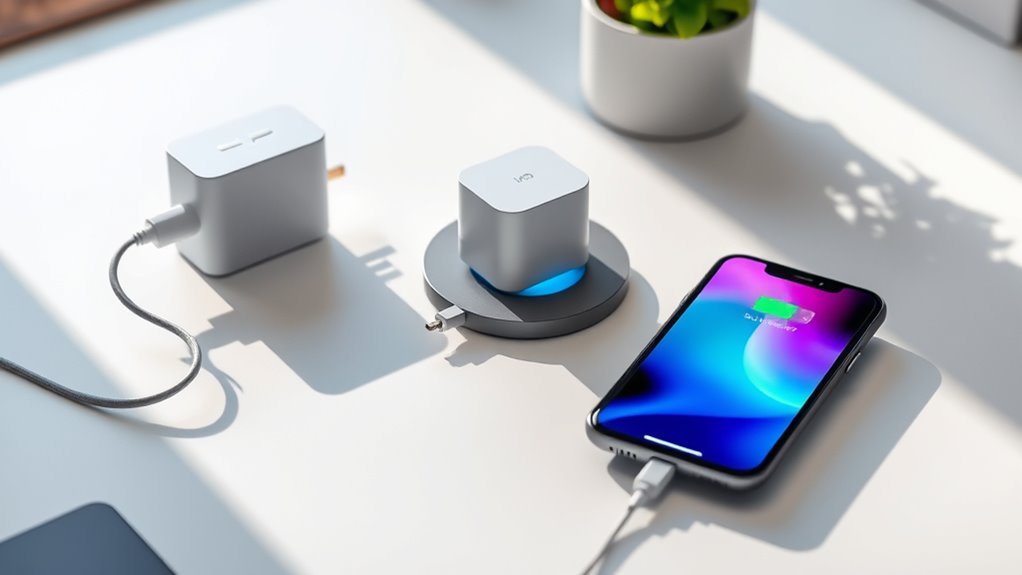
Choosing the right charging equipment is essential to protect your phone’s battery health. Always use certified or original chargers compatible with your device. Low-quality or uncertified chargers can deliver inconsistent voltage, risking damage and reducing battery lifespan. Opt for chargers that have built-in temperature or voltage regulation, especially for fast charging, to prevent overheating and stress on the battery. Avoid cheap portable power banks that may not meet safety standards, as they can cause voltage irregularities. When selecting USB-C chargers, check that they provide the correct voltage and current for your phone model. Using the proper charging equipment ensures stable power delivery, minimizes wear, and helps maintain your battery’s longevity over time. Additionally, understanding the importance of projector contrast ratio can help you choose devices that deliver vibrant and detailed images, enhancing your overall viewing experience.
Managing Heat and Environmental Factors
Excess heat critically accelerates your phone’s battery degradation, so it’s essential to keep your device cool during charging and use. High temperatures cause chemical reactions inside the battery that reduce its overall lifespan. To manage environmental factors:
- Avoid charging in direct sunlight or hot places like a car.
- Don’t use your phone heavily during charging, especially with power-hungry apps.
- Limit fast charging, as it generates more heat.
- Use battery saver modes to lower device temperature.
- Keep your phone in a well-ventilated, cool environment during use and charging.
- Utilizing AI tools can also help monitor and optimize your device’s temperature for better battery health.
Optimizing Charging Frequency and Software Settings
To extend your battery’s lifespan, it’s important to optimize how often and when you charge your phone, along with adjusting software settings. Aim to keep your battery between 20% and 80% whenever possible, preventing stress from high voltage or deep discharges. Instead of waiting for a dead battery, top up when it reaches around 20%, using partial charges to reduce wear. Enable battery saver modes and disable background app refresh to minimize unnecessary drain. Adjust auto-brightness to keep screen brightness in check, and update your software regularly for improved power management. Monitor app usage to identify power-hungry processes. By adopting these habits, you prevent unnecessary cycles and heat buildup, ultimately prolonging your battery’s health and performance over time. Incorporate battery cycling habits that align with compact living principles to maximize efficiency and device longevity.
Frequently Asked Questions
Can I Use My Phone While It’s Charging Without Harming the Battery?
Yes, you can use your phone while it’s charging, but it might generate more heat, which can speed up battery wear. Active use, especially with power-intensive apps, increases temperature and stress on the battery. To minimize harm, avoid heavy usage during charging, keep your device in a cool environment, and unplug once it’s sufficiently charged. This way, you help preserve your battery’s health over time.
How Often Should I Fully Charge My Phone for Optimal Battery Health?
You should aim to fully charge your phone about once every few days, similar to how a friend keeps her battery healthy by topping up at 20% and unplugging at 80%. Fully charging daily isn’t necessary and can speed up battery wear. Instead, keep your charges partial, between 20% and 80%, and only do full charges when needed, like before a long trip, to maximize your battery’s lifespan.
Is Fast Charging Safe for My Phone’s Battery Long-Term?
Fast charging is generally safe for your phone’s battery if you use certified chargers and avoid excessive heat. However, it generates more heat, which can accelerate battery wear over time. To protect your battery long-term, avoid using fast charging constantly, especially in hot environments. Instead, reserve fast charging for when you’re in a hurry, and stick to slower, cooler charges for regular top-ups.
What Environmental Conditions Are Best for Charging My Phone?
Charging your phone in ideal environmental conditions greatly prolongs its battery life. Keep your device in a cool, shaded area, ideally between 20°C and 25°C, since heat can reduce battery capacity by up to 50% over time. Avoid direct sunlight, hot environments like cars, or humid places. Maintaining a moderate temperature during charging minimizes stress, prevents overheating, and helps your battery stay healthy longer.
Do Software Updates Affect My Battery’s Lifespan?
Yes, software updates can impact your battery’s lifespan. They often include improvements to power management and efficiency, helping your phone use less energy and reduce heat. However, some updates might also introduce new features that increase power consumption or cause background processes to run more intensively. Keep your software updated to benefit from optimizations, but monitor your battery performance afterward, and adjust your charging habits if needed to prolong its health.
Conclusion
Think of your phone’s battery like a garden—you want to nurture it without overwatering. By keeping your charge between 20% and 80%, avoiding overnight charging, and managing heat, you help it thrive. I once left my phone charging overnight, only to find the battery degraded faster than I expected. Follow these best practices, and your battery will stay healthy longer—like a well-tended garden, it’ll flourish with a little care.