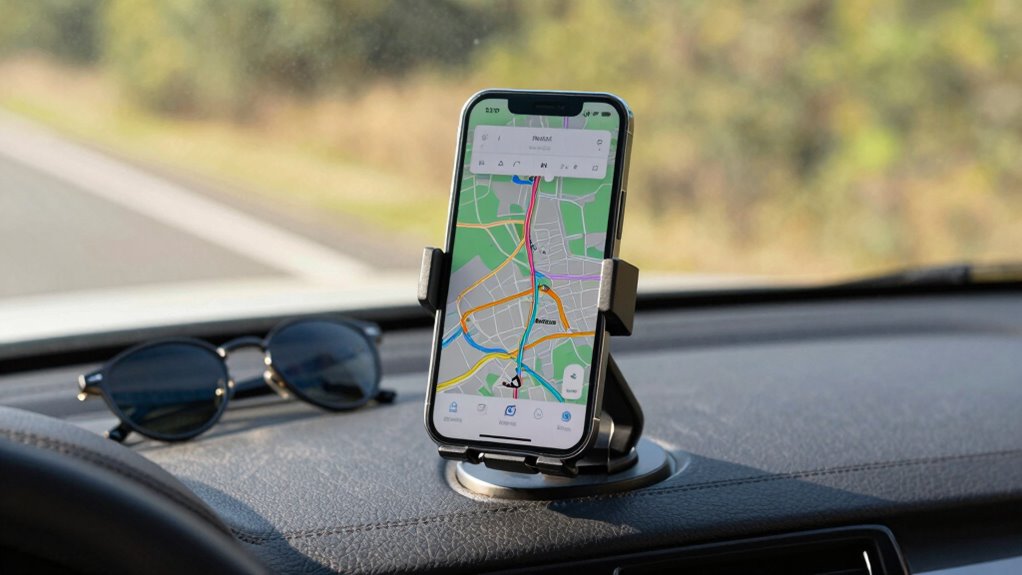

To create a great road trip phone setup, guarantee your device has reliable offline navigation apps with saved maps, so you stay on track even without signal. Store emergency contacts and activate safety features like SOS and location sharing. Bring portable chargers and manage power by turning off unnecessary features. Organize your apps and info for quick access, and prepare entertainment options ahead of time. If you keep these things in mind, your trip will be smoother and safer—more tips await if you keep exploring.

Get the latest gadgets delivered free with Prime
- Fast, free delivery on millions of items
- Prime Video, Amazon Music and more included
- Member-only deals all year
Key Takeaways
- Install and update reliable offline navigation apps with saved maps for remote areas.
- Save emergency contacts and enable safety features like SOS and location sharing.
- Carry portable chargers and manage device settings to maximize battery life.
- Organize essential apps and information for quick, easy access during the trip.
- Prepare entertainment content and set up device features to ensure smooth navigation and safety.
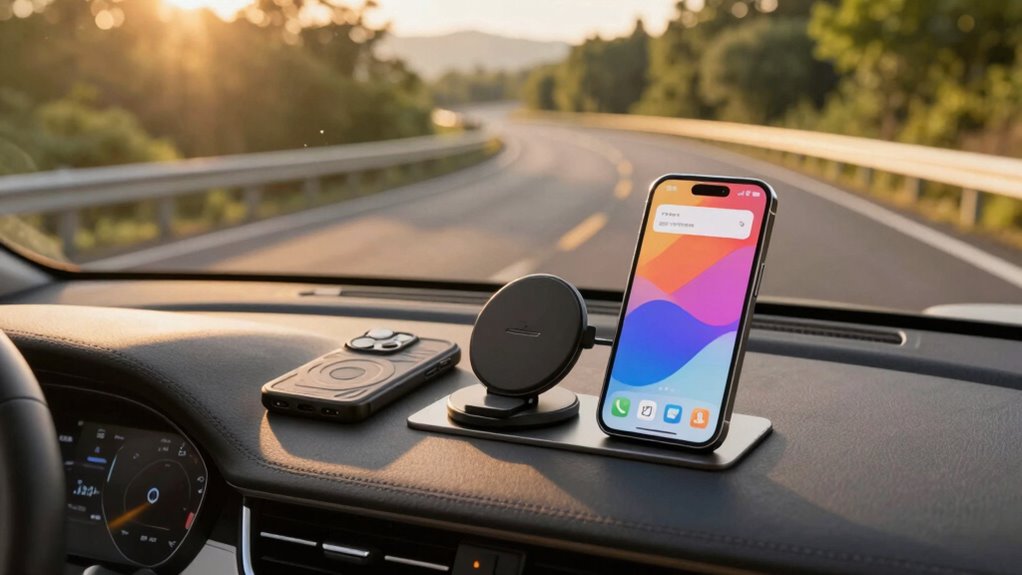
Planning a road trip means more than just packing your bags; setting up your phone properly can make the journey smoother and safer. Your phone is your lifeline on the road, providing directions, emergency contacts, and quick access to essential information. To get the most out of it, start by installing reliable navigation apps. Choose apps that work offline or offer offline maps, so you’re not stranded without signal in remote areas. Familiarize yourself with their features beforehand—set your preferred route options, avoid tolls if necessary, and save maps for areas where service might be patchy. Keeping your navigation apps updated ensures you have the latest maps and traffic info, reducing surprises along the way.
Install offline navigation apps, customize settings, and keep them updated for a smooth, stress-free road trip.
Next, prioritize adding emergency contacts to your phone. This means more than just storing a few numbers; you want quick access to local emergency services and your trusted contacts. Program emergency numbers for the regions you’ll pass through, including police, medical facilities, and roadside assistance. Save these contacts under a dedicated label or in a prominently visible place on your phone’s home screen. Sharing your trip itinerary with a trusted friend or family member, and ensuring they have access to your location if needed, can be a lifesaver. Using features like emergency SOS or location sharing can be lifesaving if you encounter trouble. Knowing how to quickly reach help not only boosts your safety but also brings peace of mind during long stretches of driving.
Another crucial aspect is organizing your phone’s charging and power management. Long drives drain batteries fast, so bring portable chargers or car adapters. Set your phone to conserve power by disabling unnecessary features like Bluetooth or Wi-Fi when not in use. Consider downloading offline content such as music playlists, podcasts, or audiobooks to keep entertained without relying solely on data. These steps help prevent your phone from dying at crucial moments, like navigating unfamiliar routes or calling for help. Properly managing your device’s power extends battery life and ensures you’re prepared for unexpected delays or emergencies. Additionally, being aware of navigation app updates and features can help you make the most of your chosen tools, ensuring smoother navigation and real-time traffic alerts.
Lastly, customize your home screens or create folders for quick access. Place your navigation apps, emergency contacts, and essential trip info front and center. This way, when you need directions or assistance, you won’t waste time searching. Before hitting the road, double-check that your phone is set up with all these essentials, so your journey remains safe, enjoyable, and stress-free. Proper planning isn’t just about the destination—it’s about how well your technology supports you every mile of the way.
offline GPS navigation app for smartphones
As an affiliate, we earn on qualifying purchases.
As an affiliate, we earn on qualifying purchases.
Frequently Asked Questions
How Can I Extend My Phone’s Battery Life During Long Trips?
To extend your phone’s battery life during long trips, carry a reliable power bank to recharge on the go. Activate the battery saver mode to reduce background activity and conserve power. Lower your screen brightness, turn off unnecessary Wi-Fi and Bluetooth, and close unused apps. These simple steps help maximize your phone’s battery life, ensuring it stays powered throughout your journey.
What Are the Best Apps for Navigation and Entertainment?
For navigation, apps like Google Maps or Waze are top choices, offering real-time traffic updates and directions. For entertainment, consider Spotify or Audible to keep everyone engaged. Make sure you have in-car chargers handy to keep your devices powered, especially on long trips. It’s also smart to download offline maps and entertainment options beforehand. Keep roadside assistance contact info saved, so help’s just a tap away if needed.
How Do I Securely Mount My Phone in the Car?
To securely mount your phone, choose a sturdy wireless charging mount that fits your vehicle and keeps your device accessible. Attach it to your dashboard or windshield, ensuring it doesn’t obstruct your view. Use dashboard storage for extra convenience—stash your cables or small accessories nearby. This setup keeps your phone stable, charged, and within easy reach, allowing you to focus on the road without distractions.
What Should I Do if I Lose Signal in Remote Areas?
If you lose signal in remote areas, you should prepare ahead by downloading offline maps on your phone. This way, you can navigate without internet access. Also, save your emergency contacts offline or on a physical device, so you can reach help if needed. Keep your phone charged and consider carrying a portable charger to guarantee your device stays functional during low or no signal situations.
How Can I Prevent My Phone From Overheating During Use?
Imagine your phone overheats during a scenic drive—frustrating, right? To prevent this, keep your phone cool with proper phone cooling methods like removing cases or avoiding direct sunlight. Enable battery conservation mode to reduce strain on your device. Also, limit high-intensity apps and turn off unnecessary features like Bluetooth or Wi-Fi when not in use. These steps help maintain peak performance and prevent overheating on your road trip.
portable phone charger for car trips
As an affiliate, we earn on qualifying purchases.
As an affiliate, we earn on qualifying purchases.
Conclusion
So, with your trusty smartphone, a reliable mount, a portable charger, and offline maps, you’re all set for an epic road trip. Think of your setup like a vintage map and compass—guiding you through every twist and turn, even if the Wi-Fi signal drops. Keep your playlist handy, stay connected, and enjoy the journey. After all, a well-prepared phone setup makes your adventure smoother than a drive in a shiny DeLorean.
emergency contact quick access phone case
As an affiliate, we earn on qualifying purchases.
As an affiliate, we earn on qualifying purchases.
car phone mount with charging port
As an affiliate, we earn on qualifying purchases.
As an affiliate, we earn on qualifying purchases.
Halloween Picks
halloween
As an affiliate, we earn on qualifying purchases.