
TL;DR

Get the latest gadgets delivered free with Prime
- Fast, free delivery on millions of items
- Prime Video, Amazon Music and more included
- Member-only deals all year
Compact student laptops are smaller, lightweight, and designed for portability without sacrificing essential performance. Recent models blend sleek design with longer battery life and versatile connectivity, making them perfect for students on the move.
Ever tried lugging a heavy, bulky laptop through campus? It’s a pain. That’s why compact student laptops are a game-changer. They pack power into tiny frames—making your backpack lighter and your day smoother.
In this guide, you’ll learn what makes a good compact laptop, recent trends shaping the market, and how to pick the perfect one for your needs. Whether you’re tackling classes, studying in cafes, or hopping between lectures, a well-chosen laptop can boost your productivity and keep you stress-free.
Choose a screen size around 13 inches for the best balance of portability and usability.
Look for models with at least 8GB RAM and SSD storage for smooth multitasking and quick load times.
Latest processors (Intel 12th Gen or AMD Ryzen 6000) provide a noticeable boost in speed without increasing size.
Battery life of 8-15 hours is typical and vital for all-day use without constant charging.
Decide between Chrome OS and Windows based on your software needs and cloud reliance.
What Makes a Laptop Truly Compact and Student-Friendly?
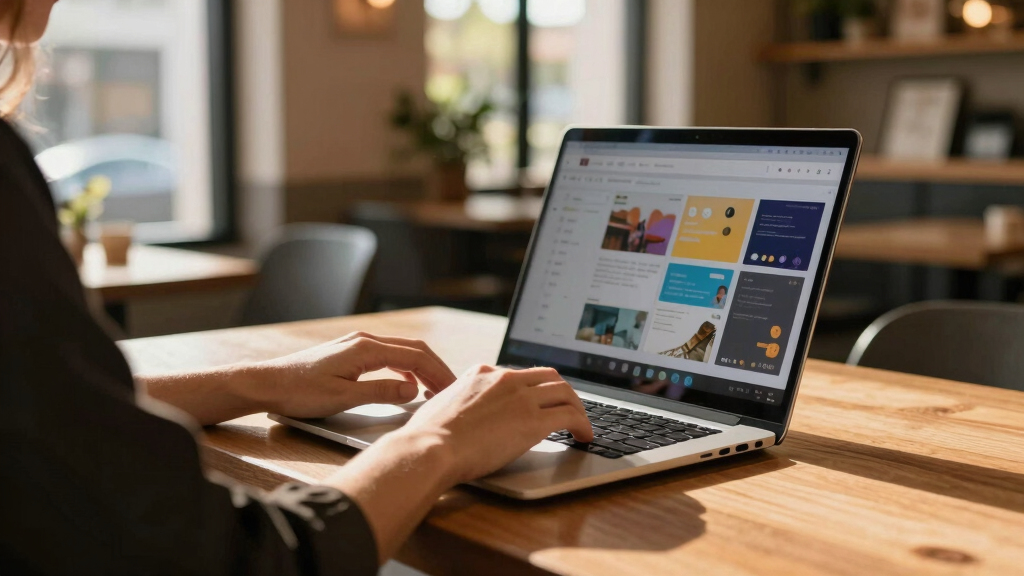
When we say compact student laptops, we’re talking about models with screens between 11 and 14 inches. These are small enough to slip into a backpack pocket but still big enough to do serious work.
Think of the ASUS Chromebook Flip—its 12.5-inch touchscreen feels like holding a mini tablet but runs full Chrome OS. It’s lightweight, with a sturdy build that handles daily commutes and coffee shop sessions. The key is balancing size, weight, and usability.
Look for features like:
- Lightweight design (under 3 pounds)
- Long battery life (8-15 hours)
- Solid build quality
- Versatile connectivity options
These features matter because they directly impact your mobility and convenience. A lightweight laptop reduces fatigue during long days on campus, while extended battery life means fewer stops for charging—crucial when you’re moving between classes or studying outdoors. Durable build quality ensures your investment withstands daily wear and tear, especially if you’re commuting frequently. Versatile connectivity allows you to connect easily to projectors, external displays, or peripherals, ensuring your device adapts to different environments and tasks.
13 inch lightweight student laptop
As an affiliate, we earn on qualifying purchases.
As an affiliate, we earn on qualifying purchases.
Latest Trends in Compact Laptops That Students Love
The world of compact student laptops is evolving fast. Recent models feature stunning hardware upgrades that significantly enhance performance and user experience. For example, many now include Intel’s 12th Gen processors or AMD Ryzen 6000 chips—these deliver not just faster speeds but also better power efficiency, which translates into longer battery life and less heat generation. This means students can run demanding applications or multitask without worrying about overheating or lag, crucial during intensive study sessions.
Design-wise, bezels are slimmer, which maximizes screen real estate—allowing for larger displays in smaller bodies. Convertibles like the Samsung Galaxy Chromebook 2-in-1 offer tablet modes that facilitate note-taking, drawing, or media consumption, adding versatility that aligns with varied student needs. The shift towards eco-friendly materials and energy-efficient components responds to growing environmental concerns, making laptops not only smarter but also more sustainable choices.
Connectivity improvements such as Wi-Fi 6E and Thunderbolt 4 ports ensure faster, more reliable connections, essential for cloud-based work, streaming, or video conferencing. These advances mean students get devices that are more powerful, visually stunning, and longer-lasting on a single charge—all while maintaining the portability that makes them ideal for on-the-go lifestyles. The tradeoff might be a slightly higher price or increased complexity in some models, but the benefits in performance and usability often outweigh these considerations.
As an affiliate, we earn on qualifying purchases.
How to Pick the Perfect Compact Laptop for Your Needs
Choosing the right compact student laptop depends on your priorities, but understanding the implications of each choice can help you make a more informed decision. Here’s a detailed guide:
- Define your budget. Budget models ($300-$500) are often sufficient for basic tasks like browsing, note-taking, and streaming, but they may struggle with multitasking or demanding apps. Mid-range ($600-$900) laptops strike a balance, offering better build quality and performance, reducing frustration during heavier workloads. Premium ($1000+) models provide high-end features, faster processors, and more durable construction, but come with a higher investment. Consider whether the increased cost aligns with your academic needs and long-term usage plans, as cheaper models might require upgrades sooner.
- Decide on OS. Your choice impacts software compatibility and ecosystem integration. Chromebooks excel in simplicity and cloud reliance, which is ideal if your coursework is Google-centric. Windows offers broad software compatibility, especially for specialized applications like Adobe Creative Suite or MATLAB. macOS, while less common among students, provides excellent build quality and seamless integration if you already own Apple devices. Your decision should reflect your workflow, software requirements, and comfort with each platform.
- Focus on specs. Aim for at least 8GB RAM and an SSD (Solid State Drive) for quick boot times and smooth multitasking. Recent processors like Intel’s 12th Gen or AMD Ryzen 6000 series significantly boost performance and efficiency, enabling you to run multiple applications without slowdown. These specs matter because they directly influence your productivity and frustration levels—slow or underpowered laptops can hinder learning and cause unnecessary stress.
- Check battery life. Look for models with 8-15 hours of battery life to ensure your device can last through classes, library sessions, and commutes without constant recharging. Longer battery life reduces dependency on power outlets, giving you the freedom to work anywhere—be it outdoor campus spaces or long travel days.
- Test portability features. Consider size and weight—13-inch models generally provide a good balance, but if you prioritize ultra-lightweight, 11-inch ultraportables might be better. Think about how often you’ll carry it and whether you prefer a smaller footprint for easy handling or a slightly larger screen for better visibility and comfort. Remember, a device that’s too small may strain your eyes or be less comfortable for extended use, so find a size that feels right for your routines.
For example, if you’re always on the move, a 12.5-inch Chromebook with 10-hour battery life could be your best bet. If you need more power for creative work or multitasking, a 13.3-inch Windows ultrabook might serve you better. Prioritize your specific needs and usage scenarios to strike the best balance between portability and performance, ensuring your investment supports your academic journey effectively.
ultraportable Windows laptop 14 inch
As an affiliate, we earn on qualifying purchases.
As an affiliate, we earn on qualifying purchases.
Frequently Asked Questions
Are Chromebooks good enough for college coursework?
Yes, especially if most of your work revolves around cloud-based apps like Google Docs, Sheets, and Classroom. They’re affordable, lightweight, and have long battery life, making them ideal for students with simple but essential needs.
Can a compact laptop handle multitasking with multiple apps open?
Absolutely, if it has at least 8GB RAM and a recent processor like Intel’s 12th Gen or AMD Ryzen 6000. This combo ensures smooth multitasking, even with several browser tabs and apps running simultaneously.
How durable are these small laptops for daily use?
Many models feature sturdy builds, with some rated MIL-STD for durability. Look for models with reinforced chassis or spill-resistant keyboards if you’re worried about handling rough days or accidental spills.
Is a 13-inch screen too small for productivity tasks?
Not at all. Many students find 13 inches the perfect size—compact enough to carry easily, yet large enough for comfortable typing, reading, and multitasking. It’s a matter of personal preference, but 13 inches strikes a sweet spot for portability and usability.
What’s the main advantage of a 2-in-1 convertible laptop?
It offers flexibility—use it as a laptop for typing and multitasking, then flip into tablet mode for note-taking, sketching, or media consumption. This versatility can be a real time-saver and space-saver for students on the go.
As an affiliate, we earn on qualifying purchases.
Conclusion
In the end, the perfect compact student laptop is one that moves with you without weighing you down. It’s about finding that sweet spot—small enough to carry all day, powerful enough to get your work done, and smart enough to fit your budget.
As tech keeps shrinking and improving, your ideal laptop is just a choice away. Imagine a device that’s as agile as your schedule—ready to handle whatever your studies throw at you. That’s the real power of a well-selected compact laptop.
Halloween Picks
halloween
As an affiliate, we earn on qualifying purchases.