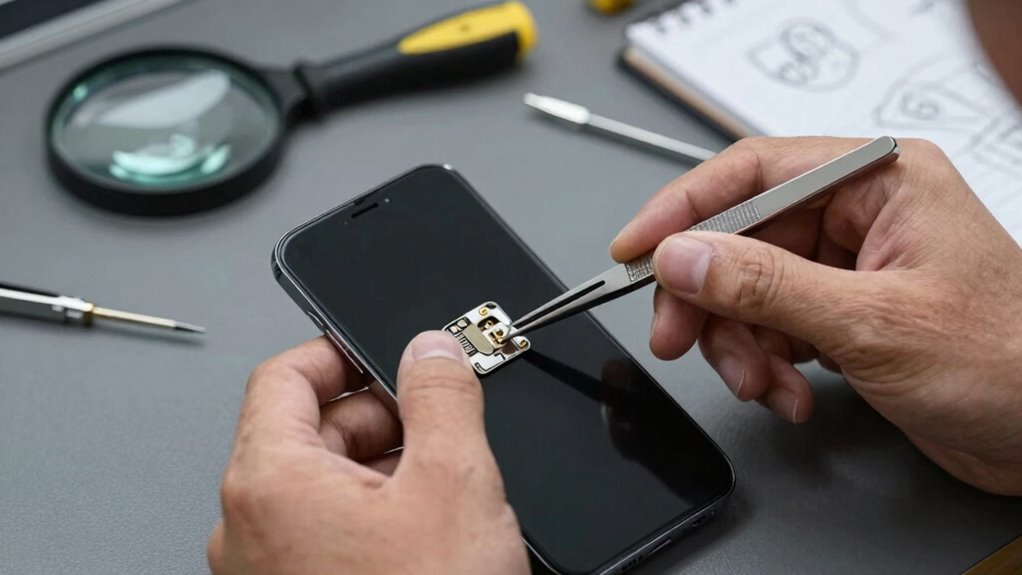

To narrow down a phone issue quickly, start by noting when problems occur and watch for patterns, like after specific apps or activities. Check your battery and app usage to see if something drains power or causes crashes. Make certain your software and apps are up-to-date, and clear cache or reinstall problematic apps. Restart your device or do a factory reset if needed. Staying organized helps pinpoint the cause faster, and if you keep exploring, you’ll find more helpful tips.

Get the latest gadgets delivered free — and shop member deals
- Fast, free delivery on millions of items
- Access to Prime Big Deal Days deals on October 6–7
- Prime Video, Amazon Music and more included
Key Takeaways
- Observe when issues occur and identify patterns related to specific apps or activities.
- Check battery usage and health to detect power drain causes.
- Update all apps and the operating system to prevent conflicts and crashes.
- Perform soft or factory resets after backing up data to resolve persistent problems.
- Seek professional support if troubleshooting steps do not resolve the issue.
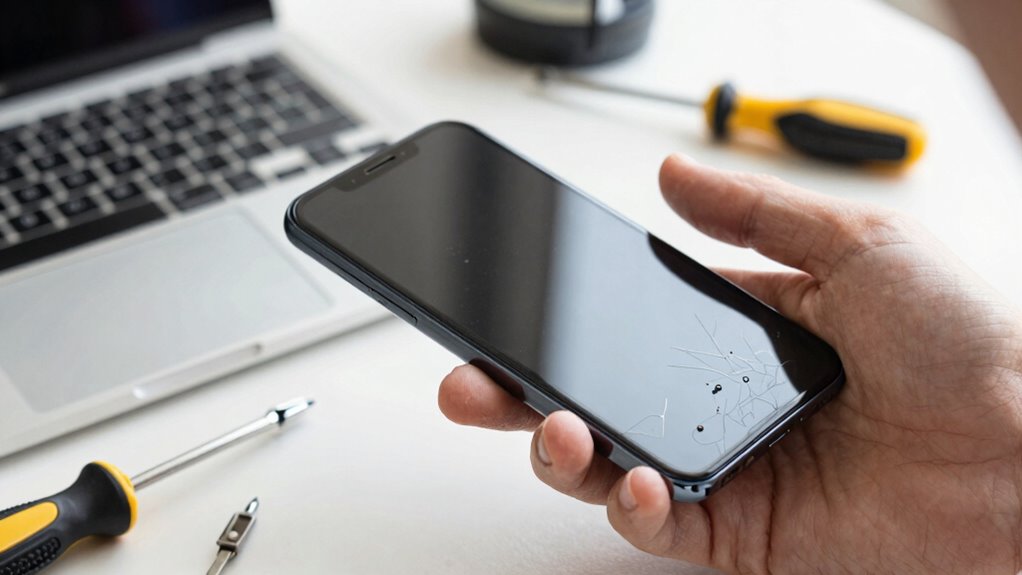
When your phone starts acting up, it can be frustrating trying to figure out what’s wrong. You might notice your battery life draining faster than usual or frequent app crashes disrupting your daily routine. These issues can seem minor but often hint at underlying problems. To narrow down what’s causing the trouble, start by observing when the issues happen. Does your battery drain quickly after certain activities or app usage? Do app crashes increase after installing new apps or updates? Pinpointing these patterns helps you identify the root cause more efficiently.
Next, check your battery life. If your phone’s battery is depleting faster than it used to, it could be due to background apps consuming power or a failing battery. Open your settings to see which apps are using the most battery and close or uninstall the ones that aren’t essential. Sometimes, a simple restart can reset background processes, helping your battery last longer. If your battery health shows signs of deterioration, consider replacing it or seeking professional service. Ignoring battery issues can lead to unexpected shutdowns and data loss, so addressing this early is key.
App crashes are another common sign of underlying problems. When multiple apps crash or freeze, it might indicate software conflicts, outdated apps, or corrupted data. Make sure all your apps and your operating system are up to date; developers release updates to fix bugs and improve stability. If crashes persist, try clearing app cache or data, especially for apps that frequently misbehave. Removing recent updates or reinstalling problematic apps can also resolve issues. Keeping your device’s software up-to-date can prevent many compatibility problems, which is why understanding the role of updates in maintaining device stability is crucial. Regularly reviewing app permissions can also help prevent conflicts and improve overall device security. Recognizing software bugs early can save you time troubleshooting further complications.
If your issues continue despite these steps, consider performing a soft reset or, in more persistent cases, a factory reset. Back up your important data first, as a reset erases all your personal information. Sometimes, lingering software glitches or malware can cause instability, and a fresh start can eliminate these problems. It is also helpful to understand the role of updates in maintaining device stability, as manufacturers often release patches to address known issues. Checking for any system updates is a good step, as many problems are fixed through these patches. If problems still persist after trying these troubleshooting steps, it might be time to consult a professional or contact your device’s support service.
smartphone battery health monitor
As an affiliate, we earn on qualifying purchases.
As an affiliate, we earn on qualifying purchases.
Frequently Asked Questions
How Can I Tell if My Battery Is the Issue?
You can tell if your battery is the issue by checking its battery health in your phone’s settings. If it shows poor health or rapid battery drain, that’s a sign. Also, if you experience frequent charging issues, like your phone not charging properly or shutting down abruptly, it indicates a battery problem. Replacing the battery or seeking professional help can often resolve these issues and improve your phone’s performance.
What Apps Might Cause Phone Slowdowns?
You notice your phone slowing down after installing a new social media app. Such apps often run background processes and request extensive app permissions, which can hog resources. Check your settings to see which apps have permission to access your location, camera, or microphone, and close or uninstall apps with unnecessary background activity. Limiting these can markedly improve your phone’s performance and prevent slowdowns caused by resource-heavy apps.
How Do I Reset My Phone Without Losing Data?
To reset your phone without losing data, start by backing up your important files and settings through cloud services or a computer. Then, perform a factory reset through your phone’s settings menu. After the reset, restore your data from the backup. This way, you refresh your device’s system while keeping your personal information safe and intact. Always double-check your backup before proceeding.
Can Software Updates Fix Hardware Problems?
Think of your phone as a complex machine; software updates are like tuning the engine, not fixing the broken gear. They can’t resolve hardware problems directly. However, software updates often include firmware troubleshooting that can fix minor glitches. For hardware diagnostics, you need to physically check components or consult a technician. So, while updates can improve performance, they won’t fix hardware issues—they’re the last step after ruling out software causes.
When Should I Consider Professional Repair?
You should consider professional repair when DIY fixes and troubleshooting tips don’t resolve your phone issues. If your device still malfunctions after trying basic solutions like restarting or updating software, it’s time to seek expert help. Persistent hardware problems, screen damage, or battery issues often require professional attention. Don’t risk further damage—trust a technician to diagnose and fix complex problems safely and effectively.
As an affiliate, we earn on qualifying purchases.
Conclusion
By mastering these quick troubleshooting tricks, you’ll become a phone detective, solving issues faster than a lightning bolt strikes the sky! No more endless frustration or wasting hours on dead-end fixes—you’ll be a hero to yourself and everyone around you. With a little patience and sharp eyes, you’ll conquer any phone problem in record time, turning chaos into clarity. Get ready to crush tech troubles and reclaim your peace of mind—your phone’s best days are just around the corner!
As an affiliate, we earn on qualifying purchases.
As an affiliate, we earn on qualifying purchases.
Evergreen bestsellers Picks
bestsellers
As an affiliate, we earn on qualifying purchases.