To build a more reliable travel connectivity setup, combine a satellite phone for remote areas with portable Wi-Fi devices that support multiple networks for flexibility. Protect your gear with weatherproof and surge-protected accessories, and carry spare batteries or power banks to keep everything charged. Research regional coverage and choose compatible devices before your trip. Planning ahead guarantees seamless connection in any environment—keep exploring how to optimize your setup for the best results.
Listen free for 30 days with Audible
Thousands of audiobooks and originals — cancel anytime.
As an affiliate, we earn on qualifying purchases.
Key Takeaways
- Research regional network coverage and select compatible devices for seamless connectivity.
- Incorporate satellite phones for remote areas lacking cellular service.
- Use portable Wi-Fi devices with multiple carrier support to ensure network access everywhere.
- Equip devices with weatherproof, surge-protected accessories and spare batteries for durability.
- Plan and prepare by testing equipment, carrying backups, and understanding regional connectivity options.
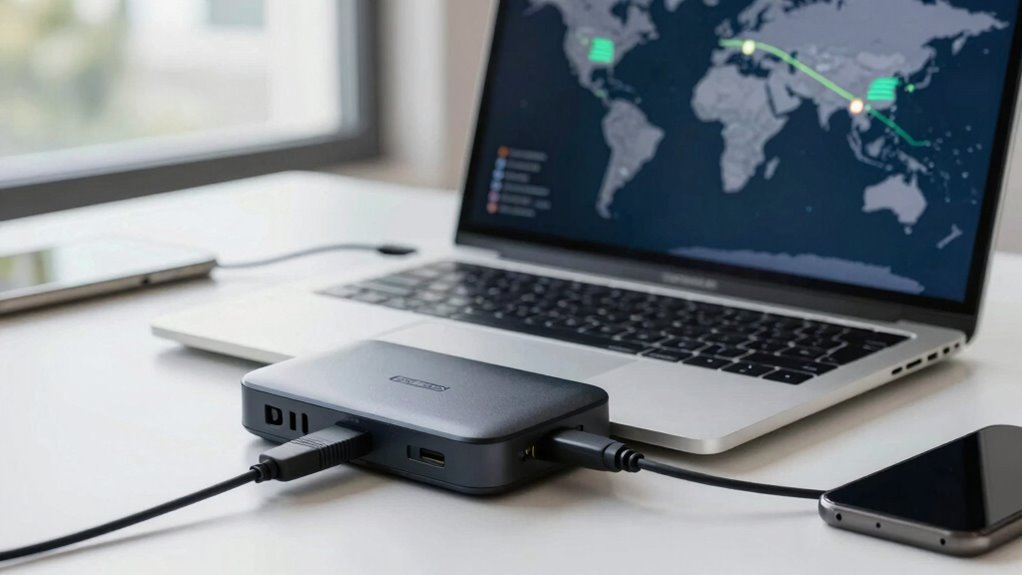
Traveling often means relying on unstable or weak internet connections, which can disrupt work, communication, and entertainment. To keep yourself connected no matter where you are, you need a reliable setup that adapts to different environments. One of the best ways to do this is by investing in a satellite phone. Unlike traditional cell phones that depend on local networks, satellite phones communicate directly with satellites orbiting the Earth. This means you can make calls, send messages, or even access limited data services in remote areas where cell towers are nonexistent. Satellite phones are especially useful if you’re heading into places with no cellular coverage, such as remote wilderness, offshore locations, or mountainous regions. They’re built tough, often resistant to weather and rough handling, making them dependable in extreme conditions. While satellite phones might seem expensive or bulky at first, their ability to maintain connectivity in the most isolated spots makes them a vital part of a reliable travel setup.
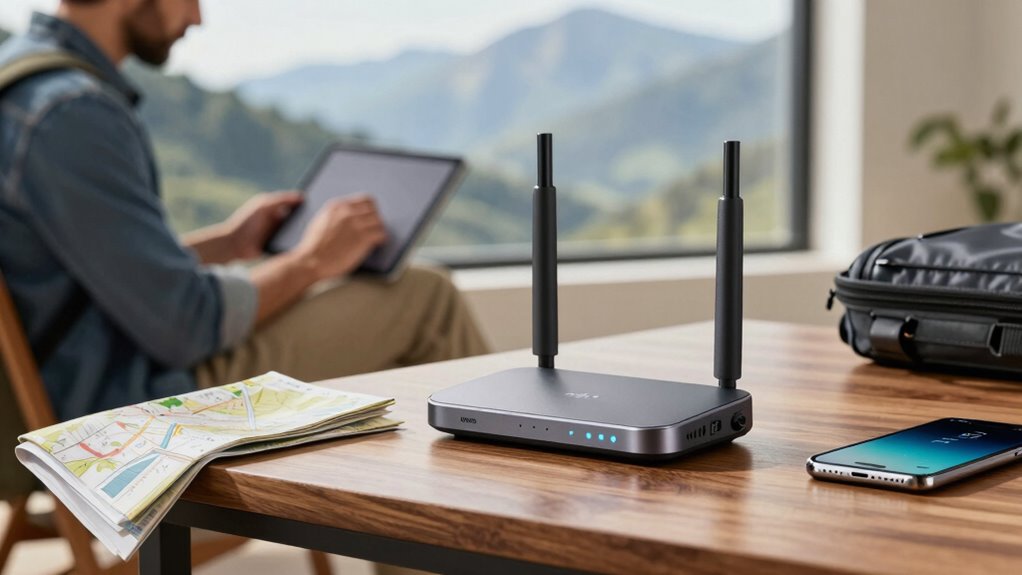
Alongside satellite phones, portable Wi-Fi devices offer another layer of connectivity. These compact gadgets work by connecting to cellular networks and then broadcasting a Wi-Fi signal that you can share with multiple devices. The key advantage is flexibility—you can carry a portable Wi-Fi hotspot in your bag or pocket and connect your smartphone, tablet, or laptop easily. Many portable Wi-Fi devices support multiple carriers or use SIM cards from different providers, so you can switch networks to find the strongest signal wherever you go. This versatility helps prevent dead zones and buffering, ensuring your streaming, online work, or navigation apps keep running smoothly. Combining portable Wi-Fi with a satellite phone gives you a backup plan; if cellular networks fail, your satellite phone keeps you connected for essential calls or messages. It’s a simple, effective way to stay reachable in diverse environments. Additionally, understanding power protection options for your devices, such as weatherproof and surge-protected accessories, can help maintain your setup’s reliability during unpredictable conditions. Being aware of different regions’ coverage and the best devices for those areas can further enhance your connectivity reliability. Moreover, selecting equipment with robust build quality can ensure your devices endure harsh travel conditions without failure. Considering expandable battery solutions can also extend your device’s operational life during long trips when charging options are limited. Also, researching regional network compatibility can prevent connection issues upon arrival in new destinations.
Building a reliable travel connectivity setup isn’t just about having the right devices; it’s also about understanding your destinations. Before you depart, research the coverage areas and find devices that work best in those regions. You may also want to consider a global SIM card for your portable Wi-Fi, which can save you money and hassle by automatically switching to the best local network. Always keep your satellite phone charged and accessible, and carry spare batteries or power banks for your portable Wi-Fi device. This way, you minimize the risk of losing connectivity when it matters most. By combining satellite phones with portable Wi-Fi, and planning ahead, you ensure your travel experience is seamless, whether you’re working remotely, staying in touch with loved ones, or just browsing the internet.

OSAT Iridium Extreme Satellite Phone | Rugged, Waterproof, GPS-Enabled | Global Voice & SMS Coverage for Remote & Emergency Communication
- Flexible Airtime Options: Prepaid and postpaid plans available
- Global Coverage: Connects worldwide via Iridium network
- Rugged and Waterproof: Military-grade durability, IP65 rated
As an affiliate, we earn on qualifying purchases.
As an affiliate, we earn on qualifying purchases.
Frequently Asked Questions
What Are the Best Backup Options for Travel Connectivity?
To keep your travel connectivity reliable, you should consider satellite hotspots and portable boosters as backup options. Satellite hotspots work well in remote areas where cellular signals are weak, providing internet access via satellite. Portable boosters amplify your existing signal, ensuring better coverage in areas with poor reception. Using both options together gives you a versatile, dependable setup, so you stay connected no matter where your travels take you.
How Can I Improve Wi-Fi Signal in Remote Locations?
To improve Wi-Fi signal in remote locations, consider using signal boosters that amplify your existing connection, making it stronger and more reliable. Additionally, satellite phones can serve as a backup communication method when Wi-Fi struggles. Position your device or booster in a central, elevated spot, and keep firmware updated for peak performance. Combining these tools ensures you stay connected, even in the most isolated areas.
What Devices Are Essential for Reliable Travel Internet?
You need essential devices like a portable Wi-Fi hotspot, a signal booster, and a power bank to guarantee reliable travel internet. Make sure these devices are compatible with your data management apps and networks. A versatile hotspot allows you to connect multiple devices seamlessly, while a signal booster enhances weak signals. Carry a power bank to keep everything charged on the go, ensuring continuous connectivity during your travels.
How Do I Troubleshoot Connectivity Issues on the Go?
Think of troubleshooting your travel connectivity like tuning a musical instrument—you need everything in harmony. If your mobile data or network hotspots aren’t working, restart your device, switch to a different network if available, and check for outages. Sometimes, simply toggling airplane mode resets the connection. Keep your apps updated and carry a portable charger; these small steps can help fix issues swiftly and keep your travel music playing smoothly.
What Security Measures Should I Take for Travel Wi-Fi?
You should prioritize Wi-Fi encryption and VPN security to protect your data on travel Wi-Fi. Always connect to networks that use WPA3 or WPA2 encryption, ensuring your connection is secure. Use a trusted VPN to encrypt your internet traffic, preventing hackers from intercepting sensitive information. Avoid public Wi-Fi for sensitive transactions, and keep your device’s security software up to date to minimize vulnerabilities while traveling.

RoamWiFi Mobile Hotspot Pocket WiFi, Portable WiFi No SIM Card Needed, MiFi
- Global Coverage: Connects in 170+ countries worldwide
- No SIM Card Needed: Use without SIM card or roaming fees
- High-Speed 4G LTE: Fast internet for browsing and streaming
As an affiliate, we earn on qualifying purchases.
As an affiliate, we earn on qualifying purchases.
Conclusion
By now, you see how establishing a reliable travel connectivity setup isn’t just a technical task—it’s your lifeline in the digital age. With the right tools and strategies, you can turn chaos into clarity and uncertainty into seamless adventure. Think of your connection as the anchor in your journey’s storm—steady, dependable, unwavering. So, take control today, and let your travel experience flow as smoothly as a gentle river, wherever your next destination may lead.
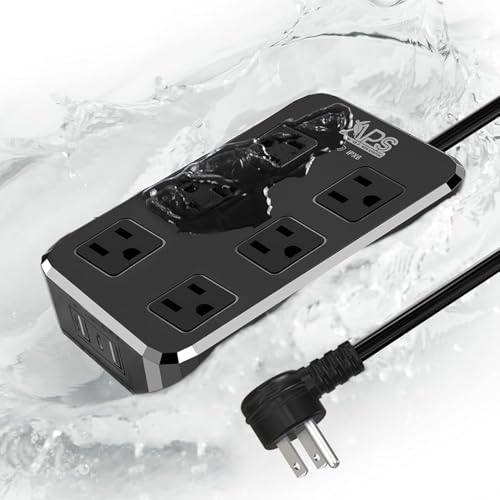
IPX6 Outdoor Power Strip Weatherproof, Waterproof Overload Protector with 6 Wide Outlet 3 USB Ports, 6FT Long Extension Cord, Wall Mountable for Outside Decorations and More UL Listed,Black
- 9-in-1 Power Strip: 6 AC outlets and 3 USB ports
- Weatherproof & Waterproof: IPX6 rated for outdoor use
- Overload Protection: Safeguards connected devices
As an affiliate, we earn on qualifying purchases.
As an affiliate, we earn on qualifying purchases.

Portable Charger Power Bank 50000mAh, USB-C PD 30W Fast Charging, High Capacity External Battery Pack for Camping, Portable Phone Charger for iPhone 17/16/15/14/13/12/11 Samsung Android (Black)
- High Capacity Battery: Provides multiple full charges for smartphones
- Multiple Charging Ports: Supports 4 devices simultaneously with various ports
- Fast Charging Support: PD 30W and QC4.0 for quick power delivery
As an affiliate, we earn on qualifying purchases.
As an affiliate, we earn on qualifying purchases.
Summer Picks
summer essentials
As an affiliate, we earn on qualifying purchases.