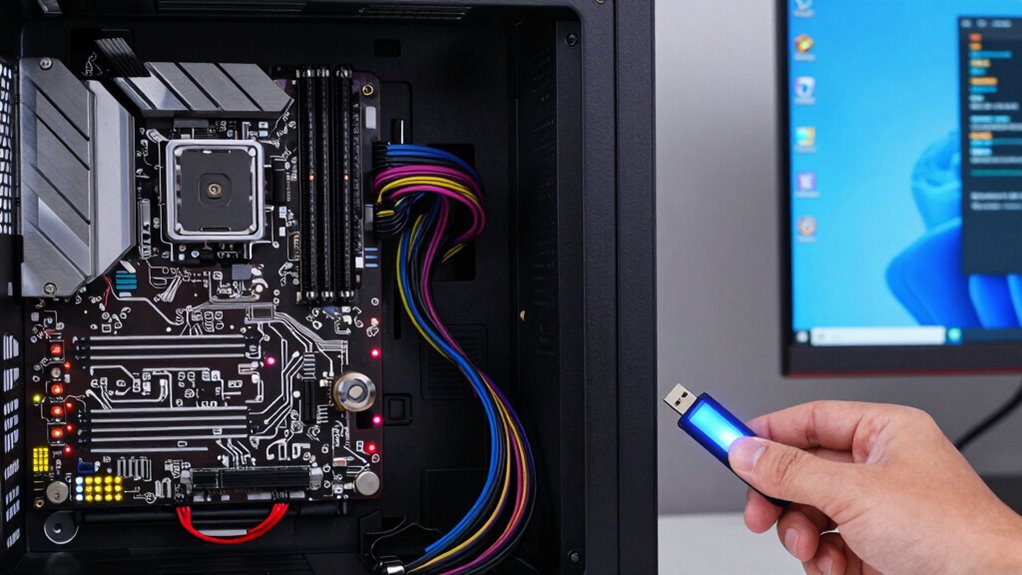

To tell if your issue is hardware or software, pay attention to symptoms. Crashes during specific apps or slowdowns across many programs suggest software conflicts or corruption. Hardware problems often cause persistent issues regardless of the program, like unusual noises or failure to boot. Use diagnostic tools and run hardware tests to identify failing parts. If you notice software errors or crashes only after updates, it likely points to software conflicts. Keep exploring for more tips to pinpoint the root cause.
Open a free Amazon Business account
Business pricing, bulk buying and tax-exempt orders.
As an affiliate, we earn on qualifying purchases.
Key Takeaways
- Software issues often cause specific application crashes or errors, while hardware problems lead to widespread system instability.
- Use diagnostic tools and logs to identify hardware faults versus software conflicts.
- Hardware failures typically cause persistent problems regardless of software changes or updates.
- Booting in safe mode can reveal if issues are software-related by disabling non-essential programs.
- Hardware tests (memory, drives) help confirm physical component failures versus software malfunctions.
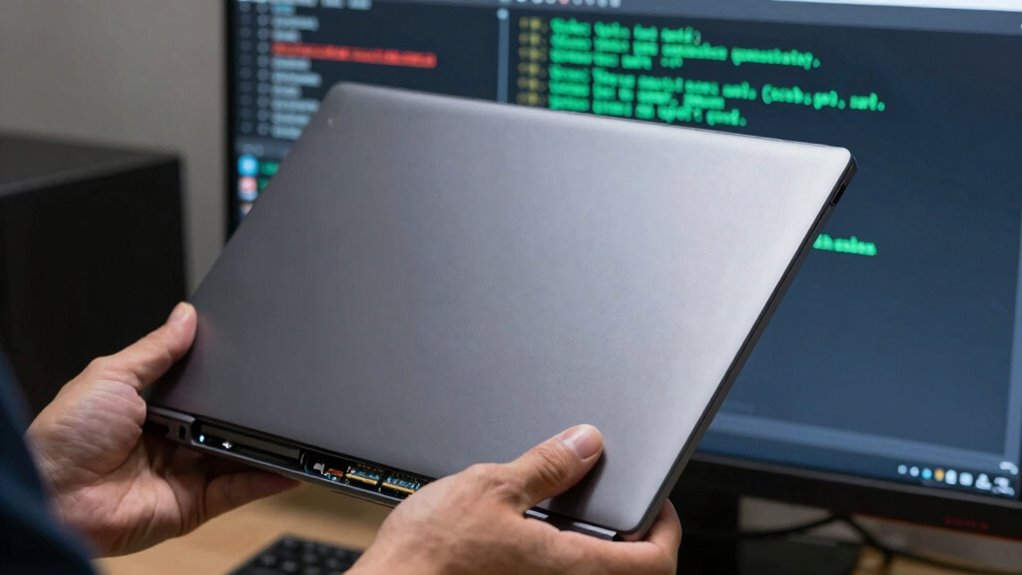
Have you ever noticed your computer running slowly or crashing unexpectedly? When these issues happen, it’s vital to figure out whether the problem stems from hardware or software. Identifying the root cause can save you time and prevent unnecessary replacements or repairs. The first step is to employ troubleshooting techniques that help narrow down the source. These techniques involve methodically testing different components and observing how your system responds. You might start by checking if the problem occurs during specific tasks or applications. For instance, if your computer crashes when running a particular program, it could point to a software conflict or corruption. On the other hand, if the slowdown happens across multiple applications or during startup, hardware issues like a failing hard drive or insufficient RAM might be to blame.
Using diagnostic tools can further clarify the problem. Many operating systems come with built-in utilities that help you analyze your hardware’s health. For example, Windows offers tools like Event Viewer, Device Manager, and Performance Monitor, which can alert you to driver errors or hardware malfunctions. Mac users can utilize Disk Utility and Activity Monitor to spot issues. These diagnostic tools provide specific error messages or performance metrics that can guide you toward a hardware fault. Conversely, for software problems, you might look at error logs, update software, or even boot into safe mode to see if the issue persists. Safe mode loads only essential drivers and services, isolating software conflicts from hardware failures. Additionally, understanding emerging trends in digital publishing can help you stay updated on the latest diagnostic technologies and troubleshooting methods that streamline this process.
Another effective troubleshooting technique is to perform hardware tests outside the system, such as running memory tests or checking the health of storage drives. If these tests reveal errors, hardware failure is likely. If not, your focus should shift to software troubleshooting—updating drivers, uninstalling recent updates, or rolling back to previous system restores. Keep in mind that sometimes, hardware issues manifest as software symptoms, like frequent freezes or error messages. This overlap makes it essential to use diagnostic tools in combination with systematic testing. Recognizing hardware deterioration early can prevent more serious system failures and data loss.
hardware diagnostic tools for PC
As an affiliate, we earn on qualifying purchases.
As an affiliate, we earn on qualifying purchases.
Frequently Asked Questions
Can Hardware Failures Cause Software Errors?
Yes, hardware failures can cause software errors. When hardware components, like a hard drive or RAM, malfunction, they often trigger software troubleshooting issues, such as crashes or data corruption. Running hardware diagnostics can help identify these problems early. Recognizing hardware-related causes allows you to focus on fixing or replacing faulty parts, ensuring smoother software operations and preventing recurring errors. Always consider hardware issues during troubleshooting to get to the root of the problem.
How Do I Prevent Hardware Problems From Affecting Software?
To prevent hardware problems from affecting your software, regularly perform preventive maintenance and hardware calibration. Keep your system clean, check for dust buildup, and guarantee all components are functioning correctly. Update firmware and drivers, and avoid overloading your hardware. These steps help maintain hardware stability, reducing the risk of hardware issues that could disrupt your software’s performance, ensuring smoother operation and fewer unexpected errors.
Are There Specific Tools to Diagnose Hardware Issues?
You can use diagnostic tools like built-in system utilities or third-party software to identify hardware issues. These tools help you run tests on components such as RAM, hard drives, or graphics cards. Once problems are detected, you can apply repair techniques like reseating components or replacing faulty parts. Regularly using diagnostic tools guarantees early detection, making repairs easier and preventing further hardware failures.
Can Software Updates Fix Hardware Compatibility Problems?
Did you know that 60% of hardware issues are caused by software conflicts? Software updates can sometimes fix hardware compatibility problems by resolving firmware conflicts and updating drivers. However, if the hardware is physically damaged, software updates won’t help. Regularly installing driver updates and firmware patches can improve compatibility and prevent issues, but for hardware failures, you’ll need to replace or repair the physical component.
What Are the Signs of Intermittent Hardware Failure?
Intermittent hardware failure shows itself through failure symptoms like random crashes, system freezes, or unusual noises. You can identify these signs by running hardware diagnostics, which reveal underlying issues. If your device behaves unpredictably, with sporadic errors or inconsistent performance, it’s likely a hardware problem. Keep an eye on failure symptoms, and use diagnostics tools to pinpoint the exact hardware component causing trouble.
memory test software for Windows
As an affiliate, we earn on qualifying purchases.
As an affiliate, we earn on qualifying purchases.
Conclusion
Now that you can tell hardware from software issues, think of yourself as a detective in a tech mystery. When problems strike, you’re armed with clues—strange noises or blinking lights point to hardware, while error messages hint at software. With this knowledge, you’re ready to navigate the maze of tech troubles, turning confusion into clarity. Like a skilled navigator, you’ll steer through the storm, restoring your device’s harmony and keeping your digital world running smoothly.
As an affiliate, we earn on qualifying purchases.
As an affiliate, we earn on qualifying purchases.
Baby shower & registry season Picks
baby registry must-haves
As an affiliate, we earn on qualifying purchases.