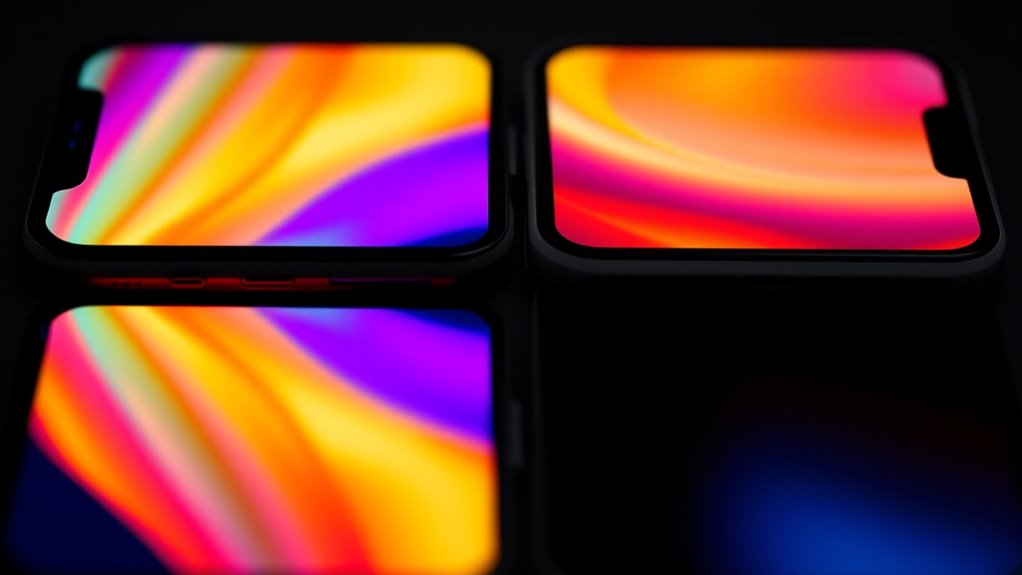

LCD and OLED screens differ in how they produce images: LCDs use backlights and liquid crystals, while OLEDs emit light directly from organic pixels. OLEDs offer richer contrast, true blacks, and vibrant colors, making images pop and viewing angles wider. However, they are more fragile and prone to burn-in. LCDs are durable and cost-effective but don’t match OLEDs in vibrancy and contrast. Want to find out which fits your needs best? Keep exploring to get the full picture.
Key Takeaways
- OLED screens offer true blacks and vibrant colors with infinite contrast, enhancing visual quality on phones.
- LCD displays are more durable, cost-effective, and perform better in bright outdoor lighting conditions.
- OLEDs have faster response times, reducing motion blur, ideal for smooth gaming and fast-paced videos.
- LCDs may exhibit color shifts and contrast loss when viewed from angles, while OLEDs maintain consistent quality.
- OLED technology allows for flexible, sleek, thin designs, whereas LCDs are generally bulkier but more resistant to burn-in.
How LCD and OLED Screens Generate Images
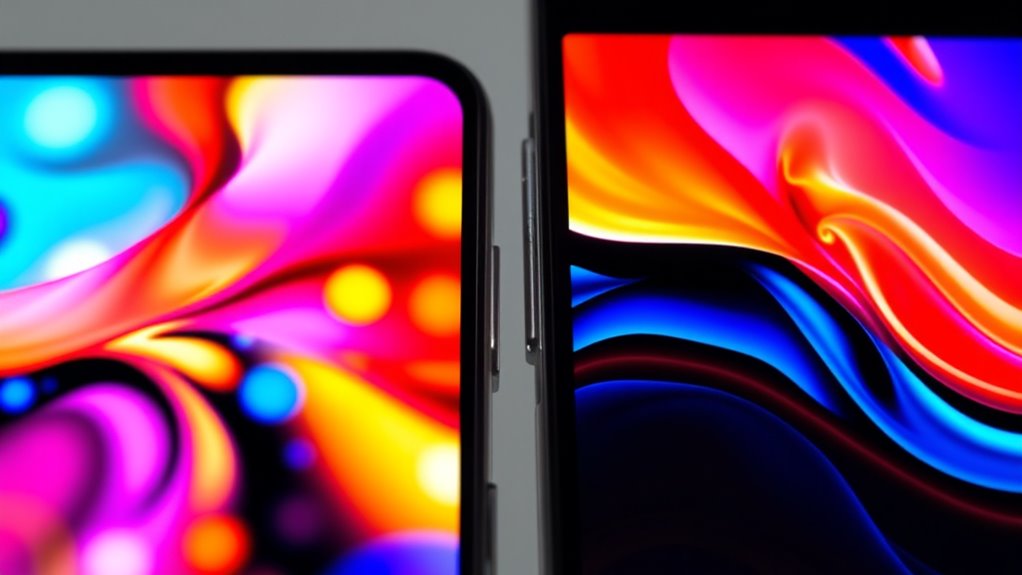
LCD and OLED screens generate images through fundamentally different processes. With LCDs, a constant backlight shines through liquid crystal layers, which act as filters to create the desired images. When you view the screen, the liquid crystals twist or align to block or let light pass, forming colors and shapes. In contrast, OLED screens use organic materials that emit light directly when electricity flows through them. Each pixel in an OLED display can turn on or off independently, producing bright colors or complete darkness. This self-emissive property means OLEDs don’t need a backlight. As a result, images are formed by controlling which organic pixels emit light, allowing for deeper blacks and more vibrant colors. This fundamental difference impacts overall contrast, energy efficiency, and display flexibility. Additionally, OLED displays often feature higher contrast ratios due to their ability to produce true blacks, further enhancing visual quality.
Comparing Visual Quality and Contrast Capabilities

When comparing visual quality, contrast and black levels play a vital role in how vibrant and realistic images appear. OLED screens can turn off pixels completely, delivering true blacks and infinite contrast, while LCDs struggle to achieve the same depth. Additionally, OLED displays often offer richer color saturation and vibrancy, making images pop more than those on LCDs. For accurate color representation, understanding display technology differences is essential.
Contrast and Black Levels
OLED displays deliver superior contrast and black levels because each pixel can be turned off completely, producing true blacks and an infinite contrast ratio. This means dark scenes look more realistic, with deeper blacks that enhance overall image depth. To understand this better:
- OLED pixels can be fully shut off for pure black, unlike LCDs that rely on backlight dimming.
- The contrast ratio becomes effectively infinite, improving scene differentiation.
- Darker areas appear richer and more detailed, adding immersion.
- Bright objects stand out sharply against pitch-black backgrounds, enhancing visual clarity.
This ability to produce true blacks makes OLEDs ideal for cinematic viewing and high-contrast scenes, providing a more vivid, lifelike experience than LCD screens, which struggle with grayish blacks due to their backlight limitations.
Color Saturation and Vibrancy
Both display technologies influence how vibrant and saturated colors appear on screen, but OLEDs generally deliver more intense and vivid hues. You’ll notice that OLED screens produce richer reds, greens, and blues, creating a more enthralling visual experience. The deeper black levels and high contrast amplify color vibrancy, making images pop. LCDs tend to display more natural, subdued tones, which can be preferable for color accuracy in professional tasks. Additionally, energy-efficient design in OLEDs can contribute to longer battery life on mobile devices.
Viewing Angles and Color Fidelity in Displays
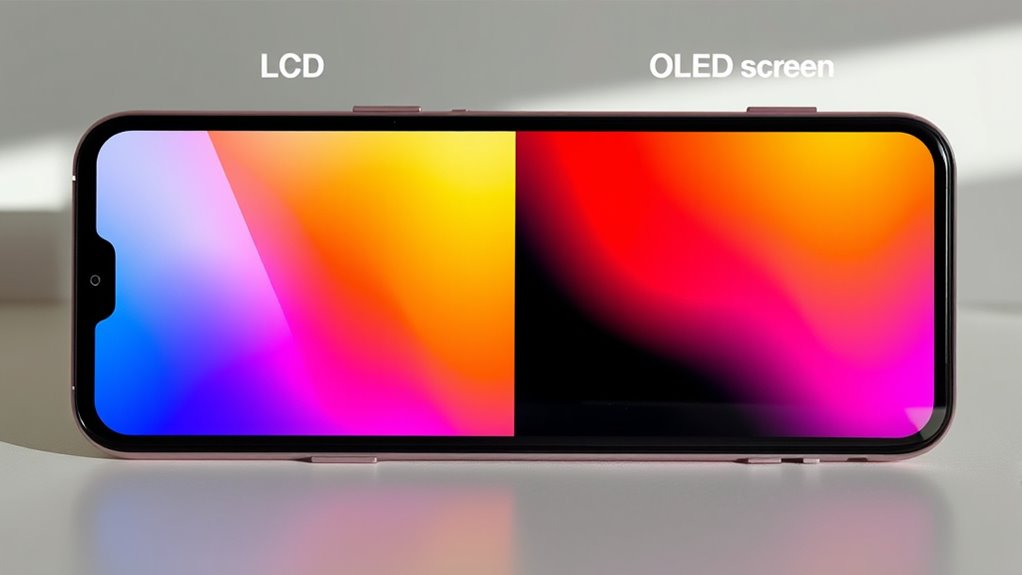
Viewing angles and color fidelity are critical factors that influence your overall experience with a display. With OLED screens, you’ll notice consistent color and contrast even when viewing from sharp angles. In contrast, LCDs—especially TN and VA panels—often display color shifts and contrast loss when viewed from the side. The difference affects shared viewing experiences and multi-angle applications. Key points include:
- OLED maintains accurate colors from nearly any angle.
- LCDs may show washed-out or distorted images when viewed off-center.
- The wider viewing angles of OLED improve group viewing and multi-user scenarios.
- Color shifts in LCDs can compromise image quality and clarity when not viewed straight-on.
- Display technology plays a significant role in how well a screen preserves image integrity across different angles.
Understanding these differences helps you choose a display that matches your viewing environment.
Response Speed and Motion Clarity

Response speed and motion clarity considerably influence your viewing experience, especially during fast-paced scenes or gaming. OLED displays have extremely quick response times measured in microseconds, which means pixels change color almost instantly. This reduces motion blur and ghosting, making fast action smoother. LCD screens, however, have slower response times in milliseconds, which can cause motion artifacts and blur during rapid movements. Here’s a quick comparison:
| Feature | OLED | LCD |
|---|---|---|
| Response Time | Microseconds (very fast) | Milliseconds (slower) |
| Motion Clarity | Clear, smooth motion | Slight blur in fast scenes |
| Gaming Experience | More responsive, immersive | May feel laggy or blurry |
If you game or watch high-speed videos, OLED’s response speed offers a noticeable advantage. Additionally, understanding response speed helps you choose the best display for your needs.
Durability, Lifespan, and Burn-In Risks

While LCD displays generally offer longer lifespans and greater durability, OLED screens face challenges related to wear and image retention. OLEDs typically last between 30,000 to 50,000 hours, whereas LCDs can exceed 50,000 hours with minimal issues. The main concerns with OLEDs include:
OLED screens last 30,000–50,000 hours and face issues like burn-in, while LCDs often surpass 50,000 hours with greater durability.
- Burn-in risks from static images, which can leave permanent ghost images.
- Faster pixel degradation over time, especially in high-brightness areas.
- Shorter overall lifespan compared to LCDs.
- Higher sensitivity to moisture and environmental factors, impacting durability.
- Customer reviews highlight the effectiveness and support available for LCD displays, emphasizing their reliability over time.
To minimize burn-in, avoid leaving static images on screen for extended periods. LCDs, with their stable backlight technology, remain more reliable for long-term use. Your choice depends on balancing lifespan and risk factors.
Cost, Thickness, and Design Flexibility
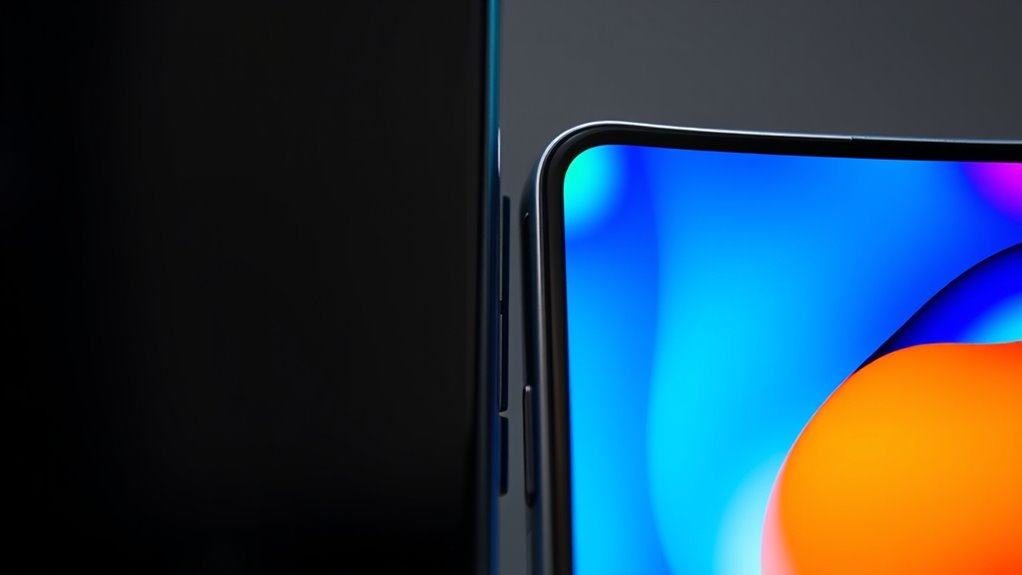
OLED displays tend to be more expensive than LCDs due to their complex manufacturing process and the use of organic materials. This higher cost reflects the advanced technology needed to produce self-emissive pixels and flexible panels. Because of this, OLED screens usually come with a higher price tag, especially in premium devices. When considering thickness, OLED panels are considerably thinner and lighter, allowing for sleeker, more innovative designs. Their flexibility makes them ideal for curved screens, foldable phones, and other unique form factors. If you prioritize slim, flexible devices, OLED offers significant advantages in both form and aesthetic appeal. Additionally, reliable, safe power options can help ensure your device’s longevity and performance.
Choosing the Right Screen for Your Needs

Choosing the right screen depends on your specific needs and priorities. First, consider if you want vibrant colors and deep blacks, making OLED ideal for entertainment and gaming. Second, if long-term durability and minimal burn-in matter, LCDs are more reliable. Third, analyze your viewing environment: OLED’s wide angles shine in group settings, while LCDs perform well in bright, outdoor conditions. Fourth, evaluate your budget—LCDs are more affordable, while OLEDs offer sleeker, flexible designs. To summarize:
- For stunning contrast and rich colors, go OLED.
- For durability and cost-effectiveness, choose LCD.
- For wide viewing angles, prefer OLED.
- For flexible, thin displays, opt for OLED.
Additionally, understanding the display technology can help you select the best screen for your usage.
Frequently Asked Questions
How Do OLED Displays Handle Color Accuracy in Professional Photo Editing?
You’ll find OLED displays excel at vibrant colors and deep contrast, making them great for photo editing. Their wide color gamut and high saturation provide stunning images, helping you see details clearly. However, some users might notice oversaturated colors, so for absolute color accuracy, calibration is essential. Overall, OLED screens handle color very well, giving you an immersive and accurate visual experience for professional photo work.
Are There Any Health Concerns Related to Prolonged OLED Screen Use?
Prolonged OLED screen use can cause eye strain for about 60% of users, especially with high brightness and blue light exposure. You might experience discomfort, headaches, or disrupted sleep patterns. To protect your eyes, limit screen time, use blue light filters, and take regular breaks. Despite these concerns, OLED screens are not proven to cause permanent damage, but being mindful can help reduce discomfort and maintain eye health.
Can OLED Screens Be Repaired or Replaced Easily if Damaged?
Yes, OLED screens can be repaired or replaced, but it’s often more complex and costly than fixing an LCD. You might need to replace the entire display assembly, which can be delicate due to the organic materials. If your screen gets damaged, take it to a professional repair service experienced with OLED technology. Keep in mind, repairs may affect the screen’s durability and longevity, especially if burn-in is a concern.
How Do Ambient Lighting Conditions Affect LCD and OLED Visibility?
Ambient lighting can markedly impact your experience with both LCD and OLED screens. Under bright sunlight, LCDs often struggle with glare and reduced visibility due to their reflective surfaces, while OLED screens typically perform better thanks to their higher contrast ratios and deeper blacks. In low-light conditions, both screens are easy to see, but OLEDs offer richer colors and better contrast, enhancing your viewing experience regardless of the environment.
What Are the Environmental Impacts of Manufacturing LCD Versus OLED Displays?
Think of manufacturing LCD and OLED displays as planting different types of gardens. LCD production involves more resource-intensive processes, using significant energy and chemicals, which can lead to higher environmental impact. OLED manufacturing is somewhat cleaner but still consumes valuable materials and energy, especially in organic compound production. Both have ecological footprints, but OLEDs generally offer a slightly greener option due to less resource usage and waste during production.
Conclusion
Now that you understand how LCD and OLED screens differ in image quality, contrast, viewing angles, response times, durability, and cost, you can make an informed choice. Whether you prioritize vibrant colors, wider angles, faster responses, or budget-friendly options, knowing these key differences helps you select the perfect display. So, weigh your needs, consider your preferences, and choose the screen that best enhances your mobile experience—because the right display makes all the difference.