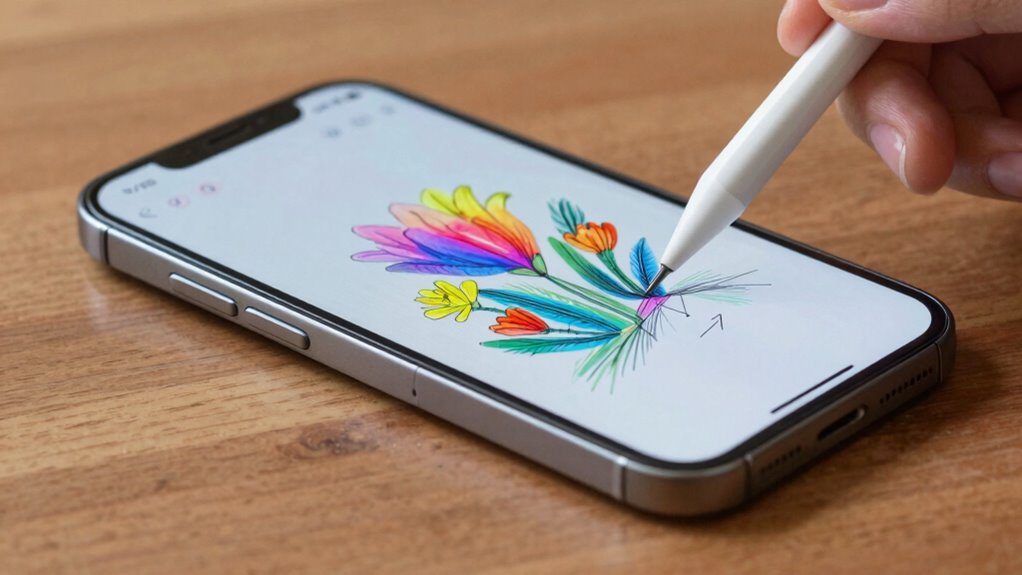

A phone that’s better for stylus users offers precise hardware like a dedicated digitizer and pressure sensitivity, ensuring natural, accurate input. It features a high-quality display with a high refresh rate for smooth, responsive strokes. Good power management keeps your stylus sessions going longer without draining the battery. Plus, compatibility with various stylus-enabled apps and ergonomic design makes extended use comfortable. Keep exploring to discover even more ways to enhance your stylus experience.
Key Takeaways
- High display refresh rates for smoother, more responsive stylus input and better drawing experience.
- Advanced hardware with pressure sensitivity and minimal lag for precise, natural strokes.
- Efficient power management to support extended stylus use without rapid battery drain.
- Compatibility with stylus-specific apps and features for enhanced productivity and creativity.
- Ergonomic design and dedicated stylus accessories for comfort and convenience during extended use.
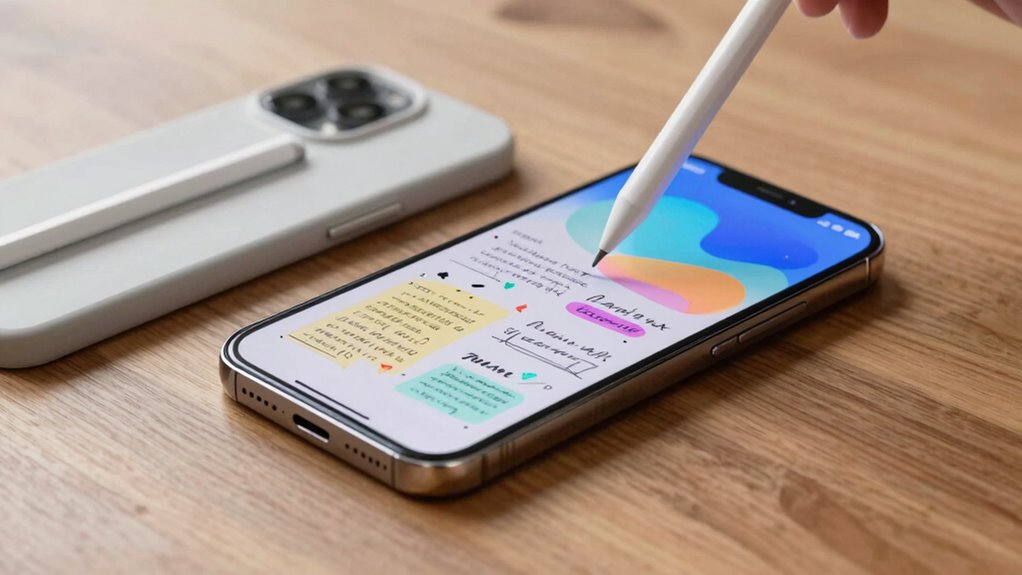
If you rely on a stylus for drawing, note-taking, or navigation, choosing the right phone can make all the difference in your experience. The ideal device should seamlessly support your stylus activities, providing a smooth, responsive experience. Battery optimization is key here, as stylus use can drain power quickly, especially if you’re frequently sketching or working on detailed projects. Look for phones with efficient power management features that extend battery life, so you don’t have to worry about running out of juice mid-task. A device that intelligently manages background processes and optimizes power consumption will keep your stylus sessions uninterrupted. Additionally, refresh rates influence how smooth and responsive your stylus input feels, directly affecting your drawing precision and overall experience. Ensuring your device has a dedicated digitizer can dramatically improve input accuracy and natural feel during use. Hardware features like a pressure-sensitive stylus also contribute significantly to a more natural and precise drawing experience.
App compatibility is equally important. Not all smartphones are designed with stylus users in mind, so it’s critical to choose a device that supports the apps you rely on most. Whether you’re using note-taking apps, drawing software, or productivity tools, ensure they’re fully compatible with your phone’s operating system. Some phones come with specialized stylus features integrated into their native apps, making it easier to access shortcuts, create precise input, and utilize pressure sensitivity. When the apps you use are optimized for your device, you’ll experience fewer glitches, better responsiveness, and more accurate input, which is essential for detailed work. Moreover, software optimization can enhance the overall stylus experience by reducing lag and improving gesture detection.
Prioritize device and app compatibility for seamless, accurate stylus experiences in your creative and productivity tasks.
Beyond software support, hardware plays a significant role. A stylus-friendly phone typically has a dedicated digitizer or touch sensor layer that detects pen pressure and tilt, allowing for more natural and precise input. The screen’s responsiveness should be immediate, with minimal lag, so your strokes feel natural and fluid. Additionally, a high-quality display with good color accuracy enhances your drawing and note-taking experience, making every line and detail pop with clarity.
Design features also matter. A phone with a comfortable, ergonomically designed stylus holder or a built-in stylus can make a huge difference. When your stylus is easily accessible and fits well in your hand, you’re more likely to use it consistently and comfortably. Some phones even offer customizable shortcut buttons on the stylus itself, giving you quick access to your favorite tools or apps.
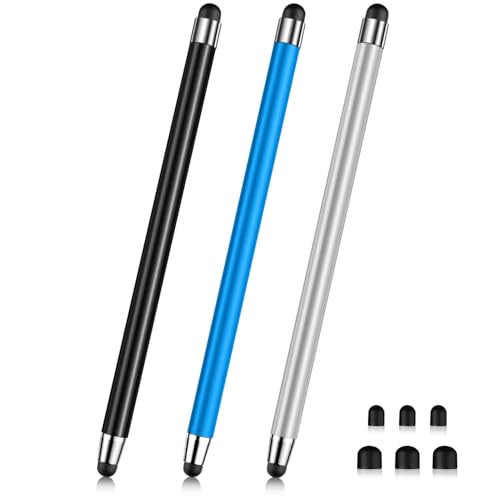
Stylus (3 Pcs), 2-in-1 Stylus Pen for Touch Screen, High Precision and Sensitivity, Suitable for iPad/iPhone/Samsung/Android Smartphone and Tablets, Compatible with All Touch Screen
【Stylus Pen for Touchscreen】Our stylus pen requires no Bluetooth pairing or charging, you can unleash your creativity anytime…
As an affiliate, we earn on qualifying purchases.
As an affiliate, we earn on qualifying purchases.
Frequently Asked Questions
How Does Stylus Latency Affect Drawing Accuracy?
Stylus latency directly impacts your drawing accuracy; lower latency means your strokes appear instantly, making your sketches smoother and more precise. High latency causes lag, leading to frustrated corrections and uneven lines. When gesture controls are integrated, quick responsiveness enhances your experience. Also, consider battery life, as prolonged use of the stylus and screen can drain power. A phone with minimal latency and good battery life helps you create effortlessly and accurately.
Can Stylus Pressure Sensitivity Be Customized?
Yes, you can customize stylus pressure sensitivity, and it’s a game-changer. As you explore, you’ll notice how stylus ergonomics and screen resolution influence your control, making your experience smoother. Higher screen resolution guarantees precise responsiveness, while adjustable pressure sensitivity lets you tailor your drawing or note-taking style. This customization keeps you engaged, pushing your creativity further than ever before. Don’t settle—personalize your stylus to reveal its full potential.
Do Stylus-Focused Phones Support Third-Party Styluses?
Yes, stylus-focused phones often support third-party styluses, but it depends on stylus compatibility and screen durability. Many devices use open standards like Wacom or AES, making it easier to find compatible styluses. However, you should check if the screen’s durability can withstand frequent stylus use without damage. Choosing a phone with good stylus compatibility and a durable screen ensures smooth writing and longevity, whether you use a third-party stylus or the original.
How Durable Is the Stylus Tip During Regular Use?
Did you know a stylus tip can last up to a year with regular use? The durability of your stylus tip depends on the material and your usage. Dust resistant styluses tend to preserve tip longevity, preventing debris from causing wear. If you’re gentle and avoid applying excessive pressure, your stylus tip stays intact longer, making your experience smoother and more cost-effective over time.
Are There Specific Screen Coatings for Better Stylus Glide?
Yes, there are specific screen coatings designed for better stylus glide. These coatings reduce friction and enhance your experience by making the stylus move smoothly across the screen. Using a screen with a specialized coating, combined with quality stylus materials like rubber or metal tips, guarantees precise control and less wear on both the stylus and screen. This setup improves responsiveness and makes writing or drawing more comfortable and enjoyable.
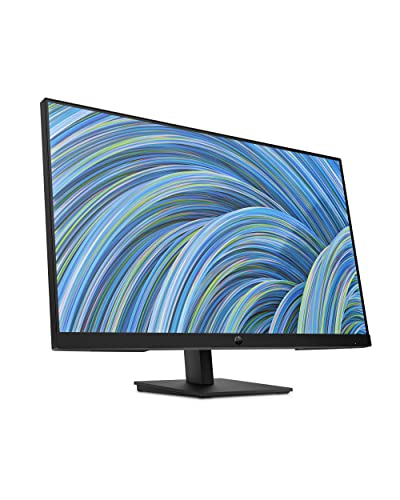
HP 27h Full HD Monitor – Diagonal – IPS Panel & 75Hz Refresh Rate – Smooth Screen – 3-Sided Micro-Edge Bezel – 100mm Height/Tilt Adjust – Built-in Dual Speakers – for Hybrid Workers
EVERYDAY PRODUCTIVITY – This 27-inch diagonal Full HD monitor empowers you to get more done from home or…
As an affiliate, we earn on qualifying purchases.
As an affiliate, we earn on qualifying purchases.
Conclusion
Choosing a phone that’s better for stylus users is like finding a trusty brush for an artist—every stroke should feel natural and effortless. With a responsive screen, precise palm rejection, and seamless integration, your stylus becomes an extension of your hand, turning your device into a creative canvas. When these elements come together, your phone transforms into a vibrant studio, ready for your ideas to flow freely and beautifully, no matter where your imagination takes you.

SonarPen – Pressure Sensitive Stylus for iPhone, Android & Switch, Black
👉【COMPATIBILITY】Compatible with Apple iPad, iPhone / Android Phone, Tablat / Chromebook / Windows notebook, tablet / Switch video…
As an affiliate, we earn on qualifying purchases.
As an affiliate, we earn on qualifying purchases.

Stylus (7 Pcs), 2-in-1 Stylus Pen for Touch Screen, High Precision and Sensitivity, Suitable for iPad/iPhone/Samsung/Android Smartphone and Tablets, Compatible with All Touch Screen (Multicolor)
【Stylus Pen for Touchscreen】Our stylus pen requires no Bluetooth pairing or charging, you can unleash your creativity anytime…
As an affiliate, we earn on qualifying purchases.
As an affiliate, we earn on qualifying purchases.