TL;DR

Get the latest gadgets delivered free with Prime
- Fast, free delivery on millions of items
- Prime Video, Amazon Music and more included
- Member-only deals all year
Anton Frolov commissioned an illustrator to draw his home, then used the artwork as the interactive backdrop for a Home Assistant dashboard. The project addresses a practical household problem: family members were reluctant to use his earlier controls, while custom artwork and careful file preparation did much of the design work.
Anton Frolov commissioned an illustrator to draw his home and built the artwork into a Home Assistant dashboard that displays devices and their changing states. In his report, Frolov says the project grew out of a practical problem: other members of his household did not want to use his existing dashboard, leaving some tasks, including extending a garden-light timer, inconvenient to manage.
Frolov says he had spent about a year automating his home with Home Assistant, an open-source smart-home platform. Some routines ran automatically, such as turning off air conditioners when the household left and adjusting sprinkler time according to weather. Other controls still required a person to use an app. For the garden lights, a Home Assistant timer switched them off after a period; as the timer neared its end, the lights blinked to signal that someone could extend it in the app.
He considered a floor-plan interface after reviewing other dashboards. The 3D examples he found often used a static model with interactive icons layered over it, while pixel-art layouts required drawing or assembling the image. Frolov instead hired an environment artist whose existing portfolio matched the illustrated-room style he wanted. He supplied an architectural plan, room photographs, style references, examples of dashboards and a technical brief.
The brief specified transparent PNG files for still artwork, day and night versions, and separate layers for devices in off and on states. Each component needed to sit at its correct location on a shared, same-sized canvas; that lets the images line up when layered. Frolov says he later converted animation frames to WebP and recommends requesting that format directly if animated images are needed. For the garden, he used separate day, night and night-with-lights-on versions.
A Dashboard Built Around the Home
The project highlights a usability issue that can be easy to miss when a smart-home system is designed by one person: automations still need accessible manual controls. Frolov’s account describes devices that worked technically, but a dashboard that other household members did not want to use. A visual interface based on familiar rooms may make it easier to recognize a device and its status, though the report does not establish how widely that approach works for other households.
It also shows how a customized interface can depend more on preparing the artwork than on writing specialized software. Frolov says the image itself carried most of the design, while Home Assistant’s existing card handled the interactive layers. The approach offers a route for people who want a distinctive interface without building a full custom application, provided they can commission or create assets to the required specifications.
custom smart home dashboard artwork
As an affiliate, we earn on qualifying purchases.
As an affiliate, we earn on qualifying purchases.
From App Controls to Room Illustrations
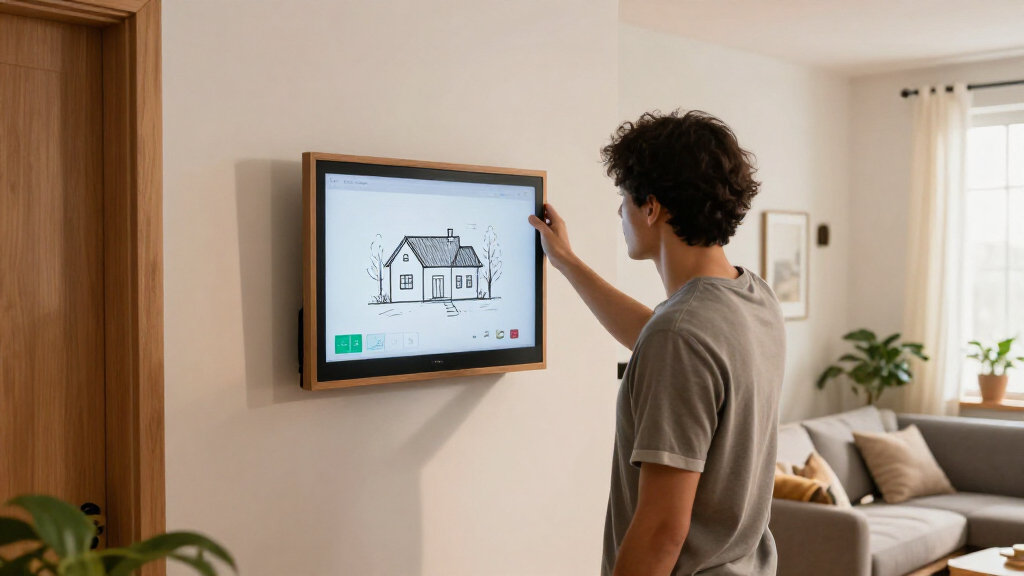
Home Assistant supports dashboards assembled from cards, including picture-elements, which can place images, icons and labels over a background. Frolov used the house illustration as that background and positioned changing device images and status information on top. He describes the implementation as using a standard card rather than a separate 3D modelling system.
The motivation was specific to his setup, not a claim that all smart-home dashboards have the same problem. His example was the garden-light timer: the household needed a way to extend it, and a physical switch would not address every task. He also notes that starting a sprinkler directly at the unit could be impractical if the person needed to leave the garden before it ran.
““This is my Home Assistant dashboard, and for the first time, it’s one the whole family actually enjoys using.””
— Anton Frolov, the homeowner and report author
As an affiliate, we earn on qualifying purchases.
Limits of the Reported Results
The account is a single homeowner’s report. It does not provide independent testing, usage figures or a comparison showing how often family members now use the dashboard. The supplied material also does not identify the illustrator, state the project’s cost or give a timeline for the commission.
The report excerpt ends while describing how the dashboard changes a device image according to its state. It does not provide the full technical configuration, the specific devices or the remaining implementation details. Those particulars should not be inferred from the general description of picture-elements.
As an affiliate, we earn on qualifying purchases.
What the Build Requires Next
Frolov’s report does not announce a product launch, planned release or further development milestone; the dashboard is described as a personal project. For readers attempting a similar build, the next steps suggested by his account are to prepare the floor plan and room references, brief an illustrator on both the visual style and file requirements, and then position the artwork and controls in Home Assistant’s picture-elements card.
The practical outcome beyond Frolov’s household remains unknown. His report offers a process other homeowners can adapt, but it does not say whether he plans to publish the finished configuration or whether the illustrated approach will become a broader template.
As an affiliate, we earn on qualifying purchases.
Key Questions
What is the Home Assistant dashboard?
It is a dashboard built over an illustration of Frolov’s home. Device images and status readouts sit on top of the house artwork and change with device states.
Why did Frolov commission an illustrator?
He says his household did not want to use his previous dashboard, even though some tasks still required manual control. He wanted a visual interface that family members would find more appealing.
How does the illustrated dashboard work?
Frolov used Home Assistant’s picture-elements card for the illustration and layered controls. His report describes using image elements for devices, along with icons, state labels and conditional elements.
What artwork files did the project need?
Frolov requested transparent images, day and night versions, and separate device artwork for off and on states. He says placing every asset on the same-sized canvas helped the layers line up; he recommends requesting animated WebP files directly when animations are required.
Has the dashboard’s success been independently measured?
No such measurement is included in the supplied report. Frolov says his family enjoys using it, but the account gives no usage statistics or independent evaluation.
Source: hn
Halloween Picks
halloween
As an affiliate, we earn on qualifying purchases.